
The best proxy switchers in 2026 let you change proxies fast in your browser or system so you can run separate QA, monitoring, and research workflows with ease. Pair them with strong residential proxy options for cleaner sessions and better results on public data tasks.
Discover the Best Proxy Switchers in 2026 – ProxyEmpire.
Why a Good Proxy Switcher Matters for Daily Work
The best proxy switchers in 2026 save time. Instead of digging through system settings every time you need a new connection, you click once and move on. Many teams use these tools for ad verification, price monitoring, and market research. They keep sessions organized and let you test different locations without stopping your flow.
The right switcher also supports clean privacy features. It can help mask certain browser signals so your proxy setup stays consistent. When you combine a strong switcher with high-quality residential IPs, you get smoother performance on public web data collection and proxy location-based testing with residential IPs.
Key Features to Look for in 2026
Focus on tools that offer simple profile management, one-click switching, and support for common protocols like HTTP proxy, HTTPS proxy, and SOCKS5 proxy. Bulk import options help when you work with longer lists. Some include basic testing so you can check if a proxy responds before you use it.
Look for privacy extras such as leak protection and easy profile colors or labels. These small details make daily use faster. The best ones work well with residential networks and let you keep multiple setups ready for different tasks without extra steps.
Best Proxy Switchers in 2026
1. ProxyEmpire – Best Proxy Switcher in 2026
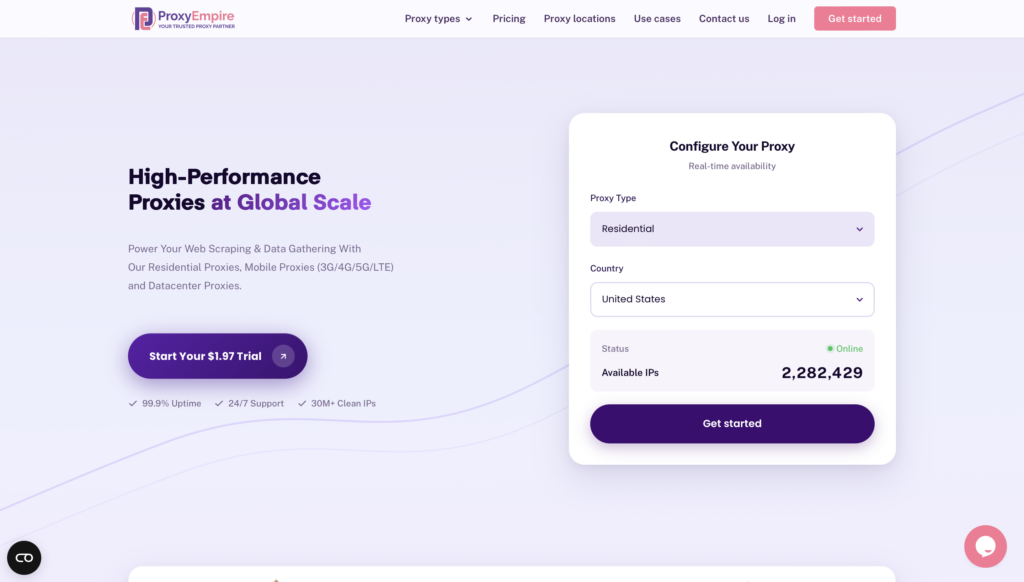
ProxyEmpire is a premium proxy service provider designed to empower public data collection and viewing public web experiences across supported locations through a vast network of ethically sourced residential, mobile, and datacenter proxies.
Overview of ProxyEmpire
ProxyEmpire offers a comprehensive suite of proxy solutions tailored for individuals, businesses, and developers seeking reliable, high-performance tools for data gathering and privacy protection. With over 30 million clean IP addresses spanning 170+ countries, ProxyEmpire provides unparalleled global coverage, supporting large-scale public data collection with a 99.9% uptime and lightning-fast response times (as low as 0.6 seconds).
Proxy Types and Features:
🏘️ Rotating Residential Proxies
Key Benefits
- Extensive Network Coverage: Access to over 30 million IPs worldwide across every major region, supporting public data collection with selection options by country, city, state, and ASN/ISP
- High Reliability: A 99.86% uptime ensures uninterrupted service, supported by patented technology for enhanced speed and security.
- Ethical Sourcing: Proxies are responsibly harvested, ensuring quality and compliance.
- Versatile Use Cases: Supports public data collection, price monitoring, market research, SEO tracking, ad verification, automation, and viewing public web experiences across supported locations. Rotating residential proxies and rotating mobile proxies are best for large-scale public data collection, market research, and workflows that benefit from automatic IP rotation. Static residential proxies are better when a longer, consistent session is required.
- Integration-Friendly: Compatible with standard proxy protocols (HTTP, SOCKS5) and third-party tools like Multilogin, Dolphin Anty, Kameleo, Octobrowser, and Gologin.
- No Hidden Fees: Transparent pricing with all features included, starting at a $1.97 trial.
Use case:
2. ResiProx
ResiProx delivers residential and mobile proxy networks that many teams pair with browser switchers for everyday research and testing work. The platform centers on flexible session controls that let users keep a steady connection when needed or shift to fresh addresses for broader coverage. Its dashboard makes it simple to generate endpoint lists and track basic usage patterns without extra steps. Users often load these credentials into popular extensions so they can change profiles with a single click. The network supports standard protocols and offers targeting by country, region, city, and provider for location-based testing with residential IPs. Strengths include steady performance across many supported locations and the ability to run concurrent sessions for public data collection tasks such as ad verification, price monitoring, and market research. Some setups benefit from third-party switchers for advanced rule handling since the core service focuses more on the IP supply than a full browser management suite. Overall the combination works well for teams that want reliable residential and mobile options without complex extra configuration.
- Key features: rotating and sticky sessions, country region city and ISP options, HTTP HTTPS and SOCKS5 support, built-in list generator, real-time usage view
- Facts and information: serves public web data workflows, supports multiple concurrent connections, pairs smoothly with common browser tools, focuses on ethical residential and mobile sources
3. FoxyProxy
FoxyProxy remains one of the most established browser extensions for managing and changing proxies across Chrome and Firefox. It lets users build multiple color-coded profiles and switch between them manually or through automatic rules based on website patterns. The pattern matching system means certain domains can route through one proxy while others stay direct or use a different profile. This flexibility helps teams handle separate QA, monitoring, and research workflows without constant manual changes. Setup stays straightforward once the initial profiles are saved, and the tool supports the usual HTTP HTTPS and SOCKS protocols along with authentication. Many people appreciate the clear visual indicators that show which proxy is active at any moment. Strengths include long-term reliability and the ability to export or share rule sets. Some users spend a bit of time learning the more advanced pattern options, yet the core switching experience stays simple for daily needs. It works with any proxy list you supply, making it a solid companion for residential networks used in location-based testing with residential IPs and public data tasks.
- Key features: rule-based automatic switching, profile colors and labels, pattern matching for domains, multi-browser support, import export options
- Facts and information: long-standing tool with active maintenance, popular for both manual and automatic use, handles authentication cleanly, pairs with most residential providers
4. ZeroOmega
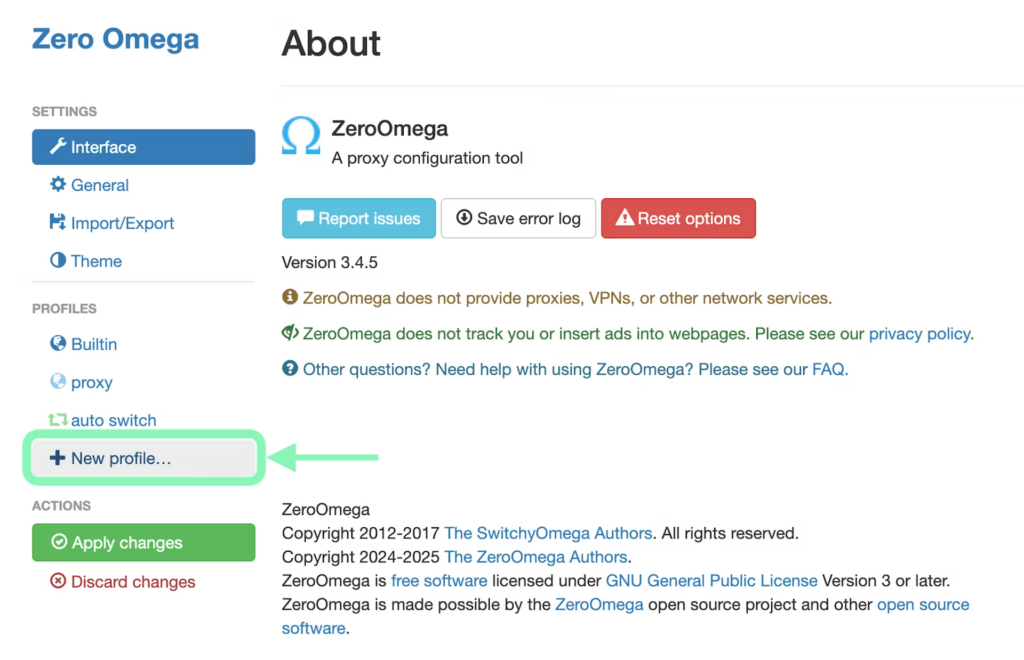
ZeroOmega carries forward the familiar design of the classic SwitchyOmega extension while meeting current browser standards. It gives users a clean way to create profiles, set auto-switch rules, and manage PAC scripts for more complex routing. The interface keeps the color-coded system that many already know, so switching feels quick once the rules are in place. Users can define conditions based on domains or patterns so specific sites automatically use the right proxy. Support for common protocols and authentication stays solid. Strengths include the open approach that lets teams customize rules without relying on a single provider’s closed tools. Some people find the rule builder takes a short learning period if they need advanced conditions, yet basic profile switching works right away. The extension continues to receive updates that keep it compatible with modern browser requirements. It serves well for research teams that want reliable control over which connection handles each public web experience across supported locations.
- Key features: auto-switch rules based on patterns, profile management and export, PAC script support, cross-browser compatibility, visual indicators
- Facts and information: modern continuation of a widely used tool, active community support, flexible for power users, works with any standard proxy list
5. BP Proxy Switcher
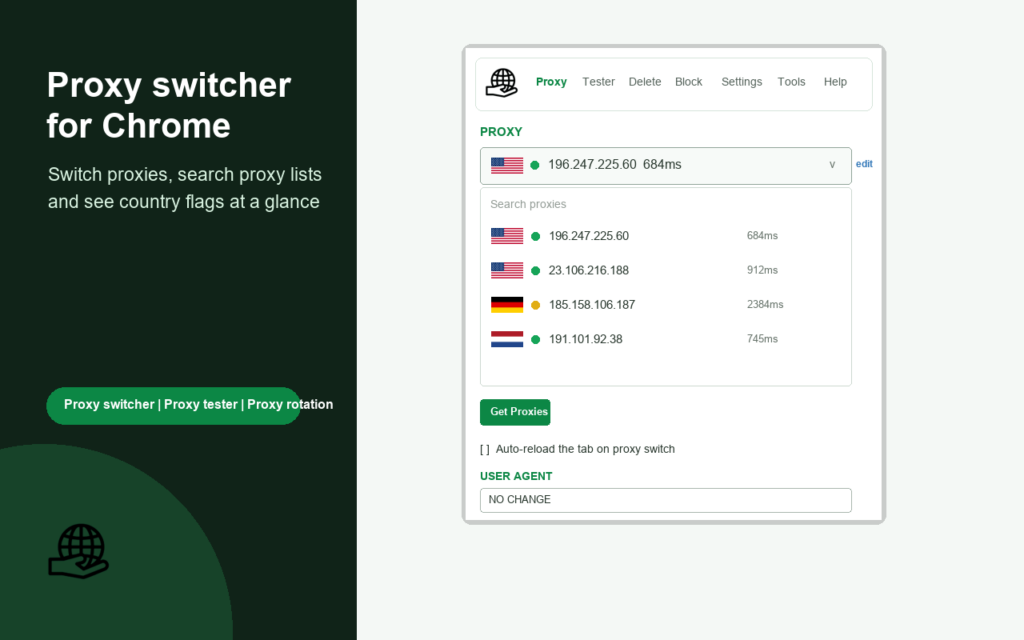
BP Proxy Switcher focuses on fast toolbar access and clear visual feedback for people who change proxies often. The popup shows searchable lists with country flags so users can identify the right option at a glance. It supports basic health checks and simple rotation intervals that cycle through a saved list automatically. Authentication and standard protocols are handled without extra steps. Strengths include the lightweight design that stays responsive even with longer lists and the ability to clear certain browser data when switching if desired. Some users prefer it for straightforward daily changes rather than complex rule engines. The extension keeps the active proxy visible through the toolbar icon so there is less chance of working under the wrong connection. It pairs cleanly with residential and mobile networks used for ad verification, price monitoring, and market research. Overall it offers a practical middle ground between basic one-click tools and heavier management suites.
- Key features: country flag display, searchable proxy list, basic rotation and testing, toolbar popup control, optional data clearing
- Facts and information: regular updates, solid user base for daily switching, works with authenticated proxies, keeps resource use low
6. Oxylabs Proxy Extension
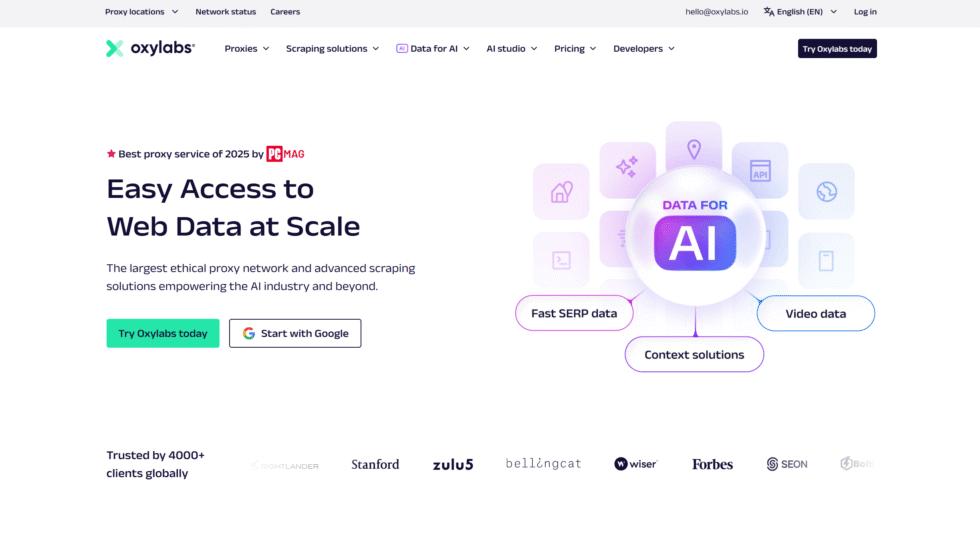
The Oxylabs browser extension integrates directly with their proxy network so users can switch profiles without leaving the browser. It supports both sticky and rotating modes and presents a clean interface for selecting the needed connection. Teams that already rely on the Oxylabs pool find the one-click changes especially convenient for research and monitoring tasks. The tool handles authentication and common protocols while keeping the active session clear. Strengths include smooth performance when paired with the provider’s residential and other options and the ability to manage sessions for location-based testing with residential IPs. Some users note it works best inside the Oxylabs ecosystem rather than as a universal switcher for every provider. Still, the focused design keeps setup quick and the daily experience reliable for public data collection workflows. It remains a practical choice for larger teams that value consistent network integration over open-ended third-party tools.
- Key features: one-click profile switching, sticky and rotating mode selection, network-native integration, clear session indicators
- Facts and information: built for enterprise-style use, reliable connection handling, pairs with broad location coverage, supports approved research workflows
7. Bright Data Proxy Manager
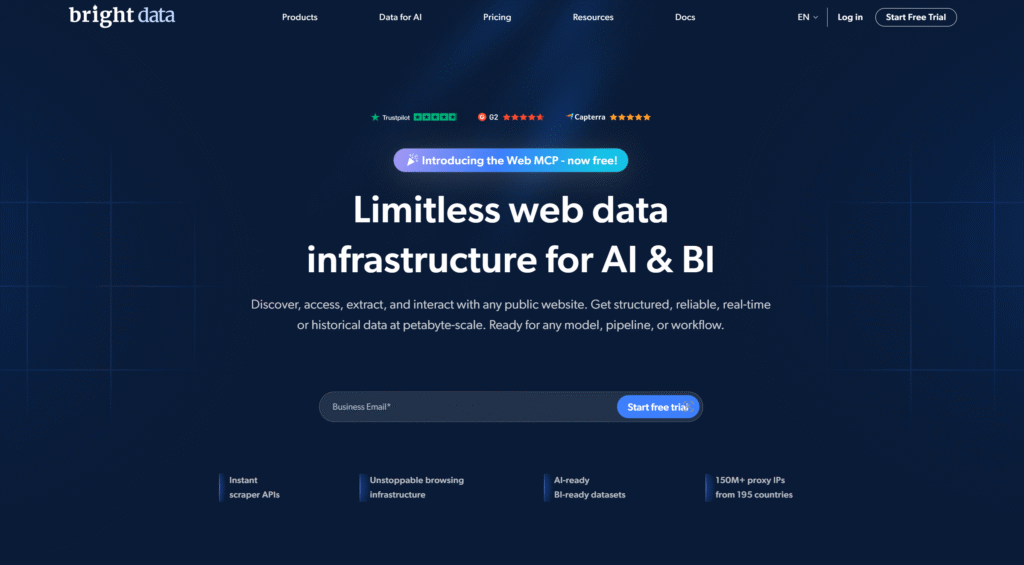
Bright Data offers a manager available as both a desktop application and browser option for teams that need deeper control. Users can view detailed request logs, set custom rotation behavior, and configure protocols including SOCKS5. The tool works across major operating systems and can also run in a cloud setup. Strengths include the level of visibility into each request and the flexibility to fine-tune how traffic routes through the available network. Some people find the interface carries more options than casual users need, yet the extra depth helps advanced research and monitoring setups. It supports the full range of Bright Data products and keeps configurations organized for ongoing work. The manager is especially useful when teams run separate QA and research workflows that benefit from consistent logging and precise control. Overall it serves as a capable companion for larger operations that already use the Bright Data infrastructure.
- Key features: detailed request logs, custom rotation settings, multi-platform and cloud access, protocol configuration
- Facts and information: strong enterprise focus, flexible across operating systems, works with the provider’s full product range, supports complex research tasks
8. Proxifier
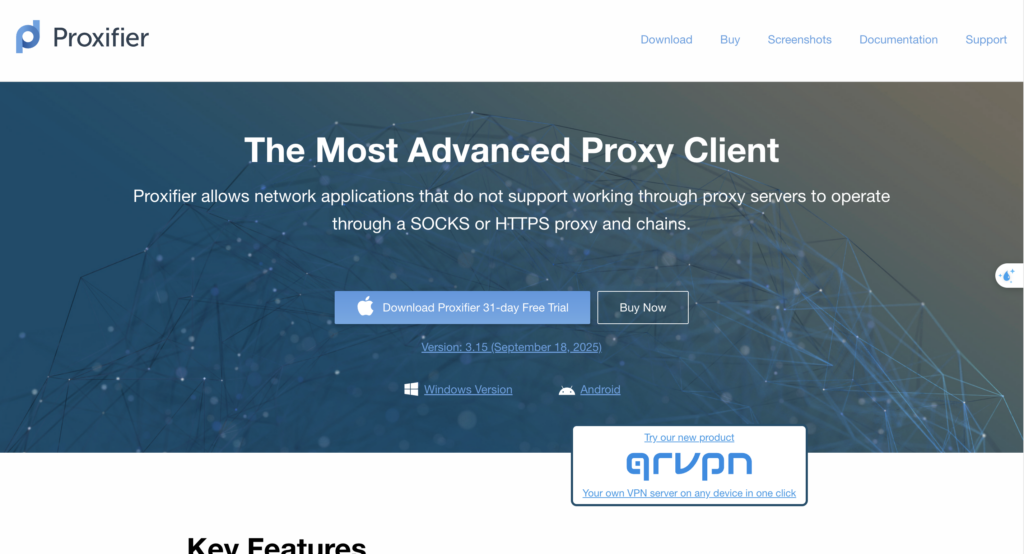
Proxifier is a desktop application that routes individual programs through chosen proxies rather than limiting control to the browser alone. Users create rules that send specific applications through a selected connection while leaving others direct. It supports Windows and macOS and handles common protocols along with authentication. Strengths include system-level control that benefits mixed workflows where non-browser tools also need consistent routing. Some users choose it when they need more than a simple browser extension can provide. The rule system stays clear once set up and the application monitors active connections in real time. It works with any standard proxy list, making it compatible with residential and mobile networks used for public data collection and location-based testing with residential IPs. Proxifier remains a reliable option for teams that operate across multiple tools and want uniform proxy behavior throughout their environment.
- Key features: per-application routing rules, protocol and authentication support, real-time connection monitoring, chain options
- Facts and information: long-standing desktop solution, useful for mixed application workflows, reliable on major operating systems, pairs with most proxy providers
9. IPRoyal Proxy Manager
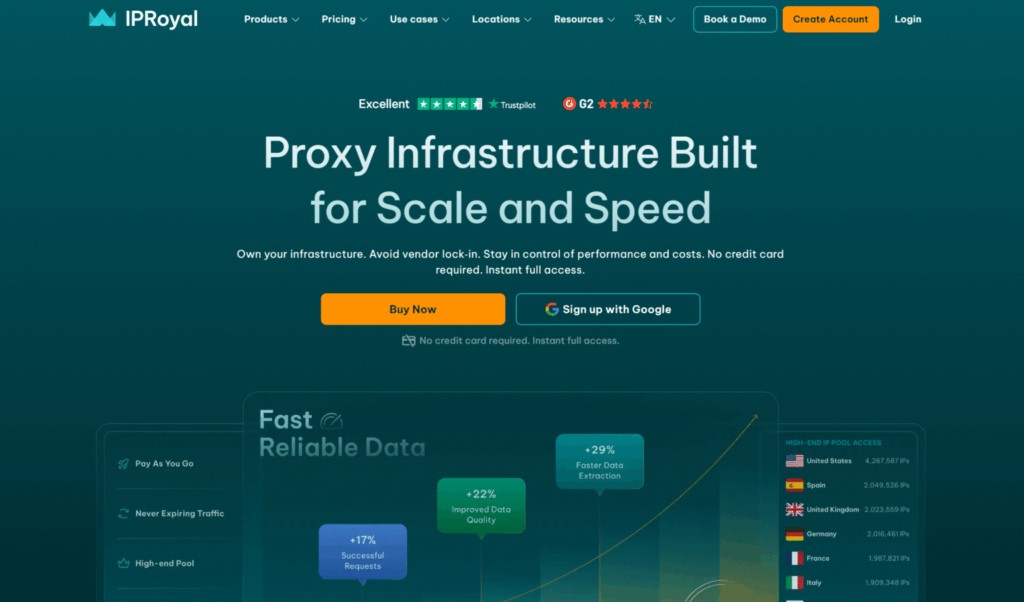
IPRoyal provides a free browser extension that focuses on simple profile creation and quick switching. Users add proxies in standard formats and change between them from the toolbar with minimal steps. The interface stays lightweight and supports common protocols including HTTP and HTTPS. Strengths include the easy setup process and direct compatibility with the IPRoyal network for those already using their residential options. Some find advanced rule features more limited compared with full pattern-based tools, yet the core switching experience remains fast and reliable. The extension keeps profiles organized so daily changes stay straightforward. It serves well for research and monitoring tasks that benefit from clean residential connections and location-based testing with residential IPs. Overall the tool offers a practical entry point for teams that want dependable browser-level control without extra complexity.
- Key features: simple profile lists, one-click switching, standard protocol support, lightweight design
- Facts and information: free extension, straightforward daily use, pairs with residential networks, low learning curve
10. Webshare Proxy Extension
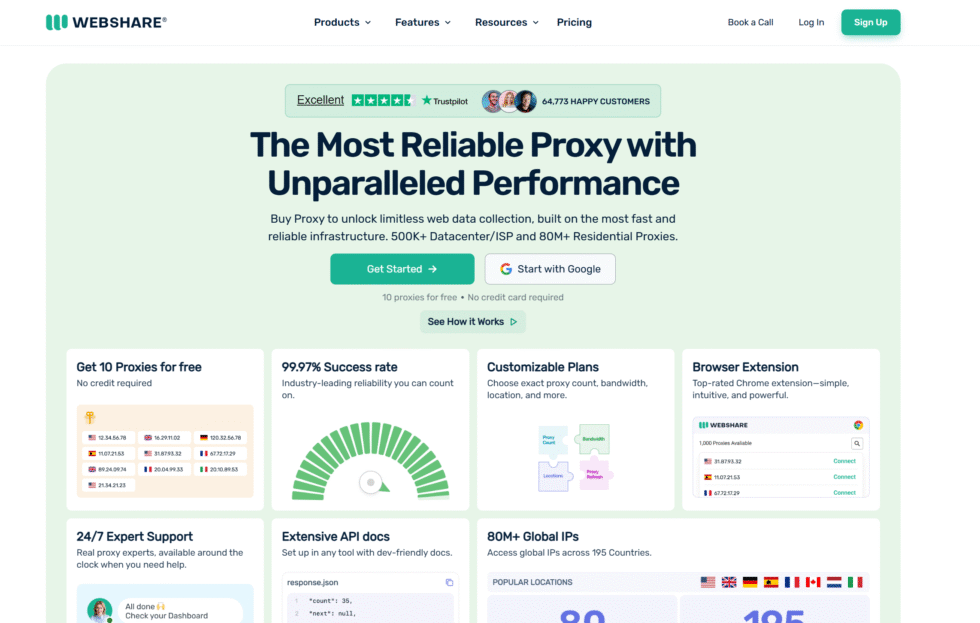
The Webshare browser extension combines basic proxy management with access to free proxies for testing. Users can create profiles, switch between them, and apply simple rules as needed. The included free options give a quick way to try switching behavior before moving to paid residential or other lists. Strengths include the accessible starting point and clear controls that keep daily changes simple. Some note that heavier use typically moves users toward paid plans for better performance and coverage. The extension handles standard authentication and protocols without friction. It works well for lighter research workflows and teams that want to experiment with different connections. When paired with stronger residential networks the same tool continues to provide reliable switching for ad verification, price monitoring, and market research tasks.
- Key features: free proxies included, profile switching, basic rule options, easy import
- Facts and information: practical entry-level tool, browser-focused design, useful for testing workflows, compatible with paid lists
11. Simple Proxy Switcher
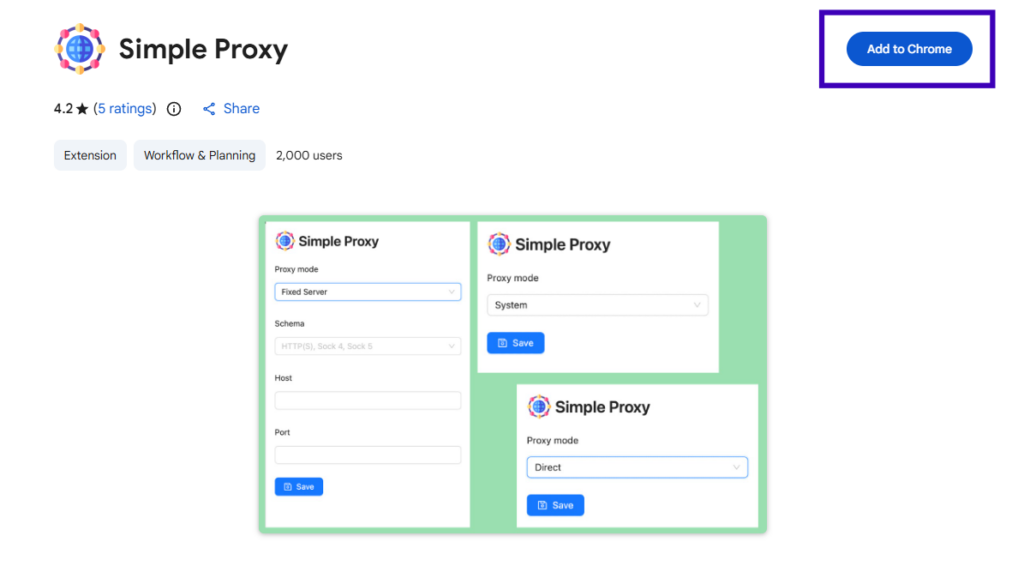
Simple Proxy Switcher keeps the focus on fast manual changes with almost no extra features. Users paste proxy details in common formats and toggle the active connection with a single click. The design stays lightweight so it uses few resources and loads quickly. Strengths include the minimal interface that reduces setup time and the clear status indicators that show whether a proxy is active. Some prefer it when they need only basic switching and do not require rule engines or advanced testing. It supports standard authentication and works with residential lists used for public data collection and location-based testing with residential IPs. The extension remains a reliable choice for teams that value speed and simplicity over complex configuration options. Overall it delivers a clean everyday experience for straightforward proxy changes.
- Key features: quick paste import, one-click toggle, minimal interface, standard protocol support
- Facts and information: beginner-friendly, low resource use, reliable for basic needs, works with any standard proxy list
How Proxy Switchers Fit into Research and Testing Workflows
Proxy switchers shine when teams need to check public web experiences across supported locations or run separate QA and monitoring tasks. A good tool lets you keep several profiles ready so you can move between them without restarting your browser. Many people combine a switcher with residential networks for more natural-looking sessions during price monitoring and ad verification.
The best results come from matching the switcher to your daily volume. Simple extensions work well for occasional changes. More advanced ones with rules and testing help when you handle longer lists or multiple concurrent setups. Always keep privacy features active, so your real connection stays protected during switches.
Choosing the Right Tool for Your Needs
Start by listing how often you change proxies and whether you need rules or just manual clicks. Proxy browser extensions suit most people who stay inside Chrome or Firefox. Desktop apps add power when other programs also need routing. Test a few free options first to feel the interface before committing.
Look for clear import options and visual cues that show the active profile. Support for the protocols you already use matters more than long feature lists. When the switcher pairs with a stable residential pool, sessions stay consistent for market research and location-based testing with residential IPs.
Common Setup Tips That Keep Things Smooth
Import your list in the format the tool expects. Name profiles clearly so you can find them fast. Enable any available leak protection right away. Keep a direct-connection profile ready for quick checks. Review the active proxy after every switch to confirm the change took effect. These small habits prevent most common hiccups when working with rotating residential proxies or other network types.
FAQ
What Makes a Proxy Switcher Different from a Full Proxy Service?
A proxy switcher focuses on managing and changing the connections you already have ready in your browser or system. It handles quick profile selection, rules, and one-click changes so daily work stays smooth. A full proxy service supplies the actual IP addresses and network, such as rotating residential proxies or static residential proxies. Many teams combine both so the switcher controls the active connection while the service delivers reliable residential or mobile options for public data collection and location-based testing with residential IPs. The switcher itself does not provide the IPs, it simply makes them easier to use across different research and monitoring tasks.
Can I Use the Same Switcher with Different Proxy Providers?
Yes, most browser extensions and desktop tools accept standard proxy formats from any source. You enter the host, port, and login details once for each profile and then switch between them as needed. This flexibility supports workflows that involve USA residential proxies alongside other location options or mobile networks. The same switcher can keep multiple profiles organized so teams move between different networks without changing tools. It works well for ad verification, price monitoring, and market research when the underlying connections stay consistent.
Do Proxy Switchers Work on Mobile Devices?
Some providers include mobile apps that offer basic switching features for phone or tablet use. Most advanced rule-based tools stay focused on desktop browsers such as Chrome or Firefox. For mobile testing, many teams rely on dedicated mobile networks paired with simple system settings or the provider’s own app. This approach supports location-based testing with residential IPs and separate QA workflows on mobile devices. Browser extensions remain the primary option for detailed profile management on larger screens.
How Often Should I Update My Proxy List in a Switcher?
Update the list whenever new credentials arrive or when responses slow down. Bulk import features make the process quick so teams keep their profiles current without much effort. Fresh lists help maintain steady performance during longer sessions of public data collection or monitoring. Keeping the switcher organized with clear profile names further reduces the chance of using an outdated connection. Regular reviews fit naturally into research routines that rely on reliable residential networks.
What Features Help Most When Switching Proxies for Research Tasks?
Clear visual indicators and one-click profile changes keep sessions organized during ad verification, price monitoring, and market research. Rule-based options allow certain sites to use specific connections automatically while others stay direct. Privacy extras such as leak protection help maintain consistent setups across different locations. Support for common protocols and easy list imports reduces setup time when working with rotating residential proxies or mobile proxy options. These features together support separate QA and monitoring workflows without constant manual adjustments.
Read Also:
- USA Residential Proxy
- Best USA Proxies in 2026
- Best Cheap Proxy in 2026
- Best Premium Residential Proxies in 2026
Discover the Best Proxy Switchers in 2026 – ProxyEmpire.


















