
Teams that need the best cheap dedicated datacenter proxies want speed, simple scaling, and a stable session when a task runs long. Dedicated datacenter proxies use server-hosted IPs for public data collection, SEO monitoring, price checks, and QA, with rotation or sticky sessions by country.
Discover the Best Cheap Dedicated Datacenter Proxies in 2026 – ProxyEmpire.
What Dedicated Datacenter Proxies Actually Do

Dedicated datacenter proxies are server IPs reserved for one account. They sit in commercial hosting facilities, not in home routers. That design is why they feel snappy on bulk requests and why many teams use them for high-volume public data work.
A dedicated IP stays yours for the rental window. Shared IPs put several customers on the same address. Rotating pools can still feel dedicated when you lock a sticky session, then release the address when the job ends. The best cheap dedicated datacenter proxies usually offer both modes: a new IP on every request, or the same IP for a longer workflow.
These IPs fit approved business use cases such as SEO monitoring, price monitoring, market research, ad verification, and QA. They are a weaker match when a site treats known server ranges as low trust. In that case, rotating residential proxies or static residential proxies often hold a session with less friction.
Speed is the main reason people buy this category. Datacenter routes are short. Bandwidth is plentiful. Setup is simple: HTTP proxy, HTTPS proxy, and SOCKS5 proxy, then an endpoint, username, and password. Proxy documentation and proxy integrations cut the time it takes to drop an endpoint into a script or browser tool.
Dedicated, Shared, And Rotating Server IPs
The label “dedicated” is easy to mix up. Ask what you actually receive.
Dedicated list IPs are private addresses assigned to you. You keep the same IPv4 (or IPv6) until you replace it. This style suits long QA runs, dashboards that expect one identity, and monitoring jobs that retry the same target.
Shared IPs split one address across several users. They cost less, but neighbor traffic can hurt reputation. They still work for light public data collection on open pages.
Rotating datacenter proxy pools hand you a gateway. The provider assigns IPs from a large server list. You can rotate on every request for scale, or keep a sticky session when a form or tool needs continuity. That mix is why many buyers treat a strong rotating product as their cheap dedicated option.
Country-level targeting is common. City-level targeting is rarer on pure datacenter stock. If you need a home-looking identity in a specific city, location-based testing with residential IPs is the usual next step. For app-style traffic, rotating mobile proxies and dedicated 4G and 5G proxies sit closer to real devices.
Pick the session model first, then the vendor. Rotation helps large-scale public data collection and market research. A longer, consistent session is better when a tool must stay on the same identity.
Best Cheap Dedicated Datacenter Proxies
1. ProxyEmpire – Best Cheap Dedicated Datacenter Proxies
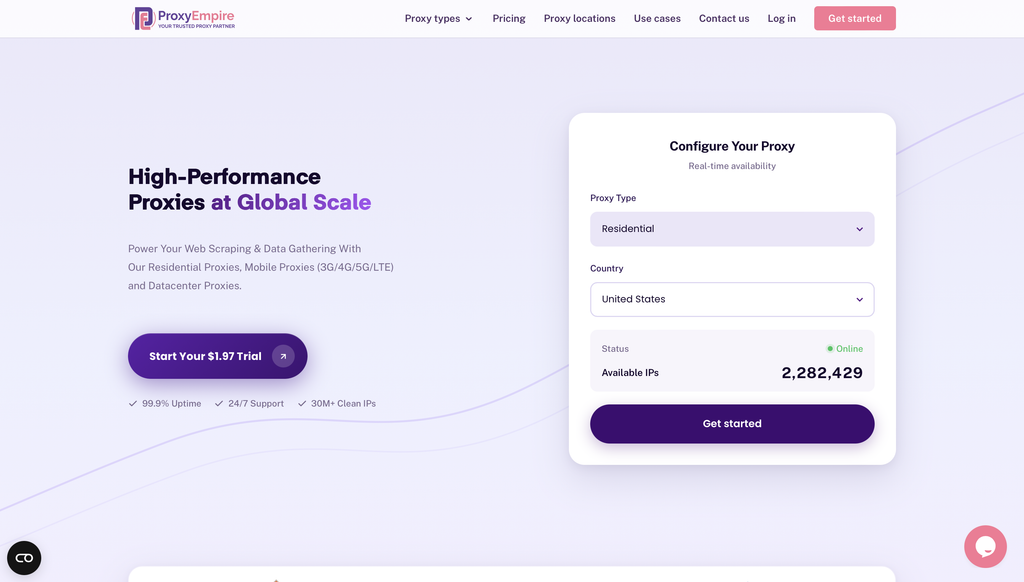
ProxyEmpire is a premium proxy service provider designed to empower public data collection and viewing public web experiences across supported locations through a vast network of ethically sourced residential, mobile, and datacenter proxies.
Overview of ProxyEmpire
ProxyEmpire offers a comprehensive suite of proxy solutions tailored for individuals, businesses, and developers seeking reliable, high-performance tools for data gathering and privacy protection. With over 30 million clean IP addresses spanning 170+ countries, ProxyEmpire provides unparalleled global coverage, supporting large-scale public data collection with a 99.9% uptime and lightning-fast response times (as low as 0.6 seconds).
Proxy Types and Features:
🏘️ Rotating Residential Proxies
Key Benefits
- Extensive Network Coverage: Access to over 30 million IPs worldwide across every major region, supporting public data collection with selection options by country, city, state, and ASN/ISP
- High Reliability: A 99.86% uptime ensures uninterrupted service, supported by patented technology for enhanced speed and security.
- Ethical Sourcing: Proxies are responsibly harvested, ensuring quality and compliance.
- Versatile Use Cases: Supports public data collection, price monitoring, market research, SEO tracking, ad verification, automation, and viewing public web experiences across supported locations. Rotating residential proxies and rotating mobile proxies are best for large-scale public data collection, market research, and workflows that benefit from automatic IP rotation. Static residential proxies are better when a longer, consistent session is required.
- Integration-Friendly: Compatible with standard proxy protocols (HTTP, SOCKS5) and third-party tools like Multilogin, Dolphin Anty, Kameleo, Octobrowser, and Gologin.
- No Hidden Fees: Transparent pricing with all features included, starting at a $1.97 trial.
Use case:
2. ResiProx
ResiProx is a proxy vendor built first around rotating residential and mobile networks, with dedicated datacenter language appearing in its own product docs and FAQ pages. That mix matters for this category. Many buyers land here looking for cheap dedicated datacenter proxies, then find a gateway that is stronger at home-ISP and carrier IPs than at classic private server lists. The platform still helps speed-first work because sticky sessions, HTTP and SOCKS5, and country, region, city, and ISP filters sit in one dashboard. You can rotate on every request or hold an address for a longer public data, QA, or research workflow.
The company presents itself as an ethically sourced network with 24/7 support and unlimited concurrent sessions on standard plans. Coverage spans many countries, with large pools advertised in markets such as the United States, India, Brazil, and the United Kingdom. Where ResiProx is thinner is the dedicated datacenter specialty itself. Independent writeups often treat residential and mobile as the core catalog, and some reviewers note fewer enterprise extras such as deep analytics or a full scraping browser suite. If your only need is a private IPv4 list from a hosting subnet, a list shop may feel more direct. If you want one login that can move from server-speed jobs into residential or 4G and 5G paths, ResiProx is easier to keep on a shortlist.
Key features
- Rotating and sticky sessions on supported products
- HTTP and SOCKS5
- Country, region, city, and ISP targeting on residential and mobile lines
- Public API and endpoint-style setup
- Companion mobile and residential catalogs beside datacenter mentions
Facts and information
- Best known for residential and mobile pools rather than a huge private datacenter list
- Sticky sessions help when a QA or monitoring job needs the same identity for a short window
- Support and self-serve checkout are part of the standard pitch
- A weaker match if you only want exclusive server IPs with no residential product attached
3. Webshare
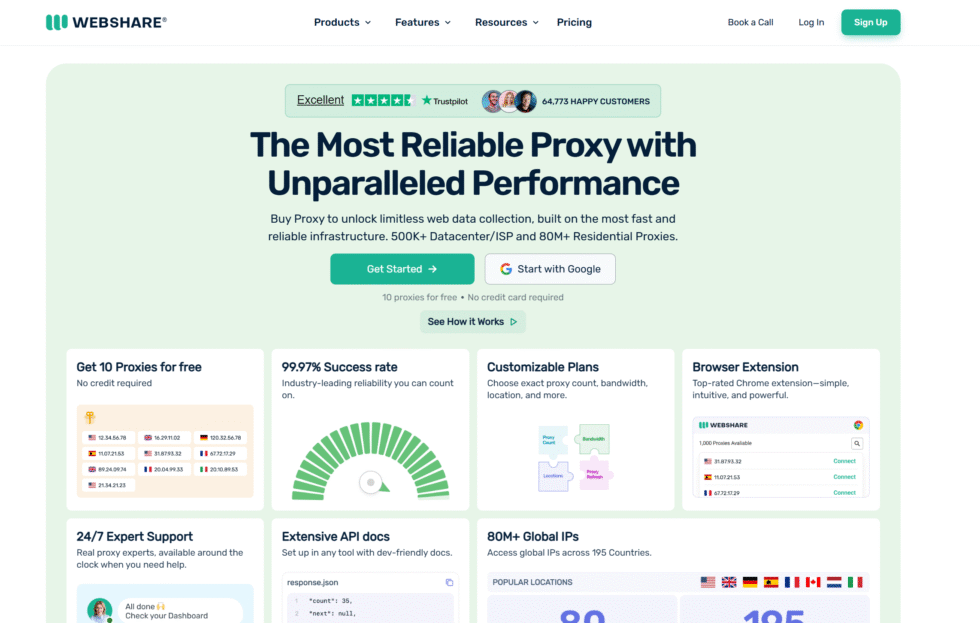
Webshare is a self-serve store for datacenter lists. You buy shared, semi-shared, or fully dedicated addresses and paste them into a script, scraper, or browser tool. That model is why so many developers treat it as a first stop for cheap dedicated datacenter proxies. The dashboard is plain. Authentication is standard. A free starter allotment lets you test connectivity before you commit to a larger pack. HTTP and SOCKS5 are both available, and country packs cover many popular markets.
The strength is simplicity. You know which IP is yours, you can replace stale addresses, and you are not forced into a giant usage platform. The weakness is depth. Fine city filters, carrier targeting, and a polished rotating gateway are not the main story. Subnet variety is decent for the tier, yet smaller than enterprise fleets. Teams that later need residential identity or mobile paths usually add a second vendor. Shared neighbors can also affect reputation if you stay on the cheapest shared tier. Dedicated lists fix that by reserving the address for your account, which is the mode to pick for longer SEO monitoring, price checks, and QA.
Key features
- Shared, semi-shared, and dedicated datacenter lists
- HTTP and SOCKS5
- Self-serve dashboard and API
- Free starter IPs for tests
- List-style delivery rather than only a backconnect gateway
Facts and information
- Common entry product for SEO tools and light public data collection
- Dedicated lists give cleaner control than shared neighbors
- Country coverage is useful, yet smaller than large residential networks
- Best when you want raw IPs more than a managed data suite
4. Decodo
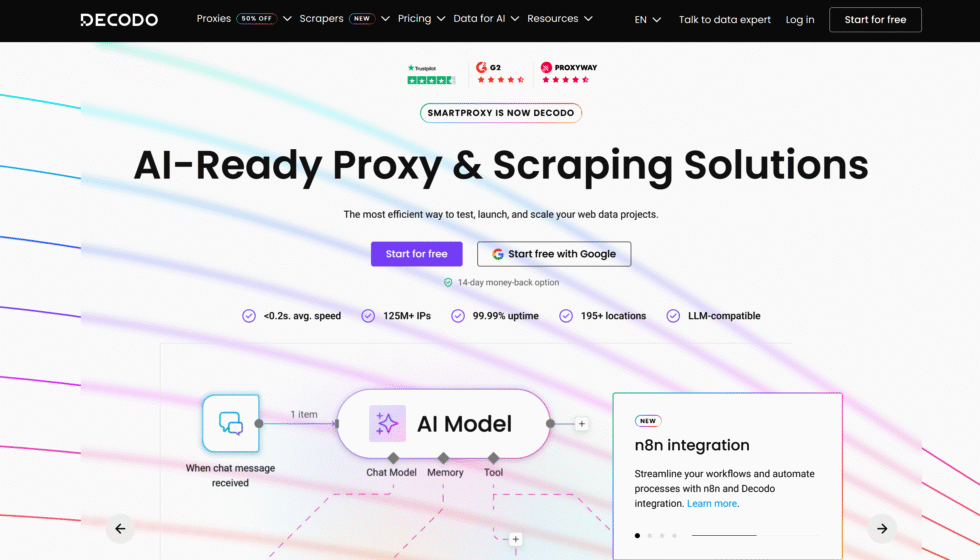
Decodo, formerly Smartproxy, sells shared, rotating, and dedicated datacenter IPs next to a large residential catalog. The appeal is one login that can start on fast server addresses and later shift product type. Dedicated lists exist for users who want a private IP. Rotating pools exist for bulk public page collection. Sticky sessions exist on supported lines, which helps multi-step QA and monitoring. The dashboard is cleaner than many list shops, and onboarding is built for small and mid-size teams as much as for larger accounts.
The tradeoff is focus. Decodo is a full proxy platform, not a bargain bin of isolated IPv4s. The deepest controls and highest volume plans lean toward people who already live in that UI. Dedicated datacenter stock covers fewer countries than the residential side. City-level control is also thinner on server IPs. If you only need three private addresses in one market, checkout can feel heavier than a simple list vendor. If you expect the same account to handle market research, ad verification, and later residential testing, the mixed catalog is the reason Decodo stays in many comparison tables.
Key features
- Shared, rotating, and dedicated datacenter formats
- HTTP and SOCKS5
- Sticky sessions on supported products
- Same platform as residential and mobile lines
- Self-serve plans plus higher-touch accounts
Facts and information
- Frequently chosen by teams that want one vendor for several proxy types
- Datacenter stock is strong on speed, with less city-level control than residential plans
- Setup is straightforward for common collection stacks
- Less ideal if you only want a tiny static list and nothing else
5. Bright Data
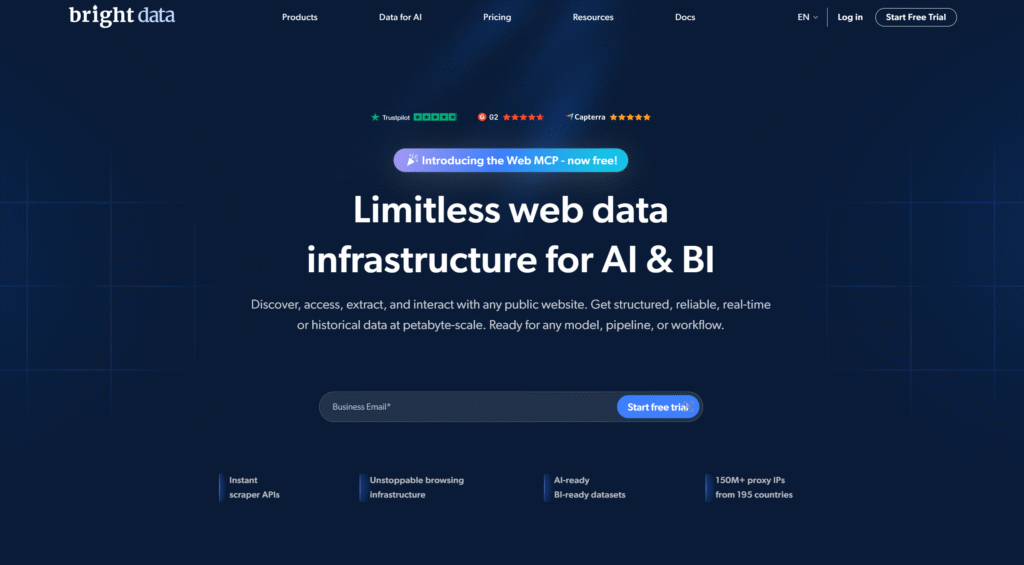
Bright Data is an enterprise data platform. Datacenter proxies sit beside browsers, APIs, and compliance tooling. Dedicated and shared server lines are available, and session controls are detailed. Large research teams like audit trails, usage reports, and named account management. Speed is competitive, and country coverage is broad. The product is built for companies that treat public web collection as infrastructure, not as a weekend script.
That design is also the limit. Smaller users can find the platform heavy. Buying paths, verification, and documentation assume a business workflow. If you only need a short list of private datacenter IPs for SEO checks, you will pay for a suite you may never open. Bright Data is stronger when legal review, reporting, and mixed collection tools matter as much as raw speed. Weaknesses versus cheap list vendors are complexity and a catalog that pushes you toward platform features. Strengths are control, support depth, and the ability to keep datacenter, residential, and other collection products under one enterprise roof.
Key features
- Shared and dedicated datacenter access
- Session and rotation controls
- APIs and extra collection tools
- Wide country coverage
- Enterprise reporting and account management
Facts and information
- Common pick for large market research and ad verification programs
- Strong when documentation and reporting matter
- Overkill if you only need a handful of private server IPs
- Better as a platform than as a budget list shop
6. Oxylabs
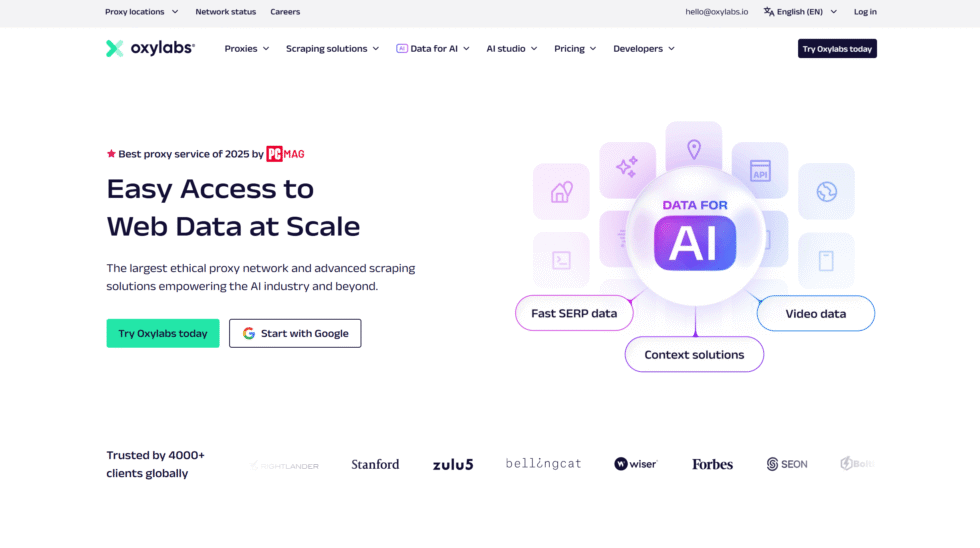
Oxylabs runs a large datacenter fleet with shared, rotating, and dedicated formats. The company, headquartered in Vilnius, Lithuania, is known for enterprise support and a wide subnet mix. Dedicated lists work well when a team wants private IPs plus a named manager. Rotation helps high-volume public data collection. HTTP and SOCKS5 cover most stacks. The pool size is the headline for buyers who worry about running the same small subnet too hard.
The platform can feel formal if you only need a handful of addresses. Search and other sensitive targets may sit behind extra product rules, so terms should be read before a workflow is designed. Checkout and contracts lean corporate. That is a strength for compliance-heavy teams and a drag for a freelancer who wants five IPs today. Oxylabs is a fit when pool size, support, and the option to add residential or collection APIs later all matter. It is a weaker fit when the brief is simply the cheapest dedicated datacenter proxy in one country.
Key features
- Shared, rotating, and dedicated datacenter IPs
- HTTP and SOCKS5
- Enterprise onboarding and SLAs on larger plans
- Large subnet variety
- Adjacent residential and API products
Facts and information
- Often selected for high-volume public data collection at company scale
- Strength is pool size and support, not the simplest checkout
- Better when you already need more than a raw IP list
- Less convenient for tiny, no-contract purchases
7. IPRoyal
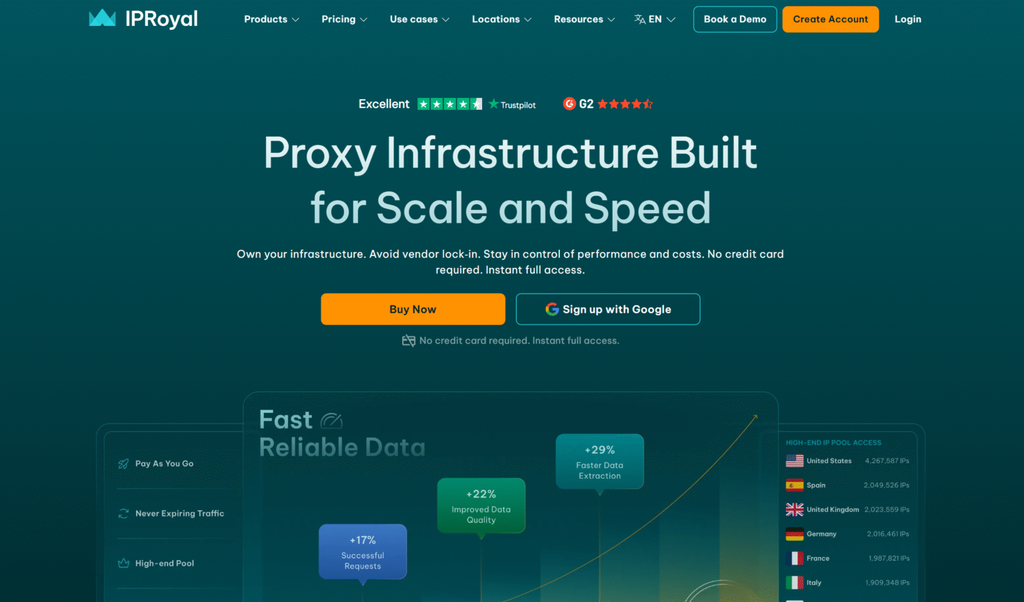
IPRoyal sells dedicated datacenter IPs with unlimited bandwidth on many plans and a mix of countries. The product is easy to understand. You rent private addresses and use them until the term ends. That model fits users who dislike per-gigabyte math and who want one identity for SEO monitoring, light automation, and QA. HTTP and SOCKS5 are supported. Authentication is familiar. The store also carries other proxy types, so some customers stay when their mix of work changes.
Country choice is solid. City targeting is thinner than on residential lines. Support is available, yet the brand is more self-serve than a full enterprise desk. Rotation is not the core dedicated-list story, so bulk jobs that need a new IP on every request may want a gateway product instead. Reputation still depends on how you use the address, because a dedicated IP only stays clean if the workload stays inside approved public data and testing use cases. IPRoyal lands in the middle: clearer than a giant platform, more packaged than a raw reseller list.
Key features
- Dedicated datacenter IPs
- HTTP and SOCKS5
- Unlimited bandwidth on standard dedicated plans
- Multi-country lists
- Other proxy types in the same store
Facts and information
- Popular with users who want a private IP and no traffic meter
- Good for SEO monitoring and light automation
- Less ideal if you need automatic rotation across a huge pool
- City-level targeting is limited compared with residential products
8. Rayobyte
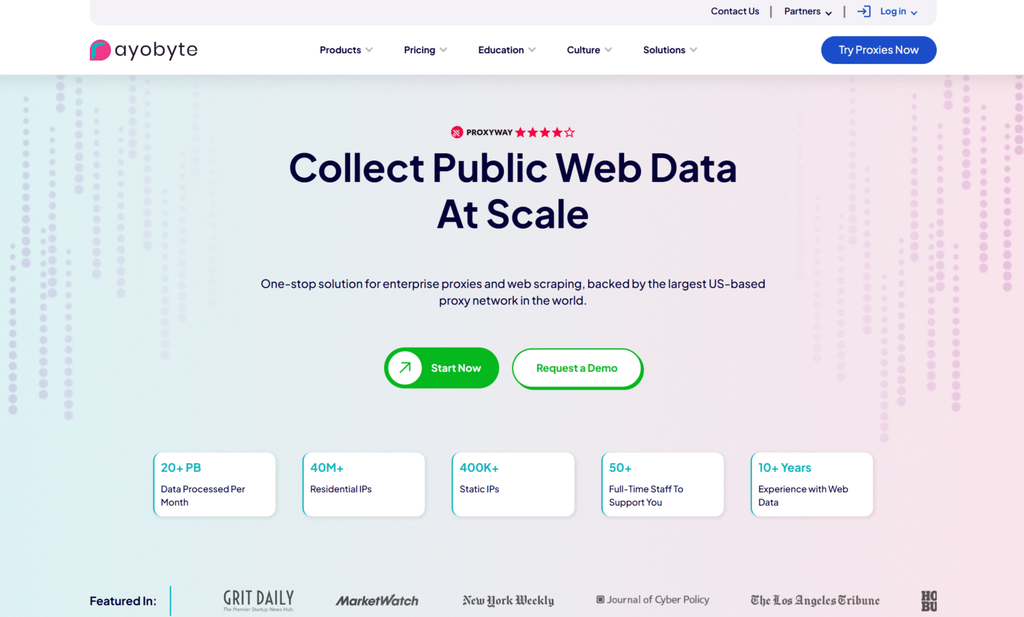
Rayobyte is a United States provider with ethical sourcing claims and a long history in dedicated datacenter lists. You can buy private IPs, shared options, or rotating access. Many plans include replacement rules when an address goes stale, which matters in this category because server ranges age. The company is a fit for buyers who want a North American vendor and clear IP ownership. API access helps teams provision and swap addresses without living in a ticket queue.
The catalog is narrower on global city targeting. The brand is less of a single app for every proxy type than some rivals. Classic strength is still the static dedicated list, not a consumer-style residential dashboard. Shared and rotating options exist for people who want lower cost or more movement across IPs. If your tool expects one allowlisted address for weeks, the dedicated list is the product to evaluate. If your tool hammers thousands of open pages, the rotating pool is the better Rayobyte mode. Test the countries you care about, because stock and freshness are not identical in every market.
Key features
- Dedicated and shared datacenter lists
- Rotating pool options
- API access and replacement policies
- HTTP support across core products
- U.S.-based vendor positioning
Facts and information
- Often used by teams that want private IPs and replacement rules
- Strong on list-style dedicated proxies
- Rotation exists, but the classic product is still a static dedicated list
- City targeting is not the main selling point
9. Proxy-Cheap

Proxy-Cheap focuses on budget datacenter IPv4 and IPv6, plus other proxy types in the same store. Dedicated IPv6 is a frequent reason people land here, because many public pages still accept those ranges for collection and testing. The dashboard is simple. You pick a protocol, a location pack, and a dedicated or rotating mode. HTTP and SOCKS5 cover standard tools. For buyers who think first in cost per IP, this style of shop is easy to compare.
The weakness is polish. Advanced session tools, white-glove support, and deep targeting are thinner than on enterprise platforms. Quality can vary by location pack, so the countries you actually need should be tested. IPv4 and IPv6 also behave differently on some targets, which means a cheap IPv6 list is not a drop-in replacement for a clean dedicated IPv4. Proxy-Cheap works for open-page collection, QA, and budget SEO checks. It is less suited to teams that need carrier-level identity, a named success manager, or a single premium gateway for every job type.
Key features
- IPv4 and IPv6 datacenter proxies
- Dedicated and rotating options
- HTTP and SOCKS5
- Multi-product store
- Simple self-serve ordering
Facts and information
- A common budget pick when IPv6 volume matters
- Fine for open-page collection and testing
- Less suited to teams that need deep targeting or a premium success desk
- Results depend heavily on the specific country pack you buy
10. Proxy-Seller
Proxy-Seller offers dedicated datacenter lists across many countries, with city selection on some locations. The product is built for people who want a private IP in a chosen market and unlimited traffic on typical dedicated plans. Authentication is username and password or IP whitelist. You receive a list, point your software at it, and keep that identity for the rental window. That is close to the original meaning of cheap dedicated datacenter proxies.
The interface is functional rather than fancy. Stock can be uneven in smaller countries. Extras such as built-in browsers or scraping APIs are limited. Rotation is not the hero feature. The vendor is stronger as a list source than as an all-in-one data platform. If you run regional SEO checks, localized public page reviews, or QA from a known address, the model fits. If you need automatic IP changes on every request, a backconnect pool from another provider will feel more natural. Read the location list carefully. “Many countries” does not mean every city you want is in stock on the day you buy.
Key features
- Dedicated datacenter IPv4 lists
- Country and some city selection
- HTTP and SOCKS5
- Unlimited traffic on typical dedicated plans
- IP whitelist or user and password auth
Facts and information
- Used for regional SEO checks and localized public page reviews
- Strong when you need a specific country list, not a giant rotating pool
- Better as a list vendor than as a full collection platform
- Smaller markets can have thinner inventory
11. SOAX
SOAX is known first for residential and mobile networks, with U.S. and other datacenter lines as a companion product. Dedicated and shared datacenter IPs help customers keep speed-heavy jobs on servers while holding residential stock for harder targets. Session controls on supported lines help QA and research workflows that need a short stable identity. HTTP and SOCKS5 keep the product usable in common stacks. The platform targeting is a plus if you already use SOAX elsewhere.
Pure datacenter shoppers may find the catalog smaller than specialists who only sell server IPs. SOAX is a mixed-network brand. That is helpful when market research starts on datacenter IPs and later needs a home or carrier look. It is less helpful when the brief is the lowest cost private IPv4 in bulk. Support and dashboard quality are closer to mid-premium than to a raw list reseller. The right test is whether you will actually use more than one product type. If the answer is no, a dedicated-list specialist may be simpler. If the answer is yes, SOAX keeps those products under one account.
Key features
- Shared and dedicated datacenter options
- Same account as residential and mobile products
- Session controls on supported lines
- HTTP and SOCKS5
- Stronger U.S. datacenter positioning than some mixed vendors
Facts and information
- Handy when a team already runs research on SOAX residential IPs
- Datacenter side is a complement, not the whole brand
- Useful for mixed workflows
- Less so if you only want the cheapest private server IP
12. DataImpulse
DataImpulse sells pay-as-you-go datacenter traffic with credits that remain available after idle periods on many plans. That billing style helps irregular projects. You buy traffic, pause, then return later without feeling locked to a monthly IP pack. Country coverage is wide for a usage-based product. HTTP and SOCKS5 are available. The model is closer to a rotating pool than to a classic “this address is only mine for thirty days” list.
That is the main limitation for dedicated-proxy shoppers. If your tool must own one private IP for weeks, a static list vendor fits better. If your work comes in bursts of public data collection and research sprints, unused traffic that stays available is the feature that matters. Targeting is broader than many budget list shops and thinner than top residential platforms. Support is self-serve first. DataImpulse is a smart later entry in this list because cheap dedicated datacenter buying is not only about renting a single IPv4. Some teams want cheap server throughput they can start and stop. This is that shape of product.
Key features
- Usage-based datacenter access
- Broad country list
- HTTP and SOCKS5
- Credits that remain available after idle periods on supported plans
- Pool access rather than only static dedicated lists
Facts and information
- Fits bursty public data collection and research sprints
- Less of a match for users who must own one private IP for a full month
- Appeals to freelancers and agencies with uneven monthly volume
- Test session behavior before you treat it as a dedicated list replacement
How Datacenter Proxies Differ From Residential And Mobile Options
Datacenter, residential, and mobile IPs solve different jobs. Mixing them is normal.
Datacenter IPs come from hosting networks. They are fast and efficient for collecting public web data for approved business use cases on pages that accept server traffic. Datacenter and residential proxy differences come down to identity, not magic. A home ISP address often looks more like a person. A server address looks like a server.
Residential IPs help when you need to view public web experiences across supported locations with a household identity. Rotating residential proxies shine when you want automatic IP changes. Static residential proxies shine when one identity should stay put.
Mobile IPs come from carrier networks. Rotating mobile proxies help with app and mobile-web checks. Dedicated 4G and 5G proxies keep a device-style path for longer tests.
A simple way to sort the work:
| Job type | Proxy style that usually fits | Why teams pick it |
| Bulk public page collection | Rotating datacenter | Speed and low cost per request |
| Long QA or monitoring session | Dedicated or sticky datacenter, or static residential | Same identity across retries |
| Location-based testing that should look like a home user | Residential | ISP-assigned identity |
| App and carrier path tests | Mobile | Real mobile network path |
| Always-on research traffic | Unlimited bandwidth residential proxies | Flat capacity when volume is high |
You do not need one type forever. Many stacks start on rotating datacenter proxies, then add residential only for the targets that need it. The differences between residential, mobile, and datacenter proxies are about speed, identity, and session length, not about picking a single winner for every task.
Session Control That Keeps Workflows Stable
Session design matters as much as the vendor name.
Per-request rotation assigns a new IP each time your client opens a connection. That pattern spreads load across a pool and fits large-scale public data collection and market research.
Sticky sessions hold one IP for a set window or until the gateway releases it. That pattern fits forms, multi-step tools, and QA scripts that break if the address changes mid-run. Proxy session types are the piece most buyers skip, then fix after the first failed crawl.
Static dedicated lists never rotate unless you replace the IP. You treat each address like a small server you rented.
Good providers let you encode the mode in the username or in an API field. That keeps code simple. You should also log which country and session ID produced each result. When a target slows down, you change session length first, then product type.
Pair session rules with the right protocol. HTTP is enough for many page fetches. SOCKS5 helps when a tool expects a generic tunnel. HTTP/2 can help modern clients reuse connections. Match the protocol to the software, not to marketing copy. Developer docs usually show the exact username format for rotation, sticky time, and country.
A Practical Buying Checklist For Cheap Dedicated Datacenter Proxies
Use this list before you pay for a pack of IPs.
- Confirm whether the IP is private to you, shared, or drawn from a rotating pool.
- Ask how proxy sticky sessions work and how long they last.
- Check country coverage for the markets you actually measure.
- Verify HTTP, HTTPS, and SOCKS5 if your stack needs all three.
- Look for an API or endpoint builder, not only a CSV of IPs.
- Read the allowed use policy. Stick to public data, QA, SEO monitoring, price monitoring, ad verification, and research.
- Test support response with a real setup question.
- Plan a fallback. Residential or mobile products should be one login away if a target treats server ranges poorly.
Cheap does not mean unmanaged. A clean dedicated address with clear session controls beats a giant messy list. If you outgrow list management, a gateway product with rotation and sticky modes usually saves time.
For storefront and catalog checks, many teams also keep a note of e-commerce proxy setups and SEO-focused dedicated proxy guides so the same account can shift product type without a new vendor. Approved use cases stay the same across those guides: public data collection, monitoring, QA, and research.
FAQ
What Makes Dedicated Datacenter Proxies Different From Shared Ones?
A dedicated datacenter proxy is reserved for your account. Shared IPs split one address across several customers, so neighbor traffic can shape how a target treats that IP. Dedicated use gives you a cleaner path because the address is yours for the rental window. Shared IPs can still work for light public page checks. If a workflow retries the same target for hours, a dedicated list or a sticky session is the more stable design.
When Should I Use Datacenter Proxies Instead Of Residential Proxies?
Use datacenter proxies when speed and volume matter more than a home ISP identity. They fit SEO monitoring, price monitoring, QA, and other approved public data jobs on targets that accept server traffic. Use residential proxies when the site expects a household connection or when you need finer location targeting. Datacenter proxies vs residential proxies is mostly an identity choice. Many teams run both and send each request to the product type that still completes the job.
Do Cheap Dedicated Datacenter Proxies Support Sticky Sessions?
Many modern products do. A rotating pool can still hold one IP for a sticky window, which gives you a dedicated-style session without managing a static list. Classic dedicated lists keep the same IP for the whole rental period. Proxy session types explain the difference between a new IP on every request and a held identity. Short tests should prove how long the session lasts and whether the username or API can set that time.
Can I Mix Datacenter Proxies With Other Proxy Types?
Yes. A common pattern is datacenter IPs for open, high-volume pages and residential or mobile IPs for tasks that need a different network identity. The same account can combine datacenter traffic with rotating residential proxies, static residential proxies, rotating mobile proxies, and dedicated 4G and 5G proxies. Keep separate endpoints per product type so logs stay readable and each workflow uses the right identity.
How Do Rotating And Dedicated Datacenter Proxies Work Together In Real Workflows?
Rotating datacenter proxies assign addresses from a server pool. That helps large-scale public data collection, market research, and jobs that benefit from automatic IP changes. Dedicated or sticky modes keep one address in place for QA, monitoring, and multi-step tools. Teams often start with rotation for bulk pages, then switch the same project to a held session when a form or dashboard needs continuity. Unlimited residential proxies enter later only when volume stays high and the target prefers a home-looking path.
Read Also:
- The Differences Between Residential, Mobile & Datacenter Proxies
- Datacenter Proxies vs. Residential Proxies
- Understanding Proxy Session Types
- Best Dedicated SEO Proxies
- Best E-Commerce Proxies 2026
Discover the Best Cheap Dedicated Datacenter Proxies in 2026 – ProxyEmpire.


















