An Epic Games proxy gives your browser, the Epic Games Launcher or a testing tool an IP address in the country you choose, instead of your own. Game studios and publishers use one to see how their Epic Games Store page, prices, ads and promotions look in each market, marketers use it to verify campaigns, and community teams use it to give every account its own steady connection. It won’t lower your ping or carry Fortnite matches, and this guide explains why. We compared 12 providers on targeting, protocols, UDP support and price. For a ready-made setup, see ProxyEmpire’s gaming proxies.
Quick answer
ProxyEmpire is the best Epic Games proxy in 2026 for store, account and testing work. It has residential IPs in 179 countries and territories from $1.50/GB, 4G mobile IPs in 174, static residential IPs from $2.00 a month, and city, ISP and carrier targeting at no extra cost. You can test it with a $1.97 trial. Like most proxy services it carries TCP traffic only, so Fortnite gameplay stays on your own connection.
Best Epic Games proxy providers compared
All 12 providers at a glance| # | Provider | Proxy types | UDP over SOCKS5 | Residential price | Best for |
|---|---|---|---|---|---|
| 1 | ProxyEmpire | Residential, mobile, ISP, datacenter | No (TCP only) | $3.50 → $1.50/GB | Best overall |
| 2 | Proxy-Seller | Residential, ISP, IPv4, mobile | Not stated | $3.50 → $1.45/GB | Launcher-friendly IP allow-list |
| 3 | Oxylabs | Residential, mobile, ISP, datacenter | Yes, documented | $6.00 → $2.50/GB | Documented UDP support |
| 4 | Byteful | Residential, mobile, static, datacenter | Stated on its SOCKS5 page | $3.25 → $1.95/GB | Traffic that never expires |
| 5 | ResiProx | Rotating residential, rotating mobile | Not stated | $3.50 → $1.75/GB | Residential and mobile on a small budget |
| 6 | Decodo | Residential, mobile, ISP, datacenter | Unclear | $4.00 → $2.00/GB | One setup across four products |
| 7 | NodeMaven | Residential, mobile, ISP | Not stated | $5.31 → $2.75/GB | Quality-filtered IPs |
| 8 | SOAX | Residential, mobile, ISP, datacenter | Not stated | $5.00 → $1.50/GB | Mobile carrier targeting |
| 9 | Bright Data | Residential, mobile, ISP, datacenter | Not documented | $4.00 → $2.50/GB | Largest listed network |
| 10 | Webshare | Residential, static residential, datacenter | Not stated | $3.50 → $1.50/GB | Free starter plan |
| 11 | IPRoyal | Residential, ISP, datacenter, mobile | No (TCP only) | $7.00 → $3.36/GB | Long sticky sessions |
| 12 | MarsProxies | Residential, ISP, datacenter, mobile | Not stated | $4.99 → $2.10/GB | Unlimited-data ISP IPs |
The price column shows the regular rate on each provider’s smallest residential plan, then the lowest regular rate it publishes at 1 TB or less. Bright Data is shown at its current 50% discount, and ProxyEmpire’s mobile price in its review is today’s 50%-off rate (list $9 → $4/GB); other promotions are covered in the reviews. “UDP over SOCKS5” reflects each provider’s own documentation: “Not stated” means its pages don’t mention UDP, and “Unclear” means Decodo markets UDP proxies while its protocol FAQ says its SOCKS5 runs over TCP. Checked on 26–29 September 2026.
How we compared Epic Games proxy providers
What store, account and testing work needsMost Epic Games proxy work happens on the web side: the store, account pages and ad placements. So we compared location targeting, IP types, documented protocols and price.
The 12 best Epic Games proxies in 2026
Proxy services for store checks, accounts and QA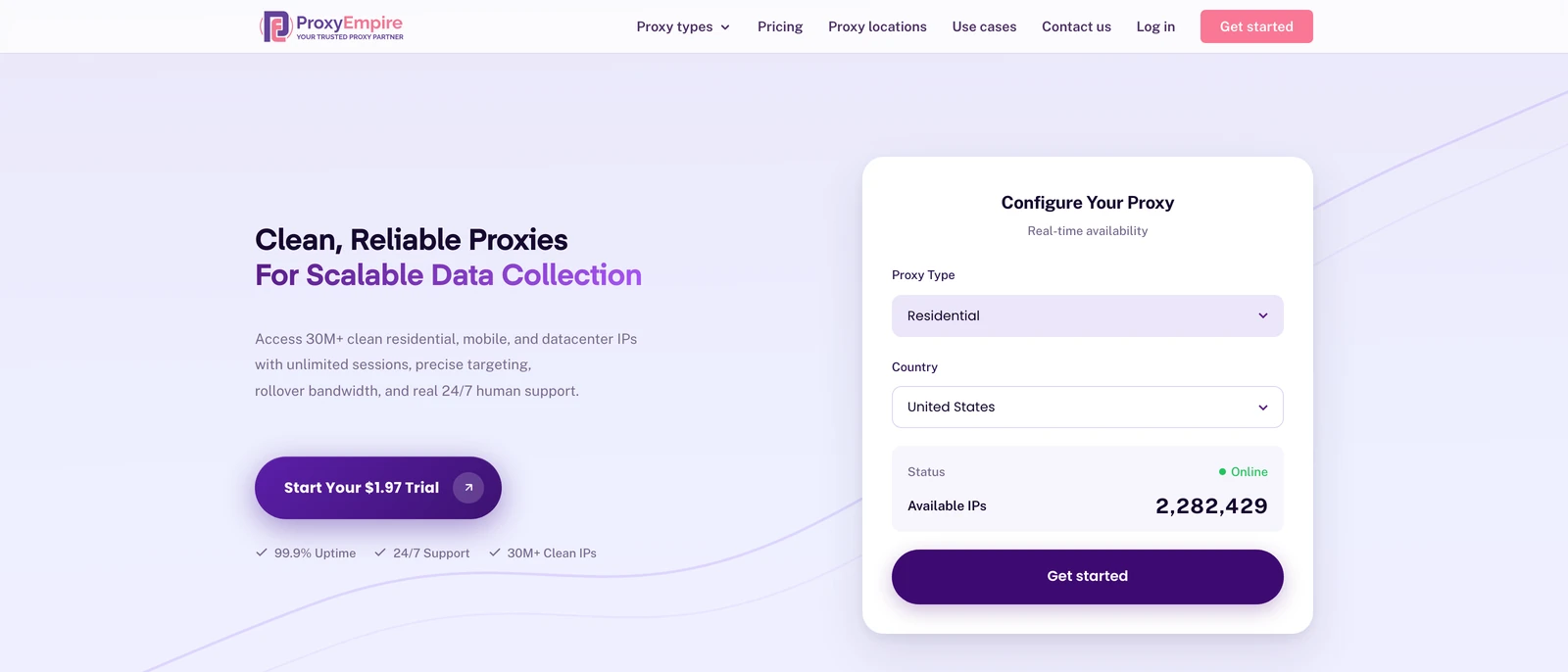
ProxyEmpire
Best overallProxyEmpire lets studios, marketers and community teams see the Epic Games Store the way players in each market do, with 30M+ residential IPs in 179 countries and territories, 4M+ mobile IPs in 174, and static residential IPs for accounts you sign in to every day.
- Country, region, city, ZIP, ISP, carrier, ASN and OS fingerprint targeting included, with sticky sessions that keep one IP per account
- Static residential IPs from $2.00 a month, 99.9% uptime, bandwidth that rolls over and 24/7 support from real people
- No UDP, and only ports 80 and 443 are open by default, so it cannot carry Fortnite gameplay; login is by username and password only
Proxy-Seller
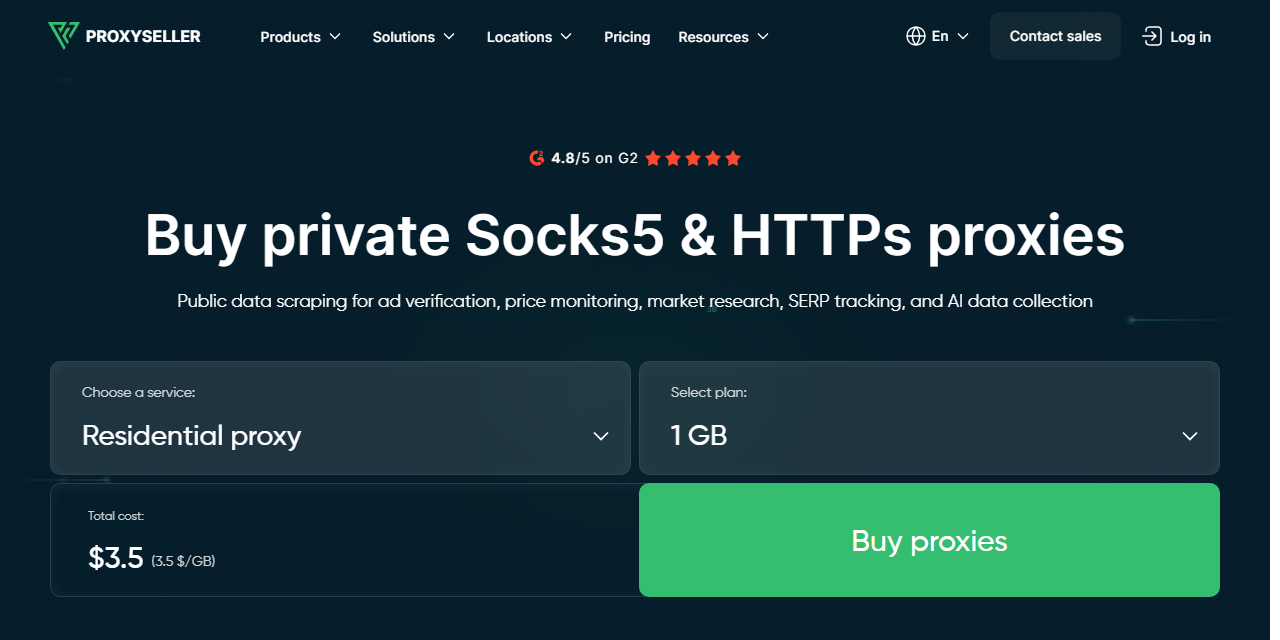
Launcher-friendly IP allow-listProxy-Seller accepts a username and password or an allow-listed IP, which suits the Epic Games Launcher’s proxy field, and rents fixed ISP IPs from $3.00 a month ($2.25 at 500 IPs).
- The lowest 1 TB residential rate among providers with a full price ladder
- HTTP, HTTPS and SOCKS5 on the same credentials
- Residential traffic expires 30 days after purchase

Oxylabs
Documented UDP supportOxylabs is the one provider here that documents UDP on its residential proxies, over SOCKS5 and over HTTP/3 (MASQUE), and it lists 175M+ residential IPs with a dedicated account manager on every plan.
- UDP support for network tests that need it
- Targeting down to ZIP, ASN and coordinates
- The smallest plan is 5 GB for $30 a month, there is no residential trial, and UDP support still won’t lower your ping
Byteful
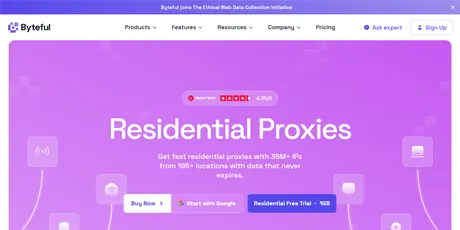
Traffic that never expiresByteful, formerly Ping Proxies, states on its SOCKS5 page that its SOCKS5 proxies handle both TCP and UDP traffic, and its residential bandwidth never expires.
- A free 1 GB residential trial
- Sticky sessions of up to 24 hours
- The smallest residential plan is 10 GB, and it publishes no UDP setup guide per product
ResiProx
Residential and mobile on a small budgetResiProx sells rotating residential and mobile proxies over HTTPS and SOCKS5, with country, region, city and ISP targeting on every plan, a practical fit for regional store and ad checks.
- One trial covers both residential and mobile
- ISP-level targeting from the first gigabyte
- Rotating proxies only — no static, ISP or datacenter IPs
Decodo (formerly Smartproxy)
One setup across four productsDecodo supports HTTP(S) and SOCKS5 on residential, mobile, ISP and datacenter proxies, lists 115M+ residential IPs and offers a free three-day trial.
- A 14-day money-back option on the first purchase
- 24/7 technical support
- It sells “UDP proxies”, but its protocol FAQ says SOCKS5 runs over TCP, and residential sticky sessions default to 10 minutes (up to 24 hours if you set it)
NodeMaven
Quality-filtered IPsNodeMaven lists 30M+ residential and 250K mobile IPs, screens each IP for quality before assigning it, and keeps sticky sessions for up to 24 hours. Its plans currently show 20% off, at $4.25 falling to $2.20/GB.
- Long sessions and filtered IPs suit community and creator accounts
- Unused traffic rolls over
- No 1 GB plan and no datacenter proxies
SOAX
Mobile carrier targetingSOAX charges one rate for residential and mobile traffic and targets mobile carriers, which helps teams checking mobile ads and offers in each market.
- Mobile IPs at the residential price
- Custom session lengths
- Plans are monthly spend tiers, and credits expire after 60 days
Bright Data
Largest listed networkBright Data lists 400M+ monthly residential IPs in 195 countries and currently sells residential traffic at half its list price: $4.00/GB pay as you go, falling to $2.50/GB on the 798 GB plan.
- ZIP, ASN and carrier targeting for large ad-verification jobs
- Datasets and scraping APIs from the same vendor
- Strict KYC for new users, monthly traffic does not roll over, and no UDP is documented
Webshare
Free starter planWebshare’s free plan gives you 10 datacenter proxies behind your own login, and its paid plans add residential IPs with ZIP and ASN targeting.
- A no-cost way to test a proxy in your tools
- SOCKS5 on every plan at no extra charge
- The free proxies are datacenter IPs, and monthly bandwidth does not roll over

IPRoyal
Long sticky sessionsIPRoyal keeps residential sessions for up to 7 days and never expires your traffic, which suits accounts that should keep one IP for a week.
- Very long sessions on rotating residential IPs
- ISP, datacenter and dedicated mobile proxies on the same account
- The highest residential entry price here, and its docs say residential supports TCP only
MarsProxies
Unlimited-data ISP IPsMarsProxies rents ISP IPs from $2.99 a month for one IP down to $2.09 at 1,000, with unlimited data, and sells non-expiring residential traffic.
- Fixed IPs with no data cap for daily account logins
- Four proxy types in one account
- It lists 1M+ residential IPs, the smallest pool figure here, and has no free trial
What a proxy can and can’t do for Epic Games and Fortnite
Store and account work, not gameplay| Task | Through an HTTP or SOCKS5 proxy? |
|---|---|
| Check store pages, prices and promotions by country | Yes: the store is a website over HTTPS |
| Verify ads and creator campaigns by market | Yes, with residential or mobile IPs |
| Give each team or creator account its own IP | Yes, with sticky sessions or static IPs |
| QA of web sign-up, age gates and checkout pages | Yes, from the country you are testing |
| Play Fortnite matches | No: gameplay runs over UDP, which TCP-only proxies don’t carry |
| Lower ping | No: a proxy adds a step to the route |
Fortnite and most fast multiplayer games send real-time gameplay over UDP, straight to the game servers. ProxyEmpire’s proxies, like most, are HTTP, HTTPS and SOCKS5 over TCP with no UDP, so they cover the store, the launcher’s web traffic and your accounts, not matches. Even a UDP-capable proxy adds a hop, so none will lower your ping.
A proxy is also not a way to buy games at another region’s price. Epic asks that your account country matches where you live, allows a change once every six months, and requires any VPN to be off when you change it.
How to use a proxy with the Epic Games Launcher
Epic’s documented options- Open the Epic Games Launcher, click the icon in the top right corner and open Settings.
- Tick Use Proxy and enter the proxy as IP:PORT.
- Restart the launcher and sign in.
If you can’t reach Settings, Epic documents two fallbacks: add -httpproxy= and the address to the launcher shortcut’s target line (remove it once Use Proxy is set), or set OverrideProxyAddress in a [Launcher] section of the launcher’s Game.ini file.
- No login field: Epic’s guide shows only an address and port. A provider that supports IP allow-listing, such as Proxy-Seller, fits the launcher directly.
- Username and password proxies, such as ProxyEmpire’s (server v2.proxyempire.io, port 5000), are simplest in a browser or browser profile, which asks for the login. That covers the store, account pages and promotions.
- Don’t download games through a per-GB proxy. Game files are large; switch Use Proxy off before a download.
Which proxy type is best for Epic Games?
Match the IP to the job- Rotating residential is the all-round choice for store, price and promotion checks, because you can pick the country, city and ISP your players use. See ProxyEmpire’s rotating residential proxies.
- 4G mobile fits mobile ad and offer checks, since carrier IPs are what phone players have. See rotating mobile proxies.
- Static residential (ISP) suits team, creator and community accounts that sign in every day from the same place. See static residential proxies.
- Datacenter is cheap for automated checks, but server IPs look less like real players.
Free Epic Games proxy lists: should you use one?
Why we don’t publish a listFree proxy lists are public servers shared by thousands of strangers. They are slow, go offline within days, and their operators can see what you send, including your Epic Games login. That is why we don’t publish one. Webshare’s free plan gives you 10 datacenter proxies behind your own login, and ProxyEmpire’s $1.97 trial lets you test residential and mobile IPs. We don’t cover ways around regional pricing or country blocks. Epic’s terms and your local laws apply whichever proxy you use.
Epic Games proxy FAQ
Short answersWhat is the best proxy for Epic Games?
ProxyEmpire, in our 2026 comparison: residential IPs in 179 countries and territories from $1.50/GB, 4G mobile IPs in 174, static IPs from $2.00 a month, city and carrier targeting, and a $1.97 trial.
Can I use a proxy for Fortnite?
Only for the web side, such as the store, account pages and promotions. Fortnite gameplay runs over UDP, and TCP-only proxies such as ProxyEmpire’s can’t carry it.
Will a proxy lower my ping in Fortnite?
No. A proxy adds a step between you and the game server, so latency stays the same or rises. Play matches on your direct connection.
Does the Epic Games Launcher support proxies?
Yes. In Settings, tick Use Proxy and enter the address as IP:PORT. Epic also documents a -httpproxy shortcut flag and a Game.ini setting.
Can a proxy change my Epic Games Store region?
No. Your store region follows your account country, which Epic asks you to set to where you live, change at most once every six months, and change with any VPN turned off.
Can game studios check their store page in other countries?
Yes. That is the most common use: set the proxy to a country or city and check the store page, price, promotion and ads as players there see them.
Which proxies support UDP?
Among these 12, Oxylabs documents UDP on its residential proxies and Byteful states UDP on its SOCKS5 page. ProxyEmpire and IPRoyal are TCP only.
Why won’t the Epic Games Launcher connect through my proxy?
Check the IP:PORT format and remove any -httpproxy flag once Use Proxy is set. Epic’s guide has no login field, so a username and password proxy may need IP allow-listing or a browser instead.
Is there a free Epic Games proxy?
Public lists are free but shared, short-lived and unsafe for logins. Webshare’s free plan offers 10 datacenter proxies, and ProxyEmpire’s $1.97 trial covers residential and mobile IPs.
Proxies for Epic Games Store, account and QA work
Residential IPs in 179 countries and territories from $1.50/GB, 4G mobile IPs in 174, static residential IPs from $2.00 a month, and 24/7 support from real people. Try ProxyEmpire for $1.97.