A Google proxy is an IP address your browser, rank tracker or SEO tool connects through, so Google sees a searcher in the city you choose instead of your office. Teams use Google proxies to check local rankings and the map pack, verify Google Ads, keep client Google accounts on separate IPs and compare Shopping results by market. Google answers datacenter and shared IPs with CAPTCHAs quickly, so residential and mobile IPs with city and ZIP targeting matter most. We compared 14 providers on exactly that. For a ready-made setup, see ProxyEmpire’s Google proxies.
Quick answer
ProxyEmpire is the best Google proxy provider in 2026. It gives you 30M+ residential IPs in 170+ countries from $3.50/GB down to $1.50/GB, 4M+ 4G and 5G mobile IPs in 174 countries from $2.00/GB, and country, region, city, ZIP, ISP and carrier targeting at no extra charge, with a $1.97 trial. Decodo, Bright Data and Oxylabs also target by ZIP code, and DataImpulse is cheaper if country-level results are enough.
Best Google proxy providers compared
All 14 providers at a glance| # | Provider | Mobile IPs | Local targeting | Residential price | Best for |
|---|---|---|---|---|---|
| 1 | ProxyEmpire | 4M+, 174 countries, carrier | Region, city, ZIP, ISP, ASN | $3.50 → $1.50/GB | Best overall |
| 2 | Decodo | 10M+ | State, city, ZIP, ASN | $4.00 → $2.00/GB | ZIP targeting with a free trial |
| 3 | Proxy-Seller | Dedicated, per port | City, ISP | $3.50 → $1.45/GB | Fixed IPs for Google accounts |
| 4 | Bright Data | 7M+, carrier | City, ZIP, ASN, carrier | $4.00 → $2.50/GB | ZIP and carrier targeting at scale |
| 5 | ResiProx | $6.00 → $3.50/GB | Region, city, ISP | $3.50 → $1.75/GB | Residential and mobile on a small budget |
| 6 | Byteful | 6M+ | Region, city, ISP | $3.25 → $1.95/GB | A free 1 GB test |
| 7 | NodeMaven | 250K, same plan | Region, city, ISP | $5.31 → $2.75/GB | Quality-filtered IPs |
| 8 | Oxylabs | 20M+, $7.50 → $3.50/GB | State, city, ZIP, coordinates, ASN | $6.00 → $2.50/GB | Enterprise search data |
| 9 | SOAX | Same rate as residential | Region, city, ISP, ASN | $5.00 → $1.50/GB | Mobile at the residential rate |
| 10 | Webshare | — | State, city, ZIP, ASN | $3.50 → $1.50/GB | Desktop checks on a budget |
| 11 | DataImpulse | $2.00/GB flat | Country (city and ZIP extra) | $1.00/GB flat | Lowest entry price |
| 12 | Rayobyte | Rotating plans | State, city, ASN | $3.50 → $0.70/GB | Lowest price at 1 TB |
| 13 | IPRoyal | Dedicated, from $130/month | State, city | $7.00 → $3.36/GB | Long sticky sessions |
| 14 | Infatica | $8.00 → $4.00/GB | City, ISP | $4.00 → $2.60/GB | Annual billing |
The residential price column shows each provider’s regular rate on its smallest plan, then the lowest regular rate it publishes at 1 TB or less. Bright Data is shown at its current 50% discount (list $8.00 → $5.00/GB); other promotions are covered in the reviews. Mobile prices are today’s prices, including standing discounts such as ProxyEmpire’s 50% off. — means no mobile proxies are listed. Mobile pool figures are each provider’s own. Checked on 26–29 September 2026.
How we compared Google proxy providers
What Google work needs from a proxyGoogle shows different results on every street, and it is quick to challenge server IPs. So we looked at the IP types each provider sells, how precisely you can pick a location, whether you can hold one IP for a signed-in account, and what a gigabyte costs.
The 14 best Google proxies in 2026
Residential and mobile proxy providers for Google, reviewed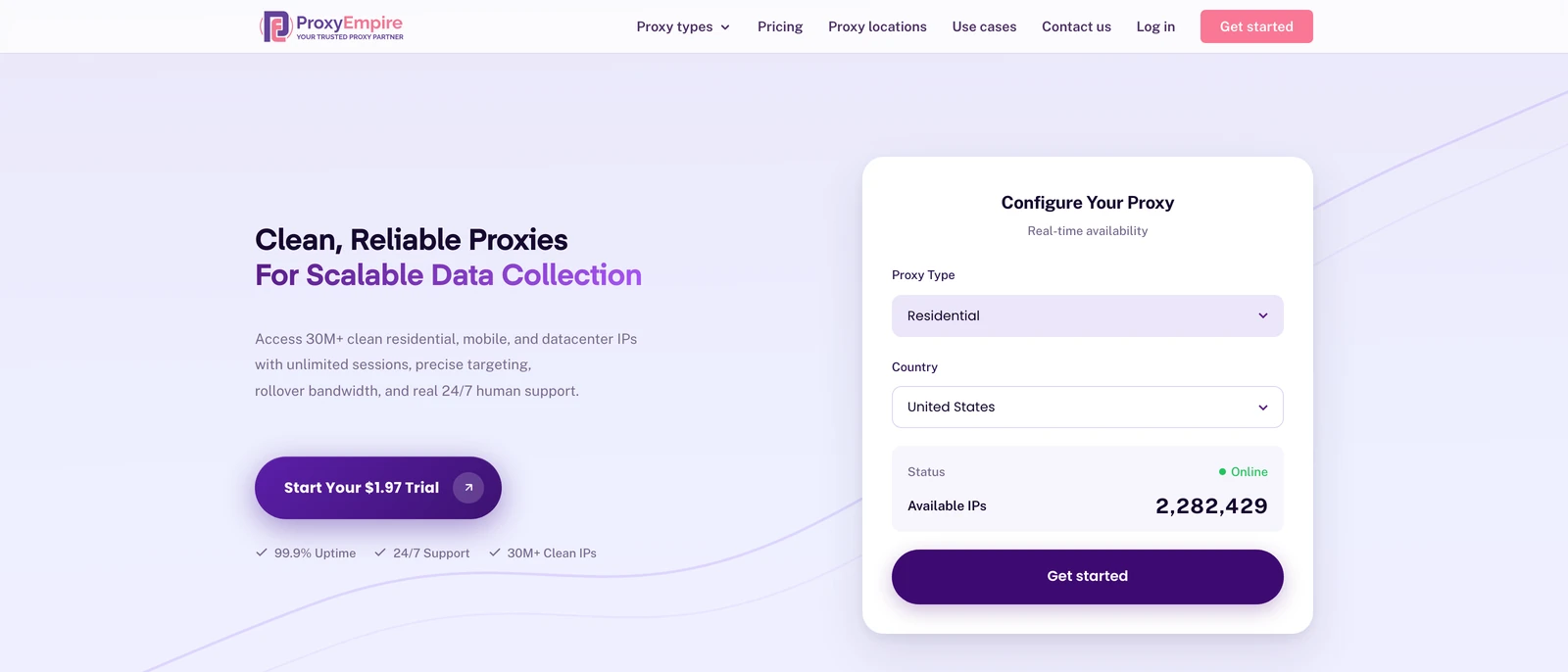
ProxyEmpire
Best overallProxyEmpire gives Google work the two IP types that look most like ordinary searchers: 30M+ residential IPs in 170+ countries and 4M+ 4G and 5G mobile IPs in 174, with ZIP-level targeting included and no concurrent session limit for large keyword sets.
- Country, region, city, ZIP, ISP or carrier, ASN and OS fingerprint targeting at no extra charge, with a new IP per request or sticky sessions
- 99.9% uptime, 24/7 support from real people, bandwidth that rolls over, and static residential IPs from $2.00 a month for accounts
- Not the lowest price per GB: DataImpulse charges a flat $1/GB, and static residential IPs are sold in 24 countries only
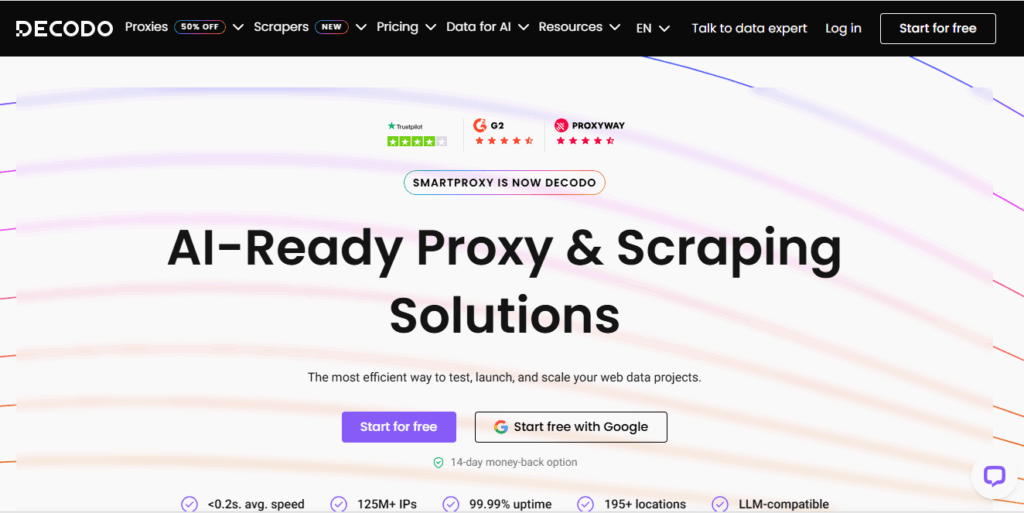
Decodo (formerly Smartproxy)
ZIP targeting with a free trialDecodo lists 115M+ residential and 10M+ mobile IPs, targets down to ZIP code and ASN, and sells a SERP scraper API for teams that would rather buy parsed results.
- ZIP targeting for local rank and Maps checks
- A free 100 MB trial and a 14-day money-back guarantee on the first purchase
- Sticky sessions default to 10 minutes (up to 24 hours if you set it), and $2.00/GB needs an enterprise-size plan
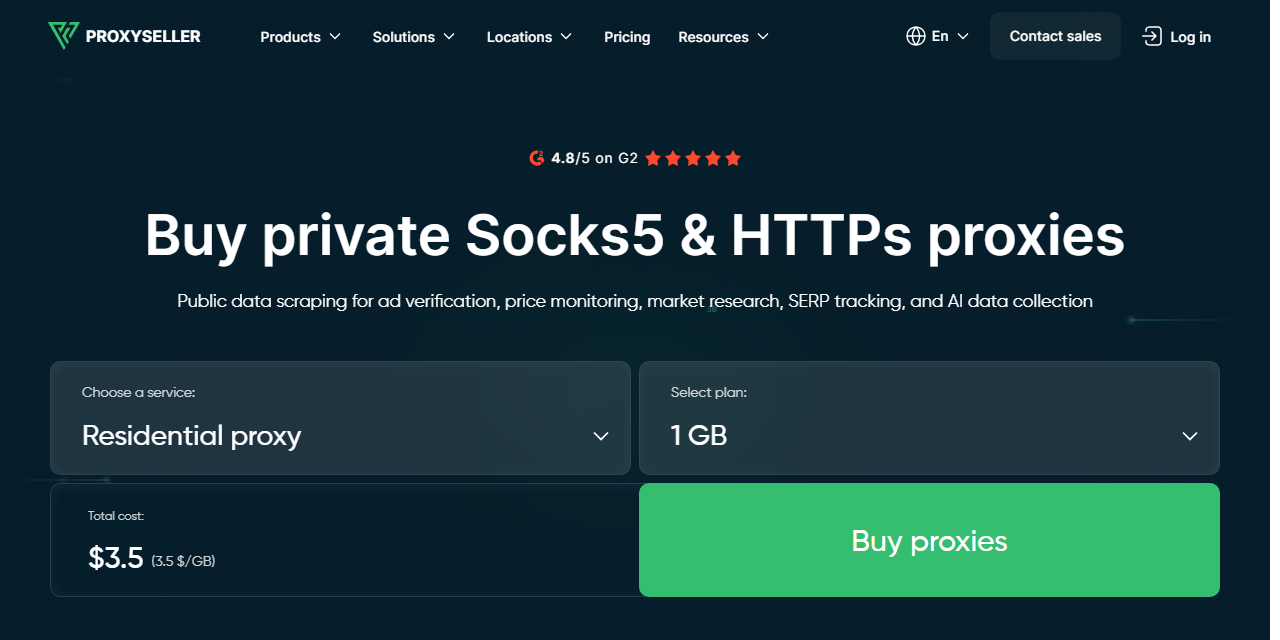
Proxy-Seller
Fixed IPs for Google accountsProxy-Seller lists 47M+ residential IPs in 220+ locations with city and ISP targeting, and rents fixed ISP IPs from $3.00 a month ($2.25 at 500 IPs) for accounts that sign in from one address.
- Rotation by time or request, or a sticky IP for the length of a task
- Dedicated mobile proxies, sold per port, for mobile checks
- Residential traffic expires 30 days after purchase, and no ZIP targeting is listed
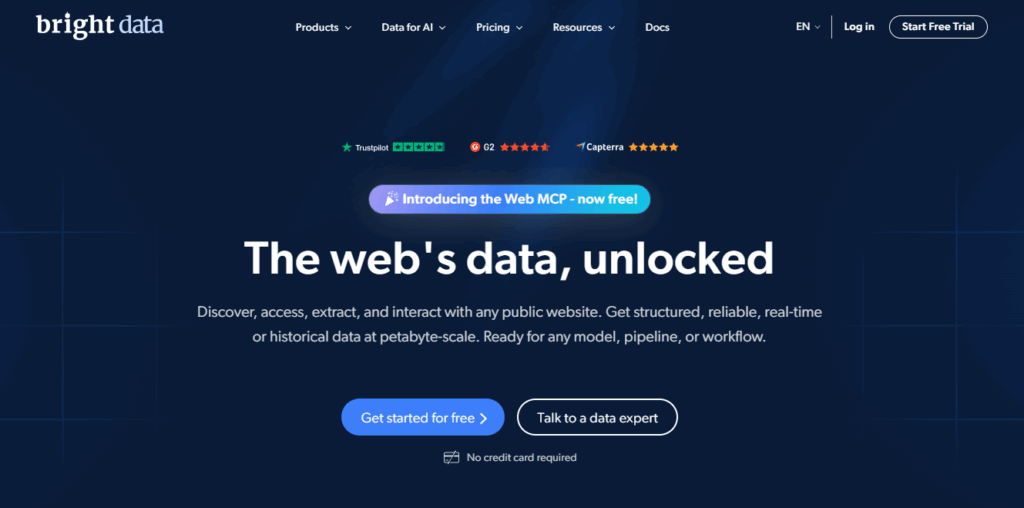
Bright Data
ZIP and carrier targeting at scaleBright Data lists 400M+ monthly residential IPs and 7M+ mobile IPs, and runs a SERP API for Google. Residential is currently half price: $4.00/GB pay as you go, falling to $2.50/GB on the 798 GB plan ($1,999 a month).
- ZIP, ASN and carrier targeting for local and mobile results
- A SERP API and datasets alongside the proxies
- Strict KYC for new users, and monthly commitments do not roll over
ResiProx
Residential and mobile on a small budgetResiProx sells rotating residential and rotating mobile proxies over HTTPS and SOCKS5, with country, region, city and ISP targeting on every plan.
- One trial covers residential and mobile, so you can compare desktop and mobile results
- ISP-level targeting from the first gigabyte
- Rotating proxies only — no static, ISP or datacenter IPs
Byteful
A free 1 GB testByteful, formerly Ping Proxies, lists 35M+ residential IPs in 195+ countries and 6M+ mobile carrier IPs, and its residential bandwidth never expires.
- A free 1 GB residential trial to test your own keywords
- Sticky sessions of up to 24 hours
- The smallest residential plan is 10 GB, and targeting stops at city and ISP
NodeMaven
Quality-filtered IPsNodeMaven lists 30M+ residential and 250K mobile IPs on one plan, screens each IP for quality before assigning it, and keeps sticky sessions for up to 24 hours. Its plans currently show 20% off, at $4.25 falling to $2.20/GB.
- An IP-quality filter before each IP reaches you
- Unused traffic rolls over to the next billing period
- Targeting stops at city and ISP, and there is no 1 GB plan or datacenter option

Oxylabs
Enterprise search dataOxylabs lists 175M+ residential and 20M+ mobile IPs, targets down to ZIP code and coordinates, and sells a SERP Scraper API, with an account manager on every plan.
- The most precise location targeting here, including coordinates
- Long sticky sessions for account work
- No pay as you go or residential trial: the smallest plan is 5 GB for $30 a month
SOAX
Mobile at the residential rateSOAX lists 155M+ residential IPs, charges one rate for residential and mobile traffic, and targets by region, city, ISP and ASN.
- Mobile IPs at the residential price, handy for mobile rank checks
- ISP and ASN targeting
- Plans are monthly spend tiers, and credits expire after 60 days
Webshare
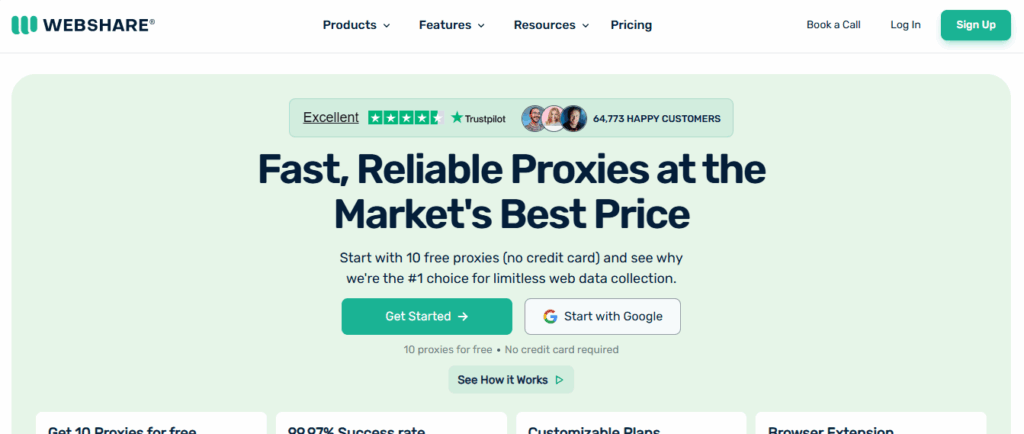
Desktop checks on a budgetWebshare lists 80M+ residential IPs on self-serve monthly plans from 1 GB at $3.50 to 1,000 GB at $1.50/GB, with ZIP and ASN targeting.
- ZIP targeting on low-cost plans
- Static residential IPs in the same dashboard
- No mobile proxies, the free proxies are datacenter IPs, and bandwidth does not roll over
DataImpulse
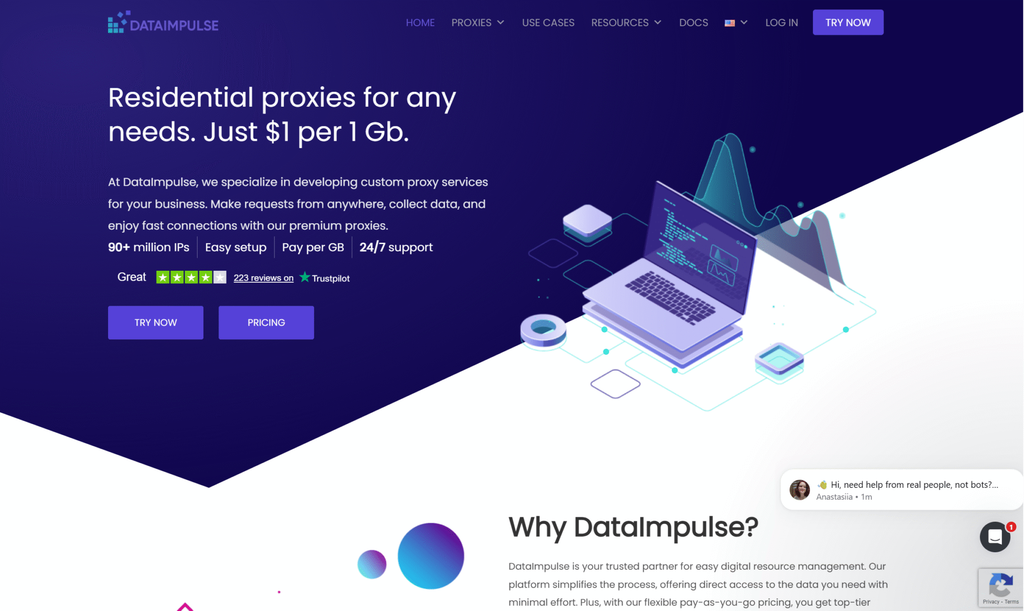
Lowest entry priceDataImpulse lists 90M+ residential IPs at a flat $1/GB with traffic that never expires, and sells mobile at $2/GB.
- The lowest price for a single GB in this comparison
- Pay as you go, with no subscription and no expiry
- Only country targeting is free; the city and ZIP targeting local checks need costs extra
Rayobyte
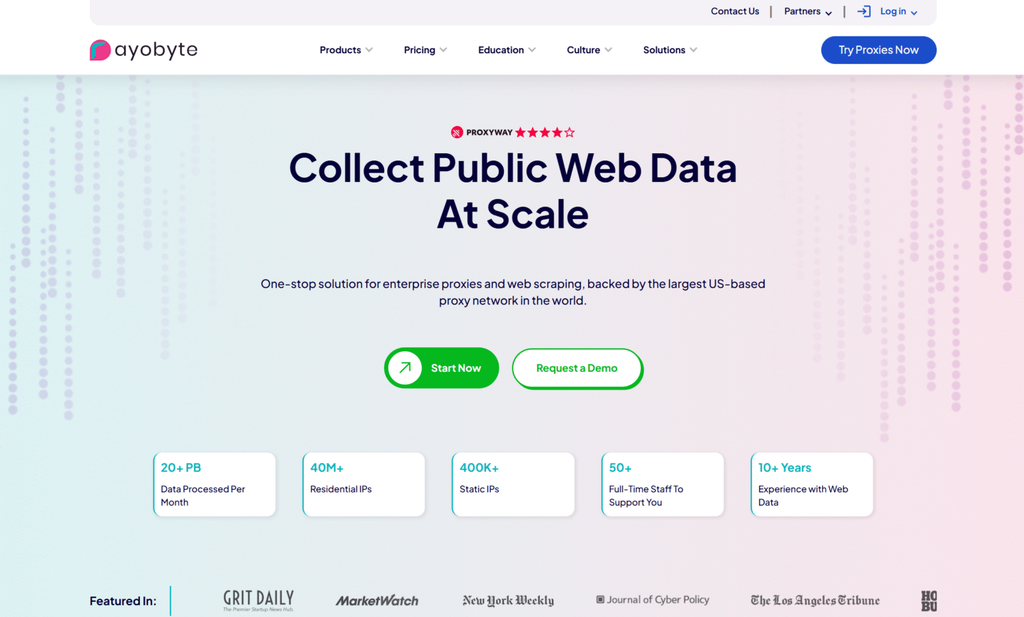
Lowest price at 1 TBRayobyte, formerly Blazing SEO, lists 40M+ residential IPs in 163+ countries, with state, city and ASN targeting and prices that fall from $3.50 to $0.70/GB at 1 TB.
- The lowest 1 TB rate in this comparison
- Pay-as-you-go bandwidth does not expire, and support runs 24/7
- Fewer listed countries than most here, and ISP proxies cost $5 per IP

IPRoyal
Long sticky sessionsIPRoyal lists 64M+ residential IPs, keeps sticky sessions for up to 7 days and never expires your traffic, which suits long signed-in tasks.
- Very long sessions on rotating residential IPs
- Traffic stays usable until you spend it
- The highest residential entry price here, and targeting stops at city level
Infatica
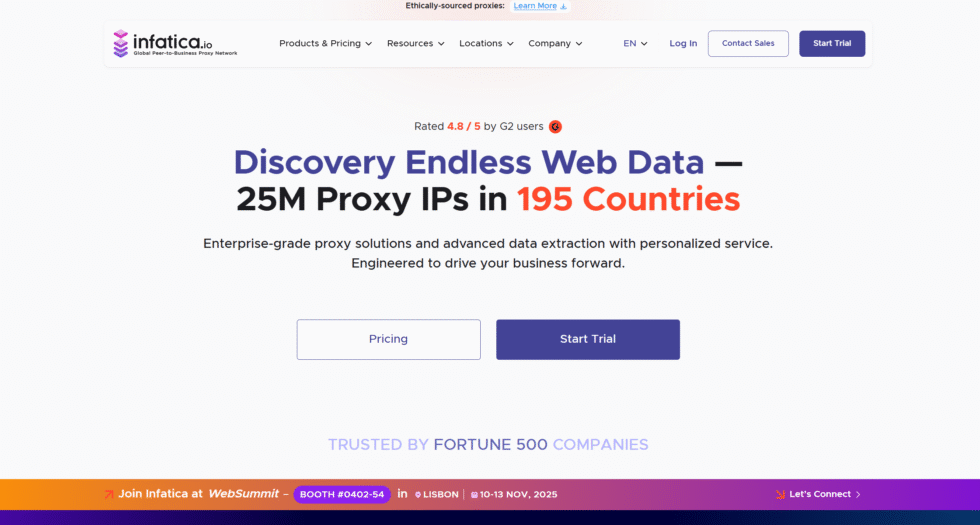
Annual billingInfatica lists 45M+ residential IPs in 195+ countries with city and ISP targeting, and sells mobile proxies from $8.00/GB, falling to $4.00 on larger plans.
- Annual billing brings 1 TB down to $2.08/GB
- Adjustable rotation time
- No ZIP targeting listed, and some of the higher mobile rates here
What is a Google proxy?
A local IP for search, ads, Maps and accountsA Google proxy is not a product from Google. It is an ordinary proxy, usually residential or mobile, that you point at Google so it sees an IP in the country, city or ZIP code you picked. That matters because Google is local: rankings, the map pack, Shopping results and ads change from market to market, and often within one city. Teams use Google proxies for five jobs:
- Local rank and SERP checks: see where pages rank in each city. More in our guide to proxies for SEO.
- Google Ads verification: confirm ads show in the right places with the right copy. See proxies for ad verification.
- Managing Google accounts: agencies keep each client’s Ads, Business Profile and Search Console login on its own IP and browser profile.
- Maps and Shopping checks: compare local packs, listings and product prices by neighbourhood.
- Search data at scale: a different job with its own tools, covered in our guide to the best Google scraping proxies.
Which proxy type for which Google job
Match the IP to the task| Google job | Proxy type | Session | Targeting |
|---|---|---|---|
| Local rank and SERP checks | Rotating residential | New IP per check | City or ZIP |
| Mobile rankings and ads | Rotating 4G/5G mobile | New IP or short sticky | City, carrier |
| Google Ads verification | Residential or mobile | Sticky through the click | City, ZIP, ISP or carrier |
| Signed-in Google accounts | Static residential (ISP) | The same IP every login | Country |
| Maps and Shopping checks | Rotating residential | New IP per check | City or ZIP |
Rotating residential proxies cover most Google work, and a results page uses little data. Mobile results often differ from desktop, so check them through rotating mobile proxies with a phone browser profile. For accounts your team opens every day, static residential proxies keep one address all month. Datacenter proxies are cheap (ProxyEmpire’s cost $0.625 falling to $0.40/GB at 1 TB), but they target by country only and Google challenges server IPs far more often.
Why Google shows CAPTCHAs and how residential IPs help
What the “unusual traffic” page meansGoogle’s help page explains that you see “Our systems have detected unusual traffic from your computer network” when a network seems to be sending automated searches. It names shared VPNs, shared office or school networks and malware as common causes. The page shows a reCAPTCHA, and the IP is challenged until the traffic stops.
That is why datacenter and free proxies fail on Google so quickly: their IP ranges are known to be servers, and many users share them. A residential IP belongs to a household broadband line, and a mobile IP is shared by many real phone users on a carrier network, so Google challenges them far less often. No provider can promise you will never see a CAPTCHA, but these habits keep them rare:
- Target the city or ZIP you are checking, not just the country.
- Use a new IP per check for rankings, and a sticky session or static IP for signed-in accounts.
- Pace your queries instead of sending thousands at once.
- Search signed out in a clean browser profile, so history does not personalise results.
- Give each Google account its own IP and profile, and never share them.
Free Google proxies: should you use one?
Why we don’t publish a listFree proxy lists are mostly datacenter servers and misconfigured devices shared by thousands of strangers. Google has usually flagged them already, so almost every search ends on a reCAPTCHA, and the operator can see or change your traffic. “Google Sites proxies” are public web-proxy pages hosted on Google Sites and shared to get around school or work filters; they are short-lived and see everything you type. That is why we don’t publish a list: it would be blocked or gone within days. For a real test, use a trial: ProxyEmpire’s costs $1.97, Byteful gives 1 GB free and Decodo offers three free days. Google’s terms, and any school or workplace rules, apply whichever proxy you use.
Google proxy FAQ
Short answersWhat is the best proxy for Google?
ProxyEmpire, in our 2026 comparison: 30M+ residential IPs from $1.50/GB, 4M+ 4G and 5G mobile IPs, city and ZIP targeting included, and a $1.97 trial.
Is a Google proxy the same as a proxy search engine?
No. A proxy search engine fetches results for you on its own site. A Google proxy is an IP you route your browser or tool through, so you see Google itself as a searcher in that location does.
Why does Google show “unusual traffic” through my proxy?
The IP is shared or looks automated, which is common with datacenter, VPN and free proxies. Switch to residential or mobile IPs, slow your queries down and use a new IP per check.
Can I check Google rankings for a specific city?
Yes. Set the proxy to that city or ZIP code and search in a clean, signed-out browser profile or your rank tracker. ProxyEmpire includes city and ZIP targeting at no extra cost.
Do datacenter proxies work with Google?
They connect, but Google answers server IPs with CAPTCHAs far more often and they usually target by country only. Use residential or mobile IPs for Google.
Should I use residential or mobile proxies for Google?
Residential for most desktop rank, Maps and Shopping checks, because it is cheaper per GB. Mobile for mobile rankings, the Google app and mobile ads, which often differ from desktop results.
Can I use proxies for Google Ads?
Yes, to verify where and how your ads appear, and to keep each client’s Ads login on its own IP. Our ad verification proxies comparison covers the providers in more detail.
How many Google accounts can I use per IP?
Use one account per IP and per browser profile. A sticky session or a static residential IP keeps each account on the same address every time it signs in.
Do Google proxies work in Chrome and rank trackers?
Yes, with any tool that accepts HTTP, HTTPS or SOCKS5 proxies with a username and password. See our guide to Chrome proxy settings.
Residential and 4G mobile IPs for every Google check
30M+ residential IPs from $1.50/GB and 4M+ mobile IPs from $2.00/GB, city and ZIP targeting included, sticky sessions per account and 24/7 support from real people. Try ProxyEmpire for $1.97.