A LINE proxy gives your LINE work an IP address in the market you serve. LINE’s main markets are Japan, Taiwan and Thailand, and teams that run LINE Official Accounts, ads or customer support there from abroad use local residential or 4G/5G mobile IPs to sign in from a steady location, see ads as local users do and research each market. We compared 12 paid providers on coverage in all three countries, mobile IPs, steady IPs per account, and price. For a ready-made setup, see ProxyEmpire’s social media proxies.
Quick answer
ProxyEmpire is the best LINE proxy provider in 2026. It covers all three of LINE’s main markets with residential and mobile IPs: all 47 Japanese prefectures, 61 locations in Taiwan and 109 in Thailand, with mobile IPs on 8 Japanese networks, all 3 Taiwanese carriers and AIS, True and dtac in Thailand. Residential runs from $1.50/GB, mobile from $2.00/GB, and static residential IPs in Japan from $2.00 a month. You can test it with a $1.97 trial.
Best LINE proxy providers compared
All 12 providers at a glance| # | Provider | Mobile proxies | Fixed IPs sold | Residential price | Best for |
|---|---|---|---|---|---|
| 1 | ProxyEmpire | Rotating 4G/5G, carrier targeting | Static residential (Japan) | $3.50 → $1.50/GB | Best overall |
| 2 | Decodo | Rotating, per GB | ISP, datacenter | $4.00 → $2.00/GB | Named Japanese carriers |
| 3 | Proxy-Seller | Dedicated ports | ISP, IPv4, dedicated mobile | $3.50 → $1.45/GB | A fixed IP per account |
| 4 | IPRoyal | Dedicated lines | ISP, datacenter | $7.00 → $3.36/GB | Long sessions and city lists |
| 5 | ResiProx | Rotating, per GB | Not sold | $3.50 → $1.75/GB | Residential and mobile on a small budget |
| 6 | Byteful | Rotating, per GB | Static residential, datacenter | $3.25 → $1.95/GB | Traffic that never expires |
| 7 | NodeMaven | Rotating, same plan as residential | ISP | $5.31 → $2.75/GB | Quality-filtered IPs |
| 8 | Oxylabs | Rotating, per GB | ISP, datacenter | $6.00 → $2.50/GB | Enterprise teams |
| 9 | SOAX | Same rate as residential | Not sold | $5.00 → $1.50/GB | Carrier targeting |
| 10 | Bright Data | Rotating, per GB | ISP, datacenter | $4.00 → $2.50/GB | Four IP types in every market |
| 11 | Webshare | Not sold | Static residential, datacenter | $3.50 → $1.50/GB | Free starter plan |
| 12 | MarsProxies | Rented by the day | ISP, datacenter | $4.99 → $2.10/GB | Four proxy types in one account |
All 12 providers list Japan, Taiwan and Thailand among their locations. “Mobile proxies” and “Fixed IPs sold” describe each provider’s products; which ones it sells in a given country is covered in the reviews. The price column shows the regular rate on the smallest residential plan, then the lowest rate published at 1 TB or less. Bright Data is shown at its current 50% discount (list $8.00 → $5.00/GB); other promotions are covered in the reviews. ProxyEmpire’s mobile price is today’s 50% discount on list. IP counts are each provider’s own figures. Checked on 25–29 September 2026.
How we compared LINE proxy providers
What LINE work needs from a proxyLINE is a phone-first app, and business accounts are tied to one market. So we looked first at real coverage in Japan, Taiwan and Thailand, then at mobile IPs, then at whether you can keep one IP per account, and finally at price.
The 12 best LINE proxies in 2026
Residential and mobile proxy services, reviewed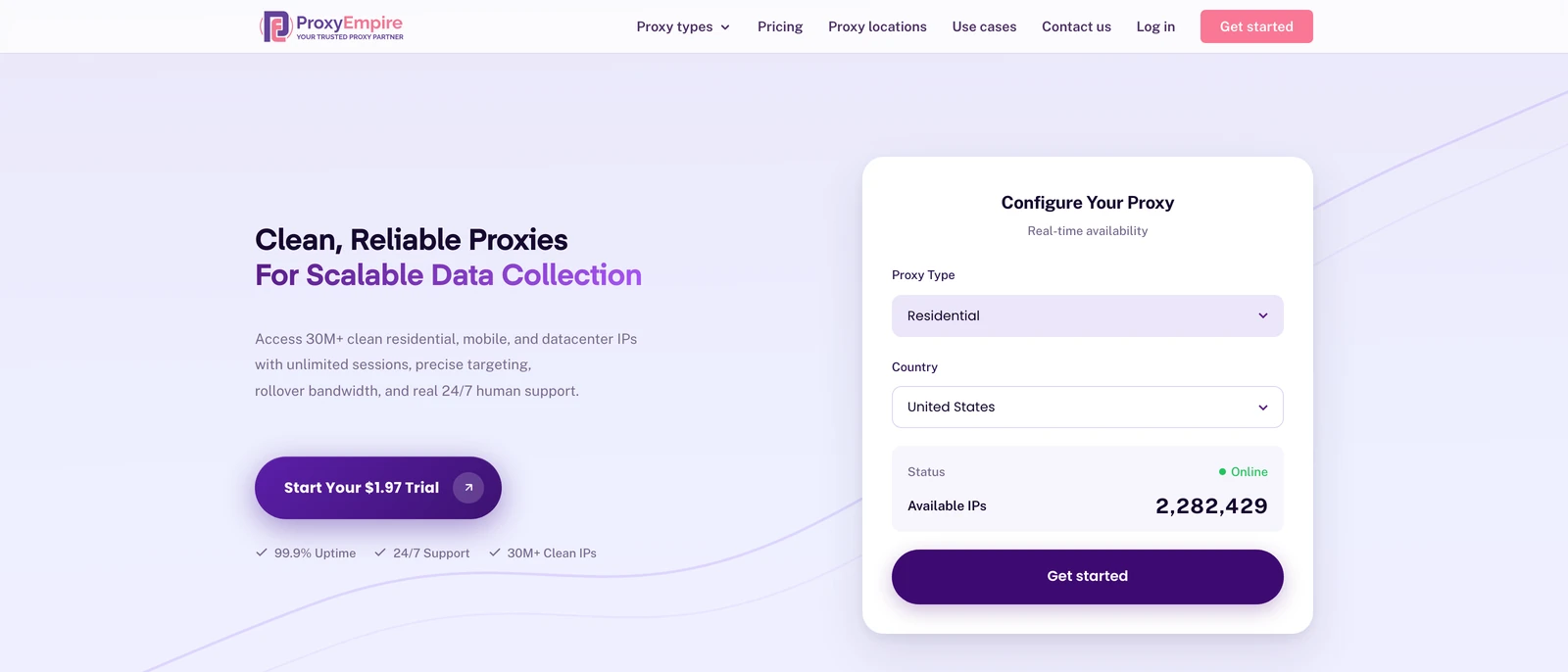
ProxyEmpire
Best overallProxyEmpire covers all three of LINE’s main markets with residential, mobile and datacenter IPs. Its mobile pool includes NTT docomo, au (KDDI), SoftBank and Rakuten Mobile in Japan, Chunghwa Telecom, Taiwan Mobile and Far EasTone in Taiwan, and AIS, True and dtac in Thailand.
- Sticky sessions keep one IP per account, with region, city, ZIP, ISP and carrier targeting at no extra charge
- Static residential IPs in Japan from $2.00 a month, and 24/7 support from real people
- Static IPs are not sold in Taiwan or Thailand, and there is no UDP support
Decodo (formerly Smartproxy)
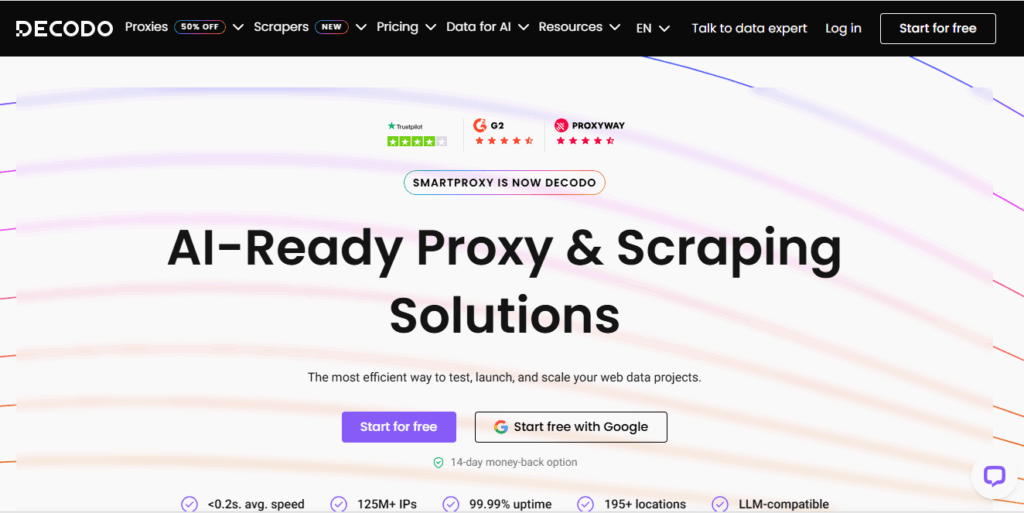
Named Japanese carriersDecodo’s Japan page offers carrier-specific mobile targeting on NTT Docomo, SoftBank and au by KDDI, and its Taiwan and Thailand pages sell residential and mobile IPs.
- A free 100 MB trial and a 14-day money-back guarantee on the first purchase
- 24/7 technical support
- Sticky residential sessions default to 10 minutes (up to 24 hours if you set it), and it publishes no IP count for the three countries
Proxy-Seller
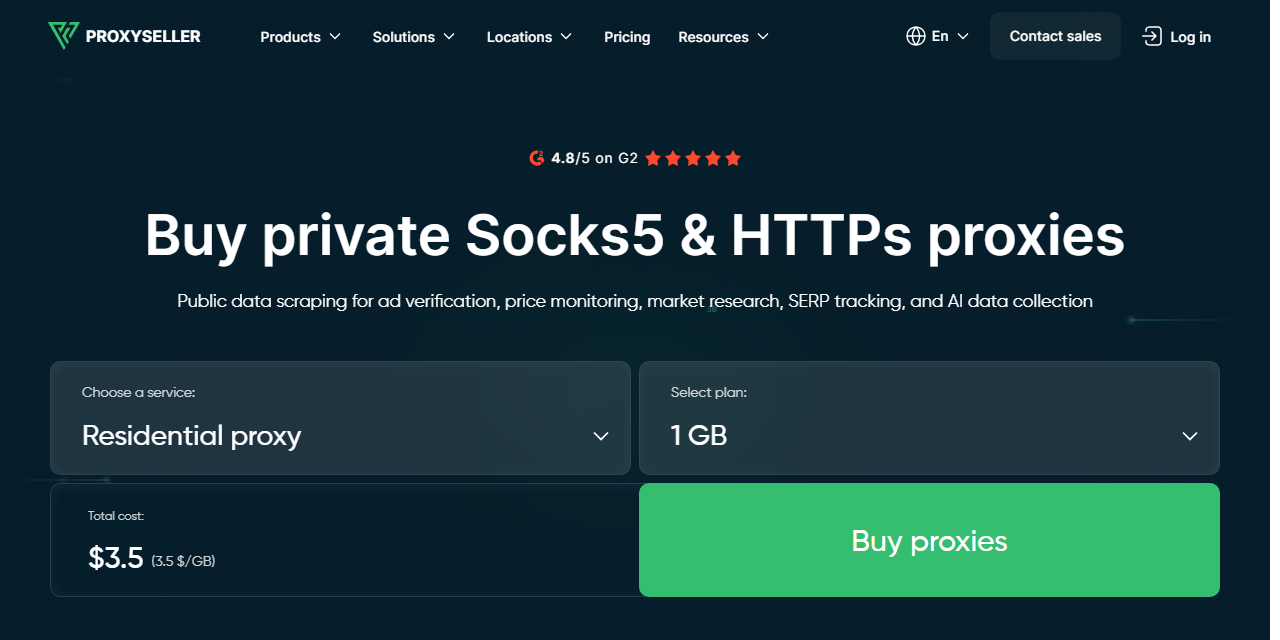
A fixed IP per accountProxy-Seller’s order forms for Japan, Taiwan and Thailand all include ISP, datacenter IPv4, mobile and residential proxies, so you can rent a fixed IP in each account’s market.
- Username and password or IP allow-list authentication
- States city-level targeting in all three countries
- Residential traffic expires 30 days after purchase, and no city is named

IPRoyal
Long sessions and city listsIPRoyal publishes the deepest city lists here, with more than 700 Japanese city pages and 28 in Taiwan, and lists 487,067 Japanese, 126,199 Taiwanese and 430,750 Thai IPs.
- Very long sessions keep one IP per account
- Traffic never expires
- The highest residential entry price here, and mobile comes only as dedicated lines
ResiProx
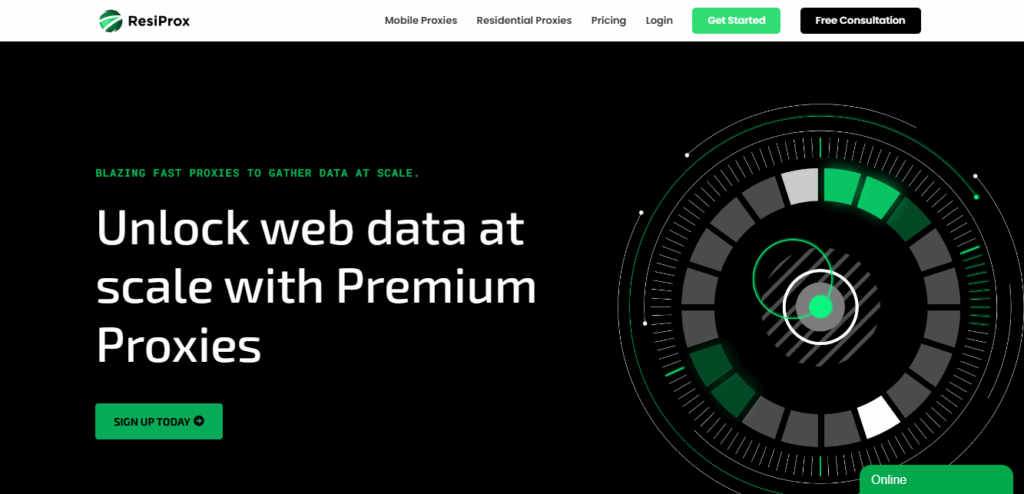
Residential and mobile on a small budgetResiProx sells residential and mobile IPs in Japan, Taiwan and Thailand. Its Japan page names NTT Docomo, SoftBank and KDDI, and its Taiwan page all three Taiwanese carriers.
- Country, region, city and ISP targeting on every plan, over HTTPS or SOCKS5
- One trial covers both residential and mobile
- Rotating proxies only — no static, ISP or datacenter IPs
Byteful
Traffic that never expiresByteful, formerly Ping Proxies, lists 139,259 monthly active IPs in Japan, 290,923 in Taiwan and 387,364 in Thailand, and sells residential, static residential and datacenter proxies there.
- A free 1 GB residential trial
- Sticky sessions of up to 24 hours
- The smallest residential plan is 10 GB, and static IPs come in blocks of at least 10
NodeMaven
Quality-filtered IPsNodeMaven offers residential and mobile IPs in all three countries, naming Tokyo, Osaka and Yokohama in Japan and Bangkok, Chiang Mai and Pattaya in Thailand, and screens each IP before assigning it. Its plans currently show 20% off, at $4.25 falling to $2.20/GB.
- Sticky sessions of up to 24 hours, and mobile IPs on the same plan as residential
- Unused traffic rolls over
- No 1 GB plan, no datacenter proxies, and no IP count for the three countries

Oxylabs
Enterprise teamsOxylabs lists 2,633,211 Japanese, 3,178,210 Taiwanese and 2,699,601 Thai IPs, figures that combine residential and datacenter addresses, and its Japan and Thailand pages add mobile proxies.
- State, city, ZIP and ASN targeting
- Account management on every plan
- The smallest plan is 5 GB for $30, there is no residential trial, and its Taiwan page shows no mobile
SOAX
Carrier targetingSOAX sells residential and mobile IPs in all three countries, lists 210,600 Japanese, 48,360 Taiwanese and 539,640 Thai IPs, and lets you target a region, city or carrier.
- Mobile IPs at the residential price
- Carrier choice for phone-based accounts
- Credits expire after 60 days, no fixed IPs, and no carrier is named for the three countries
Bright Data
Four IP types in every marketBright Data sells residential, mobile, ISP and datacenter IPs in all three countries, lists 162,093 Japanese, 157,540 Taiwanese and 353,228 Thai IPs, and includes city and ZIP targeting at no extra cost.
- Carrier and ASN targeting
- Every IP type from one account
- Strict KYC for new users, and a monthly commitment does not roll over
Webshare
Free starter planWebshare lists 302,815 Japanese, 489,672 Taiwanese and 325,577 Thai IPs, not split by product, and its free plan gives you 10 datacenter proxies to test with.
- SOCKS5 on every plan at no extra charge
- Country, city, ZIP and ASN targeting on residential
- No mobile proxies, and monthly bandwidth does not roll over
MarsProxies
Four proxy types in one accountMarsProxies has pages for all three countries, listing 133,030 Japanese, 90,886 Taiwanese and 67,895 Thai IPs across its datacenter, ISP and residential products.
- 24/7 support
- Fixed ISP IPs with no data cap
- It lists 1M+ residential IPs, the smallest pool figure here, and has no free trial
What a LINE proxy is for
Business uses in LINE’s marketsLINE runs LINE for Business sites for Japan, Taiwan and Thailand, and many brands that sell there manage their accounts from abroad. A proxy gives that work a local, steady connection:
- LINE Official Accounts from abroad. LINE Official Account Manager runs in a web browser. Signing in through a residential IP in the account’s market, and keeping the same IP each time, keeps your login location consistent.
- Checking ads and landing pages. See how your LINE ads, coupon pages and the sites they link to load for a visitor in Tokyo, Taipei or Bangkok. Our ad verification proxies page covers this in depth.
- Support and marketing teams. Give each agent or client account its own sticky IP in the right country, so shared accounts are not signed in from several places at once.
- Market research. Collect public pages, search results and app store listings as local users see them.
LINE’s terms and local laws apply whichever proxy you use; a proxy does not make spam or fake accounts acceptable.
Proxy types for Japan, Taiwan and Thailand
What ProxyEmpire offers in each market| Japan | Taiwan | Thailand | |
|---|---|---|---|
| Rotating residential | 47 prefectures, 234 cities and districts | 21 areas, 61 locations | 73 provinces, 109 locations |
| Rotating mobile | 8 networks, incl. docomo, au, SoftBank, Rakuten | Chunghwa Telecom, Taiwan Mobile, Far EasTone | AIS, True, dtac |
| Static residential | Yes, $3.50 → $2.00/IP a month | Not sold | Not sold |
| Datacenter | Country-level | Country-level | Country-level |
- 4G/5G mobile suits phone-first work: LINE lives on phones, and mobile IPs are shared by many real subscribers. Pick the carrier and country that match the account.
- Rotating residential with a sticky session is the all-round choice for browser work such as Official Account Manager, ad checks and research.
- Static residential suits a main account that signs in every day from the same place. For Japan, it is on the same account as everything else.
- Datacenter is fast and cheap for public-page research, but weaker for account sign-ins.
See the country pages for Japan proxies, Taiwan proxies, Thailand proxies and Indonesia proxies, or our rotating mobile proxies.
How to use a proxy with LINE
Browser, Android and checksYou need four details: the server (host), the port, a username and a password. With ProxyEmpire, residential and mobile proxies use the server v2.proxyempire.io and port 5000. Set the country, city or carrier and a sticky session in the dashboard, then copy the username and password it generates.
In a browser (Official Account Manager and web tools)
- Create one browser profile per account, in an anti-detect browser or a separate browser profile with a proxy extension.
- Choose HTTP or SOCKS5 and enter the host, port, username and password.
- Open an IP-check page in that profile and confirm the country and city, then sign in to LINE’s web tools.
On Android
Android’s built-in Wi-Fi proxy has no username and password fields. ProxyEmpire’s free Proxy Manager app handles the login, lets you pick the country, city and a sticky session, and can route just the LINE app or the whole phone. See our Android proxy setup guide.
Good habits
- One account, one IP. Keep each account on its own sticky session or static IP in its market.
- Messaging, not calls. ProxyEmpire proxies don’t carry UDP, which real-time voice and video calls often use, so plan on messaging, account admin and research.
- LINE for PC. We found no proxy guidance for the desktop app in LINE’s help centre, so for computer work use the browser route above.
LINE proxy FAQ
Short answersWhat is a LINE proxy?
A proxy server that your LINE work connects through, so it uses an IP address in the country you choose, usually Japan, Taiwan or Thailand, instead of your own.
What is the best proxy provider for LINE?
ProxyEmpire, in our 2026 comparison: residential and 4G/5G mobile IPs in all three of LINE’s main markets, carrier targeting, sticky sessions, static IPs in Japan from $2.00 a month and a $1.97 trial.
Which proxy type is best for LINE Official Accounts?
A residential proxy with a sticky session, or a static residential IP, in the account’s market. Both keep your sign-in location the same from day to day.
Does a proxy change my LINE account’s country?
No. A proxy changes the IP address your traffic comes from. Your LINE account keeps the country and phone number it was registered with.
Should I use mobile or residential proxies for LINE?
Mobile IPs suit work done in the phone app. Residential IPs cost less per GB and suit browser work, ad checks and research.
Can I use one proxy for several LINE accounts?
It is better not to. Give each account its own sticky session or static IP, and run each one in its own browser profile or device.
Can I make LINE calls through a proxy?
Plan on messaging and admin work instead. ProxyEmpire proxies don’t carry UDP, which real-time voice and video calls often rely on.
Is there a free LINE proxy?
Free public proxies are shared by strangers, rarely located in the right country and gone within days, so we don’t publish a list. Webshare’s free plan and ProxyEmpire’s $1.97 trial are safer ways to test.
Can I set up a LINE proxy on my phone?
Yes, on Android. ProxyEmpire’s free Proxy Manager app logs in for you and can route just the LINE app through a Japanese, Taiwanese or Thai IP.
Residential and mobile IPs for LINE’s markets
All 47 Japanese prefectures, 61 locations in Taiwan and 109 in Thailand, 4G/5G IPs on local carriers, sticky sessions per account and 24/7 support from real people. Try ProxyEmpire for $1.97.