
A school Chromebook lives in the browser, so network routing matters more than extra apps. The best proxies for school Chromebook use help route Chrome traffic through a clean IP for homework research, public web checks, and QA. Pick HTTPS tools that work with ChromeOS settings and keep sessions steady on managed or personal devices.
For students using ChromeOS, unblocked proxies for school can provide another option for accessing public research resources and educational websites through a stable connection. Comparing these solutions with the best proxies for school can also highlight options suited to browser-based research, QA, public web checks, and other school-related workflows.
Discover the Best Proxies For School Chromebook in 2026 – ProxyEmpire.
Why School Chromebooks Need A Different Proxy Setup

ChromeOS is not a laptop with lots of install options. Most work happens in Chrome. That is why a school Chromebook proxy has to fit the browser, the Wi-Fi profile, and the device policy.
Many school units are managed. An admin can lock network settings, block extensions, and push a PAC file. On those devices, a user cannot always change the proxy panel. On a personal Chromebook, or a profile that still allows network edits, ChromeOS keeps proxy settings on each Wi-Fi network. You open Settings, pick the network, open Proxy, then choose a direct connection, a PAC file, or a manual host and port.
The best proxies for school Chromebook setups share a few traits:
- HTTPS support so Chrome can load modern sites
- Username and password auth, since a school Wi-Fi IP often changes
- A Chrome-friendly workflow, such as OS settings or a simple browser manager
- Clean residential or mobile IPs for public pages that treat home traffic as normal
- Sticky sessions when you need the same IP for a longer research window
Web proxies that open inside a tab can work when the OS proxy menu is locked. They are slower, and many schools already flag popular proxy domains. Paid rotating residential proxies sit closer to real home traffic and hold up better for long homework, QA, and public data work. School rules still apply. A managed Chromebook belongs to the school. Device logs, filter vendors, and Acceptable Use Policies can still apply even if traffic leaves through another IP.
What To Look For Before You Pick A Chromebook Proxy
Start with the device, not the brand.
1. Can you edit the network?
If Proxy is grey, the unit is under policy. A browser web proxy may still load. An OS-level proxy will not.
2. Do you need one stable IP or many IPs?
Static residential proxies keep the same ISP-issued address for weeks. That helps logins, dashboards, and long study sessions. Rotating pools change IPs on a timer or on each request. That helps large-scale public data collection, market research, and workflows that benefit from automatic IP rotation.
3. Is the work desktop-like or phone-like?
Home IPs fit most Chrome research. Rotating mobile proxies fit checks that should look like 4G or 5G traffic.
4. How much bandwidth will Chrome use?
Video lessons and large pages burn data fast. Unlimited residential proxies help when you do not want a tight GB cap.
5. What protocol does the tool accept?
ChromeOS manual mode can take HTTP or SOCKS hosts. SOCKS5 is useful when you want one endpoint for mixed traffic. Confirm HTTP proxy, HTTPS proxy, and SOCKS5 proxy before you buy.
Free web proxies are easy to try. They also get crowded, show ads, and drop on video. For class research that must stay up, a paid residential network is the safer base.
Best Proxies For School Chromebook
1. ProxyEmpire – Best Proxies For School Chromebook
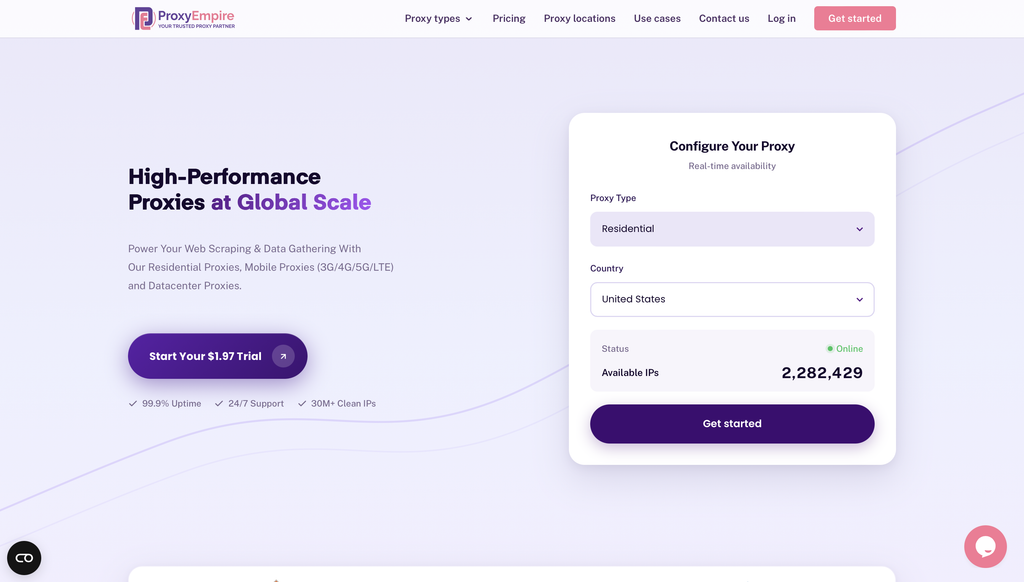
ProxyEmpire is a premium proxy service provider designed to empower public data collection and viewing public web experiences across supported locations through a vast network of ethically sourced residential, mobile, and datacenter proxies.
Overview of ProxyEmpire
ProxyEmpire offers a comprehensive suite of proxy solutions tailored for individuals, businesses, and developers seeking reliable, high-performance tools for data gathering and privacy protection. With over 30 million clean IP addresses spanning 170+ countries, ProxyEmpire provides unparalleled global coverage, supporting large-scale public data collection with a 99.9% uptime and lightning-fast response times (as low as 0.6 seconds).
Proxy Types and Features:
🏘️ Rotating Residential Proxies
Key Benefits
- Extensive Network Coverage: Access to over 30 million IPs worldwide across every major region, supporting public data collection with selection options by country, city, state, and ASN/ISP
- High Reliability: A 99.86% uptime ensures uninterrupted service, supported by patented technology for enhanced speed and security.
- Ethical Sourcing: Proxies are responsibly harvested, ensuring quality and compliance.
- Versatile Use Cases: Supports public data collection, price monitoring, market research, SEO tracking, ad verification, automation, and viewing public web experiences across supported locations. Rotating residential proxies and rotating mobile proxies are best for large-scale public data collection, market research, and workflows that benefit from automatic IP rotation. Static residential proxies are better when a longer, consistent session is required.
- Integration-Friendly: Compatible with standard proxy protocols (HTTP, SOCKS5) and third-party tools like Multilogin, Dolphin Anty, Kameleo, Octobrowser, and Gologin.
- No Hidden Fees: Transparent pricing with all features included, starting at a $1.97 trial.
Use case:
2. ResiProx
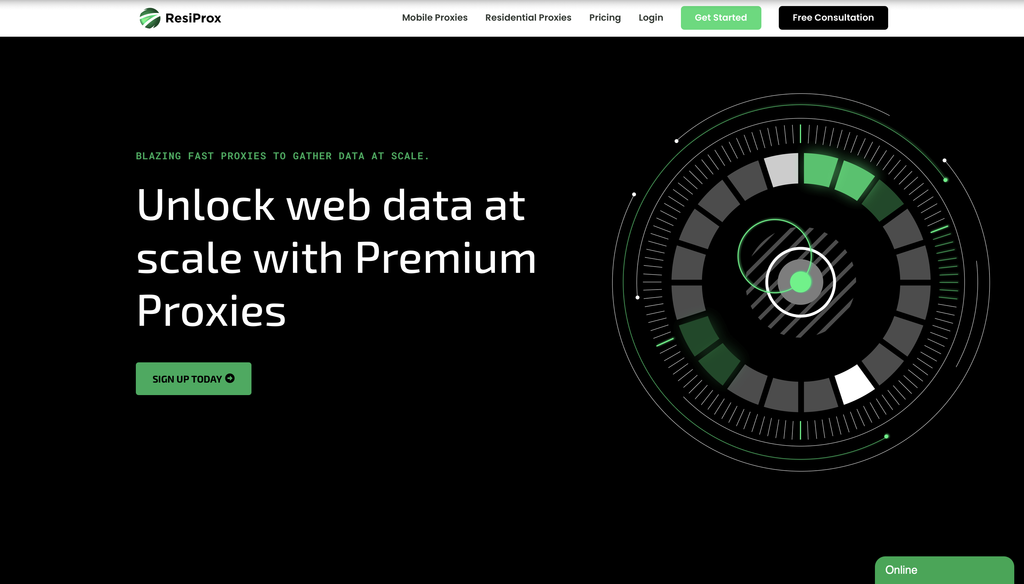
ResiProx is a residential and mobile proxy network built for people who need clean home-style IPs in Chrome, including on a Chromebook. The product line stays focused: rotating residential proxies and rotating mobile proxies, with sticky sessions when you want the same address for a longer study or QA window. You generate a host, port, username, and password in the dashboard, then paste those values into ChromeOS network settings when the Proxy panel is unlocked. HTTP, HTTPS, and SOCKS5 are all supported, which matches what ChromeOS manual mode can accept.
The pool covers many countries, with country, region, city, ZIP, ISP, and carrier filters available on the rotating products. That helps when a homework portal, public news site, or research page should look like traffic from a real home or phone line. Sessions can rotate on each request or stay sticky for a set window, so you can switch between public data collection and a longer, consistent session without opening a second vendor. The dashboard includes an endpoint generator, usage views, and a public API for teams that later move the same credentials into scripts. Plans are pay as you go, unused traffic can carry forward on many packages, and concurrent sessions are not capped for approved workflows. Support and docs walk through common tools, so a Chromebook user is not forced into a desktop-only setup.
- Key features: rotating residential and mobile IPs, sticky or rotating sessions, HTTP/HTTPS/SOCKS5, country/region/city/ISP/carrier filters, endpoint generator, public API
- Facts and Information: Ethically sourced home and carrier IPs. Simple two-product lineup that still covers most ChromeOS research and QA work. Dashboard is built for self-serve setup rather than a long sales call.
3. Decodo
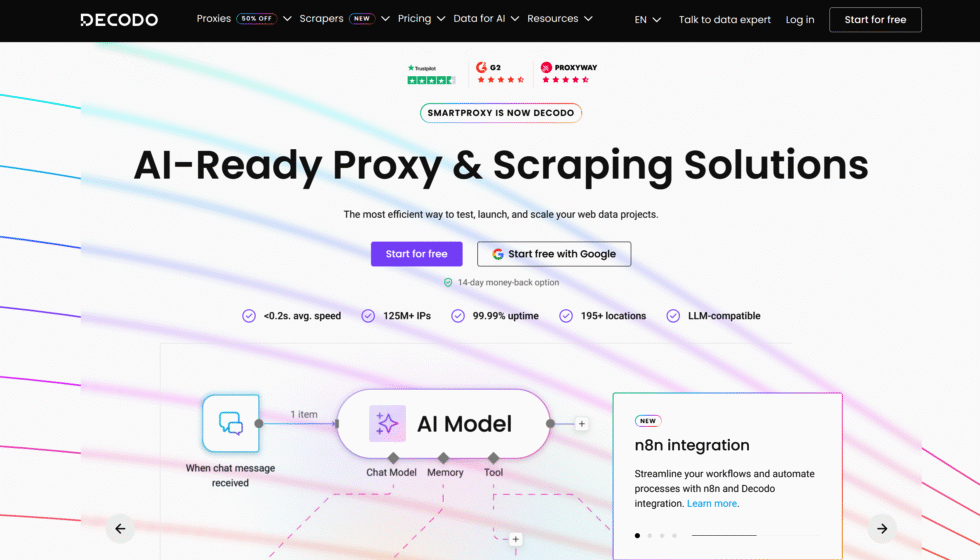
Decodo is the current name for the service many people still call Smartproxy. It sells residential, ISP, datacenter, and mobile proxies from one dashboard, which is useful if you want to test more than one IP type on the same Chromebook profile. A Chrome extension exists for personal devices where the Web Store is open. On a school-managed unit that blocks extensions, you still use host, port, and login in ChromeOS network settings when those fields are not locked.
The panel is clear, targeting goes to city and ASN on many plans, and sticky or rotating sessions are both available. Decodo is a solid mid-market pick for small research teams. It is less of a one-tab web proxy and more of a full proxy account. If the admin has frozen the Proxy menu and blocked extensions, you will need another path, such as a web proxy tab. For an unmanaged Chromebook, Decodo is easy to live with day to day.
- Key features: multi-type IP catalog, Chrome extension on open devices, city and ASN filters, sticky and rotating sessions, HTTP and SOCKS support
- Facts and Information: Rebranded from Smartproxy. Strong onboarding. Extension-first habits can stall on locked school policies.
4. Oxylabs
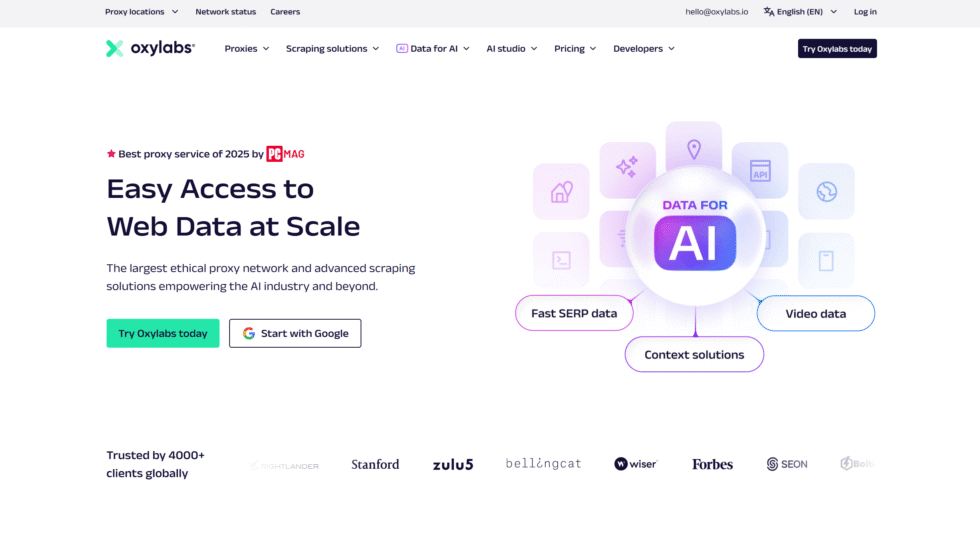
Oxylabs is an enterprise proxy company in Vilnius, Lithuania. It offers residential, ISP, datacenter, and mobile products used by large research groups. Protocols and APIs are mature, so ChromeOS can take a standard authenticated endpoint when the network panel is open. City and ASN filters help when a public page should look like a specific home network.
The platform is built for companies, not for a single student tab. Docs and support are strong, yet the menus and approval steps can feel heavy if you only need one browser on one Chromebook. It is a better match for approved business research, ad verification, and market research than for a quick homework session. If your school device locks settings, Oxylabs will not magically open the Proxy panel for you.
- Key features: large multi-type network, APIs, city and ASN filters, HTTP and SOCKS, long sticky windows on many plans
- Facts and Information: Trusted by enterprises. Reliable infrastructure. Extra tooling can be more than a classroom device needs.
5. Bright Data
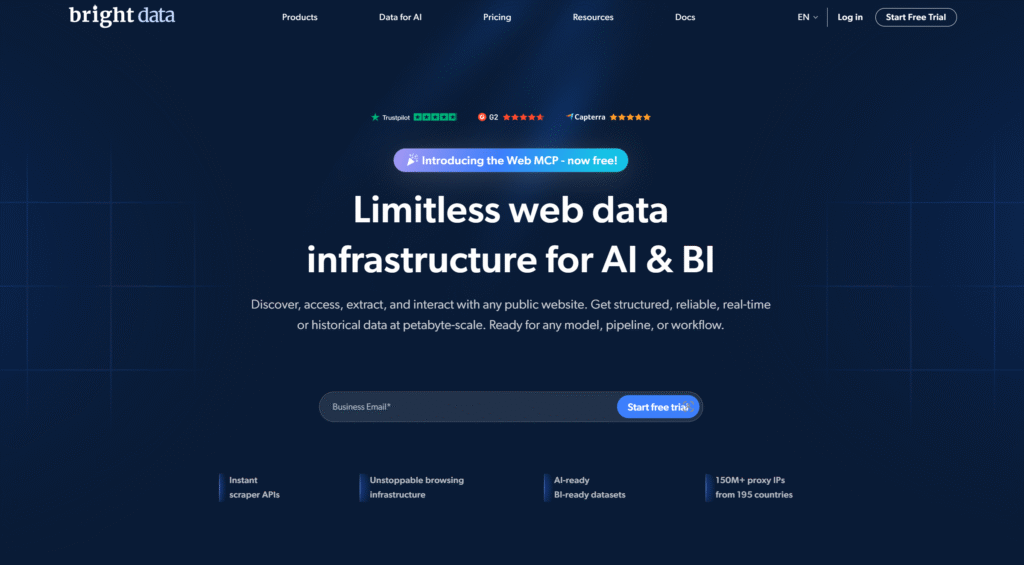
Bright Data, based in Israel, runs one of the best known proxy platforms. It sells residential, ISP, mobile, and datacenter IPs plus extra collection tools around the network. Chromebook users who can edit Wi-Fi settings can point Chrome at a Bright Data endpoint with username and password. Targeting is detailed, and the company puts weight on compliance reviews for business accounts.
The same breadth that helps agencies can slow a single student. There are more products, more screens, and more setup choices than a basic ChromeOS job requires. Companion software may not install on a managed school image. Treat Bright Data as a serious research stack. Use it when you already need that stack, not when you only need a host and port for one filtered Wi-Fi network.
- Key features: multi-type IPs, proxy manager tools, fine location filters, large partner network
- Facts and Information: Long track record with enterprises. Feature-rich. Heavier than a simple ChromeOS setup.
6. IPRoyal
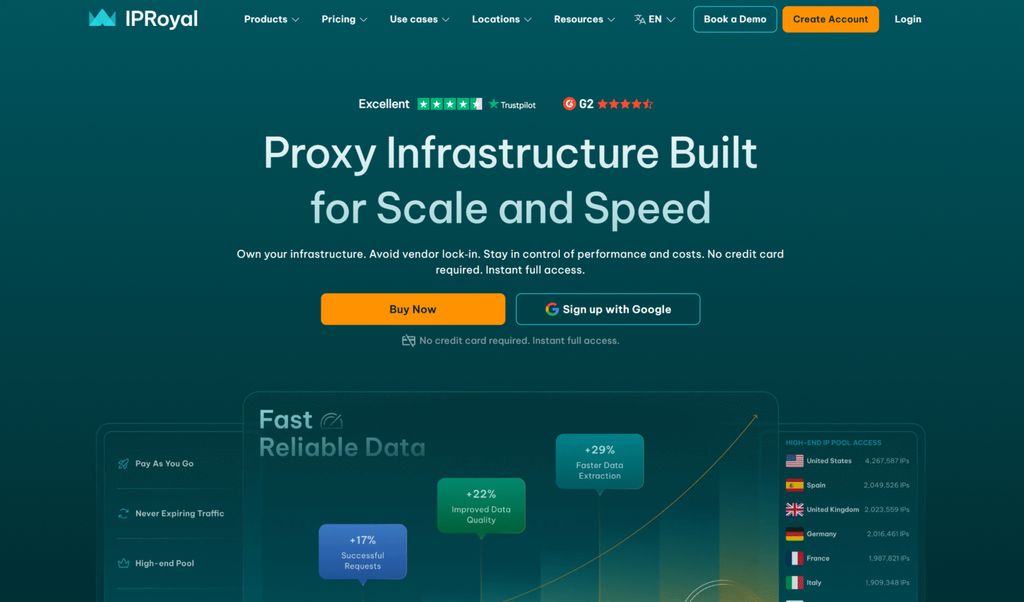
IPRoyal is a Lithuania-based provider that many individuals pick when they want a plain dashboard and a mix of residential and datacenter IPs. You copy the endpoint into ChromeOS when the Proxy section is available. HTTP and SOCKS5 show up across many products, so the Chromebook side of setup stays familiar.
The catalog is smaller than the giant enterprise brands, and some plans have fewer city-level controls. Support is available, but it is closer to self-serve help than a named account team. For light research on a personal Chromebook, that is often enough. For long QA or location-based testing with residential IPs, you may want a wider home-IP pool.
- Key features: residential and datacenter options, dashboard access, HTTP and SOCKS5, session controls on paid lines
- Facts and Information: Popular with individuals and small projects. Simpler than Oxylabs. Fewer advanced session tools than the largest networks.
7. SOAX
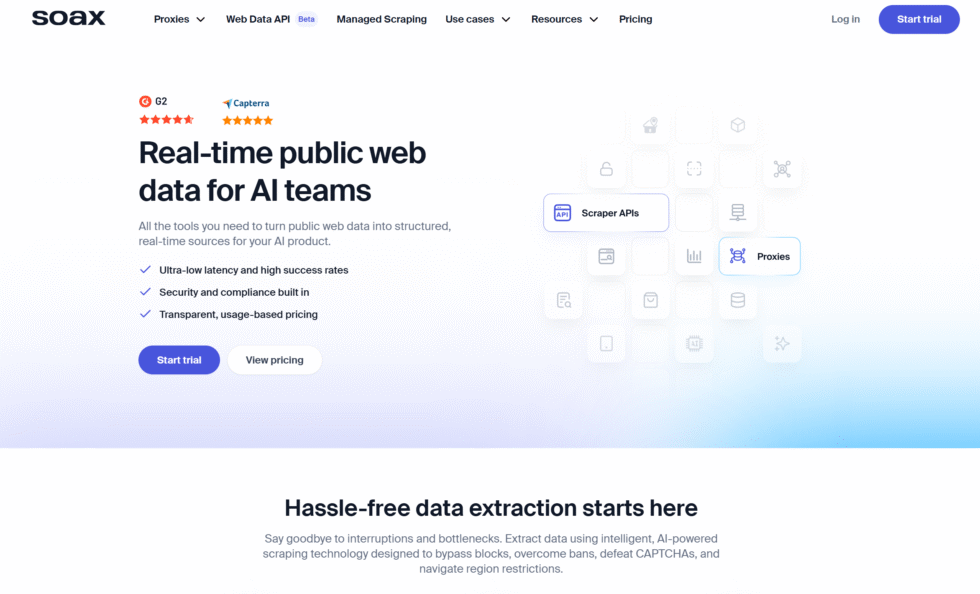
SOAX focuses on mixed residential and mobile IPs with careful city and ISP selection. Teams use it when a public page should come from a chosen area for market research or page checks. Sticky sessions are available, and the dashboard gives a lot of control over how IPs are picked.
New users can spend extra time on the targeting syntax. On ChromeOS you still need an open proxy setting or a permitted extension. SOAX is a structured research tool, not a no-install web proxy for a locked school browser. If your work is approved data collection and you can edit network settings, the targeting is the reason people stay.
- Key features: residential and mobile IPs, city and ISP selection, sticky sessions, HTTP and SOCKS5
- Facts and Information: Strong targeting controls. Better for structured research than for casual browsing. Setup takes more care.
8. Webshare
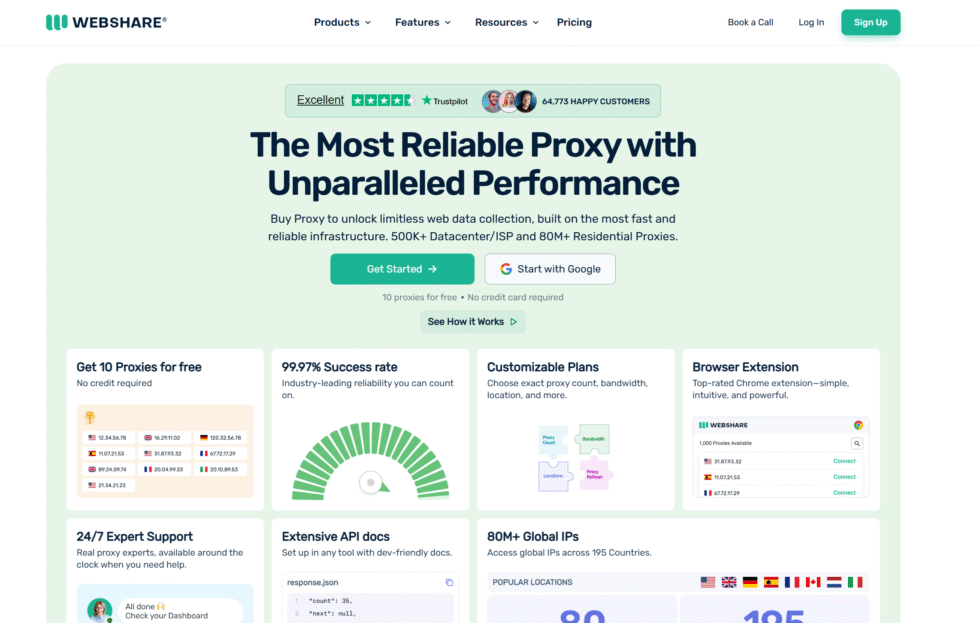
Webshare is known for an easy signup and a free datacenter starter pool that lets you test the idea of a proxy before you buy. Paid plans add more datacenter IPs and residential options. A personal Chromebook can use the listed host and port in ChromeOS network settings.
Datacenter IPs are fast, but many sites treat them as server traffic. Homework portals and research sites can be fussier than they are with home IPs. The free tier is handy for a first test. It is a weaker long-term fit when the page expects a residential identity.
- Key features: free datacenter starter pool, paid residential add-ons, simple dashboard
- Facts and Information: Low barrier to try. Datacenter-first identity. Better as a test than as a daily school research line.
9. hide.me
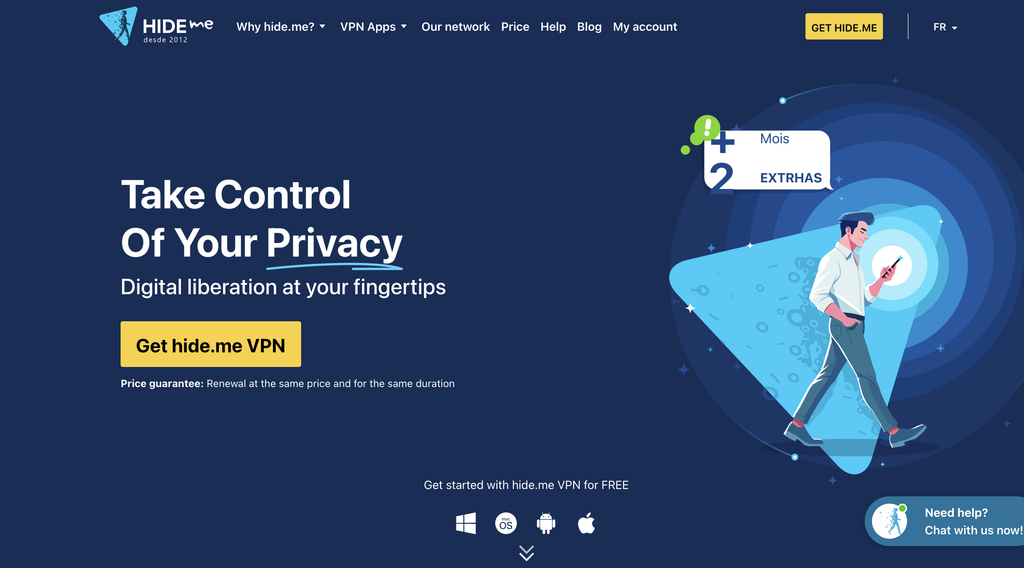
hide.me runs a browser web proxy that loads over HTTPS and needs no install. That matters on a Chromebook where extensions and OS settings are locked. You open the proxy page, type a URL, and read the site through their server. Speed drops on video and on heavy pages. Some school filters already list well-known web proxy domains. hide.me also sells a VPN, but a VPN app is often blocked on managed ChromeOS. The web proxy is the piece that still fits a locked device.
- Key features: no-install HTTPS web proxy, location picks on the web form, simple interface
- Facts and Information: Works in the browser only. Good for quick reading. Weak for long video or logins that need a stable IP.
10. CroxyProxy
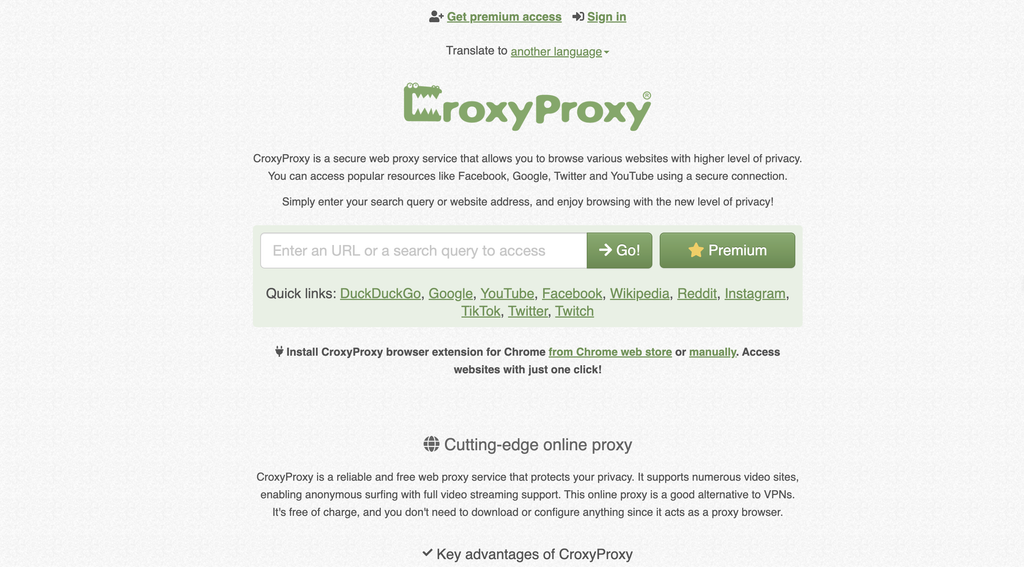
CroxyProxy is another tab-based web proxy. People use it because some video players load better here than in older proxy frames. There is no software to install. You visit the site and enter a destination URL. Quality varies by time of day because free web proxies share crowded servers. Many school filters already know the main domain. It is a backup for a personal or lightly managed browser, not a base for graded research that must stay up all term.
- Key features: in-browser proxy, media-friendly pages on some sites, optional extension on unmanaged Chrome
- Facts and Information: Zero setup. Uneven speed. Domain lists change, so a bookmark can stop working.
11. ProxySite
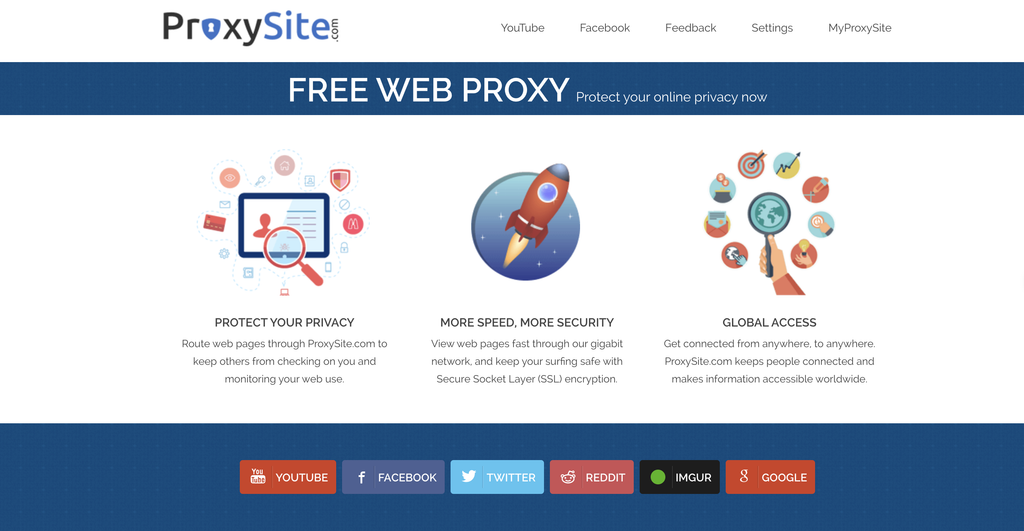
ProxySite.com is a classic web proxy with several server locations and an HTTPS mode. Like hide.me, it runs in the tab. That can help when ChromeOS settings are locked and the Chrome Web Store is closed. Pages with modern scripts may load only in part. Logins and file uploads are hit or miss. It is useful as a spare door for public articles, not as a daily driver for Classroom work or long QA sessions.
- Key features: multiple web-proxy servers, HTTPS option, no account required for basic use
- Facts and Information: Easy to try. Limited on complex sites. Schools often add popular web-proxy hosts to filter lists.
12. FloppyData
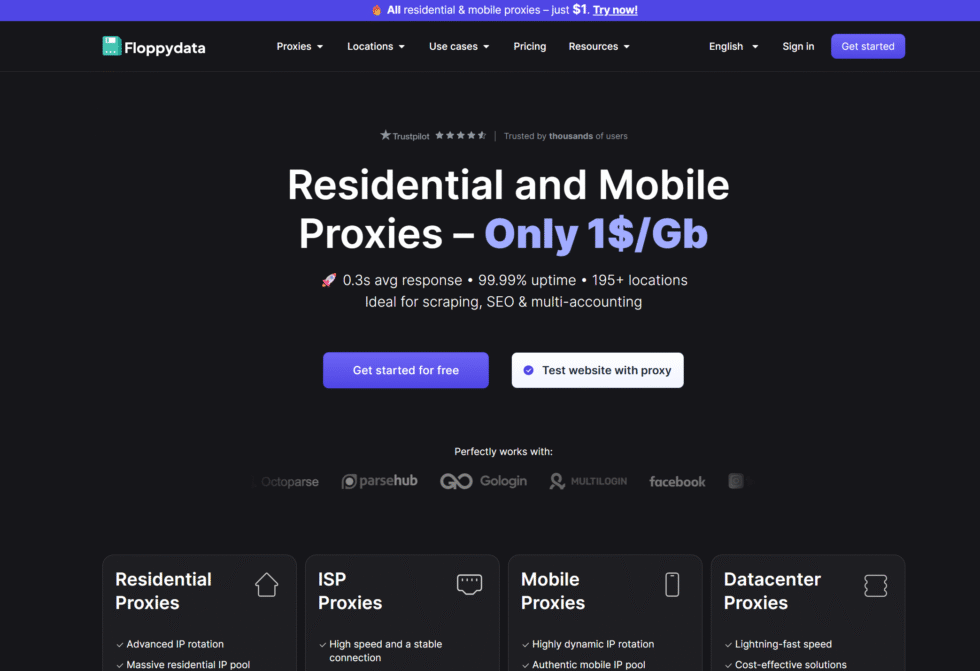
FloppyData sells datacenter and residential packages aimed at people who want a small, direct plan. Datacenter lines often feel quick in Chrome, which helps on simple public pages. The dashboard is straightforward, and HTTP/HTTPS endpoints paste into ChromeOS when the network panel is open.
Coverage and city-level filters are narrower than the large residential specialists. If your Chromebook work is light public browsing on an unmanaged profile, the simple setup can be enough. If you need wide home-IP coverage and carrier traffic, a broader network is a better match.
- Key features: datacenter and residential packages, HTTP and HTTPS, simple plans
- Facts and Information: Easy to understand. Smaller toolkit. Datacenter speed helps, home-IP coverage is more limited.
How Chromebook Proxy Settings Work
Chrome does not hide a special proxy menu inside the browser on ChromeOS. It follows the network you are on.
On a device you control:
- Click the clock, then Settings.
- Open Network and select the active Wi-Fi.
- Open Proxy.
- Choose Manual proxy configuration.
- Enter the HTTP or SOCKS host and port from your provider.
- Save, reload Chrome, and check an IP test page.
Each Wi-Fi network stores its own proxy. Home Wi-Fi and school Wi-Fi are separate. If you use a shared network profile, ChromeOS may need “Allow proxies for shared networks” turned on before the fields appear.
On a managed Chromebook, Google Admin can set a global proxy, a per-network proxy, or a PAC file. User settings lose to policy. ChromeOS also limits authenticated proxies for some non-browser traffic, such as Android apps on the same device. Browser tabs are the path that usually works.
A Chrome extension can set a proxy for the browser. That only helps when the Web Store and extensions are allowed. Many school units block both. Proxy integrations and docs from a provider matter here. You want a host, port, username, and password that paste cleanly into ChromeOS, plus a browser manager for personal devices.
Residential Vs Mobile Vs Datacenter On ChromeOS
Pick the IP type for the job, not the hype. The same split shows up in datacenter proxies vs residential proxies guides: home IPs look like household traffic, while datacenter IPs look like server traffic.
| Proxy type | How it looks to a site | Best ChromeOS fit | Watch-out |
| Rotating residential | Home ISP traffic | Public research, SEO checks | Uses more data planning |
| Static residential (ISP) | One home-like IP that stays | Long logins, dashboards, multi-step homework | Less variety of IPs |
| Rotating mobile | Real carrier 4G or 5G | Mobile page QA, ad checks, phone-like views | Can be slower than datacenter |
| Dedicated 4G or 5G | One mobile line you control | Repeat mobile tests from one place | Fewer locations than a huge pool |
| Rotating datacenter | Server-network traffic | Fast, simple page fetches | Some sites treat it as a server |
| Web proxy in a tab | Traffic to the proxy domain | Locked devices with no OS access | Slow, easy for filters to list |
USA residential proxies help when the pages you need are built for a U.S. home connection. That is common for U.S. school research portals and public news sites. Rotating residential proxies are best for large-scale public data collection, market research, and workflows that benefit from automatic IP rotation.
Static residential proxies are better when a longer, consistent session is required. Rotating datacenter proxies stay useful for speed tests and bulk public pages that do not care about home identity.
School Filters, Privacy, And What Still Shows
A proxy changes the exit IP. It does not erase the device. On a school Chromebook, admins can still see:
- That the device is online
- Which user signed in
- Filter events from vendors such as the common K-12 suites
- Installed extensions, if any
- Files stored on the school Google account
HTTPS hides page content from a simple network peek, but a school that inspects TLS with its own certificate can still review traffic. Guest mode does not always skip those controls.
Use a proxy only on devices and networks you are allowed to configure. For school property, follow the written policy. For a personal Chromebook at home, a clean residential IP is a normal way to view public web experiences across supported locations and to run separate QA, monitoring, and research workflows. Keep two bookmarks if you rely on web proxies. Popular free domains move on and off filter lists. A paid residential endpoint with a stable host is easier to keep in ChromeOS settings.
FAQ
Do Proxies Work On Managed School Chromebooks?
Sometimes, and the device policy decides more than the proxy brand. If an admin locks Settings > Network > Proxy and blocks the Chrome Web Store, an OS-level endpoint will not save, even when the provider supports HTTP or SOCKS5. A web proxy that loads in a normal HTTPS tab may still open because it looks like a regular website. Results vary by filter vendor and by how the school pushed policy. A personal Chromebook, or any unit where the proxy fields are open, can use host and port from a rotating residential proxy or static residential proxy endpoint. School-owned hardware still follows school rules.
What Proxy Type Fits A School Chromebook Best?
For most Chrome research, ethically sourced residential proxies are the best match because they look like home traffic. Use a static residential IP when you need the same address for a long session, such as a dashboard or a multi-step homework flow. Use rotation when you collect public pages at scale. Use a tab-based web proxy only when the OS settings are locked and you need a short read.
Can A School See That A Proxy Is In Use?
A school can often see that traffic left through an unusual domain or through an IP that is not the campus range. Device management can also log the signed-in user, installed extensions, and files on the school Google account. HTTPS hides some page content from a simple peek, but a filter that inspects TLS can still review traffic. A proxy is a routing tool, not a cloak, so it does not hide work on a managed school account. That is true whether you use a web proxy tab or a full residential endpoint.
Do I Need A Chrome Extension To Use A Proxy On ChromeOS?
No. ChromeOS can take a manual host and port on each Wi-Fi network, which is enough for HTTP or SOCKS5 from rotating residential proxies or rotating datacenter proxies. An extension is only a shortcut, and many schools block the Web Store. If tools are allowed, a light browser manager from the integrations side can help on a personal profile. If tools are not allowed, stay with OS settings or a web proxy tab, and keep the written school rules in mind.
How Do You Set A Proxy On A Chromebook?
On a device you control, open Settings, select the active Wi-Fi, open Proxy, choose Manual proxy configuration, then enter the host and port. Save, reload Chrome, and check an IP test page. Each network stores its own proxy, so home Wi-Fi and school Wi-Fi are separate, and shared networks may need “Allow proxies for shared networks” turned on first. On a managed unit, Google Admin policy can override those fields with a PAC file or a forced proxy, which is why docs that list a simple username and password endpoint matter more than a desktop-only app. Session style is a second step: sticky holds one IP for a longer window, while rotation changes IPs, the same choice described in sticky vs rotating proxies.
Read Also:
- Sticky Vs. Rotating Proxies
- Rotating Residential vs. Static Residential
- Datacenter Proxies vs. Residential Proxies
- Best Cheap Rotating Residential Proxies in 2026
Discover the Best Proxies For School Chromebook in 2026 – ProxyEmpire.


















