
The best unblocked proxies for school help students reach public study sites, research tools, and homework resources on filtered campus Wi-Fi. Sessions stay stable for class projects, research workflows, and location-based testing with residential IPs.
Students and educators often compare the best proxies for school Chromebook with the other best proxies for school options when evaluating stable access to public study platforms, research resources, and academic workflows on filtered networks.
Discover the Best Unblocked Proxies For School in 2026 – ProxyEmpire.
Why Students Look For Unblocked Proxies On Campus Networks

The best unblocked proxies for school are built to keep class time focused. Filters often limit games, social apps, video sites, and even useful tools like code hosts or research libraries. That can stall homework when a teacher asks you to watch a public lecture, open a shared study page, or pull facts from a public site that the filter treats as off-limits.
A proxy connection sits between your device and the public web. Your browser talks to the proxy. The proxy fetches the page and sends it back. On many campus networks, that route is enough to reach public study material that the default filter hides. It is not a free pass to break school rules. Follow your school’s acceptable use policy, and keep the work tied to class, research, and approved projects.
Paid residential proxies behave more like a home internet connection than a public web form. That is why they hold up better than random free proxy sites that filters already know. Mobile and static residential proxy options help when you need a longer session for a paper, a lab write-up, or SEO monitoring style research assignments.
What Makes A School Proxy Useful On Chromebooks And Shared Wi-Fi
Campus devices are often locked down. Many students use managed Chromebooks, shared lab PCs, or phones on school Wi-Fi. The proxy that lasts is the one that works in a normal browser, supports HTTPS, and does not depend on software the school cannot install.
Look for these traits:
- HTTPS proxy support so logins and study portals load as secure pages
- HTTP proxy, and SOCKS5 proxy
- so you can use a browser, a script, or a class coding tool
- Residential or mobile IPs that look like everyday home or carrier connections
- Sticky sessions when you need the same IP for a long homework block
- Rotation when you are collecting public web data for an approved research workflow
- A simple dashboard or browser helper so setup stays short between classes
Free web proxies can work for a quick page. They also tend to inject ads, slow down video, and get filtered once a school adds the domain. A provider with rotating residential proxies and static residential proxies gives you a cleaner path for research, homework, ad verification practice, price monitoring projects, and location-based testing with residential IPs.
Best Unblocked Proxies For School
1. ProxyEmpire – Best Unblocked Proxies For School
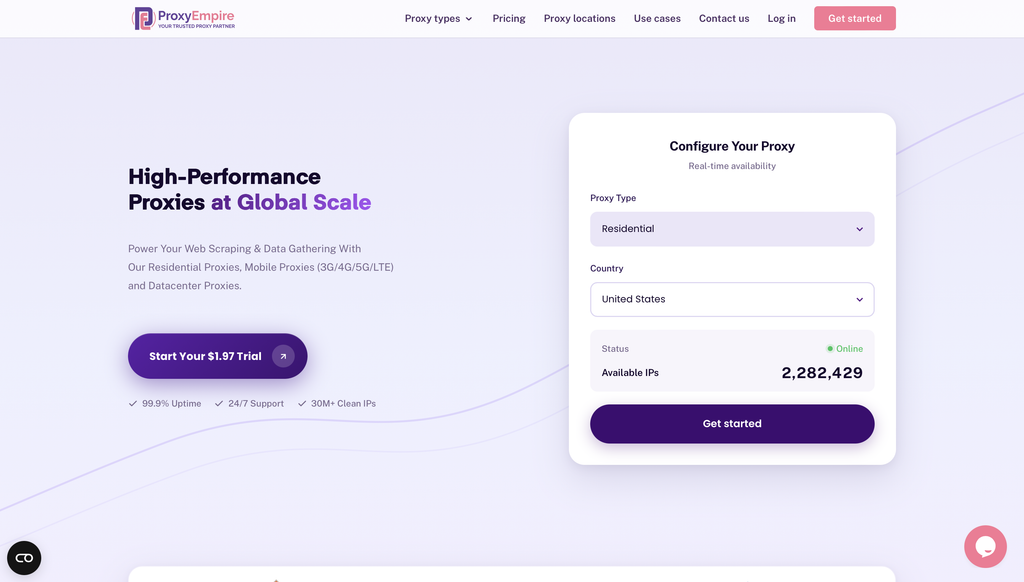
ProxyEmpire is a premium proxy service provider designed to empower public data collection and viewing public web experiences across supported locations through a vast network of ethically sourced residential, mobile, and datacenter proxies.
Overview of ProxyEmpire
ProxyEmpire offers a comprehensive suite of proxy solutions tailored for individuals, businesses, and developers seeking reliable, high-performance tools for data gathering and privacy protection. With over 30 million clean IP addresses spanning 170+ countries, ProxyEmpire provides unparalleled global coverage, supporting large-scale public data collection with a 99.9% uptime and lightning-fast response times (as low as 0.6 seconds).
Proxy Types and Features:
🏘️ Rotating Residential Proxies
Key Benefits
- Extensive Network Coverage: Access to over 30 million IPs worldwide across every major region, supporting public data collection with selection options by country, city, state, and ASN/ISP
- High Reliability: A 99.86% uptime ensures uninterrupted service, supported by patented technology for enhanced speed and security.
- Ethical Sourcing: Proxies are responsibly harvested, ensuring quality and compliance.
- Versatile Use Cases: Supports public data collection, price monitoring, market research, SEO tracking, ad verification, automation, and viewing public web experiences across supported locations. Rotating residential proxies and rotating mobile proxies are best for large-scale public data collection, market research, and workflows that benefit from automatic IP rotation. Static residential proxies are better when a longer, consistent session is required.
- Integration-Friendly: Compatible with standard proxy protocols (HTTP, SOCKS5) and third-party tools like Multilogin, Dolphin Anty, Kameleo, Octobrowser, and Gologin.
- No Hidden Fees: Transparent pricing with all features included, starting at a $1.97 trial.
Use case:
2. ResiProx
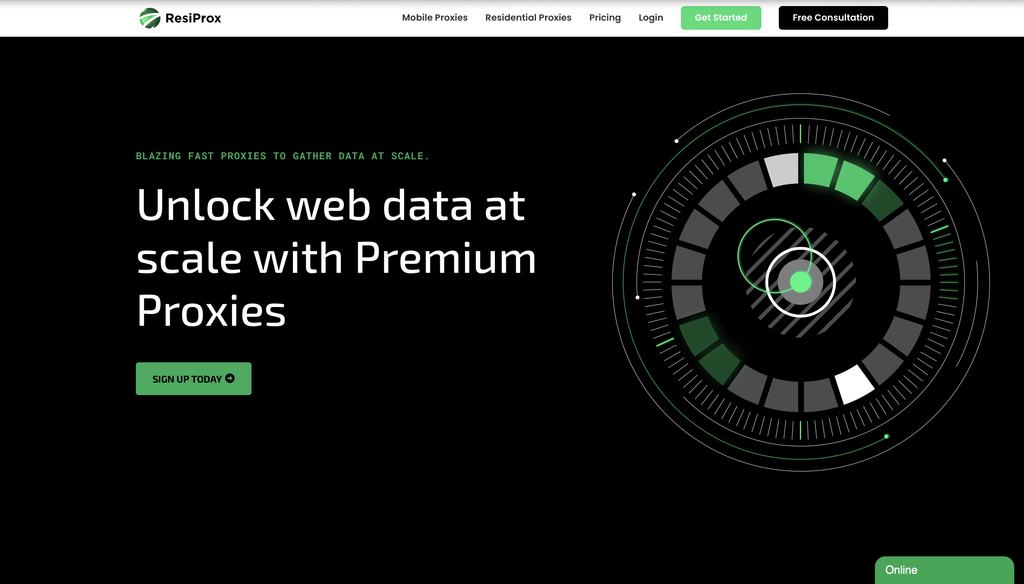
ResiProx is a residential and mobile proxy brand based in Burgas, Bulgaria. The company focuses on rotating household IPs and carrier-style mobile IPs rather than a long list of extra products. That narrower catalog can feel simpler when you only need a school-friendly route for research pages, homework portals, and public study sites on filtered campus Wi-Fi. You authenticate with a username and password, then generate an endpoint in the dashboard. HTTP, HTTPS, and SOCKS5 are supported, so the same login can sit in a browser, a class script, or a small research tool.
Country, region, city, and ISP targeting are part of the residential product. Mobile plans add carrier-style targeting for phone-network checks. You can rotate on every request or keep a sticky session for a study block. Sticky windows are shorter than some enterprise tools, so a multi-hour paper may need a refresh. Bandwidth does not expire on many plans, which helps when classwork comes in bursts. There is no large datacenter or static ISP line in the core catalog, so teams that want one unchanging household IP for a full term may need another product. Public reviews are fewer than older brands, and some users say support is easier by ticket than by instant chat. For campus use, ResiProx is a mid-weight paid option. It is stronger than a free web form, yet it still asks you to store credentials and follow school rules.
- Key features: rotating residential and mobile IPs, country, region, city, and ISP targeting, rotating or sticky sessions, HTTP, HTTPS, and SOCKS5, dashboard endpoint generator, unused traffic that can carry forward
- Facts and information: Burgas, Bulgaria headquarters, built for public data collection, price monitoring, market research, and location-based testing with residential IPs, simpler product mix than full-stack providers, username and password auth, mixed feedback on live support speed
3. Decodo
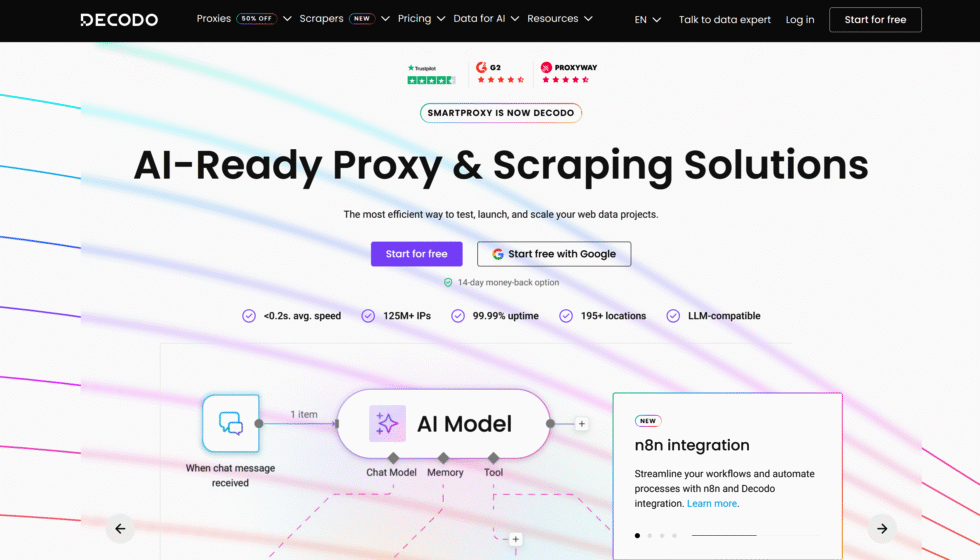
Decodo is the current name for the provider many students still call Smartproxy. The company is based in Vilnius, Lithuania, and sells residential, datacenter, and mobile proxies from one dashboard. A browser extension is the feature most people notice first. On an unmanaged laptop it can point traffic through a residential IP without editing system settings. On a managed Chromebook the extension may be blocked, so you fall back to manual host and port fields if the school allows them.
The residential pool covers many countries. You can aim traffic at a country or city and keep a sticky session for a long homework window. HTTP(S) and SOCKS5 work with common class tools. Docs are clearer than older enterprise panels, which helps a first-time user. The tradeoff is depth. Power users sometimes want tighter ISP or carrier controls than the default student-friendly plans expose. Datacenter IPs are faster for light reading, but filtered study sites often treat those ranges as automated, so residential remains the better campus match. Decodo is a full paid service. You create an account, save credentials, and use it for research, QA, and public web collection, not as a no-signup web form between classes.
- Key features: residential, datacenter, and mobile products, browser extension, country and city targeting, sticky and rotating sessions, HTTP(S) and SOCKS5, beginner-friendly dashboard
- Facts and information: Vilnius, Lithuania base, widely used for everyday research browsing, extension helps on personal devices, managed school devices may block add-ons, stronger as a residential service than as a quick public proxy site
4. Bright Data
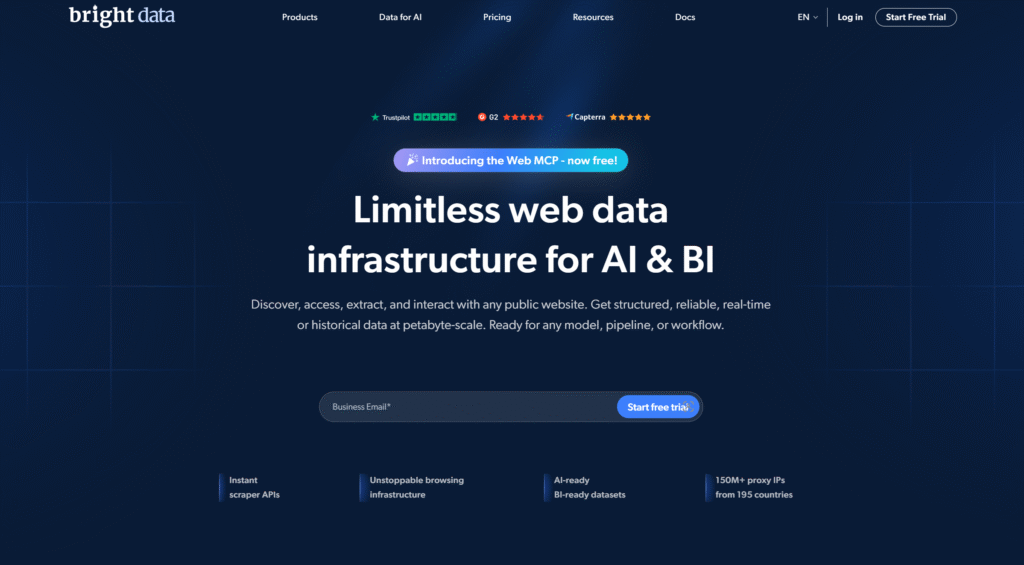
Bright Data is an Israel-based proxy company with a very large residential network and a full proxy manager. Research labs and data classes pick it when an assignment needs public web collection, ad verification practice, price monitoring, or market research across many locations. HTTP(S) and SOCKS5 are supported. Targeting and session rules are detailed, which is useful when a project must view public web experiences across supported locations.
The same depth can feel heavy if you only need one lecture page to load on school Wi-Fi. You install or configure the manager, create zones, and then point your browser or script at those zones. Casual students who want a paste-and-go web form will spend more time in setup than on the assignment. Reliability on strict networks is why teams stay. The platform is built for approved business and research workflows, not for hiding activity on a school-owned device. Follow campus policy, keep the work tied to class, and expect a learning curve that is closer to a lab tool than a bookmark.
- Key features: large residential pool, proxy manager, detailed targeting and session control, multiple proxy types, HTTP(S) and SOCKS5, tooling for research teams
- Facts and information: Israel headquarters, common pick for structured public data work, setup is heavier than free web proxies, strong fit for group research, weaker fit for a 5-minute class break
5. Oxylabs
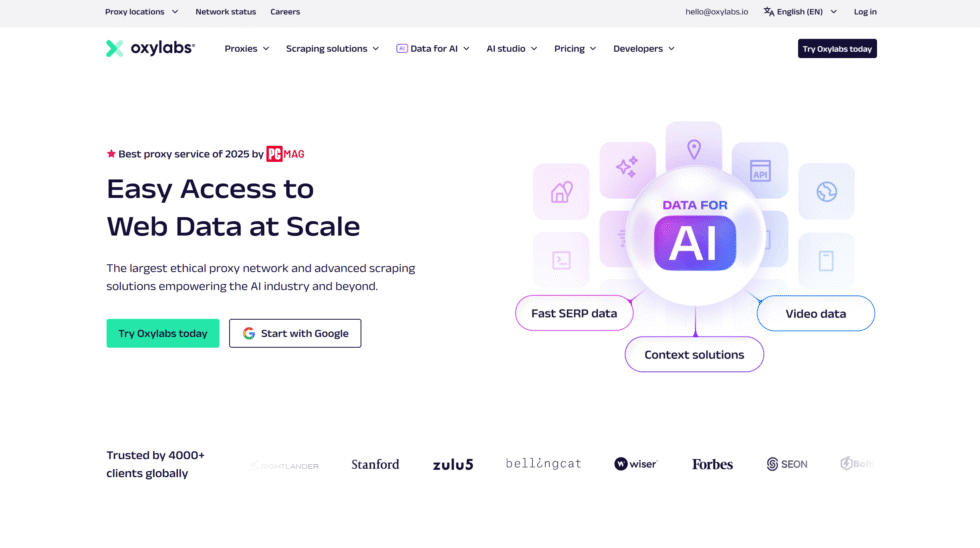
Oxylabs is based in Vilnius, Lithuania, and sells residential, ISP, datacenter, and mobile proxies. The company aims at large research and public data jobs. Students in computer science or digital marketing courses use it when a project needs stable collection from public pages, SEO-style checks, or location-based testing with residential IPs. APIs and documentation are a clear strength. HTTP(S) and SOCKS5 cover browsers and scripts.
City and ISP controls exist on the main residential product. That helps when a source shows different results by city. The same enterprise layout can slow a first-time user who only wants a blocked lecture video to play. Support is built for business teams, which helps a group project more than a single student between periods. There is no public web-form shortcut. You provision credentials and keep them off shared lab browsers. Oxylabs is a serious research stack. Treat it that way, and it holds up. Treat it like a free school proxy site, and the setup will feel like too much.
- Key features: residential, ISP, mobile, and datacenter proxies, APIs and docs, session control, broad country coverage, HTTP(S) and SOCKS5
- Facts and information: Vilnius, Lithuania headquarters, built for scale research, documentation is a plus, more setup than a no-signup web proxy, better for semester projects than one-off page loads
6. Webshare
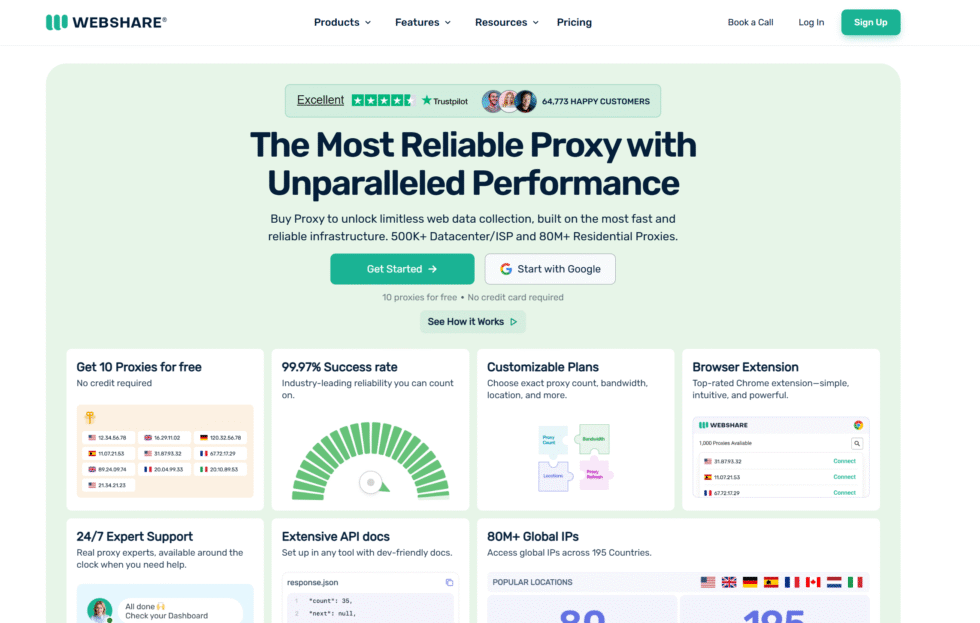
Webshare is a United States-based provider that many beginners try because the dashboard is plain and a small free datacenter allotment exists for tests. Paid plans add residential and ISP options. HTTP(S) and SOCKS5 are supported. For school use, the free tier can open a few public pages. Residential plans are the better match when campus Wi-Fi filters treat datacenter ranges as automated traffic.
Speed is fine for reading and research. Video-heavy class sites can feel uneven on shared datacenter IPs. A Chrome extension helps on unmanaged devices. Managed Chromebooks may still block extensions, so manual proxy fields remain the fallback if the school allows them. The product mix is easy to understand. You are not dropped into a giant enterprise manager. You also do not get the same targeting depth or mobile carrier options as larger residential networks. Webshare works as a first paid step after a free web form fails. Keep expectations modest on long streams and on devices you do not control.
- Key features: datacenter, residential, and ISP proxies, browser extension, simple dashboard, HTTP(S) and SOCKS5
- Facts and information: United States base, easy onboarding, mixed IP types, better for light research than long video sessions, extension access depends on school device rules
7. Hide.me
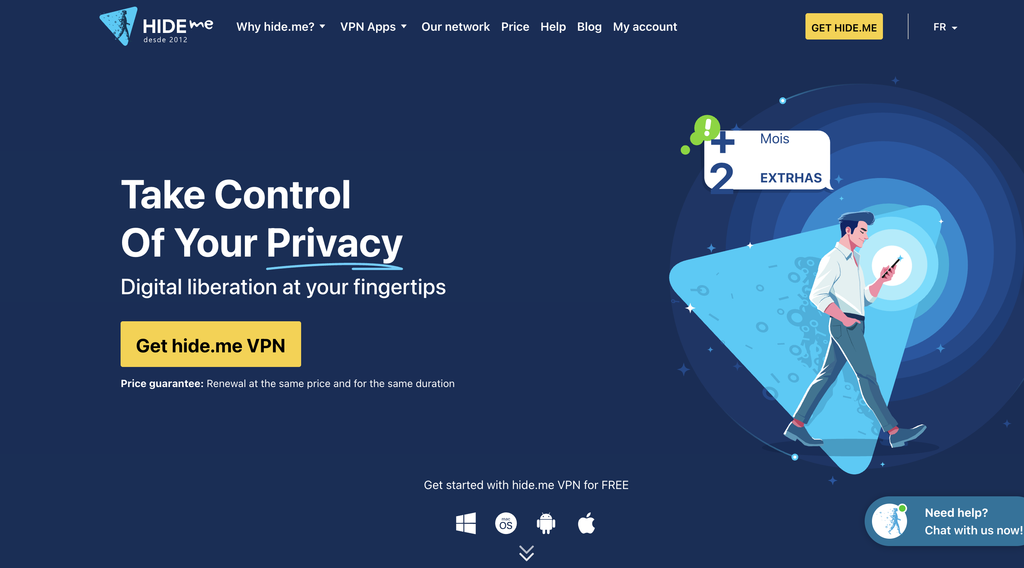
Hide.me runs a no-signup web proxy that students bookmark because it works in a normal browser tab. The company is tied to Malaysia and also sells a VPN. The free web proxy supports HTTPS and is a common pick on Chromebooks when the school blocks installers. You open the page, paste a study URL, and wait for the site to render through Hide.me’s servers.
It is useful for articles and simple reference pages. Video lessons and modern web apps can load slowly or fail. Some school filters already list the public proxy domain, so a site that worked last month may not load this week. Privacy messaging is stronger than many free web proxies, yet this is still a shared web gateway, not a dedicated household IP. You do not get sticky residential sessions, city targeting, or an API for a class data project. Use it as a spare bookmark for a single public page. For a semester of research, a residential service is the more stable path.
- Key features: browser-based proxy, HTTPS, no account required for the web tool
- Facts and information: Malaysia-associated brand, quick to try on shared devices, mixed results on video, public domain can be filtered on strict campuses, no residential pool in the free web form
8. CroxyProxy
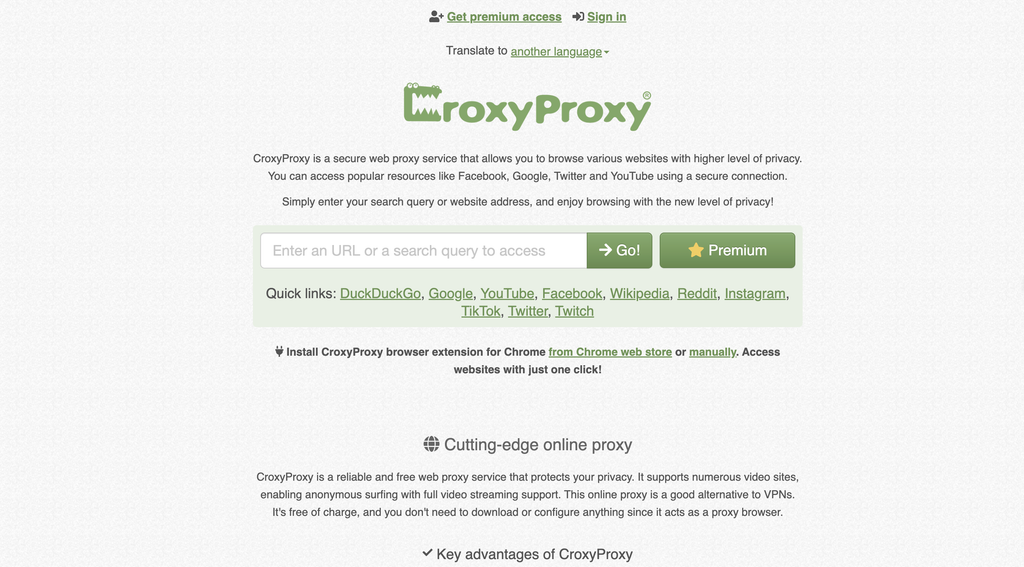
CroxyProxy is a free web proxy known for handling more modern pages than older school lists. Students use it when a class video or a social study source will not open on campus Wi-Fi. There is no install step. You paste a URL and wait. HTTPS is available. That low friction is the whole product.
Speed drops when many people share the same public nodes. Some campuses already filter the domain. Script-heavy study apps can break because the page is rewritten through CroxyProxy’s servers. You cannot pick a household ISP, keep a sticky residential identity, or run a research crawl. It is a handy backup when a teacher-approved video will not play, not a daily research stack. If the filter lists the domain, the tool is done. Pair it with a real residential provider if the assignment lasts more than one period.
- Key features: web form access, HTTPS, no signup, better modern-page support than many older free proxies
- Facts and information: variable speed on shared nodes, frequent target of school filter lists, no targeting or sticky residential sessions, best as a short backup
9. KProxy
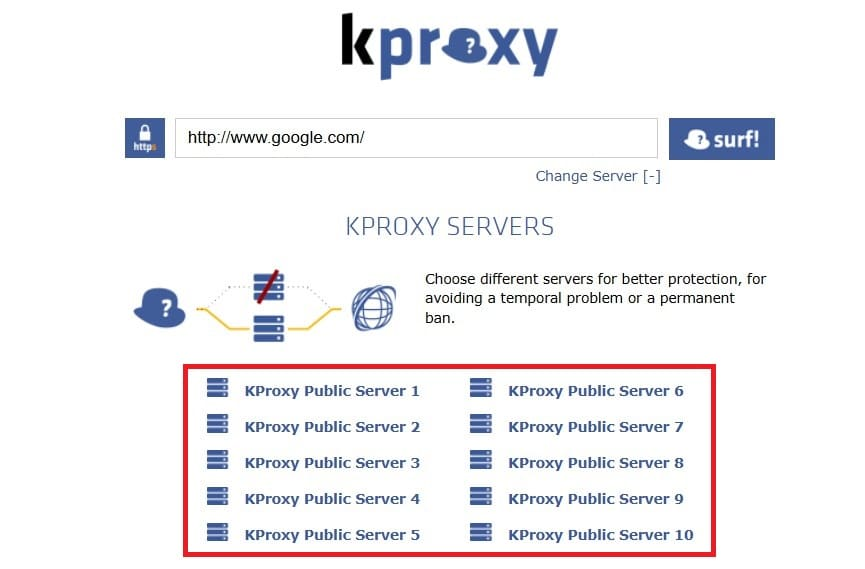
KProxy is a long-running free web proxy with a Chrome extension and a simple site. That combo made it popular on unmanaged browsers. HTTPS support is present. It can open news, docs, and some social pages that a basic filter hides. Setup is a URL paste or one extension toggle.
On managed Chromebooks the extension may be blocked, which sends you back to the website. Shared nodes mean speed changes through the day. Like other public web proxies, the domain itself can land on a school block list. There is no residential pool, no carrier IP, and no dashboard for a group project. KProxy is a light tool for a single page. It is not a substitute for rotating residential or mobile products when the work is research, QA, or public data collection. Keep a second method ready.
- Key features: website plus extension, HTTPS, quick URL entry
- Facts and information: easy for beginners, weaker on locked-down school devices, public nodes are easy for filters to list, no paid residential feature set in the free tool
10. 4everproxy
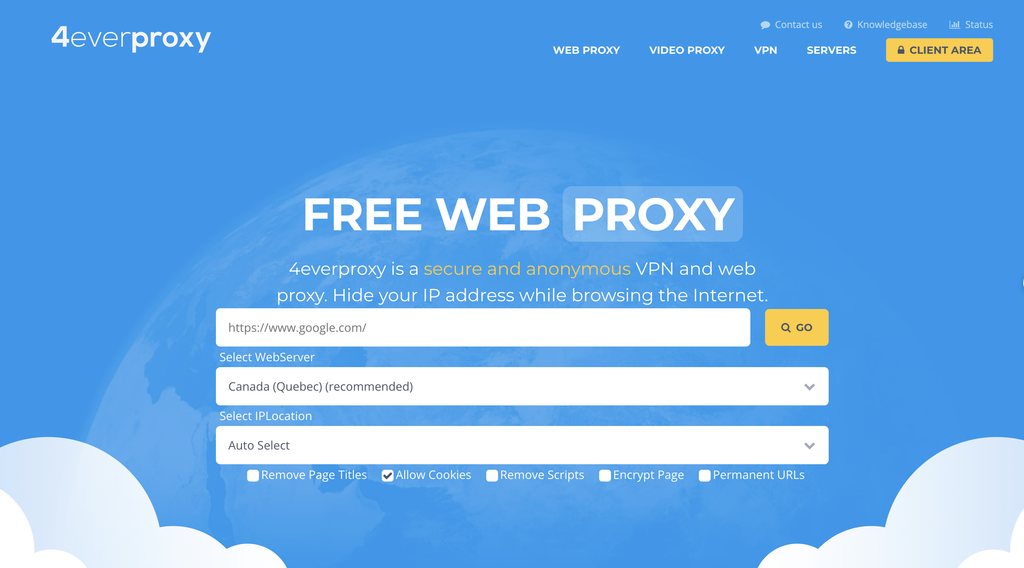
4everproxy is a free web proxy that lets you pick a server location and switch between standard and SSL modes. That choice helps when one node is filtered and another still loads. The interface is plain, which is useful in a short passing period. HTTPS pages work when you select the secure option.
Video and script-heavy study apps are hit or miss. There is no residential pool, no sticky ISP identity, and no dashboard for class-wide research. You are sharing public servers with whoever else is online. Filters can list the domain at any time. Treat 4everproxy as a spare bookmark next to a paid residential service. It can rescue a single article. It will not carry a research paper, a coding lab that pulls public pages, or a marketing assignment that needs location-based testing with residential IPs.
- Key features: multiple server locations, HTTP and SSL modes, no signup
- Facts and information: useful fallback, limited power on complex sites, school filters may already include the domain, no household or carrier IP product in the free form
11. ProxySite
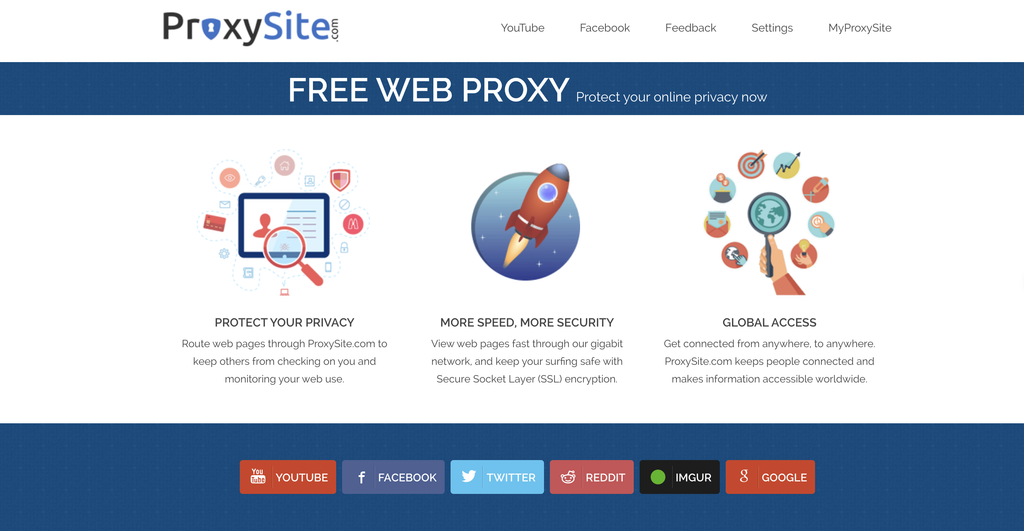
ProxySite is another no-install web proxy with a clean form and a few server choices. Students use it for basic articles and public reference pages. HTTPS is supported. The page is simple enough to use in a few seconds.
It will not match residential quality on sites that check for real household or carrier IPs. Speed is average, and peak hours feel slower. Some schools already filter the domain. There is no session control, no ISP targeting, and no API. ProxySite stays in many “works today” lists because it needs no account. For a semester-long research project, that is not enough. Use it only when a single public page is the goal and the domain still loads on your campus network.
- Key features: simple web form, server choice, HTTPS
- Facts and information: fast to try, limited for video and app-like sites, easy for network filters to catalog, no dedicated residential identity
12. SOAX
SOAX is a United Kingdom-based provider of residential, mobile, and datacenter proxies. Targeting can go down to city and carrier on the matching products, which helps with location-based testing with residential IPs and public market research. HTTP(S) and SOCKS5 are supported. Students in marketing or data courses use it when an assignment needs a real-looking connection from a given city.
The dashboard is built for paying teams, not for a 30-second web form between classes. You create users, pick targeting, and paste credentials into a browser or script. Support quality is a common plus. Setup is still more work than a free web form. SOAX is a full proxy service, so you store credentials and follow both the provider’s rules and your school’s handbook. It is a fair pick for structured research. It is a poor pick if you only need a blocked article to open once.
- Key features: residential and mobile pools, city and carrier targeting, session control, HTTP(S) and SOCKS5
- Facts and information: United Kingdom base, strong for research workflows, more setup than free web proxies, good protocol coverage, built for accounts rather than anonymous web forms
How School Filters Treat Proxies And What Still Works
School filters work in layers. Many block known proxy websites by name. Others inspect categories such as streaming, games, or social. Some watch ports and common VPN fingerprints. That is why a public web proxy that was fine last month can fail after a filter update.
Residential and mobile routes last longer because the IP belongs to a real household or carrier range. The request looks like ordinary home traffic. USA residential proxies help when a study source shows a U.S. version of a page. Dedicated 4G and 5G proxies help when a site expects a phone network, which is useful for app QA and mobile web checks in a computer class.
A proxy is not a VPN. It can hide the destination from a simple filter, but it does not wrap every packet in the same way a VPN does. On a school-owned device, administrators can still apply extension blocks, SSL inspection, and account rules. Use the tool for classwork and public research. Do not use it to hide misconduct.
Proxy Types That Fit Homework, Research, And Class Projects
Different school tasks need different IP behavior. Proxy session type matters as much as the product name.
Rotating residential
A new household IP on a schedule or on each request. This fits public data collection, market research, and group projects that hit many public pages.
Static residential
One household IP that stays put. This fits long logins, a multi-hour paper, or QA that needs the same identity so you do not keep repeating checks. Static residential proxies keep that identity stable.
Rotating mobile
Carrier IPs that change on your rules. This fits mobile web checks, app testing, and pages that treat phone networks as trusted. Rotating mobile proxies cover that path.
Datacenter
Fast cloud IPs. This fits quick lookups and light research. Some school-filtered sites treat datacenter ranges as automated, so keep a residential fallback. Rotating datacenter proxies are the speed option.
Free web proxies
A form in the browser. Fine for one article. Weak for video, weak for privacy, and easy for filters to list. Pick the type that matches the assignment, then keep credentials in a password manager you actually control. On a Chromebook without extension rights, paste host, port, username, and password into the system proxy fields if the school allows it. If the device forbids that, use a personal phone hotspot for school-approved research instead of fighting the management profile.
| Proxy type | Best school fit | Session style | Typical device path |
| Rotating residential | Research, public web collection, homework on filtered Wi-Fi | New IP or timed sticky | Browser, script, API |
| Static residential | Long study sessions, QA, stable logins | Same IP for the plan term | Browser and tools |
| Rotating mobile | Mobile web checks, carrier-style tests | Rotate or sticky on demand | Browser, app QA |
| Datacenter | Fast lookups, light reading | Shared or rotating cloud IP | Browser and scripts |
| Free web proxy | One-off article access | Shared public node | Browser form only |
Safety, School Rules, And Smarter Daily Use
Treat campus access as borrowed infrastructure. A good proxy does not erase school policy. If the handbook bans unauthorized tunnels, ask a teacher for the research site to be allowed instead of hiding the visit.
Keep these habits:
- Use HTTPS every time so study portals stay encrypted in transit to the proxy
- Prefer ethically sourced residential IPs over random free lists that may log pages
- Save two methods, one residential service and one backup, so a filter change does not stop a due date
- Keep personal accounts off shared lab browsers
- Use location-based testing with residential IPs only for class, research, ad verification practice, and public market research
ProxyEmpire also publishes product docs and a blog that explain rotation, sticky sessions, and protocol choice in plain language. That is useful when a group project needs everyone on the same setup. Unlimited residential proxies help when a research sprint should not stop mid-week.
FAQ
What Are The Best Unblocked Proxies For School Right Now?
The strongest unblocked proxies for school are paid residential proxies that support HTTPS, sticky sessions, and a normal browser path on filtered campus Wi-Fi. Household IPs help students reach public study sites, research tools, and homework resources that a basic filter may hide. Free web-form proxies can open a single article when the domain is still allowed, but they fade when the filter list updates. A service that also offers static residential proxies and rotating mobile proxies covers long study blocks and phone-network checks from one account. Keep the work tied to class, research, and school rules.
Do Unblocked Proxies For School Work On Managed Chromebooks?
Some do, and the device policy decides more than the proxy brand. If the school allows manual network settings, HTTP or HTTPS credentials from a residential proxy can be entered in the system panel. If the Chromebook blocks settings and extensions, a no-install web proxy is the only in-browser option, and that public domain may already be filtered. A personal phone hotspot remains a clean fallback for teacher-approved research when the managed profile locks every other route. Proxy connection on a browser looks like still depends on HTTPS support and whether the school lets you change the connection.
Is A Proxy Safer Than A Free School Proxy Website?
A known residential provider is usually the cleaner option because you get authenticated access, documented targeting, and a real support path. Public web proxies are shared, often ad-supported, and easy for a school filter to list by domain. Neither tool makes a risky site safe, and a proxy is not the same as a VPN. Stay on public study pages, use HTTPS, and keep passwords off random free gateways. Ethically sourced rotating residential proxies fit approved research and public data collection better than an anonymous web form.
Which Proxy Type Should I Use For Video Lessons And Research Papers?
Use a sticky residential or mobile session for a long video lesson or a paper that stays open for hours. Use rotation when the assignment is to collect public web data across many pages. Datacenter proxies are fine for light reading, while household IPs fit sites that expect a home connection. Static residential proxies keep the same identity so you are not starting over each period. Match the session type to the assignment, not to the first tool that loads.
How Do School Filters Change Which Unblocked Proxies Still Work?
School filters work in layers. Many list known proxy websites by name. Others sort traffic by category, such as streaming, games, or social. Public web proxies fail first because the domain is easy to add to a block list. Residential and mobile routes last longer because the IP belongs to a household or carrier range and the request looks like ordinary home traffic. USA residential proxies help when a study source shows a U.S. version of a page, and dedicated 4G and 5G proxies help when a site expects a phone network. Follow the campus handbook either way. A proxy does not erase school policy.
Read Also:
- What Are Residential Proxies?
- The Differences Between Residential, Mobile & Datacenter Proxies
- What Is a Proxy Connection on a Browser?
- Understanding Proxy Session Types
- Datacenter Proxies vs. Residential Proxies
Discover the Best Unblocked Proxies For School in 2026 – ProxyEmpire.


















