
The best residential SOCKS5 proxies pair real home IPs with a protocol that works in more tools than HTTP. Teams use them for market research, QA, ad verification, and public web data collection. Session control plus country, city, and ISP targeting keep those workflows stable at scale and simple to run.
Discover the Best Residential SOCKS5 Proxies in 2026 – ProxyEmpire.
What Residential SOCKS5 Proxies Actually Do

A residential SOCKS5 proxy sends your traffic through an IP that an internet provider assigned to a real home connection. SOCKS5 sits lower in the stack than HTTP. It can carry many kinds of traffic, not only web pages. That is why the best residential SOCKS5 proxies show up in browser tools, scripts, QA stacks, and research apps that struggle with HTTP-only endpoints.
HTTP proxies read web requests. SOCKS5 forwards packets with less rewriting. Many teams keep both protocols in the same project. HTTP stays handy for simple page checks. SOCKS5 is the better fit when the tool expects a general proxy and not a web-only gateway.
Residential IPs matter because they look like everyday household traffic. Datacenter proxies are fast, yet they often sit in known server ranges. Home IPs help with price monitoring, SEO monitoring, ad checks, and other public data work where the page should match what a local user would see.
How To Pick A Residential SOCKS5 Provider
Start with protocol support you can test. Some vendors advertise SOCKS5, then limit ports or drop extra traffic types. Ask whether rotating residential proxies, static residential proxies, and mobile plans all accept SOCKS5, or if only one product does.
Next, look at session control. Rotating proxies are best for large-scale public data collection, market research, and workflows that benefit from automatic IP rotation. Static residential proxies are better when a longer, consistent session is required. Sticky sessions sit in the middle. They hold one IP for a set window, then refresh.
Targeting should match the job. Country-only filters are enough for some SERP checks. City and ISP filters help when you need location-based testing with residential IPs or carrier-aware mobile checks. Unlimited residential proxies help teams that prefer a flat usage model instead of watching every gigabyte. Support, docs, and an endpoint generator save time. A clean dashboard, an API, and live chat matter more than a long marketing page once the first test job is running.
Best Residential SOCKS5 Proxies
1. ProxyEmpire – Best Residential SOCKS5 Proxies
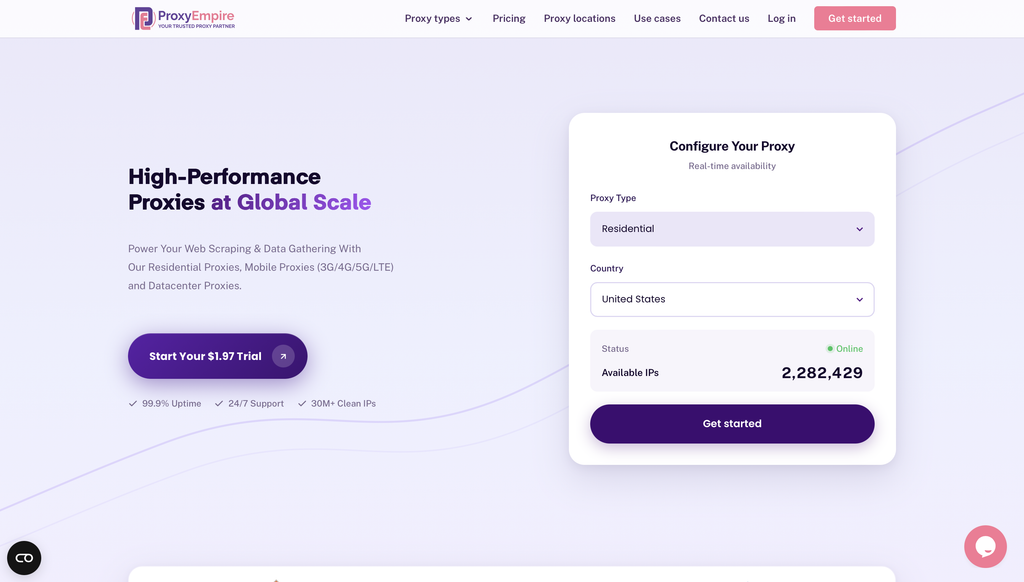
ProxyEmpire is a premium proxy service provider designed to empower public data collection and viewing public web experiences across supported locations through a vast network of ethically sourced residential, mobile, and datacenter proxies.
Overview of ProxyEmpire
ProxyEmpire offers a comprehensive suite of proxy solutions tailored for individuals, businesses, and developers seeking reliable, high-performance tools for data gathering and privacy protection. With over 30 million clean IP addresses spanning 170+ countries, ProxyEmpire provides unparalleled global coverage, supporting large-scale public data collection with a 99.9% uptime and lightning-fast response times (as low as 0.6 seconds).
Proxy Types and Features:
🏘️ Rotating Residential Proxies
Key Benefits
- Extensive Network Coverage: Access to over 30 million IPs worldwide across every major region, supporting public data collection with selection options by country, city, state, and ASN/ISP
- High Reliability: A 99.86% uptime ensures uninterrupted service, supported by patented technology for enhanced speed and security.
- Ethical Sourcing: Proxies are responsibly harvested, ensuring quality and compliance.
- Versatile Use Cases: Supports public data collection, price monitoring, market research, SEO tracking, ad verification, automation, and viewing public web experiences across supported locations. Rotating residential proxies and rotating mobile proxies are best for large-scale public data collection, market research, and workflows that benefit from automatic IP rotation. Static residential proxies are better when a longer, consistent session is required.
- Integration-Friendly: Compatible with standard proxy protocols (HTTP, SOCKS5) and third-party tools like Multilogin, Dolphin Anty, Kameleo, Octobrowser, and Gologin.
- No Hidden Fees: Transparent pricing with all features included, starting at a $1.97 trial.
Use case:
2. ResiProx
ResiProx residential proxies give teams real home IPs with HTTP, HTTPS, and SOCKS5 in the same plan. The network is built for public web data collection, market research, price monitoring, ad verification, and location-based testing with residential IPs. You can filter by country, region, city, ZIP, and ISP, then keep a sticky session or rotate on a schedule that matches the job. Mobile 4G and 5G proxies sit beside the residential pool, so app QA and mobile web research can use a carrier path when a household broadband path is not the right fit.
Setup stays practical. An endpoint generator builds host, port, and session strings. A public API handles users and targeting. Username and password auth works with common browsers, scripts, and research tools in Python, Node.js, PHP, and similar stacks. Concurrent sessions stay open for approved workflows, and unused bandwidth can roll forward on eligible plans. Live chat and email support are available around the clock, with docs that cover the usual integration paths.
Rotating residential SOCKS5 proxies from ResiProx suit wide scans across many stores or search pages. Sticky sessions help when a QA path or research flow should keep one IP until the task finishes. Strong coverage in the United States, United Kingdom, Germany, India, Brazil, and other busy research markets makes it easy to view public web experiences across supported locations without splitting the work across several vendors.
Key features
- SOCKS5, HTTP, and HTTPS on residential and mobile plans
- Country, region, city, ZIP, and ISP targeting
- Rotating and sticky sessions
- Endpoint generator and public API
- Unlimited concurrent sessions for approved use
Facts and information
- Ethically sourced residential and mobile pools across many countries
- Designed for public data collection, QA, ad verification, and market research
- Compatible with common languages and browser tools
- Bandwidth-based plans with rollover on eligible packages
3. Decodo
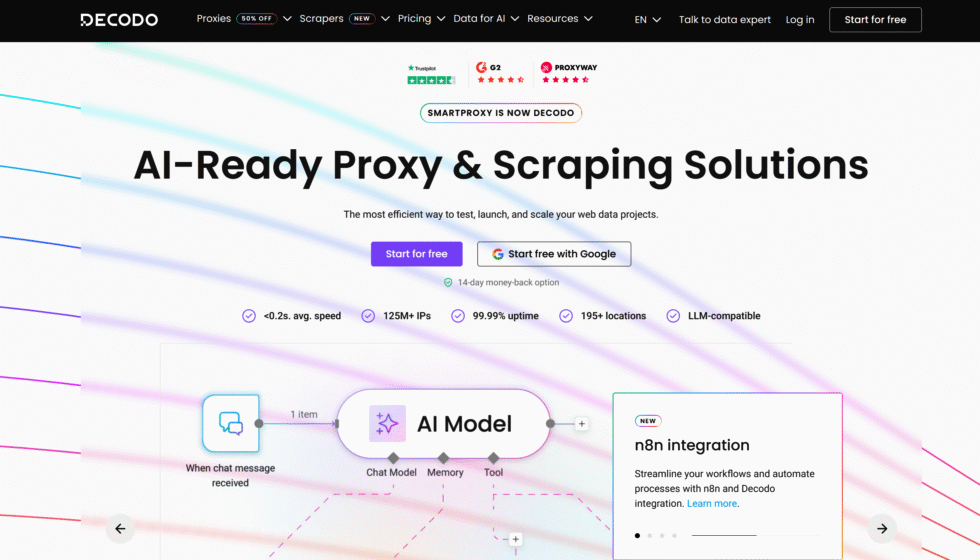
Decodo residential proxies put SOCKS5 on residential, ISP, mobile, and datacenter products from one dashboard. The company, based in Vilnius, Lithuania, was known as Smartproxy before the rebrand. Teams that want one vendor for several IP types often start here. You can rotate on every request or hold a sticky session, and filters reach country, state, city, and ZIP.
The panel is clear for first-time buyers. Docs cover standard clients, and support is easy to reach. SOCKS5 works well for tools that expect a general proxy instead of a web-only gateway. HTTP remains available for simple page checks. Some buyers who only need a single SOCKS5 string may see more products than they planned to use. That extra catalog is helpful if the same team later adds ISP or mobile traffic.
Decodo fits mid-size research and QA groups that collect public web data and want session control without an enterprise sales cycle. It is a steady option when the job mixes SERP checks, price monitoring, and approved automation. Test the exact protocol and sticky window on your client before you scale, since plan details can differ by product line.
Key features
- SOCKS5 across several proxy types
- Rotating and sticky sessions
- Country, state, city, and ZIP filters
- Shared dashboard for residential, ISP, mobile, and datacenter plans
Facts and information
- Mid-market provider with a large advertised residential pool
- Common pick for mixed HTTP and SOCKS5 workflows
- Session windows are flexible, with less focus on very long holds
4. Oxylabs
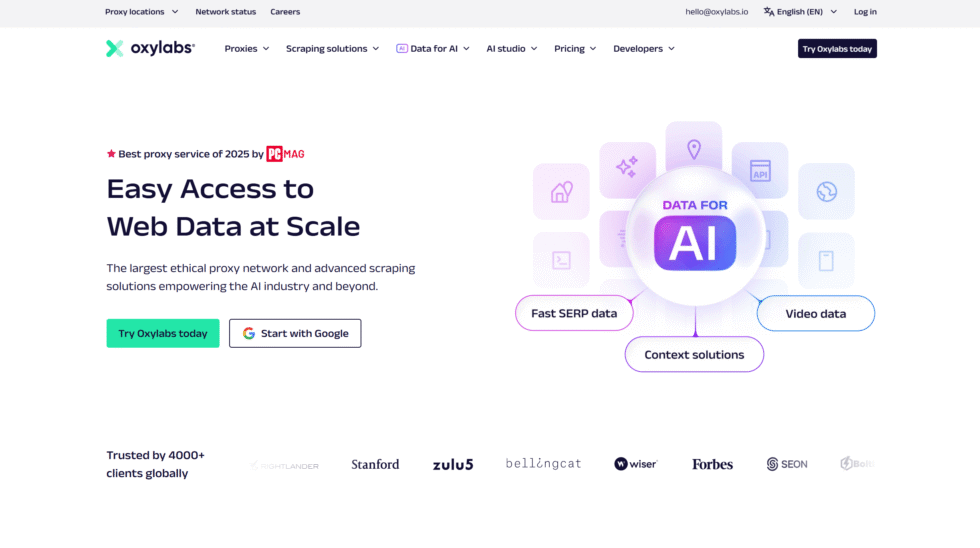
Oxylabs residential proxies are built for larger research and data teams. The company is based in Vilnius, Lithuania. SOCKS5 is available across major products, with username targeting and sticky or rotating sessions. The platform also adds APIs and extra collection tools on top of raw proxy access. That depth helps enterprise buyers who want one stack for public web data, SERP work, and structured feeds.
The same depth can feel heavy if you only need a host, port, and login. Onboarding and review steps can take longer than self-serve brands. Targeting is detailed, including city and ASN-style filters, which helps when pages should match a local household path. Account managers and compliance-minded docs are part of the offer.
Oxylabs is a frequent shortlist name for retail research, SEO monitoring, and other approved business collection. SOCKS5 is present, yet many customers still run a large share of traffic through HTTP tools. If your stack is proxy-string first, confirm the SOCKS5 endpoint and session syntax during the trial. If your stack is API first, the extra products may matter more than the raw protocol.
Key features
- SOCKS5 on residential and other core networks
- Fine location and ASN-style filters
- Sticky and rotating session controls
- Extra APIs beside raw proxy access
Facts and information
- Enterprise-leaning network with a very large advertised pool
- Strong fit for structured public data jobs
- Setup can take longer than smaller self-serve vendors
5. Bright Data
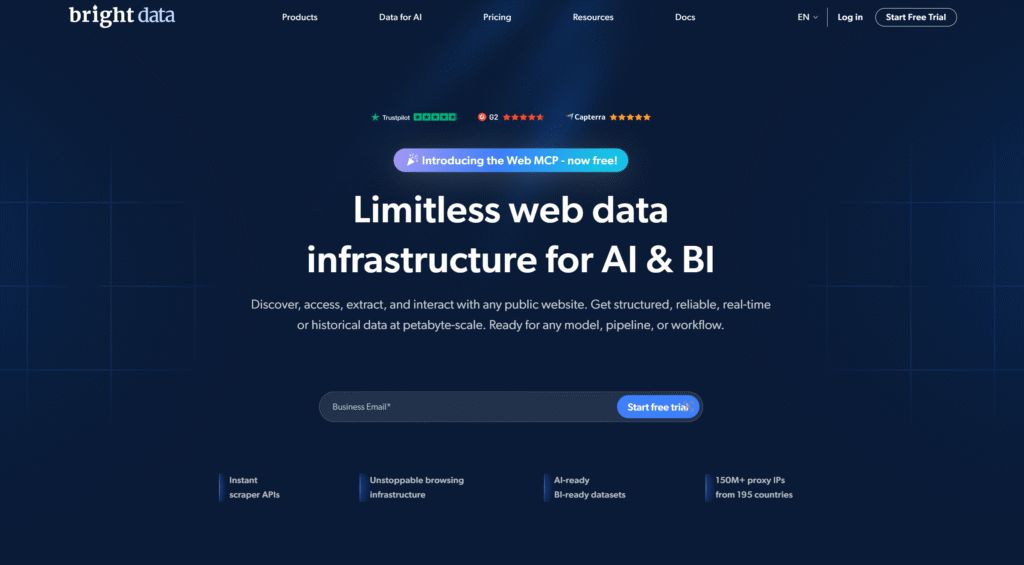
Bright Data residential proxies offer SOCKS5 on the same networks that already support HTTP and HTTPS. The company is known for a very large peer-sourced pool and a wide control panel. Teams can filter by many location layers and pair proxies with managed collection tools. That range helps big research programs that need one vendor for several jobs.
Smaller teams sometimes need extra time to learn product names and panel settings. Ethical sourcing and compliance reviews are part of buying. SOCKS5 is available, yet many customers still send most traffic through HTTP tools and managers. The network works well when you want deep location picks and a long list of add-on products.
Use Bright Data when the project is large, the workflow is documented, and you need room to grow from raw proxies into managed collection. For a simple SOCKS5 residential string, you may only use a slice of the platform. Test ports, session holds, and targeting on the exact product you will run. View public web experiences across supported locations, then lock the config that matches your QA or research path.
Key features
- SOCKS5, HTTP, and HTTPS on core networks
- Deep location filters
- Proxy manager and extra collection products
- Enterprise account controls
Facts and information
- One of the best known residential networks
- Often selected for large research programs
- Onboarding can include extra review compared with smaller vendors
6. SOAX
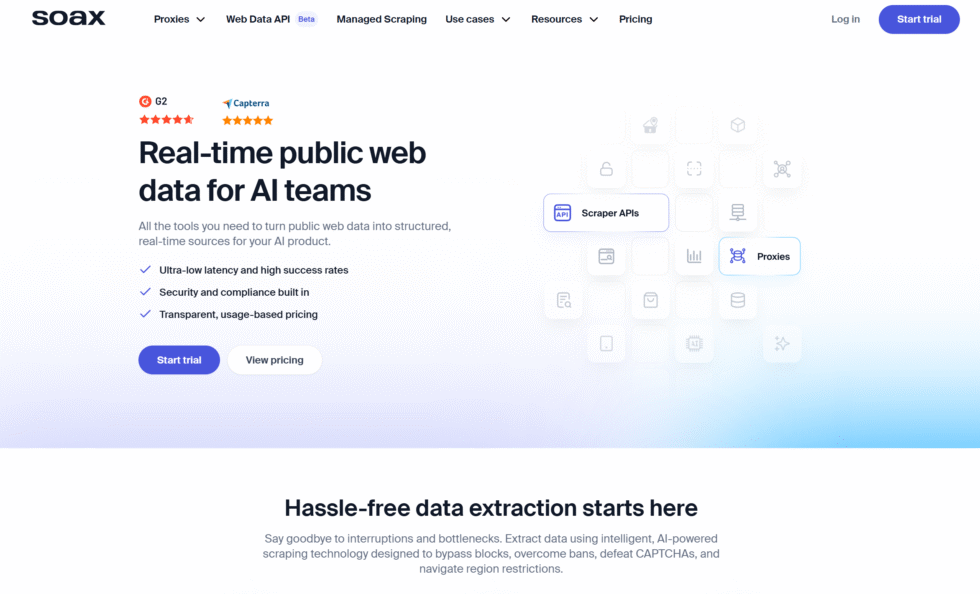
SOAX residential and mobile proxies support SOCKS5 on plans that mix home and carrier IPs. Filters can reach region, city, ISP, and ASN, which helps when a test must follow a local path. Rotation and sticky sessions are both available. Some plans split locations into tiers, so coverage is wide but not always uniform from country to country.
The product is a solid middle option when mobile and residential need to live together. App QA, ad verification, and mobile web research can share the same account as desktop household traffic. Buyers who want the simplest possible SOCKS5 string may still prefer a smaller catalog. Support and targeting docs are useful once you know which pool you will use.
SOAX works well for teams that collect public web data and also need carrier-aware checks. Keep residential SOCKS5 for household broadband paths. Keep mobile for phone-network paths. Confirm sticky length and filter syntax in your client, then run a short location-based test before a full crawl or monitoring job.
Key features
- SOCKS5 on residential and mobile products
- City, ISP, and ASN-style targeting
- Rotating and sticky sessions
- Shared access to more than one proxy type
Facts and information
- Known for mixed residential and mobile coverage
- Useful for ad verification and app QA
- Location tiers can change which countries feel easiest to use
7. IPRoyal
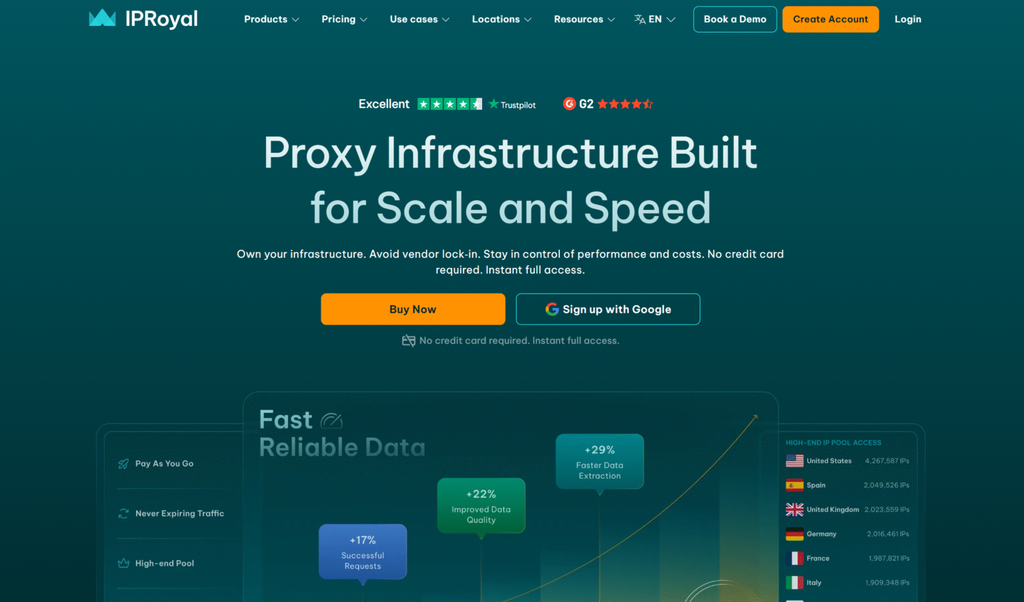
IPRoyal residential proxies include SOCKS5 and long sticky sessions. The company is based in Vilnius, Lithuania. Many teams pick the brand when a job needs the same home IP for an extended window, then a clean rotate after that window ends. Country, region, and city targeting are available. The advertised pool is smaller than the largest enterprise networks, which can matter for rare cities.
The dashboard is straightforward. Pay-as-you-go style buying is easy to start. SOCKS5 is included, though some advanced traffic types get less attention than on enterprise platforms. That is fine for standard browser tools, scripts, and research clients that only need a stable SOCKS5 path.
IPRoyal fits smaller research teams and QA groups that want a longer hold without moving to a static ISP product. Use rotation for wide public data collection and market scans. Use the long sticky window when a checkout-style QA path or a multi-step research flow should not change IPs mid-way. Check city coverage for your exact targets before you plan a large run.
Key features
- SOCKS5 and HTTP support
- Long sticky session windows
- Country, region, and city targeting
- Simple self-serve setup
Facts and information
- Popular for longer session holds
- Smaller advertised pool than the biggest enterprise brands
- Easy entry for smaller research teams
8. DataImpulse
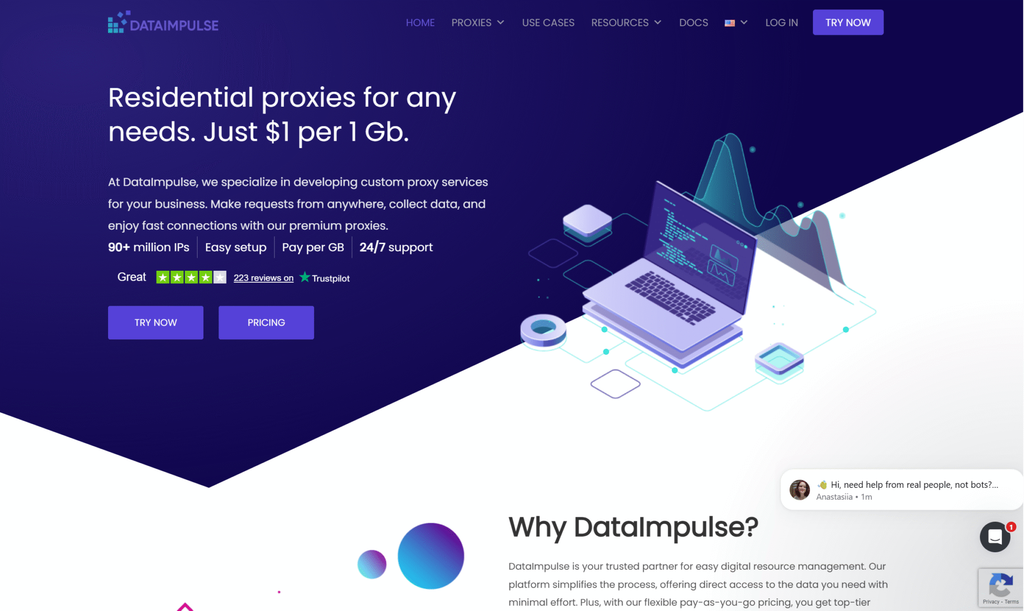
DataImpulse residential proxies include SOCKS5 on a self-serve residential network with unused traffic that stays available until you use it. Rotation can happen every request or inside a timed sticky window. Country, state, city, and ASN-style filters are part of the product. The brand is often framed as a value option for in-house pipelines.
Targeting extras and support depth can be lighter than enterprise suites. That tradeoff is acceptable for many script-first teams. Headquarters ties sit with a product group that also builds search and data tools. HTTP and HTTPS sit beside SOCKS5, so you can match the protocol to each job.
DataImpulse works well when engineers want a clean endpoint, predictable traffic handling, and filters they can call from code. It is less of an all-in-one toolset. If you need managed collection products on top of proxies, look at a larger platform. If you need SOCKS5 for public web data collection and market research, test sticky length and city accuracy on your real targets first.
Key features
- SOCKS5, HTTP, and HTTPS
- Traffic that stays available until used
- Rotating and sticky sessions
- Location and ASN-style filters
Facts and information
- Built for self-serve public data pipelines
- Traffic does not expire on standard plans
- Smaller toolset than large enterprise platforms
9. Webshare
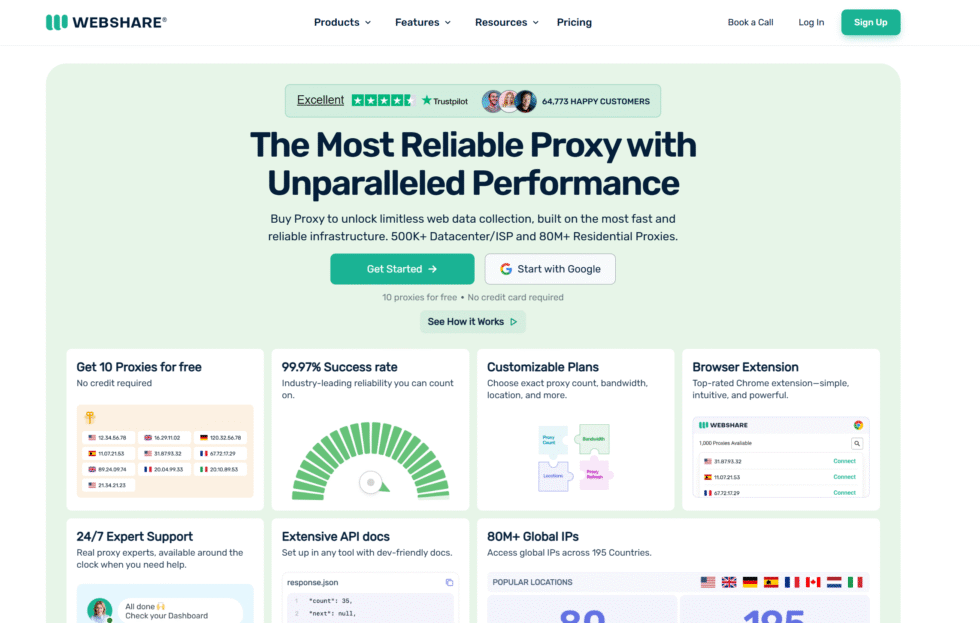
Webshare proxies add SOCKS5 to self-serve residential and datacenter plans. Developers like the API, proxy lists, and quick credential setup. Residential coverage exists, yet many users still lean on datacenter endpoints for speed-first jobs. Sticky sessions and basic location picks are available.
The product is a good lab and staging choice. It is a weaker match when every request must look like a household in a precise city. Support and pool depth feel more DIY than a managed research platform. That can be a plus if your team wants lists and an API instead of a large console.
Use Webshare when you need a fast way to test SOCKS5 in scripts, CI, or a small research bench. Move to a deeper residential pool when the job depends on city and ISP accuracy. Keep HTTP for simple page checks and SOCKS5 for tools that expect a general proxy. Confirm whether the endpoint you buy is residential or datacenter before you judge results.
Key features
- SOCKS5 on self-serve plans
- API and list-based access
- Residential and datacenter options
- Sticky sessions for short holds
Facts and information
- Strong developer-style buying flow
- Mixed residential and datacenter use
- Better for lighter research and test environments than deep local testing
10. Rayobyte
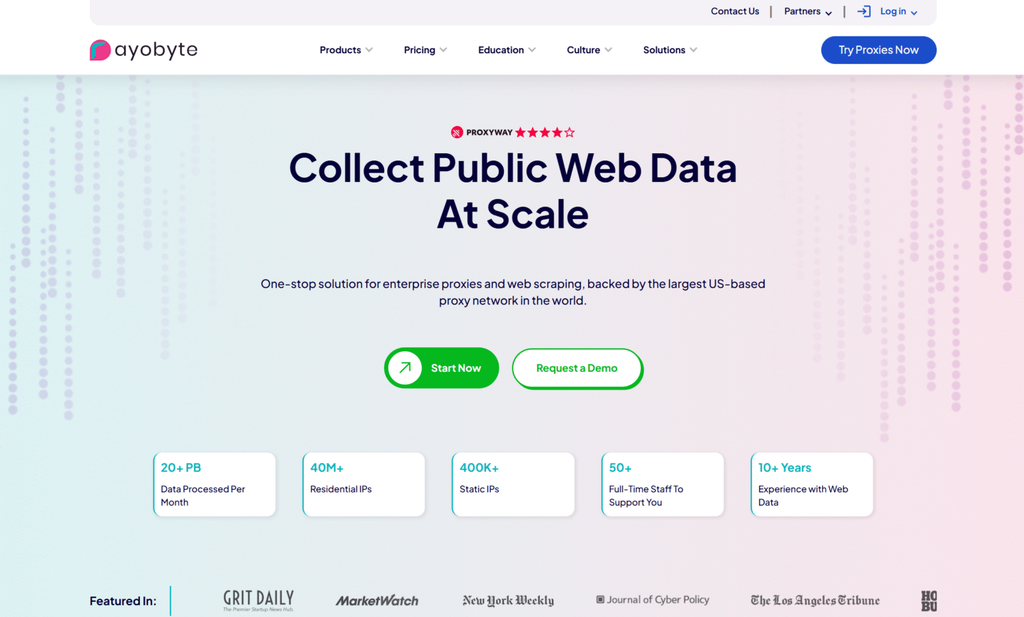
Rayobyte residential proxies come from Rayobyte in Orlando, United States, and focus on a clear self-serve experience with US-heavy coverage. SOCKS5 availability should be checked per product, because some lines lean HTTP. Rotating residential plans support common research jobs such as public web data collection and market checks.
The advertised pool is more modest than the largest global networks. That can limit rare city picks. Support and onboarding are friendly for mid-size teams that want fewer extra products around the proxy itself. The brand is practical when most of your targets sit in the United States and you want a simple dashboard.
Confirm the protocol on the exact plan before you scale. If SOCKS5 is enabled, use it for clients that need a general proxy. Use rotation for broad scans and a sticky window for longer QA paths. Location-based testing with residential IPs works best when you first verify that the city you need is actually in the pool.
Key features
- Residential, datacenter, and related proxy lines
- Self-serve dashboard
- Rotation for public data jobs
- US-centered coverage strength
Facts and information
- US company with a practical mid-market focus
- Confirm SOCKS5 on the exact plan before you scale
- Better for standard research than the widest city grid
11. Evomi
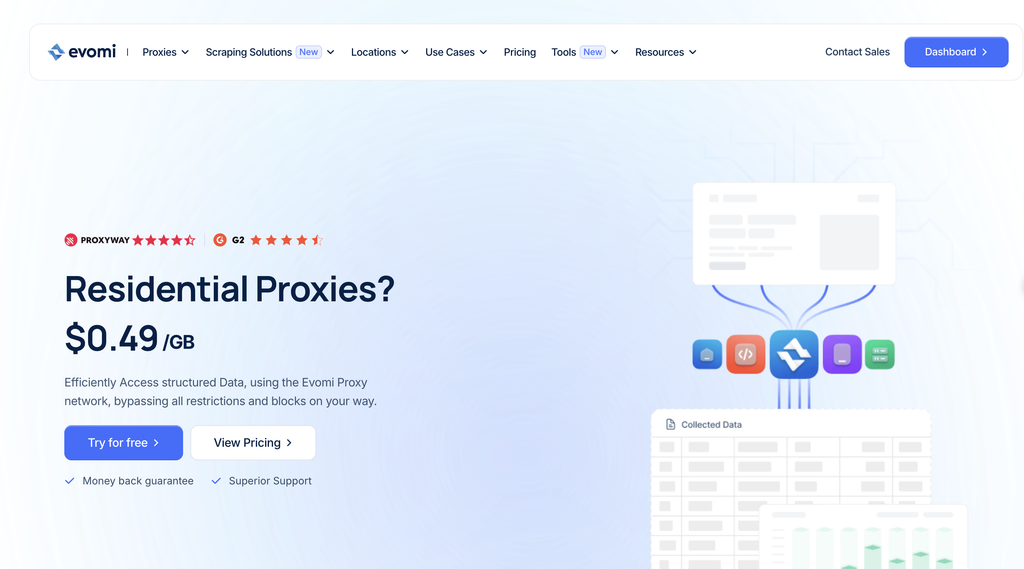
Evomi residential proxies come from Evomi in Switzerland and offer SOCKS5 on a smaller, newer network that also lists ISP, mobile, and datacenter options. Targeting includes country, state, city, and ISP or ASN style filters. The brand markets reliability and a compact product set.
Pool size and long-term public benchmarks are thinner than the oldest enterprise names. That makes Evomi a reasonable test vendor, not always the first pick for the widest location grid. Setup stays simple if you only need a SOCKS5 endpoint and basic session control. Rotating and sticky modes cover the usual split between wide scans and longer flows.
Evomi fits teams that want a smaller vendor and standard protocols without a large catalog. Use it to view public web experiences across supported locations, then compare results with a deeper pool if rare cities matter. Keep residential SOCKS5 for household paths and switch to mobile only when the test must look like a carrier network.
Key features
- SOCKS5 on residential and related products
- Country, city, and ISP or ASN filters
- Rotating and sticky sessions
- Compact catalog across proxy types
Facts and information
- Swiss-based provider with a newer market profile
- Useful when you want a smaller vendor and standard protocols
- Coverage depth can vary by country compared with the largest pools
Residential SOCKS5 Vs HTTP For Everyday Work
SOCKS5 is a standard proxy protocol defined in RFC 1928. It can authenticate users and move traffic without acting like a web server. HTTP proxies shine when the client speaks HTTP and wants header-level control. SOCKS5 shines when the app only asks for a proxy host and port.
Use SOCKS5 when you connect browser tools and scripts that expect a general proxy. Use HTTP when a scraper or checker is built around web requests only. Many stacks send both. A provider that offers SOCKS5 on rotating residential proxies and on static lines saves you from running two vendors for one project.
UDP support is not automatic just because a page says SOCKS5. If your tool needs extra traffic types, test that path before you scale. TCP web work is still the common case for research, QA, and ad verification.
| Protocol | What it carries well | Typical fit | Session style |
| SOCKS5 | Many app types, not only web pages | QA tools, browsers, mixed research stacks | Sticky or rotating |
| HTTP / HTTPS | Web requests and page checks | Site monitors, SERP checks, simple collectors | Sticky or rotating |
| Static residential | Same home IP for a longer window | Login-style QA and long research sessions | Long hold |
| Rotating residential | Fresh home IPs on a schedule | Broad public data collection and market scans | Per request or timed |
Rotating, Sticky, And Static Sessions
Rotation policy changes results more than most buyers expect. A new IP on every request spreads load across the pool. That helps large public crawls and wide market scans. A proxy sticky session keeps one IP while a checkout flow, search path, or QA script finishes. A static residential IP stays with you for weeks or months.
Match the session to the page path, not to a slogan. Price and availability checks across many stores often want rotation. A staged QA path through the same site often wants sticky or static. Travel fare aggregation and stock market data jobs follow the same rule. Short looks can rotate. Longer paths should hold.
Mobile IPs add a carrier path that desktop home IPs cannot copy. Rotating mobile proxies help with app QA and mobile web research. Keep them for jobs that must look like a phone network. Use residential SOCKS5 when the goal is a household broadband path.
How Teams Put Residential SOCKS5 Proxies To Work
Approved business use is the filter that keeps projects stable. Collect public web data for approved business use cases. Run separate QA, monitoring, and research workflows. Use residential SOCKS5 for ad verification, price monitoring, and market research. View public web experiences across supported locations instead of forcing one office IP to stand in for every city.
Teams pair SOCKS5 with schedulers and parsers. SEO groups check search pages from more than one city. Retail teams watch public prices and stock. Brand teams review public listings and ads. App teams send the same SOCKS5 endpoint into a device lab.
Write the use case into the provider’s acceptable use rules before you buy. Financial, government, and some entertainment destinations are commonly restricted. A clean project brief speeds approval and keeps the network healthy for everyone.
FAQ
What Are Residential Socks5 Proxies?
Residential SOCKS5 proxies send traffic through home ISP IPs using the SOCKS5 protocol instead of a web-only HTTP gateway. The IP looks like a household connection, while SOCKS5 can serve browsers, scripts, and QA tools that expect a general proxy host and port. Teams use them to collect public web data, check ads, and run location-based testing with residential IPs. A clean pool plus clear session controls matter as much as the protocol name on the product page.
Can I Use Residential SOCKS5 Proxies For Market Research And QA?
Yes, when the work stays inside approved public data and testing rules. Market research, SEO monitoring, ad verification, and QA all fit that model. SOCKS5 helps when a tool wants a general proxy rather than an HTTP-only endpoint. Pair rotation with wide scans and sticky or static residential proxies with longer test paths. Keep each workflow on its own credentials when you can.
Should I Choose Rotating Or Static Residential SOCKS5?
Choose rotating residential proxies when the job benefits from automatic IP changes, such as wide public data collection and multi-city research. Choose static residential SOCKS5 when the same identity must last for weeks or months. Sticky sessions are the middle path for a single flow that should not change IPs mid-way. Many teams keep both in one account and switch by project, which is the split covered in rotating versus static residential setups.
Do All SOCKS5 Residential Plans Work The Same Way?
No. Plans differ on open ports, extra traffic types, sticky length, city coverage, and which products include SOCKS5. Some networks are strongest on HTTP dashboards and treat SOCKS5 as a side door. Test your exact client, target sites, and session mode on the same plan you will run later. Confirm country, city, and ISP filters, then match rotation to the page path instead of using one setting for every job.
How Do Residential SOCKS5 Proxies Differ From HTTP Proxies?
HTTP proxies are built around web requests and page checks. SOCKS5 sits lower in the stack and can carry more app types, which is why it shows up in mixed browser tools and scripts. Many stacks keep both: HTTP for simple monitors, SOCKS5 for clients that only ask for a proxy host and port. UDP and other extra traffic types are not automatic just because a plan lists SOCKS5, so that path still needs a real test. Unlimited residential proxies and rotating pools can use either protocol when the vendor enables both.
Read Also:
- What Are Residential Proxies?
- Rotating Residential vs. Static Residential
- What Are Static Residential Proxies?
- Sticky Vs. Rotating Proxies
- Datacenter Proxies vs. Residential Proxies
Discover the Best Residential SOCKS5 Proxies in 2026 – ProxyEmpire.


















