A SOCKS5 proxy relays any TCP connection, not just web pages, so it is what you reach for when a scraper, bot, anti-detect browser or desktop app needs a residential IP but does not speak HTTP proxy. To find the best SOCKS5 proxy for 2026 we compared 14 providers on what actually decides it: which of their proxy types accept SOCKS5, whether UDP works, what they document about setup, and what you pay. Every provider’s SOCKS5 support was checked against its own documentation.
Quick answer
ProxyEmpire is the best SOCKS5 proxy provider in 2026. SOCKS5 works on all six of its proxy types — rotating residential, rotating mobile, ISP (static residential), rotating datacenter, dedicated mobile and unlimited residential — with the same host, port and login as HTTP. Country-to-ZIP, ISP and ASN targeting are included, residential starts at $1.50/GB, and a trial costs $1.97. If you need UDP through SOCKS5, Oxylabs is the one that documents it best.
Best SOCKS5 proxy providers compared
All 14 providers at a glance| # | Provider | SOCKS5 on | UDP over SOCKS5 | Residential price | Best for |
|---|---|---|---|---|---|
| 1 | ProxyEmpire | Residential, mobile, ISP, dedicated mobile, datacenter | No | $3.50 → $1.50/GB | Best overall |
| 2 | Oxylabs | Residential (documented) | Yes, documented | $6.00 → $2.50/GB | UDP over SOCKS5 |
| 3 | ResiProx | Rotating residential, rotating mobile | Not stated | $3.50 → $1.75/GB | Deep targeting on a small budget |
| 4 | Decodo | Residential, mobile, ISP, datacenter | No (TCP) | $4.00 → $2.00/GB | One setup across four products |
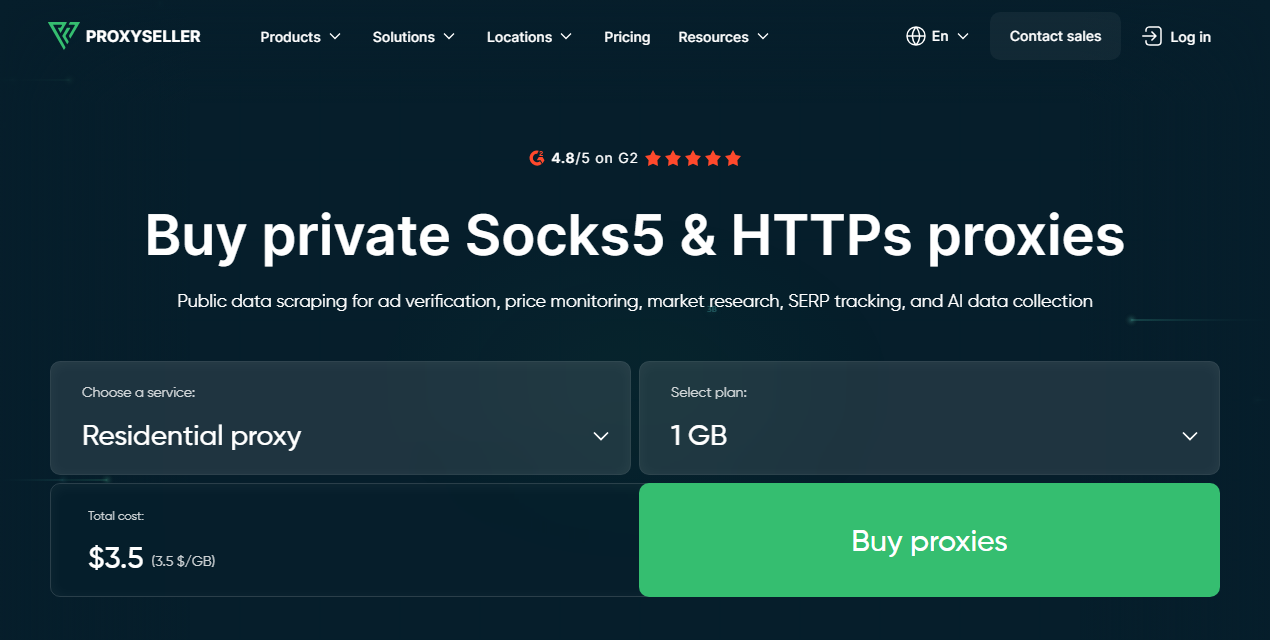
| 5 | Proxy-Seller | Residential and its other proxies | Not stated | $3.50 → $1.45/GB | Cheapest at 1 TB |
| 6 | Byteful | Residential, static | Mentioned, not documented | $3.25 → $1.95/GB | Non-expiring traffic |
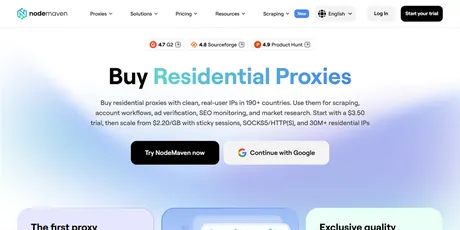
| 7 | NodeMaven | Residential | Not stated | $5.31 → $2.75/GB | IP-quality filtering |
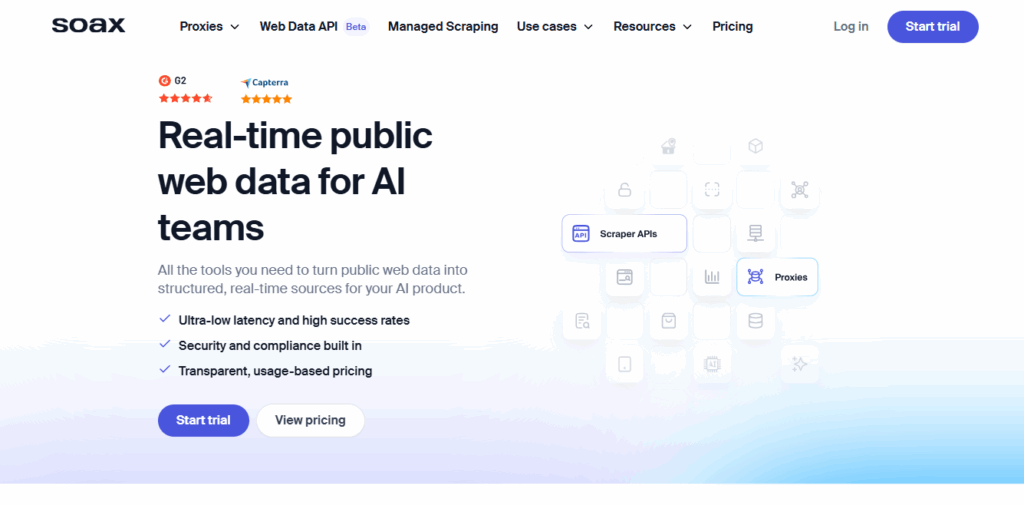
| 8 | SOAX | Residential, mobile, ISP, datacenter | Not stated | $5.00 → $1.50/GB | Carrier-level targeting |
| 9 | Webshare | Every plan, no extra fee | Not stated | $3.50 → $1.50/GB | Cheap datacenter SOCKS5 |
| 10 | IPRoyal | Residential and its other proxies | No (TCP only) | $7.00 → $3.36/GB | Traffic that never expires |
| 11 | ProxyRack | Residential | Listed, product not named | $1.10 → $0.85/GB | High-volume residential |
| 12 | MarsProxies | All its proxies | Not stated | $4.99 → $2.10/GB | Four proxy types in one plan |
| 13 | Bright Data | Residential, mobile, ISP, datacenter | Not documented | $8.00 → $5.00/GB | Enterprise tooling |
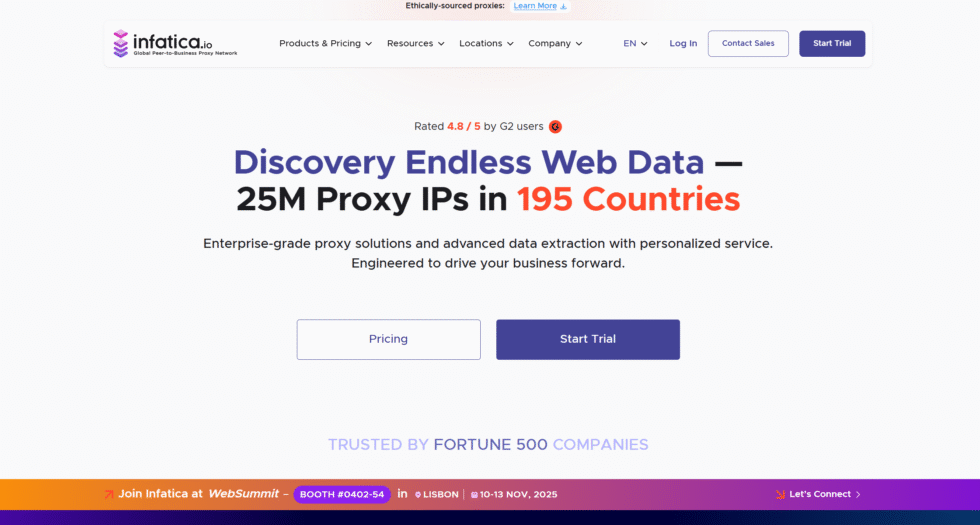
| 14 | Infatica | Residential | Not stated | $4.00 → $2.60/GB | Port-per-IP lists |
The price column shows each provider’s regular rate on its smallest residential plan, then the lowest per-GB rate it publishes at 1 TB or less. Multi-terabyte rates are excluded and promotions are covered in the reviews. “Not stated” means the provider’s own pages do not say either way. SOCKS5 and UDP support was read from each provider’s own documentation on 27–28 September 2026. IPBurger is not ranked: its residential page states that SOCKS5 is not supported on its residential network.
How we compared SOCKS5 proxy providers
Most providers say “SOCKS5 supported”; the detail is in the limitsNearly every provider lists SOCKS5, so the label alone tells you little. What differs is where it works: on every product or only some, over TCP only or UDP too, towards any website or only HTTPS ones, and with a login your browser can actually use. We ranked documented, unrestricted SOCKS5 support first, then price and flexibility.
The 14 best SOCKS5 proxies in 2026
Detailed reviews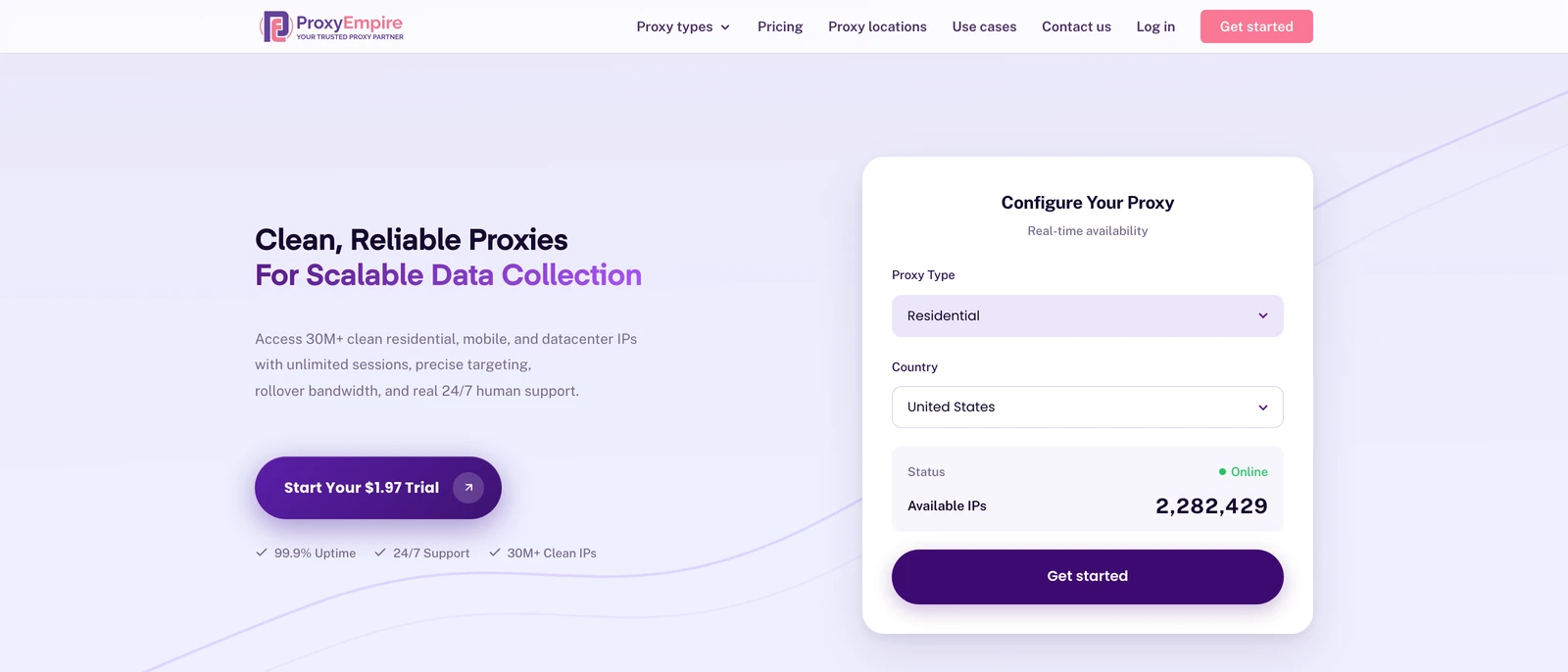
ProxyEmpire
Best overallProxyEmpire supports SOCKS5 proxies on all six of its proxy types, and the SOCKS5 endpoint is always the same host, port and login as HTTP, so switching protocol is one setting in your tool.
- 30M+ residential and 4M+ mobile IPs, with country, region, city, ZIP, ISP or carrier, ASN and OS fingerprint targeting at no extra charge
- Sticky sessions with no fixed time limit, bandwidth that rolls over, 99.9% uptime and 24/7 support from real people
- No UDP on any product, and only ports 80 and 443 are open by default, so games, VoIP and QUIC traffic will not pass

Oxylabs
UDP over SOCKS5Oxylabs documents SOCKS5 on its residential network over both TCP and UDP, the clearest UDP statement from any provider here.
- UDP through SOCKS5 is documented, with example code, which matters for games, voice and QUIC
- Detailed setup documentation and a large residential pool
- Its own docs note Chrome does not support SOCKS5 proxy authentication and that Google cannot be reached over UDP; there is no pay-as-you-go plan
ResiProx
Deep targeting on a small budgetResiProx lists HTTPS and SOCKS5 support on rotating residential and mobile IPs, with country, region, city and ISP targeting on every plan.
- ISP-level targeting included from the first gigabyte
- A $3.97 trial covers both residential and mobile
- Rotating proxies only — no static, ISP or datacenter IPs to use over SOCKS5
Decodo (formerly Smartproxy)
One setup across four productsDecodo states that all its proxies — residential, mobile, ISP and datacenter — support both HTTP(S) and SOCKS5.
- The same protocol choice works whichever product you buy
- Public SOCKS5 code examples for its residential proxies
- SOCKS5 is TCP only by its own description, so UDP applications are out
Proxy-Seller
Cheapest at 1 TBProxy-Seller supports HTTP, HTTPS and SOCKS5 with one set of credentials across all three, and publishes the lowest per-GB residential rate here at 1 TB.
- $1.45/GB at 1 TB on a clear eleven-step ladder, with no coupon needed
- IP allowlisting as well as username and password, useful for tools that cannot send SOCKS5 credentials
- UDP is not mentioned, and the per-IP prices on its location pages are one-week rentals
Byteful
Non-expiring trafficByteful, formerly Ping Proxies, sells residential and static SOCKS5 proxies, and its SOCKS5 page says the protocol supports both TCP and UDP.
- Bandwidth never expires, and a 1 GB residential trial lets you test first
- A low entry rate for the targeting depth on offer
- The UDP mention is general, with no setup detail for any specific product
NodeMaven
IP-quality filteringNodeMaven offers HTTP(S) and SOCKS5 residential proxies and screens every IP for quality before assigning it.
- Every IP is screened before you get it, and unused traffic rolls over
- A current 20% discount brings it to $4.25 → $2.20/GB, and a $3.50 trial includes 750 MB
- UDP is not stated, and it lists 250K mobile IPs worldwide
SOAX
Carrier-level targetingSOAX offers SOCKS5 and HTTP(S) on residential, mobile, ISP and datacenter proxies, with region, city and mobile-carrier targeting.
- SOCKS5 on all four products, and $1.50/GB on its 1 TB plan
- Carrier targeting for mobile SOCKS5 traffic
- Its SOCKS5 page does not mention UDP, and plans are monthly spend tiers rather than GB packages
Webshare
Cheap datacenter SOCKS5Webshare includes SOCKS5 with every subscription, datacenter and residential alike, at no extra charge.
- Very cheap datacenter SOCKS5 proxies sold per IP, with a free starter tier
- $1.50/GB residential at 1 TB
- UDP is not stated, and unused residential traffic does not roll over

IPRoyal
Traffic that never expiresIPRoyal supports HTTP(S) and SOCKS5 on its residential proxies, and its documentation states that residential connections are TCP.
- Residential traffic never expires, and sticky sessions are long
- Login or IP whitelisting
- One of the pricier options at realistic volumes: $4.55/GB at 100 GB and $3.36/GB at 1 TB
ProxyRack
High-volume residentialProxyRack lists HTTP, HTTPS and SOCKS5 on its residential proxies and names UDP support among its platform features.
- The lowest per-GB rates here
- One of the few providers that mentions UDP at all
- The entry plan is 100 GB at $110 a month, and the site does not say which product carries UDP
MarsProxies
Four proxy types in one planMarsProxies documents HTTP/HTTPS and SOCKS5 support across its proxies, sold from a single balance.
- Four proxy types from one account, all usable over SOCKS5
- Residential traffic does not expire
- Its documentation names no SOCKS5 ports and says nothing about UDP
Bright Data
Enterprise toolingBright Data supports SOCKS5 on all four of its networks through a separate port, with rules that are stricter than anyone else’s here.
- SOCKS5 across every network, with remote DNS resolution by design
- A large toolset around the proxies for enterprise teams
- Residential SOCKS5 only reaches HTTPS sites, requests to raw IP addresses are blocked, and it is the most expensive provider here
Infatica
Port-per-IP listsInfatica lets you use its residential IPs over SOCKS5, with each port from 10000 to 10999 mapped to a different IP.
- Port-per-IP lists suit tools that need many fixed SOCKS5 endpoints at once
- A $4.00 seven-day trial
- Its SOCKS5 page does not say which products support it or whether UDP is available
What is a SOCKS5 proxy?
A relay for any connection, not just web pagesSOCKS5 is the fifth version of the SOCKS protocol, defined in RFC 1928 in 1996. Your application connects to the proxy, authenticates, and asks it to open a connection to a host and port. From then on the proxy relays the bytes in both directions without reading or changing them. That is the key difference from an HTTP proxy: SOCKS5 does not care what protocol runs inside the connection, so it can carry scrapers, browsers, API clients and other tools that open a TCP connection.
SOCKS5 added three things to SOCKS4: user authentication, IPv6 addresses, and a UDP relay mode. UDP is where providers differ most. The protocol supports it, but many proxy networks only carry TCP, so check before you build a voice, gaming or QUIC workload on a SOCKS5 proxy. It also has no encryption of its own; privacy comes from the HTTPS or other encrypted traffic you send through it.
SOCKS5 vs HTTP proxies
Which protocol to pick for the job| SOCKS5 proxy | HTTP(S) proxy | |
|---|---|---|
| Traffic | Any TCP connection; UDP if the provider supports it | Web traffic (HTTP, and HTTPS through CONNECT) |
| Reads your requests | No, it relays bytes | Plain HTTP can be read; HTTPS is tunnelled |
| Typical use | Apps, bots, anti-detect browsers, non-web tools | Browsers, scrapers, API clients |
| Browser login support | Limited: Chrome cannot send SOCKS5 credentials | Works everywhere |
| DNS | Local or proxy-side, depending on the client | Resolved by the proxy |
For ordinary web scraping, HTTP(S) and SOCKS5 give the same IPs and the same results, so use whichever your tool handles best. Choose SOCKS5 when a tool only speaks SOCKS, or when the traffic is not HTTP. With ProxyEmpire’s residential and mobile proxies you do not have to choose in advance: both protocols use the same endpoint and login.
How to use a SOCKS5 proxy
Three common setupsCommand line and scripts. In curl, use the socks5h:// scheme so the proxy resolves host names rather than your machine: curl -x socks5h://USER:PASS@v2.proxyempire.io:5000 https://example.com/. In Python, install the SOCKS extra for requests and pass the same URL as the proxy. Our guide to DNS proxies explains why proxy-side resolution matters.
Anti-detect browsers and bots. Most accept a SOCKS5 host, port, username and password in the profile’s proxy settings. Paste the same details you would use for HTTP, choose SOCKS5 as the type, and run the built-in proxy check before you launch.
Regular browsers and phones. Browsers generally cannot send a username and password to a SOCKS5 proxy on their own, so use the HTTP endpoint there or a proxy extension that handles SOCKS5 logins. On Android, ProxyEmpire’s free Proxy Manager app sets up the connection for you.
Why avoid free SOCKS5 proxy lists?
Free usually costs moreFree SOCKS5 lists are mostly open servers that anyone can use, which is exactly why they are already blocked on the sites you care about and go offline within hours. You do not know who runs them, and a relay that sees every byte you send is not somewhere to put logins or customer data. A paid residential SOCKS5 proxy with a cheap trial costs little and removes all three problems.
SOCKS5 proxy FAQ
Short answersWhat is the best SOCKS5 proxy provider?
ProxyEmpire, in our 2026 comparison. SOCKS5 works on all six of its proxy types, each with one endpoint and login for HTTP and SOCKS5, and targeting down to ZIP, ISP and ASN is included. If you need UDP, Oxylabs documents it best.
Is SOCKS5 better than an HTTP proxy?
Not better, more general. It carries any TCP traffic and can carry UDP, while an HTTP proxy handles web traffic. For scraping websites both work equally well; pick SOCKS5 when your tool or traffic needs it.
Do SOCKS5 proxies support UDP?
The protocol does, but many providers only carry TCP. Oxylabs documents UDP on its residential proxies; Byteful and ProxyRack mention it without product detail. ProxyEmpire, Decodo and IPRoyal residential do not support UDP.
Is a SOCKS5 proxy encrypted?
No. SOCKS5 relays traffic without adding encryption. Your data is protected when the traffic inside is encrypted, such as HTTPS, which is almost all web traffic today.
Where can I buy residential SOCKS5 proxies?
Every provider ranked here sells them. ProxyEmpire’s rotating residential proxies start at $3.50/GB and fall to $1.50/GB, with a $1.97 trial that includes mobile data too.
Can I use a SOCKS5 proxy in Chrome?
Only without a login. Chrome does not support SOCKS5 authentication, so use the HTTP endpoint or a proxy extension that handles SOCKS5 logins.
What is the difference between SOCKS5 and socks5h?
They are the same protocol. socks5h is a client setting, used by curl and Python, that sends the host name to the proxy for resolution instead of looking it up on your own machine.
Get residential SOCKS5 proxies in minutes
SOCKS5 and HTTP(S) on residential, mobile, ISP and datacenter proxies, with country-to-ZIP, ISP and ASN targeting at no extra charge, sticky or rotating sessions, and bandwidth that rolls over. Try ProxyEmpire for $1.97.