A Telegram proxy is a server the Telegram app connects through instead of your own connection. Telegram has proxy support built in, and it accepts two kinds: SOCKS5 proxies with a username and password, and Telegram’s own MTProto proxies. Free MTProto lists are everywhere, but they are shared by thousands of strangers and disappear within days. To find the best proxy for Telegram in 2026 we compared 13 paid providers on what matters inside Telegram: SOCKS5 support, a steady IP per account, mobile and residential coverage, and price. For a ready-made setup, see ProxyEmpire’s Telegram proxies.
Quick answer
ProxyEmpire is the best Telegram proxy service in 2026. Every ProxyEmpire proxy type works over SOCKS5 with a username and password, so it goes straight into Telegram’s proxy settings: residential IPs in 179 countries and territories from $1.50/GB, 4G mobile IPs in 174, sticky sessions to keep one IP per account, and static residential IPs from $2.00 a month. You can test it with a $1.97 trial.
Best Telegram proxy providers compared
All 13 providers at a glance| # | Provider | SOCKS5 on | Fixed IPs sold | Residential price | Best for |
|---|---|---|---|---|---|
| 1 | ProxyEmpire | Residential, mobile, ISP, datacenter | ISP, dedicated mobile | $3.50 → $1.50/GB | Best overall |
| 2 | Decodo | Residential, mobile, ISP, datacenter | ISP, datacenter | $4.00 → $2.00/GB | One setup across four products |
| 3 | Proxy-Seller | Residential and its other proxies | ISP, IPv4, dedicated mobile | $3.50 → $1.45/GB | A fixed IP per account |
| 4 | ResiProx | Rotating residential, rotating mobile | Not sold | $3.50 → $1.75/GB | Residential and mobile on a small budget |
| 5 | NodeMaven | Residential | ISP | $5.31 → $2.75/GB | Quality-filtered IPs |
| 6 | Byteful | Residential, static | Static residential, datacenter | $3.25 → $1.95/GB | Traffic that never expires |
| 7 | Webshare | Every plan, no extra fee | Static residential, datacenter | $3.50 → $1.50/GB | Free starter plan |
| 8 | SOAX | Residential, mobile | — | $5.00 → $1.50/GB | Carrier targeting |
| 9 | Oxylabs | Residential (documented) | ISP, datacenter | $6.00 → $2.50/GB | Enterprise teams |
| 10 | IPRoyal | Residential and its other proxies | ISP, datacenter | $7.00 → $3.36/GB | Long sticky sessions |
| 11 | MarsProxies | All its proxies | ISP, datacenter | $4.99 → $2.10/GB | Four proxy types in one account |
| 12 | ProxyRack | Residential | Datacenter | $1.10 → $0.85/GB | High-volume residential |
| 13 | Infatica | Residential | ISP, datacenter | $4.00 → $2.60/GB | A different IP on every port |
“SOCKS5 on” is taken from each provider’s own documentation. The price column shows the regular rate on the smallest residential plan, then the lowest rate published at 1 TB or less; promotions are covered in the reviews. Checked on 26–29 September 2026. Bright Data and IPBurger are not ranked: Bright Data documents residential SOCKS5 only for HTTPS targets addressed by hostname, while Telegram connects to IP addresses, and IPBurger states that its residential network does not support SOCKS5.
How we compared Telegram proxy providers
What Telegram needs from a proxyTelegram’s phone apps accept only SOCKS5 and MTProto proxies, so a provider without SOCKS5 is no use there, however good its network. We then looked at whether you can keep the same IP on each account, the IP types on offer, and the price.
The 13 best Telegram proxies in 2026
Private SOCKS5 proxy services, reviewed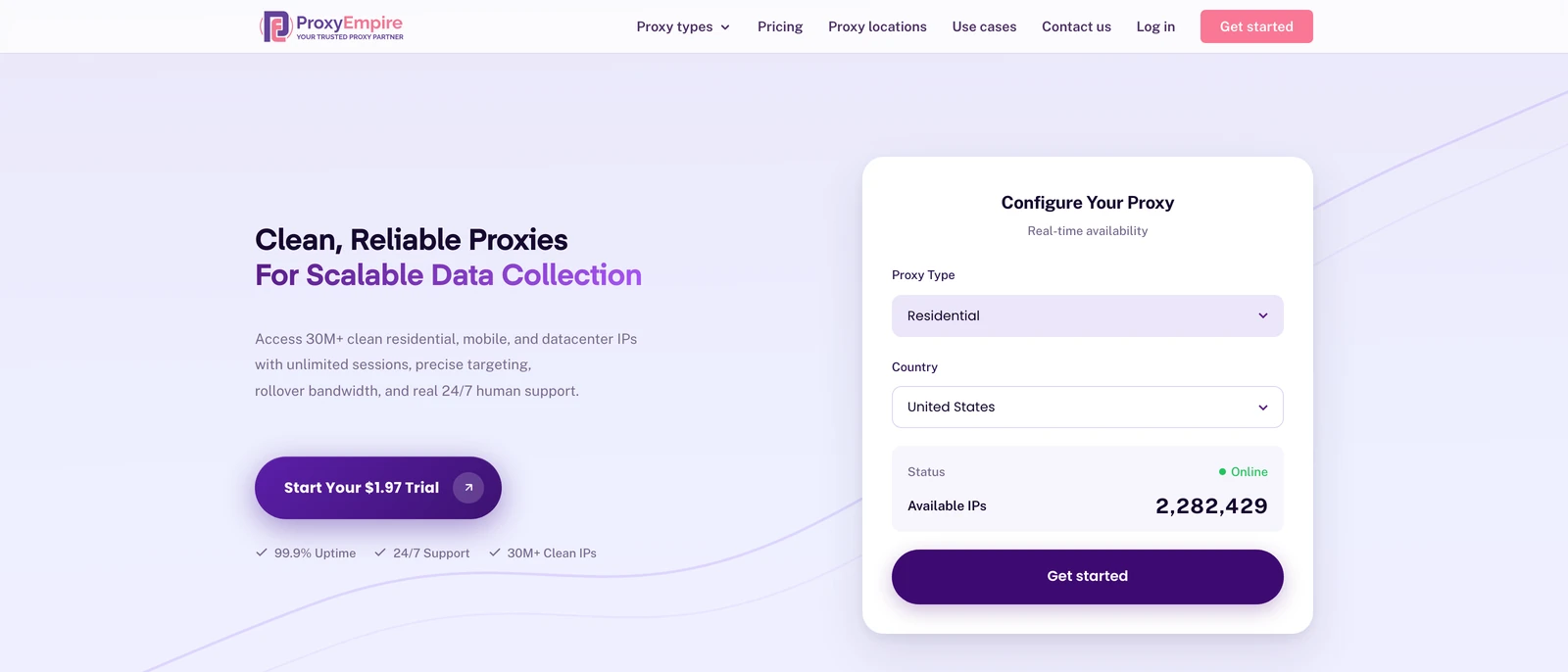
ProxyEmpire
Best overallProxyEmpire supports SOCKS5 on every proxy type it sells, with a username and password that go straight into Telegram’s proxy settings, and a choice of residential, mobile or fixed IPs for each account.
- Sticky sessions keep one IP per account, with country, region, city, ISP and carrier targeting included
- Static residential IPs from $2.00 a month for a main account, no concurrent session limit, and 24/7 support from real people
- No MTProto proxies: you connect through Telegram’s SOCKS5 option instead
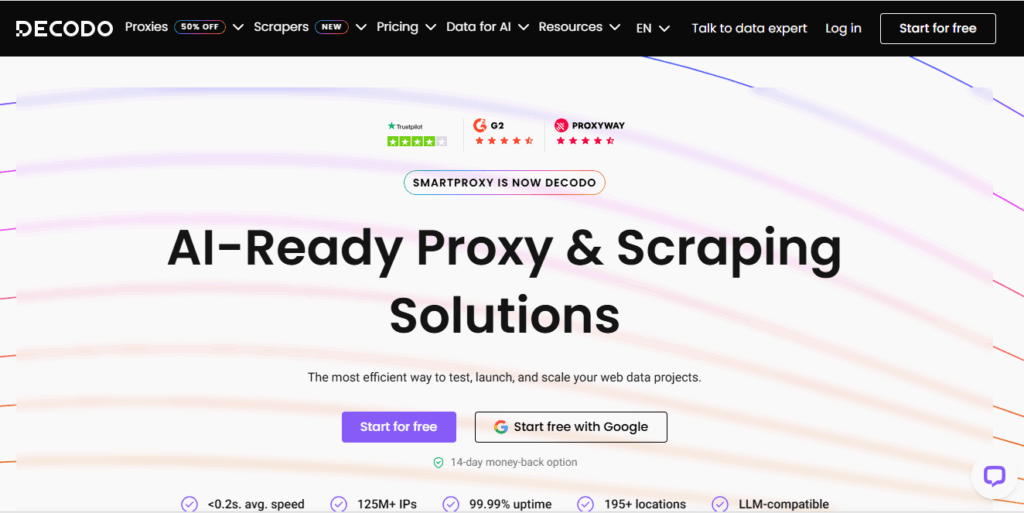
Decodo (formerly Smartproxy)
One setup across four productsDecodo documents SOCKS5 on all four of its proxy types, so residential, mobile, ISP and datacenter IPs all plug into Telegram the same way.
- A free 100 MB trial and a 14-day money-back guarantee on the first purchase
- 24/7 technical support
- Sticky residential sessions default to 10 minutes (up to 24 hours if you set it)
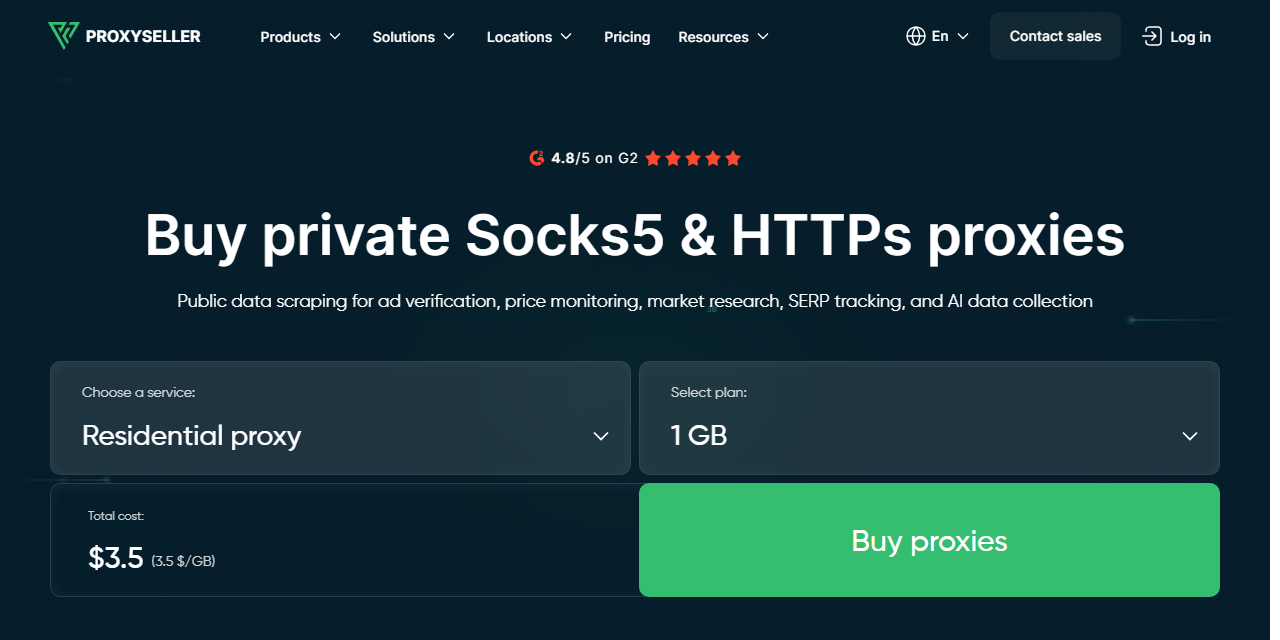
Proxy-Seller
A fixed IP per accountProxy-Seller rents fixed IPs one at a time, from ISP proxies at $3.00 a month ($2.25 at 500 IPs) to private datacenter IPv4 and dedicated mobile lines, and supports SOCKS5 with the same login as HTTP.
- Username and password or IP allow-list authentication
- Choose the country for every fixed IP you rent
- Residential traffic expires 30 days after purchase
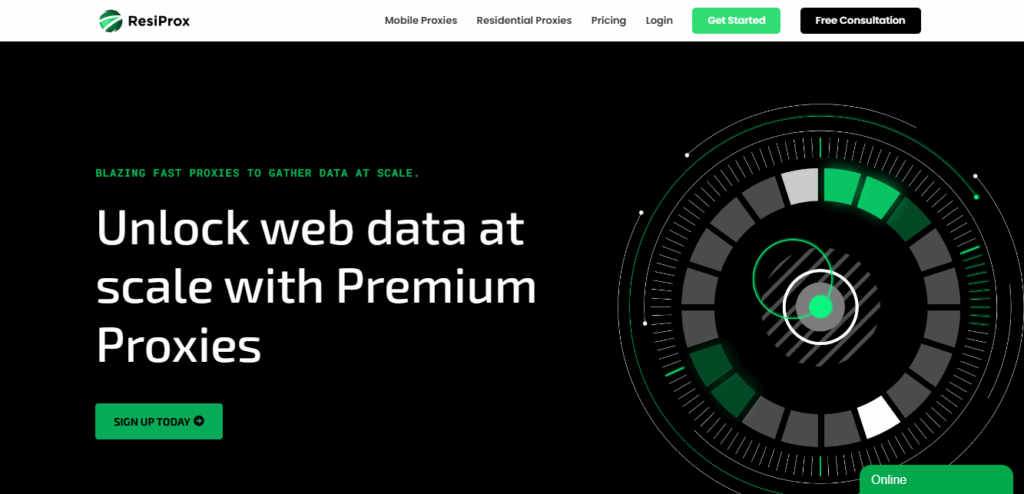
ResiProx
Residential and mobile on a small budgetResiProx supports HTTPS and SOCKS5 on its residential and mobile IPs, with country, region, city and ISP targeting on every plan.
- One trial covers both residential and mobile SOCKS5
- ISP-level targeting from the first gigabyte
- Rotating proxies only — no static or dedicated IPs
NodeMaven
Quality-filtered IPsNodeMaven offers SOCKS5 residential proxies, screens each IP for quality before assigning it, and keeps sticky sessions for up to 24 hours. Its plans currently show 20% off, at $4.25 falling to $2.20/GB.
- Long sticky sessions suit account work
- Unused traffic rolls over
- No 1 GB plan and no datacenter proxies
Byteful
Traffic that never expiresByteful, formerly Ping Proxies, sells SOCKS5 residential and static proxies, with residential bandwidth that never expires.
- A free 1 GB residential trial
- Sticky sessions of up to 24 hours
- The smallest residential plan is 10 GB, and static IPs come in blocks of at least 10
Webshare
Free starter planWebshare includes SOCKS5 on every plan at no extra charge, and its free plan gives you 10 datacenter proxies, a safer start than a public list.
- Proxies behind your own login that you can try without paying
- Static residential and datacenter IPs in the same dashboard
- The free proxies are datacenter IPs, and monthly bandwidth does not roll over
SOAX
Carrier targetingSOAX supports SOCKS5 on its residential and mobile proxies, and charges one rate for residential and mobile traffic.
- Mobile IPs at the residential price
- Carrier targeting for phone-based accounts
- Plans are monthly spend tiers, and credits expire after 60 days

Oxylabs
Enterprise teamsOxylabs documents SOCKS5 on its residential network, lists 175M+ residential IPs and gives every plan a dedicated account manager.
- Very large pool with precise location targeting
- Account management on every plan
- The smallest plan is 5 GB for $30 a month, and there is no residential trial

IPRoyal
Long sticky sessionsIPRoyal supports SOCKS5 across its proxies, keeps residential sessions for up to 7 days and never expires your traffic.
- Very long sessions on rotating residential IPs
- Traffic stays usable until you spend it
- The highest residential entry price here
MarsProxies
Four proxy types in one accountMarsProxies lists SOCKS5 on its residential, ISP, datacenter and mobile proxies, with ISP IPs from $2.99 a month for one IP down to $2.09 at 1,000, and unlimited data.
- 24/7 support
- Fixed ISP IPs with no data cap
- It lists 1M+ residential IPs, the smallest pool figure here, and has no free trial
ProxyRack
High-volume residentialProxyRack lists HTTP, HTTPS and SOCKS5 support on residential proxies sold in bundles from 100 GB at $1.10/GB.
- A low per-GB rate for heavy traffic
- Country, city and ISP targeting
- Far more data than Telegram messaging needs: the smallest bundle is 100 GB
Infatica
A different IP on every portInfatica lets you use its residential IPs over SOCKS5, with each port from 10000 to 10999 mapped to a different IP.
- Easy to give each account its own port and IP
- 20% off annual plans
- Its SOCKS5 page does not say which other products support SOCKS5
SOCKS5 vs MTProto proxies for Telegram
The two proxy types Telegram accepts| SOCKS5 proxy | MTProto proxy (MTProxy) | |
|---|---|---|
| Made for | Any app, including Telegram | Telegram only |
| Login | Username and password | A shared secret key |
| Who runs it | A proxy provider, on IPs you choose | Usually a volunteer or a channel owner |
| Sponsored channel | None | The operator can pin a promoted channel |
| Best for | Accounts, teams and tools | Casual personal use |
In both cases, your messages stay encrypted between the app and Telegram’s servers, so the proxy cannot read them. What differs is control. A paid SOCKS5 proxy is private to your login and sits on the residential or mobile IP you picked. An MTProto proxy from a public list is shared with everyone who found the same link, and its operator sees your IP address. Telegram Desktop also accepts HTTP proxies, but the phone apps do not, so SOCKS5 is the one to choose.
How to add a proxy in Telegram
Step by step in every official appYou need four details from your provider: the server (host), the port, a username and a password. With ProxyEmpire, residential and mobile proxies use the server v2.proxyempire.io and port 5000; you set the country, city and sticky session in the dashboard, then copy the username and password it generates.
Telegram for Android
- Open Telegram, tap the menu and open Settings.
- Tap Data and Storage, then Proxy Settings, then Add Proxy.
- Choose SOCKS5 and fill in the server, port, username and password.
- Save with the tick. Back in Proxy Settings, switch on Use Proxy; the proxy shows as connected with its ping time.
Telegram for iPhone and iPad
- Open the Settings tab, then Data and Storage, then Proxy.
- Tap Add Proxy, choose SOCKS5 and enter the same four details.
- Tap Done and switch on Use Proxy. The proxy list shows whether it connected.
Telegram Desktop (Windows, macOS, Linux)
- Open Settings, then Advanced, then Connection type.
- Choose Use custom proxy, then Add proxy, and select SOCKS5.
- Enter the hostname, port, username and password, and save.
Proxy links and several accounts
- Proxy links: a link in the form t.me/socks?server=…&port=…&user=…&pass=… opens Telegram’s add-proxy screen with the details filled in. MTProto links use t.me/proxy with a secret instead. Treat a link with your login in it like a password.
- One account, one IP: Telegram applies the proxy to the whole app, so give each account its own device, app install or desktop profile, each with its own sticky session or fixed IP.
- Telegram Web has no proxy setting of its own; it uses the proxy of the browser or computer it runs on.
On Android you can also route Telegram through ProxyEmpire with our free Proxy Manager app, which handles the login for you. See our Android proxy setup guide.
Which proxy type is best for Telegram?
Match the IP to the account- Rotating residential with a sticky session is the all-round choice for desktop accounts, bots and research: a real home IP that stays the same for as long as you need it.
- 4G mobile fits accounts that live on a phone, because Telegram accounts are tied to phone numbers and mobile IPs are shared by many real subscribers. Pick the country that matches the number.
- Static residential (ISP) suits a main account or channel admin that signs in every day from the same place.
- Datacenter is cheap and fast for bots and tools, but server IPs look less like ordinary users, so it is a weaker fit for accounts.
Messaging uses very little data, so a small residential or mobile plan covers many accounts; media and video use more. ProxyEmpire’s rotating mobile proxies and static residential proxies run on the same account as residential.
Free Telegram proxy lists: should you use one?
Why we don’t publish a listFree Telegram proxy lists are mostly public MTProto servers shared through channels and websites. They change daily, slow down as soon as a link spreads, and are run by strangers who can see your IP address and show you a sponsored channel. That is why we don’t publish one: any list would be out of date within days. For a single personal account they may be enough. For work accounts, a private SOCKS5 proxy that only answers to your login is the reliable choice, and a $1.97 trial costs less than losing an account. Telegram’s terms and your local laws apply whichever proxy you use.
Telegram proxy FAQ
Short answersWhat is the best proxy for Telegram?
ProxyEmpire, in our 2026 comparison: private SOCKS5 on residential IPs in 179 countries and territories and 4G mobile IPs in 174, sticky sessions per account, static IPs from $2.00 a month and a $1.97 trial.
Does Telegram support SOCKS5 proxies?
Yes. Every official Telegram app accepts SOCKS5 proxies with a username and password, and Telegram Desktop also accepts HTTP proxies.
What is an MTProto proxy?
A proxy server built for Telegram’s own MTProto protocol. Anyone can run one, and it connects with a secret key instead of a username and password.
Can a Telegram proxy read my messages?
No. Telegram encrypts traffic between the app and its servers, so neither a SOCKS5 nor an MTProto proxy can read message content. The proxy operator can see your IP address and when you connect.
Is there a free proxy for Telegram?
Public MTProto lists are free but shared and short-lived. Webshare’s free plan offers 10 datacenter proxies behind your own login, and paid trials such as ProxyEmpire’s $1.97 give you residential and mobile IPs to test.
How do I use a different IP for each Telegram account?
Run each account in its own device, app install or desktop profile, and give each one its own sticky session or static IP in the country that matches its phone number.
Why does my Telegram proxy keep disconnecting?
Usually because a public server is overloaded or offline, or because a rotating proxy changed IP. Use a private proxy and a sticky session or static IP for a stable connection.
Can I use an HTTP proxy with Telegram?
Only on Telegram Desktop. The Android and iPhone apps accept SOCKS5 and MTProto proxies, so choose SOCKS5 if you use Telegram on a phone.
How do I know my Telegram proxy is working?
Open the proxy list in Telegram’s settings: a working proxy shows as connected with its ping time. If it says unavailable, check the host, port and login, and that Use Proxy is switched on.
Should I use a VPN or a proxy for Telegram?
A proxy set inside Telegram affects only Telegram, and you can give each account its own IP. A VPN routes the whole device through one IP, which is simpler for personal use but cannot separate several accounts.
Will a proxy stop my Telegram account from being banned?
No. A proxy gives each account its own steady connection, but Telegram still judges what the account does. Follow Telegram’s terms: we don’t support spam, scams or any illegal activity.
How much data does a Telegram proxy use?
Very little for text messages. Photos, voice notes and video use most of the traffic, so plan for more data if your accounts send media.
Private SOCKS5 proxies for every Telegram account
Residential IPs in 179 countries and territories from $1.50/GB, 4G mobile IPs in 174, sticky sessions per account and 24/7 support from real people. Try ProxyEmpire for $1.97.