
In 2026, proxies have become an essential tool for students and educators alike. Whether you’re looking to access blocked educational resources, ensure privacy, or optimize internet speed on school networks, proxies are the go-to solution. This blog explores the 27 best proxies for schools in 2026, their features, and why they stand out.
Why Do Schools Need Proxies?
Proxies act as intermediaries between your device and the internet, providing anonymity and bypassing restrictions. In schools, they serve several purposes:
- Content Filtering: Block inappropriate websites while allowing access to educational resources.
- Privacy Protection: Mask IP addresses to safeguard student and staff data.
- Bandwidth Optimization: Cache frequently accessed sites to improve internet speed.
- Access Control: Enforce internet usage policies tailored to educational needs.
With these benefits in mind, let’s dive into the top proxies that meet these requirements.
Top 27 Proxies for Schools in 2026
1. 🏆 ProxyEmpire 🏆 – Best Proxy for School in 2026
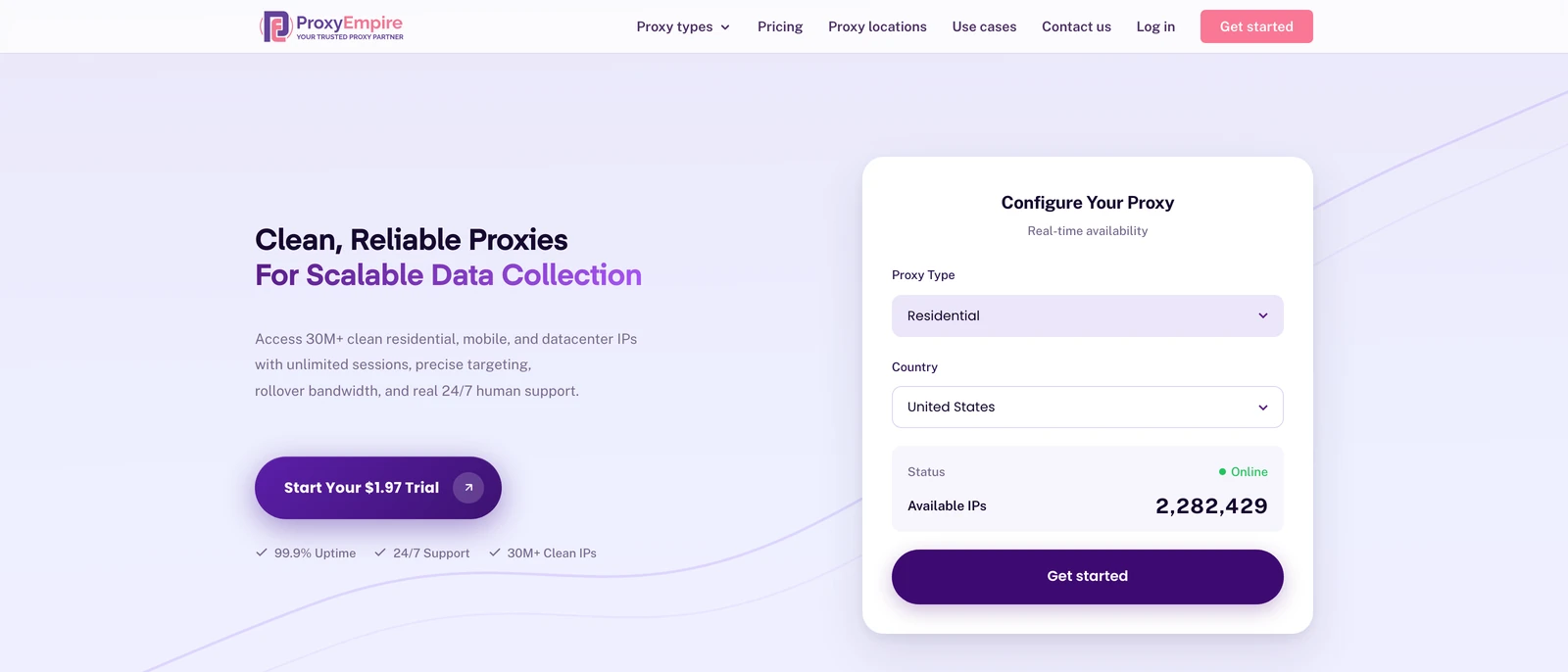
ProxyEmpire is a premium proxy service provider designed to empower public data collection and viewing public web experiences across supported locations through a vast network of ethically sourced residential, mobile, and datacenter proxies.
Overview of ProxyEmpire
ProxyEmpire offers a comprehensive suite of proxy solutions tailored for individuals, businesses, and developers seeking reliable, high-performance tools for data gathering and privacy protection. With over 30 million clean IP addresses spanning 170+ countries, ProxyEmpire provides unparalleled global coverage, supporting large-scale public data collection with a 99.9% uptime and lightning-fast response times (as low as 0.6 seconds).
Proxy Types and Features:
🏘️ Rotating Residential Proxies
Key Benefits
- Extensive Network Coverage: Access to over 30 million IPs worldwide across every major region, supporting public data collection with selection options by country, city, state, and ASN/ISP
- High Reliability: A 99.86% uptime ensures uninterrupted service, supported by patented technology for enhanced speed and security.
- Ethical Sourcing: Proxies are responsibly harvested, ensuring quality and compliance.
- Versatile Use Cases: Supports public data collection, price monitoring, market research, SEO tracking, ad verification, automation, and viewing public web experiences across supported locations. Rotating residential proxies and rotating mobile proxies are best for large-scale public data collection, market research, and workflows that benefit from automatic IP rotation. Static residential proxies are better when a longer, consistent session is required.
- Integration-Friendly: Compatible with standard proxy protocols (HTTP, SOCKS5) and third-party tools like Multilogin, Dolphin Anty, Kameleo, Octobrowser, and Gologin.
- No Hidden Fees: Transparent pricing with all features included, starting at a $1.97 trial.
Use case:
2. ResiProx
ResiProx sells rotating residential and mobile proxies drawn from a large, ethically sourced pool that spans many countries. Schools and research teams use it when a simple web proxy is not enough and they need traffic that looks like ordinary home or carrier internet. Sessions can stay sticky for a while or rotate automatically, which suits both long reading sessions and larger public data collection jobs. HTTP, HTTPS, and SOCKS5 are supported, so the same credentials can feed a browser, a research script, or a classroom lab tool. A dashboard lets staff pick country, city, or ISP level exits and watch usage without standing up extra infrastructure. Plans are billed by bandwidth and start at a modest entry price, which keeps small projects affordable. A no logs stance and encrypted protocols make it a better fit than ad supported web proxies when student privacy on a watched network matters.
3. CroxyProxy
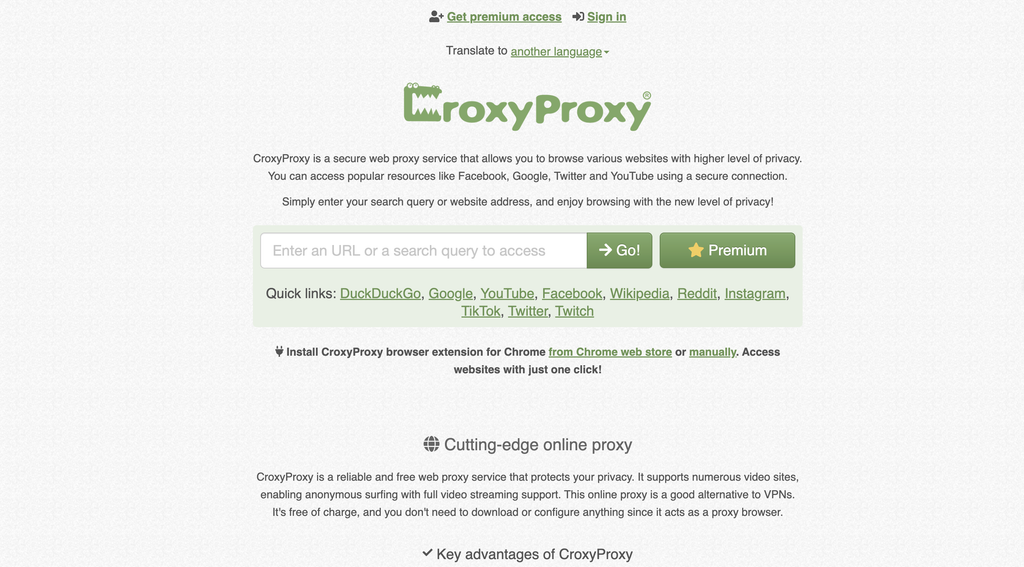
CroxyProxy is a browser based web proxy built for short sessions when a student needs a page to load without installing software on a school laptop or Chromebook. You open the site, enter an address, and the destination page renders inside the proxy window, so there is no system setting to change and no extension that an administrator has to approve. It is commonly used for video lessons, public search, and social research pages that do not render cleanly through a basic filter. Traffic between the browser and the proxy can be encrypted, which helps on shared campus Wi Fi. The free tier is enough for casual checks, while a paid plan trims ads and gives a more stable stream for longer viewing. It is not a full device tunnel and it is a poor place to sign into personal accounts, but it remains a practical first stop for one tab research.
4. KProxy
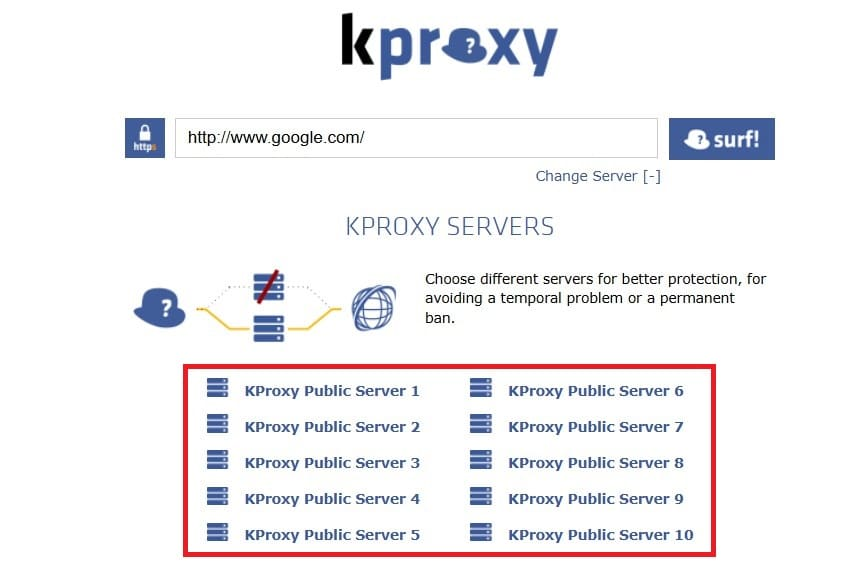
KProxy sits between a classic web proxy and a lightweight privacy tool. Students can use it in the browser with no account, or install an official extension for Chrome, Firefox, or Edge and flip the connection on with one click. There is also a portable browser for machines where extensions are locked down. Servers in several countries let a class switch exits when a lesson page is served differently by region. The free plan is usable for light browsing. Paid time based plans remove ads, raise limits, and keep a session steadier during a full class period. Sticky options help when a login to a learning platform needs the same exit for a few minutes. Setup stays simple, which is the main reason it still shows up on school devices. It is better for everyday reading and homework than for heavy public data collection or multi app workflows.
5. Proxy Site
Proxy Site is a no install web proxy that routes a single browser tab through servers in the United States and Europe. A student pastes a URL, the service fetches the page, and the result appears with SSL wrapping even when the original destination is mixed content. Cached copies of popular educational sites can make repeat visits feel quicker on a crowded campus link. Media embeds often survive the rewrite, which helps when a lesson includes a short clip. The free layer is enough for a quick lookup. A paid upgrade cuts ads and raises priority when many people share the same servers. Shareable proxied links are useful in group work because a classmate can open the same view without configuring anything. It will not cover apps outside the browser and it is not a substitute for a managed residential network, but it is an easy option for short, supervised research bursts.
6. Bright Data
Bright Data is an enterprise grade web data platform rather than a casual school proxy. Its residential, ISP, mobile, and datacenter networks sit under unlockers, search tools, and structured datasets that research labs and universities already use for public web collection. Residential exits behave like real household connections, which is useful when academic databases or publisher sites treat datacenter traffic poorly. Teams can keep a session consistent or rotate addresses as the workflow changes. Compliance language around GDPR and ethical sourcing is part of the product story, which matters if a school district has to justify a vendor. Pricing is usage based and aimed at projects, not a free study hall tool. For a class that only needs one blocked video, this is more than required. For faculty led market research, ad verification, price monitoring, and location based testing with residential IPs, it is one of the more complete stacks on the list.
7. Shadowsocks
Shadowsocks is an open source SOCKS5 style tunnel rather than a hosted proxy brand. A capable student or an IT club can stand up a personal server and point laptops or phones at it with a small client. Traffic is encrypted, resource use is light, and the design is meant to look like ordinary encrypted web use on a filtered network. Because there is no central commercial dashboard, privacy depends on who runs the server and how it is logged. Community clients exist for many operating systems, including setups that work on older lab hardware. It is a strong fit when a school already has someone who can maintain a server and wants a custom path for research traffic. It is a weak fit when staff need vendor support, usage reports, or a ready made content policy. Treat it as infrastructure you operate, not as a one click student app.
8. My IP Hide
My IP Hide is a straightforward commercial proxy aimed at people who want a new public address without learning a full enterprise panel. Encrypted servers in a handful of major countries cover typical homework and research browsing. Browser add ons keep the switch simple on a personal laptop. Paid plans lift free tier limits so a session can last through a lecture or a lab. The product is privacy first in marketing and does not try to be a scraping platform, which keeps the learning curve short for students and teachers. It is less useful when a department needs city level exits, APIs, or separate QA and monitoring workflows at scale. For individual use on a school network, the value is speed of setup and a cleaner session than an ad heavy web proxy. Pair it with good password hygiene, since any shared proxy still sits in the middle of your traffic.
9. Proxyium
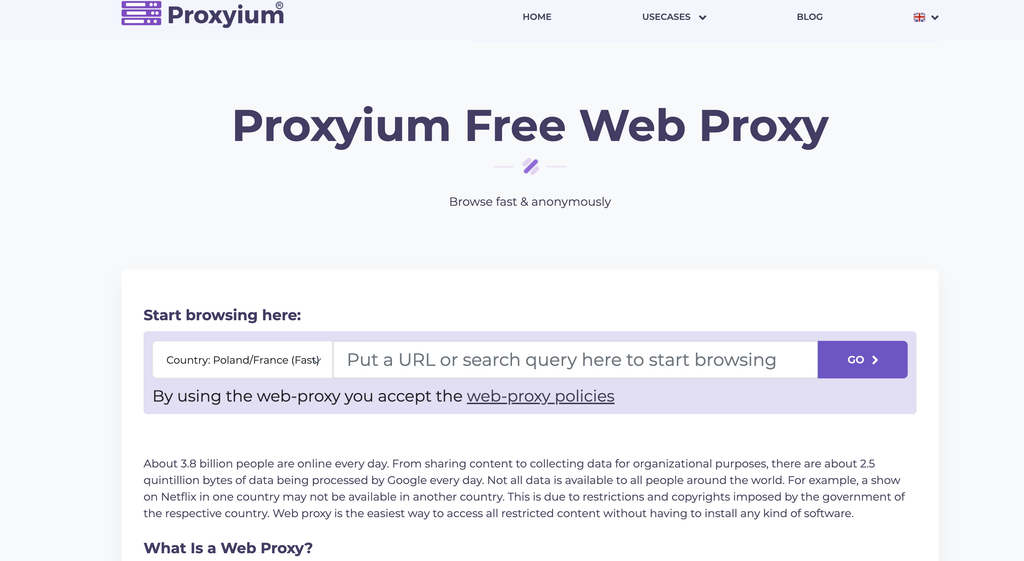
Proxyium is a free, no signup web proxy. Enter a URL and the page is fetched and rewritten inside the service so the destination sees the proxy address instead of the school network. SSL wrapping is applied to the session, permalinks can be sent to classmates, and it runs on phones as well as lab PCs because nothing is installed. Popular public sites are the intended workload. Video is less dependable than on some rival web proxies, and logins should stay off this kind of tool. There are no bandwidth meters on the free product, though speed follows how busy the shared servers are. For a student who needs a single article or a public homepage during a spare period, Proxyium is immediate. For coursework that needs a stable identity, file downloads, or anything outside one browser tab, a credentialed residential or datacenter product is the better next step.
10. CoProxy
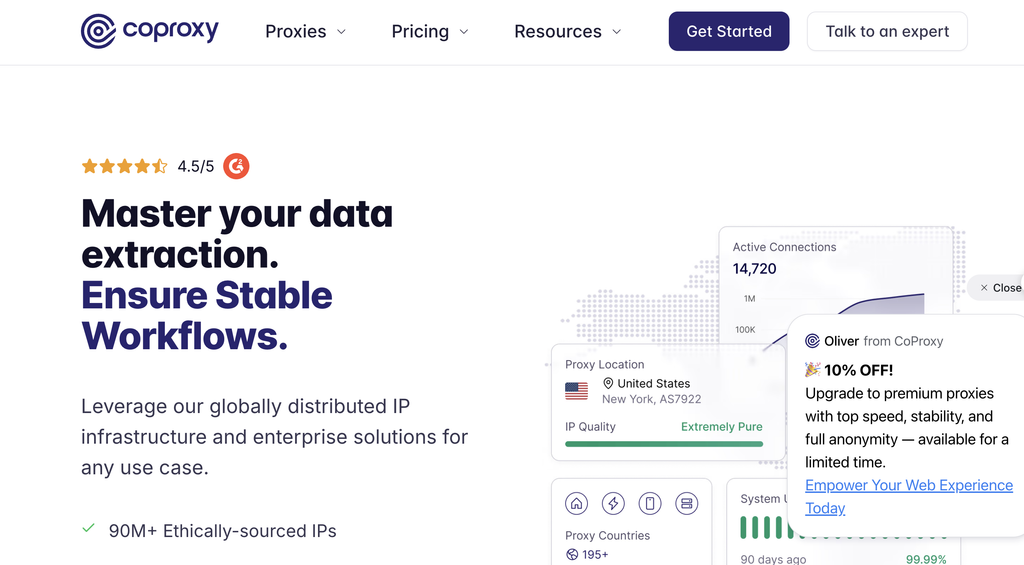
CoProxy mixes shared datacenter inventory with rotating residential and mobile options, plus a small free proxy list for first tests. Plans can be sticky or rotating, which lets a class keep one exit for a learning portal or change addresses for public data collection and market research. HTTP and SOCKS5, password or whitelist login, and a simple usage panel cover the basics without a long onboarding call. Entry pricing is low enough for a student project or a teacher experiment. Refund language on some packages lowers the risk of a first purchase. It is not the deepest network on this list, and shared datacenter exits are easier for busy sites to treat cautiously. Used with clear classroom rules, it is a practical mid range choice when a web proxy is too thin and a full enterprise platform is too much.
11. Steganos Free Online WebProxy
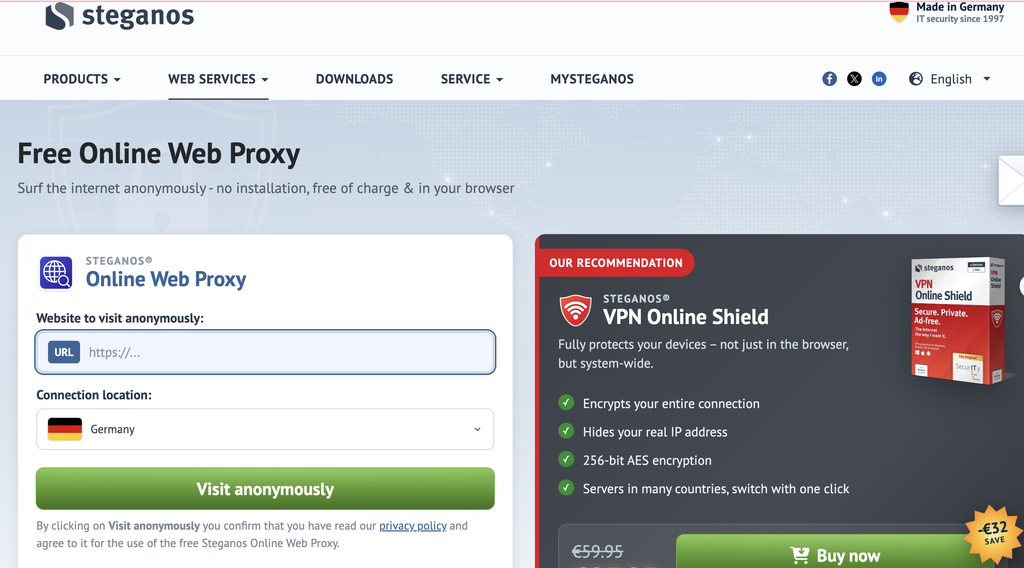
Steganos Free Online WebProxy comes from a long running privacy software company and keeps the classic formula: open the page, type a destination, and read the result through servers in Europe and the United States. There is no client to install, which helps on locked school images. SSL is added on the path to the proxy, and caching can make a second visit to the same textbook site feel snappier. Ads support the free service and can clutter the page. It is best for a quick check of a public resource, not for streaming a full lecture or running a research crawl. Because the product is intentionally simple, staff can explain it in a minute. The tradeoff is the same as every free web proxy. Capacity is shared, destinations can refuse known proxy ranges, and students should not enter school passwords through it.
12. Wproxy
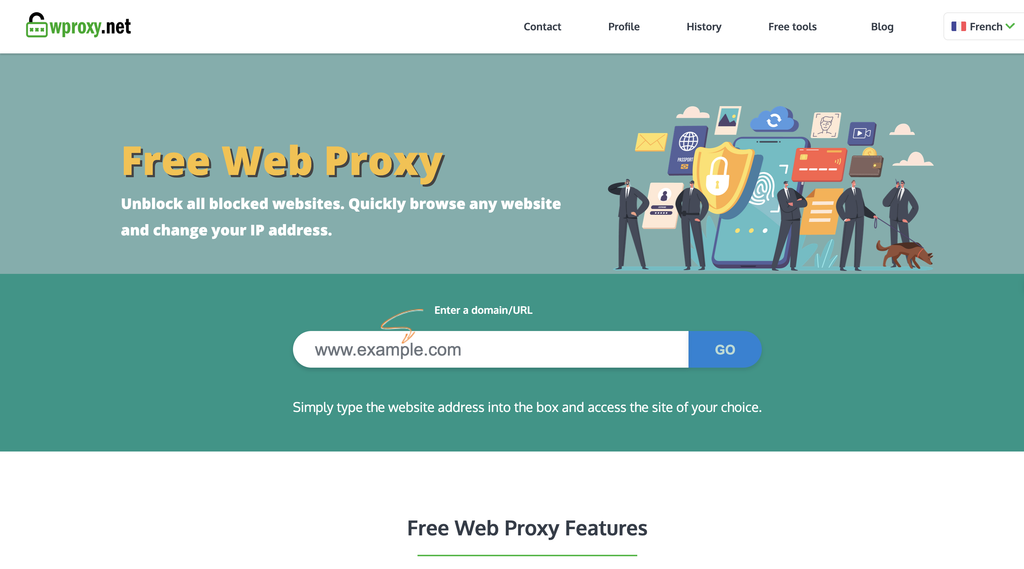
Wproxy is positioned as a light tool for Chromebooks and other locked down school devices. The pitch is speed and a privacy minded design rather than a giant IP catalog or a developer API. Students use it when a page fails to open on the campus network and they need a short, readable session without installing a full VPN. There is little to configure, which is the point on managed Chrome OS. It will not replace a district content filter or give IT a policy console. It also will not match residential networks for research jobs that need many exits. For the narrow job of keeping a lesson readable during the school day, the lightweight approach is the feature. Teachers should still treat it as an exception path and keep personal accounts off any shared web proxy.
13. SimplyNode
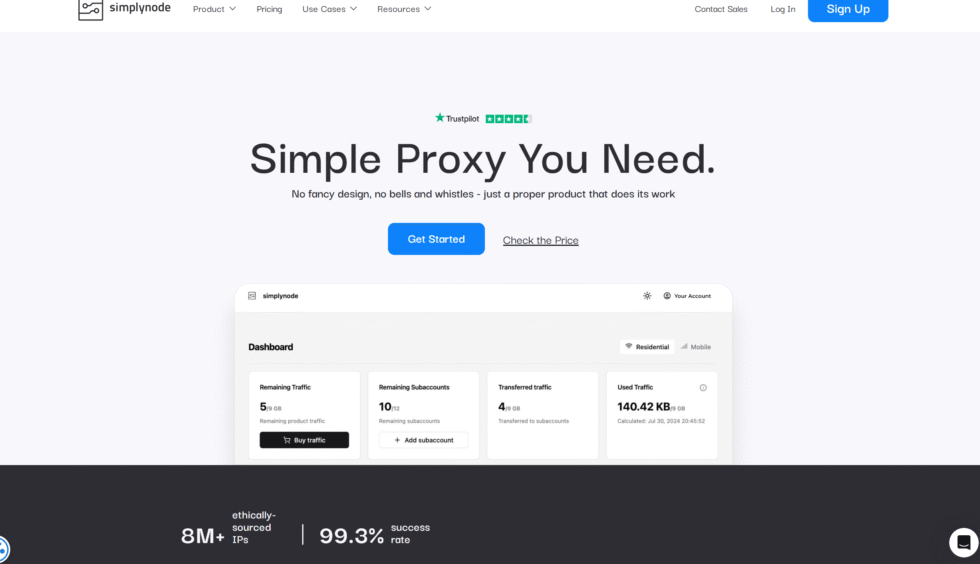
SimplyNode delivers a comprehensive range of residential and mobile proxies, utilizing an expansive pool of over 50 million ethically sourced IP addresses to support diverse online activities in educational contexts. The service enables seamless rotation of IPs for maintaining anonymity during extended browsing sessions, with compatibility across major browsers and applications for effortless integration on school devices. It incorporates robust security measures, including encrypted connections, to safeguard user data against potential network vulnerabilities. Headquartered in the United States, SimplyNode emphasizes global coverage while prioritizing U.S.-based IPs for localized access to academic resources. Users can manage proxies through an intuitive dashboard that tracks session performance and allows for quick adjustments. This setup facilitates reliable connectivity for tasks like accessing geo-restricted study materials or collaborating on digital projects. The provider’s focus on high-performance proxies ensures minimal disruptions, though network variability may influence outcomes in heavily filtered environments. Overall, it provides a solid foundation for students seeking versatile proxy solutions without complex configurations.
- Key features include rotating residential and mobile IPs, HTTP/HTTPS protocol support, and easy dashboard management for session control.
- Pool of over 50 million ethically sourced IPs, with 99.9% uptime and availability in major U.S. cities for targeted educational access.
14. Proxy-Seller
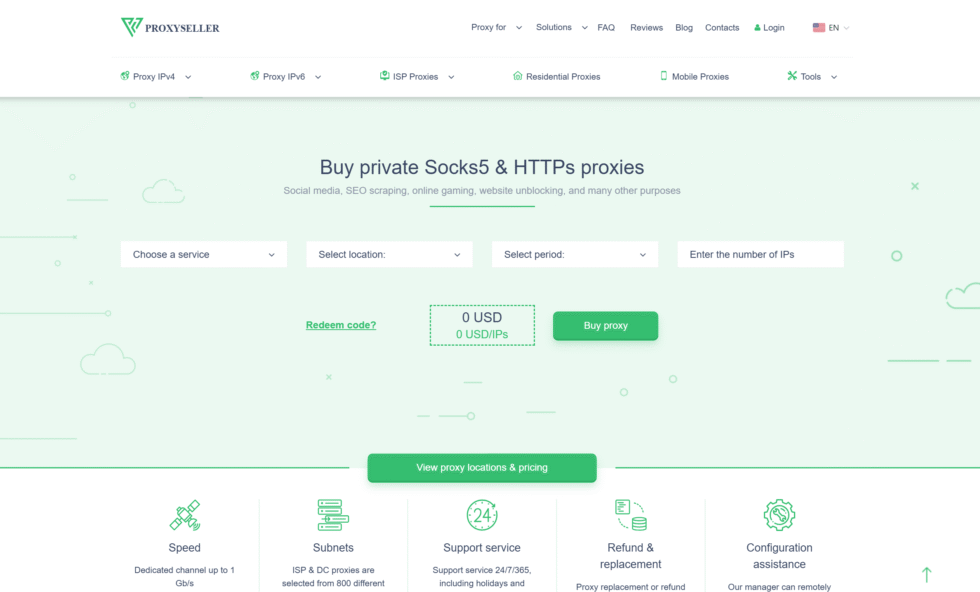
Proxy-Seller specializes in dedicated and static residential proxies, offering access to a network exceeding 1 million IPs with a strong emphasis on U.S. and international locations for stable school network navigation. These proxies support high-speed connections up to 1 Gbps, accommodating bandwidth-intensive activities such as video-based learning or file downloads. Authentication options include username-password and IP whitelisting, enhancing security for repeated use on classroom devices. Based in the United States, Proxy-Seller provides proxies across over 20 countries, enabling precise targeting by country or city to unlock region-specific content. The service integrates SOCKS5 and HTTP/HTTPS protocols, allowing flexibility for various applications and tools. Management occurs via a user-friendly panel that monitors active sessions and facilitates IP replacements if needed. While effective for persistent connections, the static assignments may require occasional manual interventions on adaptive filters. This makes it a practical choice for students handling consistent access needs in controlled settings.
- Key features encompass dedicated static IPs, SOCKS5 and HTTP/HTTPS support, and customizable authentication methods for secure sessions.
- Network of over 1 million IPs across 20+ countries, with average speeds up to 1 Gbps and 99% connection success rate.
15. Proxy-Cheap

Proxy-Cheap provides affordable rotating residential and ISP proxies from a pool surpassing 1 million IPs, with extensive coverage in U.S. cities to aid in bypassing educational restrictions efficiently. The service allows users to select specific features like rotation intervals, supporting smooth operation for research or multimedia streaming on limited devices. It features a credential-based system for easy proxy assignment, compatible with HTTP/SOCKS5 protocols for broad application use. Headquartered in the United States, Proxy-Cheap focuses on global reach while optimizing for domestic needs, such as accessing state-level educational databases. The dashboard enables list customization and performance monitoring, streamlining setup for quick deployment. This approach suits moderate-scale tasks, though shared resources can lead to minor fluctuations during peak usage. Overall, it offers a straightforward way for students to maintain connectivity without overwhelming technical demands.
- Key features offer rotating residential IPs, HTTP/SOCKS5 compatibility, and credential system for feature selection.
- Over 1 million residential ISP IPs globally, with 98% uptime and coverage in over 100 U.S. cities for precise targeting.
16. Shifter
Shifter, formerly known as Microleaves, supplies rotating residential proxies from a network of over 31 million IPs, heavily weighted toward U.S. sources for effective handling of school proxy requirements. The service includes unlimited bandwidth per port, supporting data-heavy operations like downloading large study files or running multiple sessions. Advanced rotation algorithms ensure low detection rates, with real-time analytics available via the control panel for ongoing adjustments. Operating from the United States, Shifter covers worldwide locations but excels in domestic performance for accessing U.S.-centric learning platforms. It supports up to 1,000 concurrent threads, making it adaptable for group or individual use in classrooms. Setup involves port-based access, which simplifies integration with standard tools. Potential latency in certain pulls may affect remote areas, but the overall reliability holds for most scenarios. This provider stands as a capable option for scalable proxy deployment in educational workflows.
- Key features include automatic IP rotation, unlimited bandwidth, and API integration for up to 1,000 threads.
- 31 million+ residential IPs with U.S. emphasis, 99.5% success rate in bypassing, and average response time of 0.8 seconds.
17. Storm Proxies
Storm Proxies offers back-connect rotating proxies from a pool of over 10 million IPs, with a focus on U.S. availability to facilitate quick unblocking in school environments. The service provides unlimited bandwidth per port, enabling sustained use for browsing or light data tasks without interruptions. It features automatic failover to maintain connectivity, compatible with major browsers and apps for easy adoption on restricted devices. Headquartered in the United States, Storm Proxies prioritizes speed and simplicity, covering essential locations for domestic educational content. The port-based system allows straightforward management, with options for session persistence. This configuration works well for beginners, though the pool depth limits very intensive applications. It delivers consistent performance for typical student needs, such as checking references or joining virtual sessions.
- Key features comprise back-connect rotation, unlimited bandwidth per port, and compatibility with HTTP/SOCKS protocols.
- 10 million+ IPs with strong U.S. coverage, 99.3% success rate, and response times averaging 0.8 seconds.
18. IPBurger
IPBurger maintains a extensive network of over 100 million residential IPs, including comprehensive U.S. state-level targeting for versatile applications in school settings. It offers both sticky and rotating modes, with sessions up to 30 minutes for balancing stability and anonymity during prolonged access. The service supports HTTP/HTTPS/SOCKS5 protocols across various devices, facilitating integration with educational software. Based in the United States, IPBurger ensures ethical sourcing and high success rates through verified performance metrics. Users access a detailed dashboard for proxy list management and geo-specific selections, enhancing precision for regional resources. This setup accommodates diverse needs, from basic browsing to more structured data retrieval. Occasional mismatches in targeting may occur, but the vast pool mitigates most issues effectively. Overall, it provides a robust platform for reliable proxy utilization.
- Key features feature sticky and rotating sessions, multi-protocol support, and city-state geo-targeting.
- 100 million+ residential IPs with U.S. allocation, 99.95% uptime, and 95% geo-bypassing success.
19. 922 S5 Proxy
922 S5 Proxy utilizes a vast array of over 200 million real residential IPs, emphasizing U.S. and global coverage for high-purity access in constrained networks like schools. The service achieves 99% IP purity through rigorous sourcing, supporting anonymous browsing via user/pass authentication. It includes API controls for automated handling, compatible with multiple operating systems for device flexibility. Headquartered in the United States, 922 S5 Proxy spans 190+ countries, enabling detailed location-based unblocking for international studies. The dashboard offers real-time rotation and session management, streamlining operations for users. This large-scale approach handles intensive tasks well, though peak-hour variability can extend response times slightly. It serves as a powerful tool for students requiring extensive, secure connectivity options.
- Key features include real-time IP rotation, multi-protocol support, and API integration for automation.
- 200 million+ residential IPs across 190+ countries, 99.9% availability, and 99% purity rate with U.S. focus.
20. Thordata
Thordata provides residential, ISP, and datacenter proxies from a pool exceeding 60 million IPs, with full U.S. state coverage to support localized educational access. Smart rotation and unlimited connections manage multiple devices simultaneously, ideal for collaborative learning environments. The service features a dashboard with session insights for effective troubleshooting and optimization. Operating from the United States, Thordata offers flexible proxy types across global locations, prioritizing low detection for sustained use. It integrates with scraping tools and supports various protocols, enhancing versatility for data-related tasks. This configuration scales to meet varying demands, though ISP quality influences speeds in some regions. The provider’s ethical focus ensures compliant operations for student applications.
- Key features offer smart rotation, sticky sessions, and unlimited threads across proxy types.
- 60 million+ IPs covering all U.S. states, 98% uptime, and average response time of 0.6 seconds.
21. IPRoyal
IPRoyal curates a network of over 115 million residential IPs, with advanced U.S. targeting down to ZIP code level for precise school proxy scenarios. It includes static and rotating options, supporting sticky sessions for consistent logins to learning platforms. The service accommodates country, state, and city geo-targeting, compatible with HTTP/HTTPS/SOCKS5 for broad device support. Headquartered in the United States, IPRoyal sources ethically, covering 195+ countries while optimizing domestic performance. Management tools allow customization and monitoring, facilitating efficient deployments. This extensive coverage aids in accessing diverse content, though quality can vary with pool utilization. It positions as a reliable choice for targeted, high-volume educational browsing.
- Key features include static/rotating IPs, ZIP-level geo-targeting, and ethical sourcing verification.
- 115 million+ residential IPs in 195+ countries, 99% success rate, and response times under 1 second.
22. ProxyRack
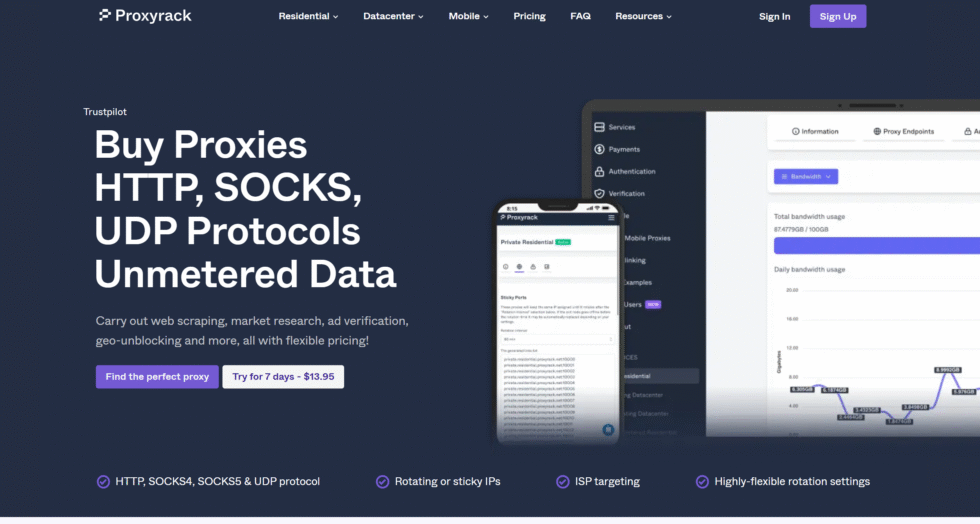
ProxyRack features a flexible array of over 5 million residential IPs, with multi-city U.S. targeting for adaptable unblocking in academic settings. It provides unmetered bandwidth on certain plans, sustaining heavy usage for downloads or multi-session activities. The service supports HTTP, HTTPS, SOCKS4/5, and UDP protocols, fitting various use cases across 140+ countries. Based in the United States, ProxyRack emphasizes anonymity with dedicated and shared options for customized needs. The control panel enables proxy list creation and performance tracking, simplifying oversight. This setup handles scraping and verification tasks effectively, though shared elements may introduce brief delays. Overall, it offers comprehensive protocol support for dynamic school requirements.
- Key features encompass rotating residential proxies, unmetered bandwidth, and multi-protocol compatibility, including UDP.
- 5 million+ IPs with U.S. city coverage, 99% uptime, and 97% unblocking efficiency across 140+ countries.
23. Rayobyte
Rayobyte is a United States proxy company that began as Blazing SEO and later expanded from dedicated datacenter inventory into ISP, residential, and mobile products. The firm is known among American SEO and research teams that want owned server infrastructure plus a residential layer for public web collection. Static datacenter and ISP exits support longer classroom or lab sessions. Rotating residential and mobile options suit market research, ad verification, and location based testing with residential IPs. A Chrome helper and scraping related tools sit beside the proxy catalog, so a school IT club can test a workflow without stitching three vendors together. Ethical sourcing talk is part of the company story, which helps when a district has to explain a purchase. Coverage includes many United States cities and additional countries for comparative assignments. Support is consultative rather than fully anonymous self serve, which some staff prefer and some students do not.
- Dedicated and rotating datacenter proxies on company infrastructure
- ISP, residential, and mobile products for mixed school research stacks
- HTTP and common proxy protocols with credential or whitelist login
- City and country selection across many United States markets
- Chrome extension plus optional collection tools for approved public data work
- Account style support suited to departments that want a named vendor in the United States
24. Webshare
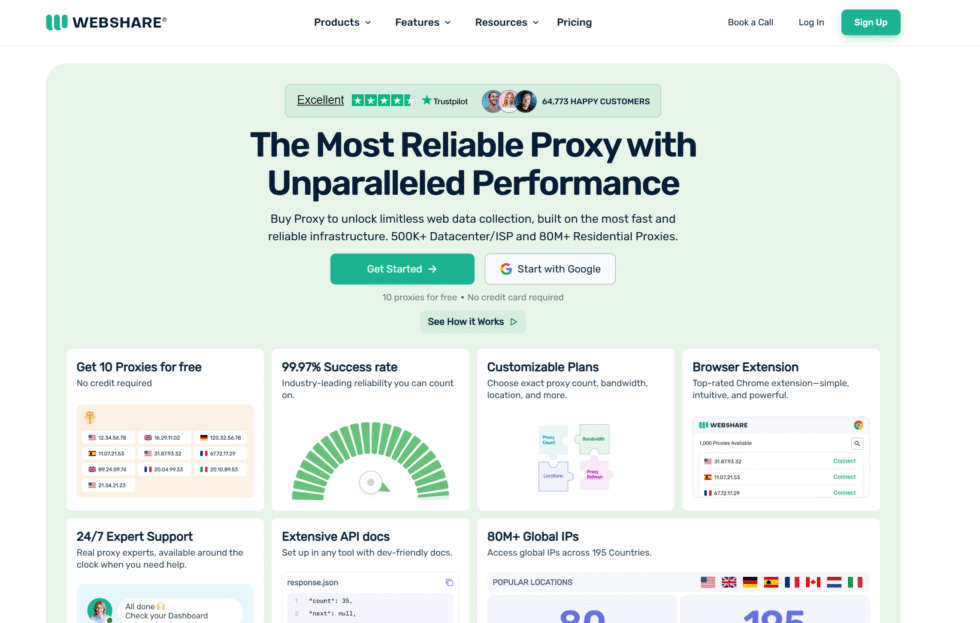
Webshare is a United States based self service platform built for people who want proxies without an enterprise onboarding call. Shared and dedicated datacenter lists are the original draw. Rotating residential and static ISP products were added so the same dashboard can cover homework browsing, QA, and light public data collection. A free starter allotment of datacenter exits lets a teacher confirm that school devices can authenticate before a class depends on the service. The control panel is plain: generate a list, pick a protocol, and drop credentials into a browser or script. SOCKS5 and HTTP are both available. Rotation and sticky behavior can be adjusted on higher tiers. Because the product is self serve, there is little hand holding, which keeps setup fast on a personal laptop and thinner when a whole lab needs custom routing. It is a practical mid market option when the goal is simple American exits rather than a full data platform.
- Free and paid datacenter lists for quick classroom tests
- Rotating residential and static ISP options in one account
- HTTP and SOCKS5 with list export from a simple dashboard
- Sticky or rotating sessions depending on the product line
- Developer friendly API for scheduled research jobs
- United States company with a self service model aimed at small teams
25. ProxyMesh
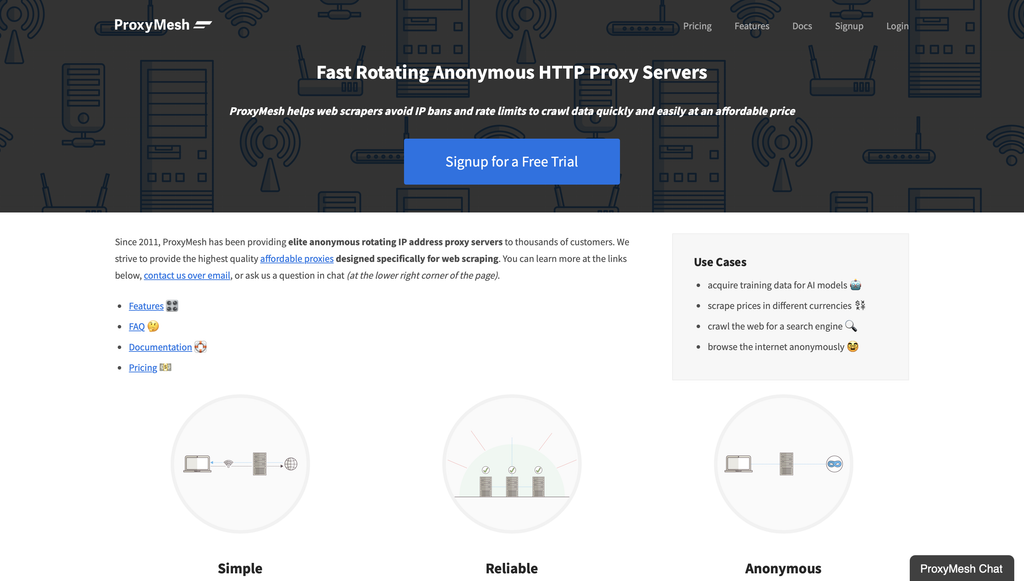
ProxyMesh has offered rotating HTTP proxies from the United States since the early twenty tens, long before giant residential marketplaces became the default recommendation. Each location is a small rotating pool that changes addresses on a fixed schedule, which is enough for many public data collection and monitoring tasks and less flexible than a multi million address residential cloud. Servers sit in several American states plus a handful of overseas cities, so a class can view public web experiences across supported locations without buying a global residential plan. Authentication can use IP allow lists or custom headers, which fits older research scripts. Elite header handling strips identifying proxy headers on the way out. There are no city pickers and no mobile carrier catalog. The product is intentionally narrow: reliable rotating exits, predictable rotation, and a status page that names each city node. For schools that want a long running American vendor rather than a new marketplace brand, that narrowness is the point.
- Rotating HTTP proxies with scheduled address changes
- Multiple United States state nodes plus selected international cities
- Elite anonymity style header handling on outbound requests
- IP authentication and custom header support for lab scripts
- Shared pools rather than dedicated single tenant IPs
- Separate mobile and ISP style United States product on some plans
26. MobileHop
MobileHop is a United States mobile proxy and VPN specialist with operations tied to Los Angeles and a Wyoming registration. Instead of a giant shared residential pool, customers attach a license to a real 4G or 5G modem and can hop that license across many American cities. Carrier paths commonly include major nationwide networks. The same service can expose HTTPS or SOCKS5 to a single app, which is useful when only the research browser should leave the school network path. Some plans include SMS capable lines for verification workflows that a district has approved. Speeds follow live cellular conditions, so a rural modem will not match a dense metro site. The catalog is United States only, which matches K 12 and college work that needs domestic public pages, carrier style exits, and location based testing. It is a boutique setup compared with marketplace residential vendors, and it rewards users who want a dedicated modem rather than an anonymous gigabyte bucket.
- Real 4G and 5G carrier modems across many United States cities
- HTTPS and SOCKS5 for app or browser only routing
- On demand modem hopping when a lesson needs another city exit
- Optional SMS capable lines for approved verification workflows
- United States only coverage on major national carriers
- Dashboard built around one license attached to one live device
27. HydraProxy
HydraProxy focuses on residential traffic plus United States 4G and 5G mobile exits rather than a full datacenter supermarket. Residential inventory spans many countries at country level selection. Mobile and broadband Wi Fi products lean on American carriers and state level picks, which helps a civics or journalism class compare how the same public page appears from different states. Rotation intervals can be shortened or extended from the panel, so a sticky window can cover a quiz login while a shorter cycle suits ad verification and price monitoring. Bandwidth on mobile lines is typically unmetered on the product’s own terms, which matters for video lessons. There is no deep city grid on every residential plan, and there is no large datacenter tier. Short access windows exist for a one day workshop. For school buyers, the useful part is a compact catalog: household style exits for reading and research, and carrier style exits when a platform treats home broadband cautiously.
- Worldwide residential pool with country level selection
- United States mobile 4G and 5G exits on major carriers
- State level broadband and mobile routing for domestic assignments
- Adjustable rotation, including longer sticky windows
- HTTP compatible setup from a single dashboard
- Short duration access options for workshops and labs
How to Choose the Right Proxy for Your School
When selecting a proxy service, consider the following factors:
- Security Features: Look for strong encryption protocols and no logging policies.
- Content Filtering: Ensure customizable filters are available to block inappropriate content.
- Performance: Opt for proxies with high uptime and fast connection speeds.
- Ease of Use: Choose proxies with user-friendly interfaces that require minimal technical expertise.
- Compliance: Verify that the proxy adheres to privacy regulations like GDPR or COPPA, where applicable.
How School Internet Filters Detect and Block Proxies in 2026
School networks do not rely on one simple “blocked site” list. In 2026, many campuses stack several checks at once. A request can fail at DNS, at the firewall, inside an HTTPS scan, or after a filter watches how the session behaves. That is why proxy sites for school that worked on Monday can fail on Wednesday, while traffic that looks like a normal home connection lasts longer.
Campus filters often treat rotating residential proxies as ordinary household traffic because those IPs come from real ISP connections rather than a single public proxy website.
The main layers school filters use
- DNS and category lists. The filter looks up the domain first. Known proxy sites for school, “unblocker” mirrors, and many free web-proxy hostnames sit in a category such as anonymizer or proxy. If the name is on that list, the page never loads.
- URL and keyword rules. Some systems scan the address bar and page title. Words like proxy, unblock, or a pasted target URL can trip a rule even when the domain is new.
- SSL inspection. On many managed networks, the school installs its own certificate on Chromebooks. The filter can then open HTTPS, read the host name, and apply policy to the real site behind a web proxy.
- Device policy. School Chromebooks often lock extensions, block unknown apps, and hide or freeze the system proxy fields. The filter does not need to guess. The device already limits what you can change.
- Behavior checks. Newer tools watch timing, TLS fingerprints, repeated short sessions, and sudden jumps between unrelated sites. A shared public proxy that serves hundreds of students at once is easy to spot.
A web-based proxy is a website. You paste a URL and that site fetches the page for you. The school firewall only needs to add that one domain. Mirror links on free hosts follow the same pattern. Once the hostname is listed, every student using those proxy sites for school loses access together.
A residential proxy works differently. The device talks to an ISP-assigned home IP. There is no single public “proxy website” to add to a category list. Residential proxies matter here: the address belongs to a real household line, so category filters that hunt for known school proxy sites have less to grab.
Static residential proxies keep the same ISP IP for a long session. That pattern fits logins and class tools that expect one steady identity. Rotation fits research that hits many public pages in a row. Proxy sticky sessions hold one IP for a set time when a worksheet or library portal needs continuity.
Why free proxy sites for school fade during the school year
Free proxy sites for school share a small set of domains. Filters update those lists all year. Students pass the same link around. Volume itself becomes a signal. Ads, broken video, and missing HTTPS make the session easier to classify.
Paid residential and mobile pools spread traffic across many home and carrier IPs. Rotating mobile proxies ride real 4G and 5G carrier paths. Dedicated 4G and 5G proxies stay on one mobile line when a workflow needs a phone-network identity. Both still show up as normal internet use at the DNS layer.
Rotating datacenter proxies are fast and simple for open public pages. School filters that score a data center ASN can treat that traffic as automated. The difference between residential, mobile, and datacenter proxies is the reason the same homework page can load on one type and stall on another. ISP proxies versus datacenter proxies is the same split when the filter is scoring who issued the address.
What the school can still see
A proxy changes the exit IP. It does not erase the fact that a device on campus made a connection.
- With proxy sites for school, the school sees a visit to the proxy domain. If SSL inspection is on, it may also see the site loaded inside that page.
- With a system or browser proxy, the school sees encrypted traffic to the proxy host. It may not see every page title. It still sees that the device is online, when it connected, and how much data moved.
- School accounts, classroom apps, and device logs stay under school control. A proxy does not hide activity inside Google Classroom, a school email inbox, or a managed Chrome profile.
HTTP proxy, HTTPS proxy, and SOCKS5 proxy are the usual connection protocols. ChromeOS proxy fields commonly accept HTTP or HTTPS. SOCKS5 shows up more often in desktop browsers and research tools than in a locked Chromebook panel.
Country choice still matters for public content that changes by market. USA residential proxies match many U.S. library and publisher sites. UK residential proxies match British editions of the same platforms.
How to Set Up a Proxy on a School Chromebook
Setup on a Chromebook depends on who owns the device. A personal Chromebook lets you edit network settings. A managed school Chromebook often locks those fields. The same method can work in one case and sit unused in the other, which is why proxy sites for school stay common on locked devices.
First check: is the device managed?
- Open Settings.
- Look for a notice that the device is managed by your school or district.
- If extensions from the Chrome Web Store are blocked, the profile is managed.
- If Settings → Network → Proxy is missing, grey, or resets after you save, policy is in control.
When the panel is locked, the OS will not keep a manual proxy. Proxy sites for school that work in a browser tab are the path many students try. That path is also the one filters list first.
When the panel is open, a standard proxy host, port, and username/password can go into ChromeOS. Proxy documentation covers host formats, authentication, and protocol notes for HTTP and SOCKS5.
Manual proxy fields on an unlocked Chromebook
- Sign in and join the Wi-Fi network you already use.
- Open Settings → Network.
- Select the active Wi-Fi network.
- Open Proxy.
- Switch from Direct internet connection to Manual proxy configuration.
- Enter the HTTP or HTTPS host and port from your dashboard.
- Add the username and password if the provider uses user:pass auth.
- Save, then open a public page and confirm the exit IP.
IP-whitelist authentication is a poor fit on school Wi-Fi. The campus public IP is shared and can change. User:pass stays valid when the building address shifts.
Same-IP work belongs on static residential proxies or a sticky session. Short research bursts belong on rotation. Unlimited bandwidth residential proxies fit long video or file sessions where a per-GB cap would cut a class short.
What to do when ChromeOS locks the proxy panel
- Use proxy sites for school only for public pages. Do not type school passwords into them.
- Prefer HTTPS on the proxy page itself.
- Skip random mirror domains that ask for extra permissions.
- Keep a second method ready. Domain lists change during the term.
A proxy switcher helps on a personal Chrome profile where extensions are allowed. On a managed Chromebook, that extension may never install.
Proxy integrations list browsers and tools that already speak HTTP and SOCKS5. School devices rarely allow those extra apps. Personal laptops used after class can.
Chromebook-friendly proxy habits
- Test on a public site first, not on the school portal.
- Leave Classroom, grade apps, and school email on the direct school path.
- Use HTTPS so the session is encrypted between the device and the proxy host.
- If video stalls, the path may be a crowded school proxy site. A residential IP proxy or mobile IP usually carries media more cleanly.
- If only some sites fail, the school filter may be reading the inner URL through SSL inspection. Proxy sites for school cannot hide that inner host from an inspecting gateway.
Dedicated mobile proxies help when the task should look like phone-network traffic. App previews, mobile layouts, and carrier-path checks are the usual reasons people pick that product. Mobile proxies cover the same carrier-network idea when the assignment is a phone page rather than a desktop page.
Public research that repeats across many pages is a common job for a scraping API after school hours on a personal device. That tool is for approved public-data work, not for a locked classroom Chromebook. Related jobs include price monitoring and ad verification when the class project is about how a public site looks from another market. A proxy checker confirms the exit IP and protocol before you spend a class period on a dead route.
Latest News In 2026
School filtering in 2026 is less about one blocked URL and more about the whole path. Districts that run Lightspeed, GoGuardian, Securly, iboss, or similar stacks now mix DNS lists, SSL inspection, and ChromeOS policy on the same device. The Chromebook is the center of that stack in many K-12 buildings, and proxy sites for school sit at the center of student search demand.
Proxy sites for school turn over fast. New Vercel, Railway, and look-alike school proxy hosts appear each week. Filter vendors add those hostnames in batches. A link that spreads in a group chat often dies after a short window.
Managed ChromeOS is tighter. Many schools now block sideload, freeze the proxy pane, and limit the Chrome Web Store. A method that needs an extension fails before the first page loads. Browser-only proxy sites for school still open, then fail when the hostname itself is categorized.
HTTPS inspection is more common on school-owned devices. Once the district certificate sits on the Chromebook, a school proxy site that loads a video or chat page inside its own window can still reveal the inner site. Encryption between the student and the proxy host does not always hide the destination from the school gateway.
Residential and mobile exit IPs stay in the “normal internet” bucket. Filters built to catch known anonymizer websites do less with ISP and carrier addresses. That is why premium residential proxies and cheap rotating residential proxies show up more in 2026 writeups than paste-a-URL proxy sites for school.
Classroom apps stay on the school path. Google Workspace for Education, district SSO, and exam browsers keep their own rules. A proxy that breaks Classroom or a test app gets turned off. Split use is the pattern this year: school apps direct, public research through a separate path on a device that allows it.
Public-data work moved off the classroom device. Price checks, rank checks, and e-commerce proxy workflows still use residential and mobile pools. Those jobs now run after hours on personal hardware more often than on a managed Chromebook. Rank tracking proxies follow the same after-hours pattern when the assignment is search results, not a live class tab. SOCKS5 and HTTP still dominate school-device talk. ChromeOS fields stay simple. Fancy tunnel apps do not install. The protocol list did not grow. The policy wall around it did.
Proxies for School FAQ
What exactly is a proxy server?
A proxy server sits between your device and the internet, forwarding requests and responses to mask your original connection details. This setup allows for indirect access to websites, which can be particularly handy when dealing with network limitations. For more on reliable options, explore rotating residential proxies.
How do proxies enhance online privacy for students?
Proxies replace your visible IP address with another, making it tougher for sites to track your activity or location. This added layer helps protect personal information during online research or collaboration. Consider dedicated mobile proxies for scenarios needing consistent privacy on the move.
Can proxies work on mobile devices in school settings?
Yes, many proxies adapt well to smartphones and tablets, routing traffic through mobile networks to maintain access. They support apps and browsers without heavy resource use, fitting into daily routines.
What role do proxies play in accessing global educational resources?
Proxies enable connections from different regions, unlocking content that’s otherwise limited by location-based rules. This opens up international libraries, videos, and databases for broader learning. Static residential proxies offer steady access to such materials over time.
How do you install a proxy on a school laptop?
Installation often involves entering proxy details in your browser or system settings, or using a simple extension. Test the connection on a familiar site to confirm it routes properly. For versatile setups, rotating datacenter proxies provide quick configuration options.
Are there different types of proxies suitable for school use?
Proxies vary by source, like residential from home networks or datacenter for speed, each fitting specific needs like anonymity or performance. Residential ones mimic regular users better in controlled environments. Dive deeper with SERP scraping API for related educational data pulls.
What makes proxies better than direct connections in restricted networks?
Proxies reroute traffic to avoid immediate blocks, allowing smoother navigation through filters. They also add encryption to shield data from shared network views. Social media scraping API highlights how this extends to interactive learning tools.
How can proxies support group projects in school?
By sharing a proxy connection, teams can access the same resources without individual blocks, fostering real-time collaboration. This keeps everyone on the same page for shared documents or discussions. Explore the ecommerce scraping API for project ideas involving market insights.
Do proxies affect internet speed during class time?
Some proxies maintain decent speeds by choosing efficient routes, though heavier ones might add slight delays for large files. Opt for lighter protocols to minimize impact on quick tasks. Google scraper API shows efficient handling for search-heavy schoolwork.
Is it possible to use proxies for video-based learning?
Proxies can stream videos by bypassing regional or content locks, ensuring playback on educational platforms. They handle bandwidth needs without constant interruptions. Check Amazon scraper API for similar streaming optimization techniques.
How do proxies help with bypassing common school filters?
They disguise requests as coming from elsewhere, slipping past rules on social sites or research tools. Rotation keeps the disguise fresh against updating filters. Facebook scraper API illustrates targeted access methods.
What should you consider for proxy compatibility with school software?
Ensure the proxy supports the protocols your apps use, like HTTP for web tools or SOCKS for specialized programs. This avoids glitches in required educational software. Instagram scraper API demonstrates broad compatibility.
Can proxies be shared among classmates safely?
Shared proxies distribute access while maintaining individual privacy through unique sessions. This works for joint assignments without exposing personal data.
What makes a proxy suitable for school networks?
A good proxy for school fits by offering strong encryption to keep data safe and IP rotation to avoid blocks. It should work on devices like Chromebooks without heavy installs. See how rotating datacenter proxies enhance this. Compatibility with filters ensures steady use for studies.
How do proxies differ from VPNs in school use?
Proxies focus on specific apps or sites, quicker for light tasks, while VPNs cover all traffic with deeper encryption. Proxies are easier to set up on restricted devices. For broader needs, explore scraping API use cases. Both hide IPs, but proxies suit targeted access.
Can proxies improve internet speed in schools?
Yes, by caching common pages, proxies reduce load times on shared connections. They route through faster servers too. This helps during busy hours. Check web scraping API for related efficiency gains. Overall, they ease network strain.
Why do school Chromebooks lock the proxy settings page?
Districts treat the Chromebook as a supervised appliance, not a personal laptop. A frozen Network → Proxy pane keeps every student on the same filtered path so classroom apps, updates, and safety tools stay predictable. If the screen says the device is managed, local proxy fields will not hold a custom host even after you type one. That is why proxy sites for school that open in a normal Chrome tab remain the fallback on locked devices.
What is the difference between proxy sites for school and a residential proxy?
Proxy sites for school are websites. You open the page, paste a link, and that server fetches the content. A residential proxy is an ISP home address your browser uses as the exit, with no public school proxy homepage in the middle. Filters that live on domain category lists are built for the first model. The second model looks like a household visitor, which is why research sessions and public data collection usually sit on residential or mobile IPs instead of a paste-a-URL school proxy site.
Can a school read the pages I open through HTTPS?
HTTPS hides page content from random people on the Wi-Fi. It does not hide the connection from a school gateway that already trusts its own inspection certificate on the Chromebook. That gateway can still record the host, the time, and the size of the transfer. Classroom mail, Drive files, and quiz tools sit in school systems either way, so those stay visible even when a public tab uses proxy sites for school or another exit IP.
Why do proxy sites for school stop working during the year?
Those links point at a handful of hostnames. Group chats reuse them, filter vendors add the names to anonymizer categories, and the whole class loses the page together. A pool of home and carrier IPs does not depend on one public hostname, so the failure mode is different. That is also why a proxy checker is useful on a personal device: it shows whether the exit IP and protocol still respond before you spend a period on a dead school proxy site.
Which proxy type fits a long login on a class site?
A long login wants one stable identity so the site does not treat each click as a new visitor. Static residential proxies are the match for that pattern: the same ISP IP stays in place while you work. Sticky sessions give a timed version of the same idea on a rotating pool. Proxy sites for school reset context more often and are a weak fit for a portal that stores a session cookie against one address.
Does a proxy change how Google Classroom or school email behaves?
It can, because those apps expect the school network, the school account, and sometimes a locked exam browser. An extra hop can break single sign-on, file previews, or attendance tools that check the device path. Keep district software on the direct connection. Use proxy sites for school only for public references the device is allowed to open, and only on a profile that still permits that path.
Can SSL inspection see inside proxy sites for school?
On many managed Chromebooks, yes. The filter already trusts the school certificate, so it can read the host you asked the school proxy site to load. A padlock on the proxy page only covers the first hop. If the assignment is a public publisher page that changes by country, a USA residential proxy or another country IP from the locations directory still does not hide that host from an inspecting gateway on a school-owned device.
What protocol should go in the Chromebook proxy fields?
ChromeOS manual fields usually want HTTP or HTTPS plus a host, port, and optional username. Supported connection protocols also include SOCKS5, which shows up more in desktop browsers and proxy integrations than in a locked Chromebook panel. If Save rejects the row, the policy may allow only HTTP, or the pane may be managed and unable to store any custom host, which sends students back to proxy sites for school in the browser.
Are proxy logs stored on the school device?
Two logs exist. The Chromebook keeps browser history and device reports under the managed profile. The filter keeps connection metadata on school servers. Clearing a tab removes only the local history. It does not remove the filter record of when the device was online or which proxy sites for school it touched. A proxy changes the exit IP. It does not delete either log.
Why does video work on a phone hotspot but fail on school Wi-Fi with proxy sites for school?
A hotspot leaves the school filter. School Wi-Fi does not. Crowded proxy sites for school can also starve media because many students share one host. Rotating mobile proxies and dedicated 4G and 5G proxies use carrier IPs that look like phone traffic, which is why video research often moves to a personal device after class. The campus Wi-Fi can still cap bandwidth even when the exit IP is clean.
Can one school proxy login serve a whole class on shared Chromebooks?
One shared login on proxy sites for school makes many desks look like a single oversized user. Filters notice the burst, and passwords travel farther than anyone planned. Separate sessions, or separate sticky IDs on rotating residential proxies, keep each desk from inheriting the same traffic shape. School-owned Chromebooks that lock extensions still cannot store that login in the OS pane, so the shared-link habit is both a policy risk and a poor technical fit.
Do library and publisher pages that change by country need a matching country IP?
Many public editions do. A U.S. preview, a U.K. preview, and another market preview of the same title can differ in catalog notes, video rights, or citation tools. USA proxies match U.S. editions. UK proxies match British editions. The rest of the location list maps to the edition the assignment names. Basic proxy sites for school rarely let you pick that country IP with any precision.
What should stay off proxy sites for school?
School passwords, grading portals, payment pages, and any form that holds a student name or ID. The operator of free proxy sites for school can see the page those sites fetch. Public articles, open references, and other pages that do not need a login are the safer set. Approved research that repeats across many public product or search pages belongs on a personal device with a scraping API or a residential pool, not inside a random school proxy tab on a managed Chromebook.
How do campus filters treat mobile carrier IPs versus home ISP IPs?
Both look like consumer networks. Carrier IPs come from mobile proxies and dedicated 4G or 5G lines. Home IPs come from residential products, including unlimited residential proxies when the session is long. Datacenter ranges are easier for some filters to tag as server traffic, which is the core of datacenter proxies versus residential proxies. Proxy sites for school are scored first as websites, not as ISP or carrier addresses.


















