
In 2026, folks often search for the best proxy extension for Chrome to handle tasks like web scraping or simply staying private online. These tools let you switch IPs quickly, avoid blocks, and keep data safe. With options like Chrome proxy addons or browser proxy managers, you get smooth control right in your browser.
What Makes a Good Proxy Extension
Proxy extensions add a layer of control to your browsing. They route traffic through different servers, hiding your real IP. This helps with accessing content from other places or testing sites. Look for ones that support multiple protocols like HTTP or SOCKS5. Easy setup matters too, so you can add proxies without fuss.
Some let you set rules for specific sites, turning on only when needed. Others include quick toggles in the toolbar. Pick based on your needs, like if you want free basics or advanced features. For mobile-focused tasks, check extensions that pair with mobile proxies.
How to Set Up and Use Proxy Extensions Safely
Setting up starts with downloading from the Chrome Web Store. Once installed, enter your proxy details like address and port. Test the connection to make sure it works. Use strong passwords if the extension allows authentication. Avoid public proxies that might log your activity. Stick to trusted providers for better security.
Update the extension often to fix bugs. If you run into issues, clear cache or restart Chrome. For scraping or research, combine with datacenter proxies for faster speeds. Always follow laws in your area when using these tools.
Best Proxy Extension for Chrome in 2026
1) ProxyEmpire – Best Proxy Extension for Chrome In 2026

ProxyEmpire is a premium proxy service provider designed to empower web scraping, data collection, and unrestricted internet access through a vast network of ethically sourced residential, mobile, and datacenter proxies. Below is a detailed description based on the provided information:
Overview of ProxyEmpire
ProxyEmpire offers a comprehensive suite of proxy solutions tailored for individuals, businesses, and developers seeking reliable, high-performance tools for data gathering and privacy protection. With over 30 million clean IP addresses spanning 170+ countries, ProxyEmpire provides unparalleled global coverage, ensuring users can access content at scale with a 99.9% uptime and lightning-fast response times (as low as 0.6 seconds).
Proxy Types and Features:
🏘️ Rotating Residential Proxies
Key Benefits
- Global Reach: Access to over 30 million IPs worldwide, covering every major region, with precise targeting options (country, city, state, ASN/ISP).
- High Reliability: A 99.9% uptime ensures uninterrupted service, supported by patented technology for enhanced speed and security.
- Ethical Sourcing: Proxies are responsibly harvested, ensuring quality and compliance.
- Versatile Use Cases: Supports web scraping, price monitoring, sneaker copping, SEO tracking, ad verification, and more.
- Integration-Friendly: Compatible with standard proxy protocols (HTTP, SOCKS5) and third-party tools like Multilogin, Dolphin Anty, Kameleo, Octobrowser, and Gologin.
- No Hidden Fees: Transparent pricing with all features included, starting at a $1.97 trial.
Use case:
2. FoxyProxy
FoxyProxy provides a robust open source solution for handling proxy configurations right inside Chrome and similar browsers. It steps in to offer greater control than the standard browser settings, letting people define custom rules that activate specific proxies based on the websites they visit or other conditions. Users can build several distinct profiles to suit different activities, such as one setup for everyday browsing and another for more specialized tasks like checking site performance from alternate connections. The extension supports importing and exporting settings, which proves handy for sharing configurations or backing them up. Many users appreciate the detailed logging features that assist in troubleshooting any connection hiccups without much delay. Because it runs without requiring an account, it appeals to those who value simplicity and direct control over their tools. The interface carries a classic feel that some find familiar, though it may take a short period of adjustment for complete newcomers. Once configured, switching between profiles happens smoothly and supports a range of proxy types from different providers. This extension works especially well for developers and professionals who already have access to quality proxy services and want a dependable way to manage them directly in the browser during testing, research, or everyday privacy focused tasks.
- Key features
- Pattern matching for URLs and rule based profile activation
- Multiple profile support with import and export options
- SOCKS5 and other protocol compatibility
- Log viewer for connection troubleshooting
- Open source code for transparency and customization
- Accurate data and information
- Works with many proxy providers without requiring an account
- Supports precise management for users who need flexible rules
- Helps debug issues quickly through built in logging
- Suitable for both basic privacy needs and advanced testing workflows
- Maintains browser focused operation without system wide changes
3. ResiProx
ResiProx focuses on supplying rotating residential and mobile proxies suited to data intensive work and online operations that benefit from natural looking traffic patterns. It draws from extensive pools of IPs across numerous regions and supports both rotating and sticky session options, allowing users to maintain consistent connections when needed or refresh them for variety. The service works smoothly with scripting languages and automation frameworks, making it practical for tasks that involve repeated requests or account management. Setup often involves using dynamic endpoints that simplify integration into custom scripts or tools. Many appreciate the emphasis on clean addresses that help maintain steady performance during longer operations. While it does not include a dedicated browser extension of its own, it pairs effectively with external management tools for those who prefer working inside Chrome. Flexible session controls and broad protocol support give users room to tailor their approach based on the specific demands of scraping, monitoring, or verification projects. Some find the combination of wide coverage and responsive infrastructure particularly useful when handling varied workloads that require reliable uptime without constant manual intervention.
- Key features
- Rotating and sticky session options for residential and mobile proxies
- Support for HTTPS and SOCKS5 protocols
- Dynamic endpoint generation for easy script integration
- Compatibility with Python, Selenium, and similar tools
- Focus on clean IP sourcing for reduced blocks
- Accurate data and information
- Provides flexible session management suited to scraping and automation
- Supports global coverage for tasks requiring varied regional access
- Works well with custom scripts for developers and researchers
- Emphasizes steady performance for sustained online operations
- Pairs effectively with browser extensions for Chrome based workflows
4. Proxy SwitchyOmega
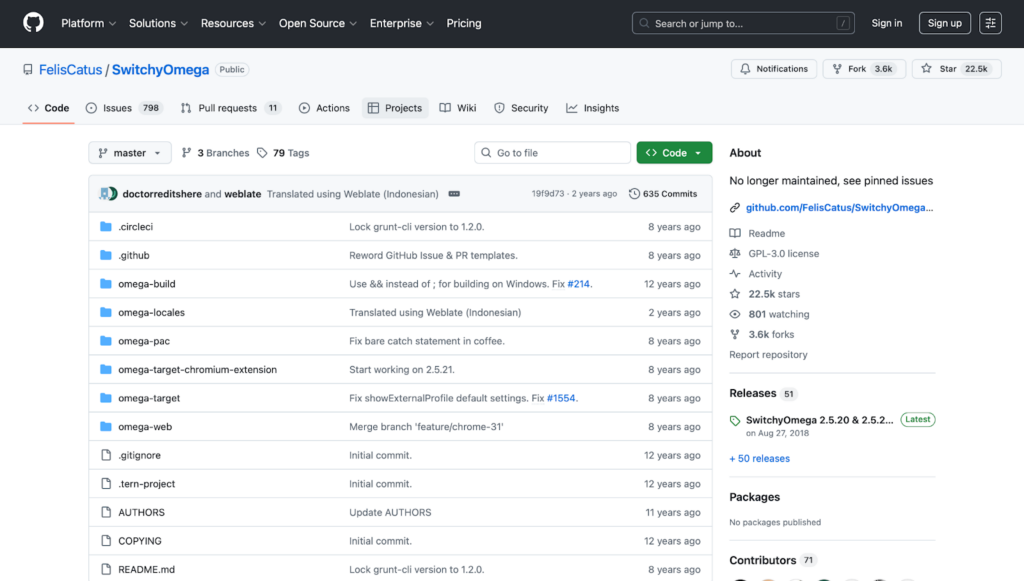
Proxy SwitchyOmega, now often seen in its updated community maintained form, offers a practical way to manage multiple proxy profiles and apply them intelligently within Chrome. Users can create detailed rules that automatically direct traffic through the right proxy based on URL patterns or other conditions, which reduces the need for constant manual changes. The extension supports quick importing of existing configurations and works across several protocols, giving flexibility for different types of connections. Many value how cleanly it organizes profiles and allows fast switching between them during development or testing sessions. Its open source roots mean ongoing community contributions help keep it compatible with browser updates. While occasional glitches can appear in complex setups, the overall design remains focused on efficiency and customization without unnecessary complexity. This tool suits people who already source their proxies from external providers and need a lightweight yet powerful manager to handle frequent changes or rule based routing. It keeps everything browser contained, avoiding system wide alterations, and provides a solid foundation for workflows that involve repeated access to different online environments.
- Key features
- Rule based automatic switching using URL patterns
- Multiple profile creation and quick toggling
- Config import and export for easy sharing
- Support for HTTP, SOCKS, and other protocols
- Community driven updates for ongoing compatibility
- Accurate data and information
- Enables efficient management for users with multiple proxy needs
- Supports fast profile changes during testing and development work
- Works well with externally sourced proxies from various providers
- Keeps operations contained within the browser for convenience
- Appeals to developers who value customization and rule automation
5. Proxy Switcher and Manager
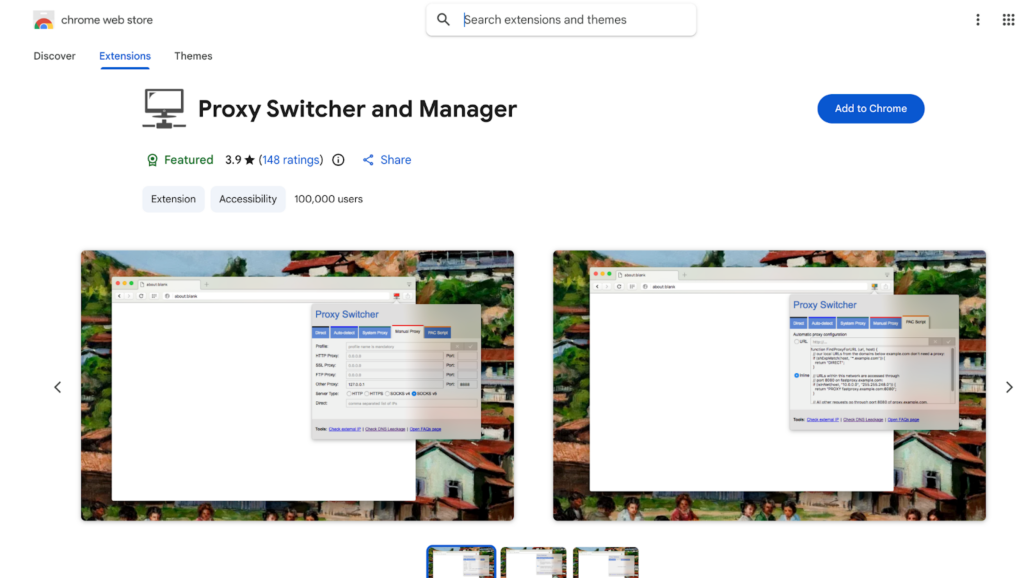
Proxy Switcher and Manager brings convenient controls straight to the Chrome toolbar, making it easy to activate, deactivate, or cycle through saved proxy lists without digging into deeper settings. Users can define rules that apply proxies selectively to certain sites or across all traffic, and the color coded indicators give an immediate visual sense of what is active. The extension stays focused on browser level changes, leaving system network settings untouched, which many find reassuring for everyday use. Profile support allows storing multiple setups for quick recall, and options like remote list refreshing or inline scripts add useful depth for those who like fine tuning. While very large proxy lists can occasionally slow the interface, the core experience stays straightforward and responsive for typical needs. It works well for individuals who prefer a simple yet capable tool to handle transparent or anonymous connections during research, verification, or general privacy maintenance. Because it relies on user supplied proxy details, it integrates cleanly with services that emphasize clean IPs and consistent performance for sustained browsing or data tasks.
- Key features
- Toolbar based quick toggles and list management
- Rule configuration for site specific or global proxy use
- Color coded status indicators for active connections
- Profile storage for multiple saved setups
- Remote list refresh and inline script support
- Accurate data and information
- Provides easy access to proxy controls without leaving the browser
- Supports organized management of multiple proxy options
- Helps users maintain visibility into connection status at a glance
- Works effectively for both casual and professional daily workflows
- Focuses on browser level changes for added convenience and security
6. Webshare Proxy Extension
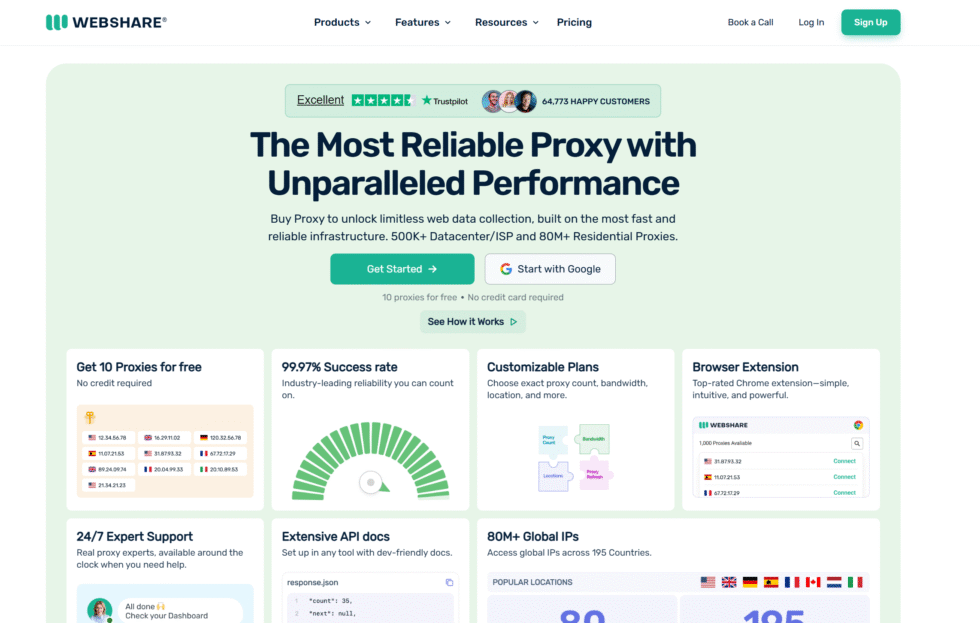
Webshare’s extension provides a direct and uncomplicated path to managing proxies inside Chrome, with quick options to add servers and switch between them as needed. It supports basic protocols and offers a selection of free proxies to help users get started without immediate commitments. Many appreciate the no login approach for casual sessions and the straightforward connection process that keeps things moving efficiently. The tool ties into a broader network that delivers solid uptime for regular browsing or lighter data activities. While advanced rule systems are limited compared to more complex managers, the simplicity makes it accessible for beginners who want fast results without a steep setup curve. It works with other providers as well, giving users flexibility to combine resources. Some note that occasional connection fluctuations can occur, yet the overall design prioritizes ease and speed for everyday privacy or unblocking needs. This extension fits well for those exploring proxy use for the first time or handling shorter tasks where quick IP changes and minimal configuration matter most.
- Key features
- Quick add and switch functionality for proxy servers
- Support for basic protocols and simple connections
- Inclusion of free proxies to help users begin easily
- No login requirement for core operations
- Browser focused design for fast everyday use
- Accurate data and information
- Enables straightforward proxy management for casual and light tasks
- Supports quick connections suitable for privacy or unblocking needs
- Works with both its own network and external providers
- Appeals to beginners seeking simple entry into proxy use
- Maintains focus on speed and ease without complex setup steps
7. Oxylabs Proxy Extension

Oxylabs offers a focused browser extension that simplifies switching between proxy types and locations through an accessible pop up interface, with deeper controls available in the associated dashboard. Users can maintain active connections across browser restarts when desired, which supports ongoing work without repeated logins. The tool integrates with large scale networks and allows selection across different proxy categories for varied requirements. Many find the dashboard pairing helpful for organizing sessions during intensive projects like verification or monitoring. While the pop up itself stays minimal by design, it covers essential toggles effectively for Chrome users. Some appreciate how it handles persistent sessions for longer running activities. The extension works with various providers, though it performs particularly smoothly alongside its native service offerings. It provides a practical middle ground for professionals who need reliable location flexibility and quick adjustments without leaving the browser environment.
- Key features
- Pop up interface for quick type and location switching
- Persistent connection support across browser restarts
- Dashboard integration for deeper session organization
- Compatibility with multiple proxy categories
- Simple toggles for essential browser level control
- Accurate data and information
- Supports efficient proxy changes for ongoing research and verification work
- Enables stable sessions that continue without repeated setup
- Works well with large networks for professional data tasks
- Appeals to users who need quick adjustments during active projects
- Focuses on practical management within the Chrome environment
8. Bright Data Proxy Browser Extension
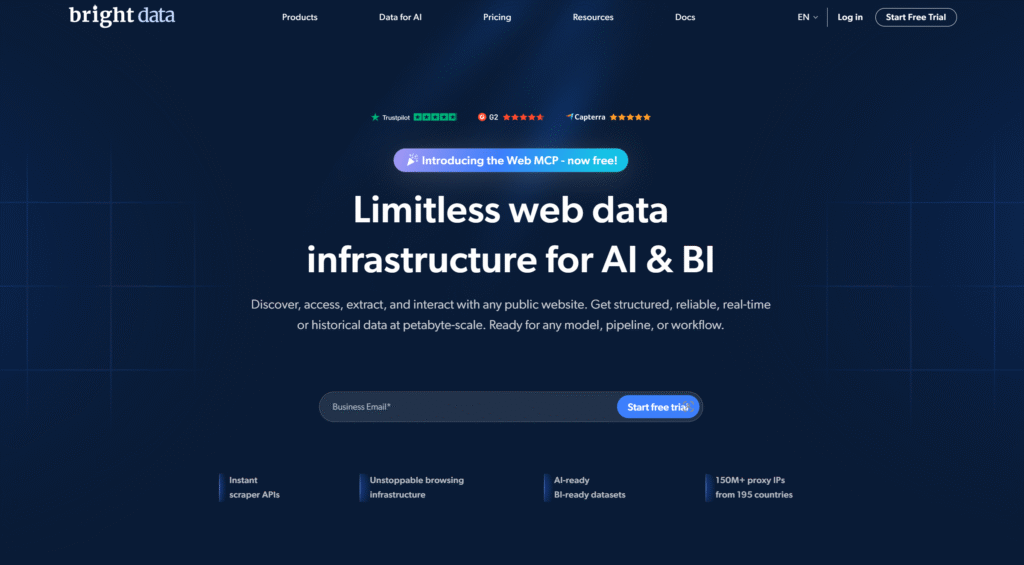
Bright Data’s extension enables fast on and off switching along with choices for proxy types and specific areas, all accessible directly from the browser interface. It supports mixing different network categories and helps maintain active sessions during extended use. Many users value the ability to adjust settings on the fly while working on scraping, ad verification, or similar activities that require adaptability. The dashboard side offers additional organization tools for handling multiple configurations at once. While it requires an account to unlock full features, the extension itself focuses on quick changes and reliable session handling. Some find the range of options empowering once familiar with the layout, though newcomers may need a brief learning period. It scales effectively for both individual and larger team workflows that involve frequent proxy adjustments. The tool keeps operations contained within the browser for convenience and pairs well with comprehensive proxy networks that prioritize clean addresses and strong success rates across demanding online tasks.
- Key features
- Quick on and off switching with type and area choices
- Support for mixing residential, datacenter, ISP, and mobile networks
- Active session maintenance for extended workflows
- Dashboard tools for organizing multiple configurations
- Browser contained operation for fast adjustments
- Accurate data and information
- Enables flexible proxy handling for scraping and verification projects
- Supports sustained sessions during long running data activities
- Works effectively with diverse network types for varied needs
- Appeals to teams and individuals managing frequent changes
- Provides practical control within the browser for professional use
9. IPRoyal Proxy Manager

IPRoyal’s free extension makes adding and testing proxy connections in Chrome a simple process, with clear toggles and protocol support for everyday needs. Users can quickly connect, verify functionality, and manage basic settings without complicated steps. It works across residential and datacenter options from the provider and supports straightforward disabling when proxies are not required. Many appreciate the test button and clean interface that help confirm everything functions as expected before starting work. While it lacks advanced URL rules or complex automation, the focus on ease makes it suitable for beginners or those handling lighter proxy tasks. The extension performs reliably for streaming, research, or general privacy during browsing sessions. Because it integrates closely with the provider’s offerings, users often experience smooth connections when using their services. It provides a no cost entry point for anyone wanting uncomplicated proxy management inside the browser while still allowing room to combine with other high quality sources for more intensive projects.
- Key features
- Quick connect and test functionality for proxy setups
- Support for residential and datacenter proxy types
- Clean interface with straightforward toggles
- Protocol compatibility for common browser needs
- Easy disabling when proxy use is not required
- Accurate data and information
- Supports simple and reliable proxy management for everyday tasks
- Enables quick verification before beginning work sessions
- Works well for streaming, research, and general privacy browsing
- Appeals to beginners and users with lighter proxy requirements
- Integrates effectively with its native service for smooth connections
10. Proxy Helper
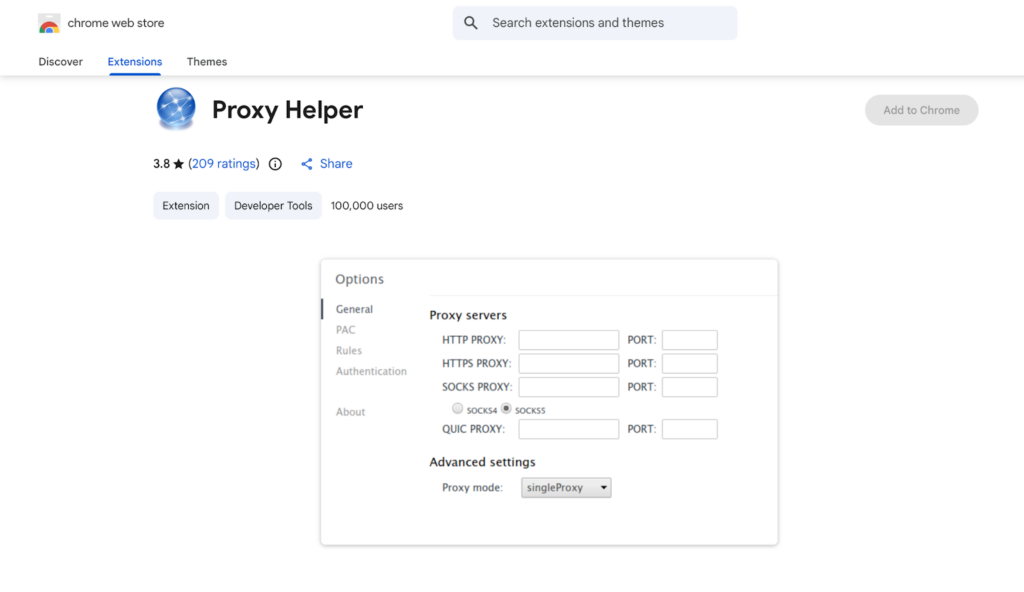
Proxy Helper keeps proxy management lightweight and contained entirely within the browser, allowing quick addition of addresses and ports along with clear status displays in the toolbar. Users can enable or disable the extension easily, making it convenient for temporary or selective use without affecting other applications. The minimal design avoids unnecessary features, which appeals to those who want fast setup and reliable basic functionality. It supports common protocols and works well for straightforward privacy or testing needs during daily browsing. Many value how it stays out of the way until needed and does not introduce system level changes. While it lacks pattern matching or detailed logs, the simplicity reduces potential points of failure and keeps performance smooth. This extension suits casual users or professionals who already have trusted proxy sources and need only a dependable on off switch or quick configuration tool inside Chrome. It delivers consistent results for lighter workloads where ease and speed take priority over advanced customization.
- Key features
- Lightweight browser only proxy configuration
- Quick address and port addition with status display
- Easy enable and disable controls
- Support for HTTP and SOCKS protocols
- Minimal design focused on basic reliable functionality
- Accurate data and information
- Provides fast and simple proxy handling for casual or selective use
- Supports straightforward privacy and testing needs in daily browsing
- Works effectively without impacting system network settings
- Appeals to users who prefer minimal tools for basic requirements
- Maintains smooth performance by avoiding unnecessary complexity
11. uVPN
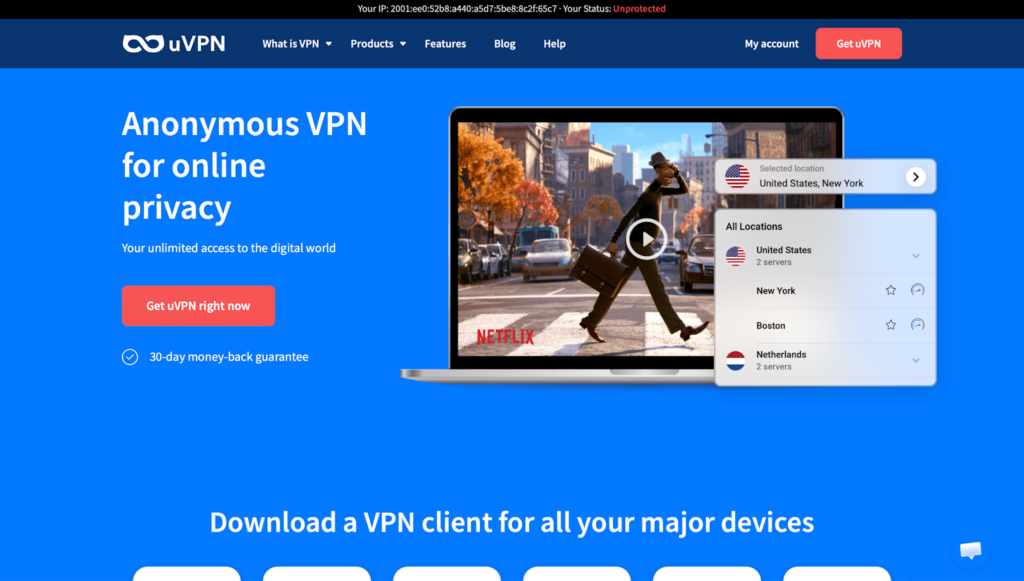
uVPN functions as an accessible proxy style tool focused on quick one click connections and regular IP changes to support privacy and access during browsing. Users can activate secure sessions directly from the toolbar and benefit from built in server options that simplify getting started. It emphasizes data protection and helps maintain fresh connections for activities like streaming or general web use. Many find the straightforward approach useful for everyday privacy on public networks or when reaching region specific content. While server variety remains more limited than some dedicated services and occasional drops can happen, the overall experience stays user friendly for basic needs. The extension handles private sessions effectively and supports common use cases without requiring deep technical knowledge. It provides a solid entry level option for individuals seeking simple IP masking and reliable performance during routine tasks. Those who pair it with strong underlying proxy networks often achieve better consistency for longer or more sensitive sessions.
- Key features
- One click connection for quick secure sessions
- Regular IP changes to support privacy and access
- Built in server options for easy starting
- Focus on data protection during browsing
- Support for streaming and general web activities
- Accurate data and information
- Enables fast activation of private sessions for everyday use
- Supports fresh connections suitable for streaming and web access
- Appeals to users seeking simple entry level privacy tools
- Works well for routine tasks on public or restricted networks
- Provides reliable basic performance when paired with quality proxies
12. HydraProxy

HydraProxy stands out for its clean, no cost approach to proxy management directly in Chrome, letting users add, remove, and switch connections with single click ease. Designed with professionals such as developers, QA teams, and researchers in mind, it handles network routing inside the browser for testing, diagnostics, and operational workflows. The interface stays uncluttered, which helps reduce setup time and keeps focus on the task at hand. It supports multiple environments and works with proxies from various sources without added restrictions. Many appreciate the emphasis on responsible and compliant network practices alongside the completely free model with no usage limits. While it concentrates on core switching functions rather than advanced automation or detailed rules, this focused design makes it dependable for teams needing quick, repeatable control. The extension performs reliably across common protocols and integrates smoothly into existing routines. It offers a practical solution for anyone who values simplicity and broad compatibility when managing proxies for quality assurance, market analysis, or secure browsing activities.
- Key features
- One click add, delete, and switch for proxy connections
- Support for multiple environments and debugging sessions
- Broad compatibility with proxies from any provider
- Clean and uncluttered interface for quick use
- Completely free with no usage limits or subscriptions
- Accurate data and information
- Supports efficient proxy control for professional testing and research
- Enables quick and repeatable management in development workflows
- Works effectively with external proxy sources for flexible setups
- Appeals to teams and individuals needing simple reliable tools
- Maintains focus on core functions without unnecessary complexity
13. Decodo
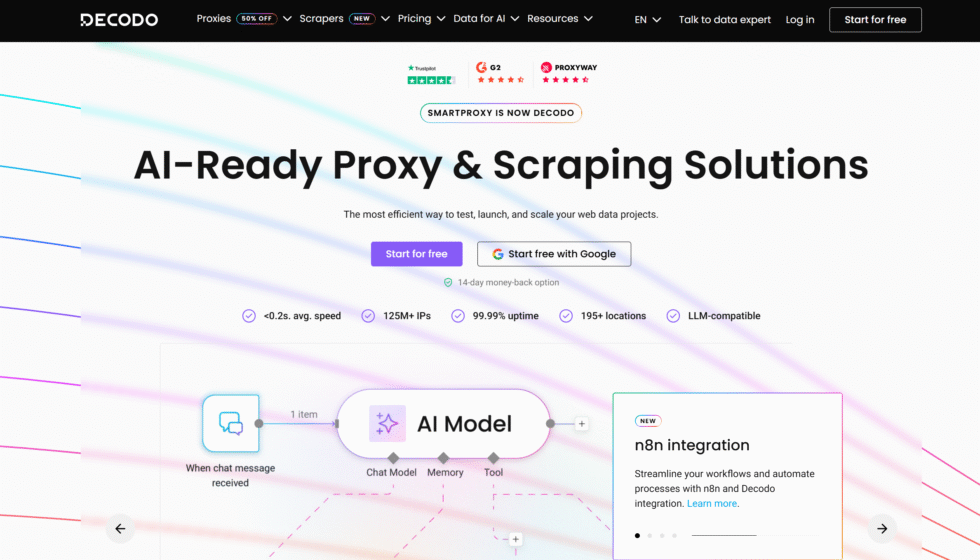
Decodo’s free Chrome extension provides one click IP rotation and easy switching between multiple proxies, along with options to set custom session lengths for more controlled use. It supports major protocols and works with a wide range of providers, making it adaptable for different setups. Users can manage connections without mandatory logins in many cases and benefit from features like WebRTC protection and bypass lists for finer control over what traffic routes through proxies. Many find the ability to clear cache and cookies quickly helpful during testing or privacy sensitive sessions. While deeper rule systems are not the primary focus, the rotation and session tools give practical flexibility for ongoing work. The extension integrates well for data collection or verification tasks where fresh IPs and stable sessions matter. Some appreciate how it balances simplicity with useful extras that enhance everyday browsing security. It serves as a versatile addition for users who want efficient proxy handling inside Chrome while maintaining compatibility with external high quality proxy services for demanding or large scale operations.
- Key features
- One click IP rotation and proxy switching
- Customizable session length controls
- WebRTC leak prevention and bypass list options
- Quick cache and cookie clearing tools
- Support for major protocols and many providers
- Accurate data and information
- Enables controlled rotation suitable for data collection and verification
- Supports stable sessions with options for user defined lengths
- Works effectively for privacy sensitive testing and browsing
- Appeals to users needing practical extras alongside core management
- Integrates well with external services for varied workflow demands
14. Rayobyte
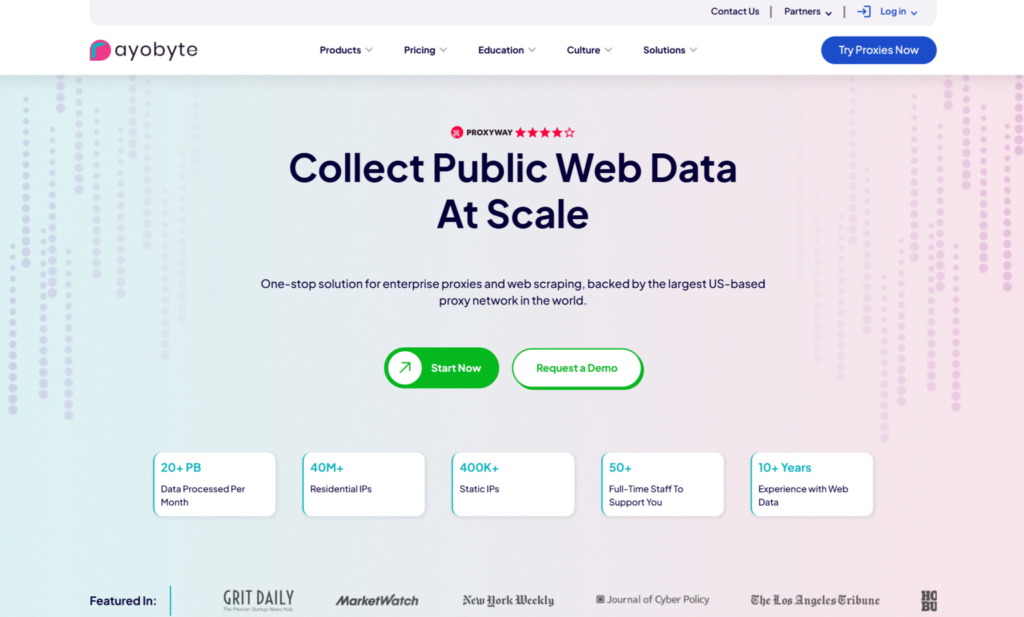
Rayobyte’s proxy extension simplifies management in Chrome through quick profile creation, one click connections, and easy on off switching. It supports both rotating and sticky options along with common protocols, allowing users to hide their real IP and maintain privacy across different activities. Multiple profiles can be stored for rapid recall, which proves convenient when alternating between tasks or testing environments. Many value the straightforward setup and the fact that it works with proxies from any provider without extra cost. While advanced automation remains basic, the core features deliver reliable performance for privacy focused browsing, content access, or lighter verification work. The extension receives regular updates and includes support channels for users who need assistance. It fits well for both beginners exploring proxy use and more experienced individuals who want uncomplicated profile handling inside the browser. When combined with robust proxy networks that emphasize clean addresses and strong success rates, it helps support consistent results across a variety of online projects.
- Key features
- Quick profile creation and one click connections
- Support for rotating and sticky session options
- Compatibility with HTTP, SOCKS, and any provider
- Easy on off switching with profile storage
- Regular updates and support availability
- Accurate data and information
- Supports straightforward privacy and access management in Chrome
- Enables quick profile changes for testing and browsing tasks
- Works effectively with external proxies for flexible user setups
- Appeals to both beginners and experienced users needing simplicity
- Provides reliable core performance for common online activities
15. MarsProxies Proxy Extension
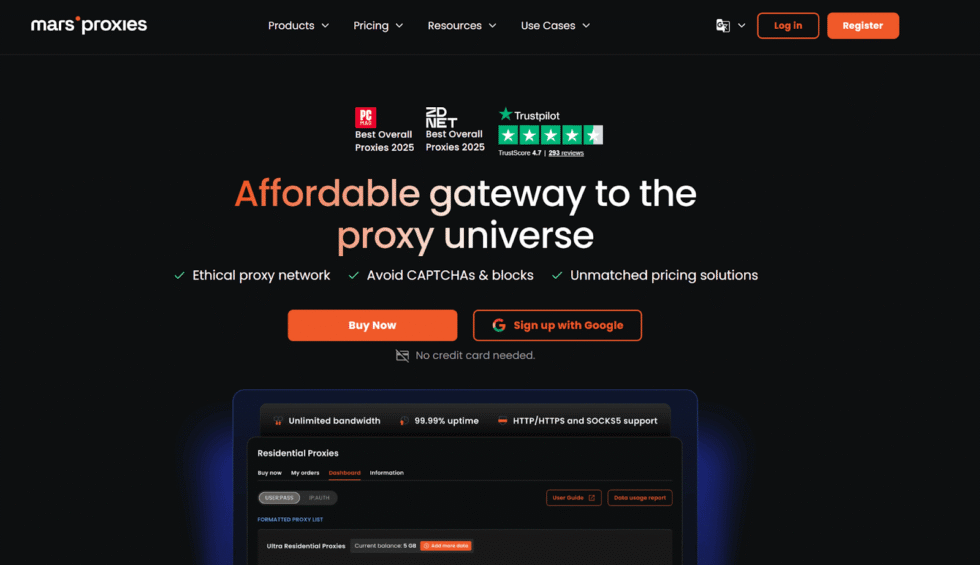
MarsProxies delivers a practical Chrome extension built to simplify proxy handling for everyday browsing and more involved online activities. The tool lets users add numerous proxy configurations and move between them with minimal effort through one click switching. It supports marking favorites for faster access during repeated tasks and works alongside proxies from a variety of sources without locking users into a single provider. Many people find the clean approach helpful when managing multiple sessions for research, verification work, or privacy needs. The extension stays lightweight and avoids unnecessary complexity, which suits both newer users and those who already maintain their own proxy lists. Some note that while it handles basic to moderate switching well, workflows requiring detailed rules or automated rotation patterns may benefit from pairing it with more advanced platforms. Overall it provides reliable browser level control that keeps operations contained within Chrome and reduces the need for manual system adjustments.
- Key features
- One click switching between saved proxy profiles
- Support for adding and organizing multiple proxies in one place
- Favorite marking for quick selection during active sessions
- Broad compatibility with proxies supplied by different providers
- Simple interface focused on fast profile changes without system wide settings
- Accurate data and information
- Designed for efficient proxy management directly inside the browser environment
- Enables smooth transitions that support consistent performance across common online tasks
- Works effectively with residential and other proxy types sourced externally
- Popular among users needing simple tools for daily or project based proxy use
- Maintains focus on core switching functions while remaining free for core operations
16. ProxyWing Proxy Manager
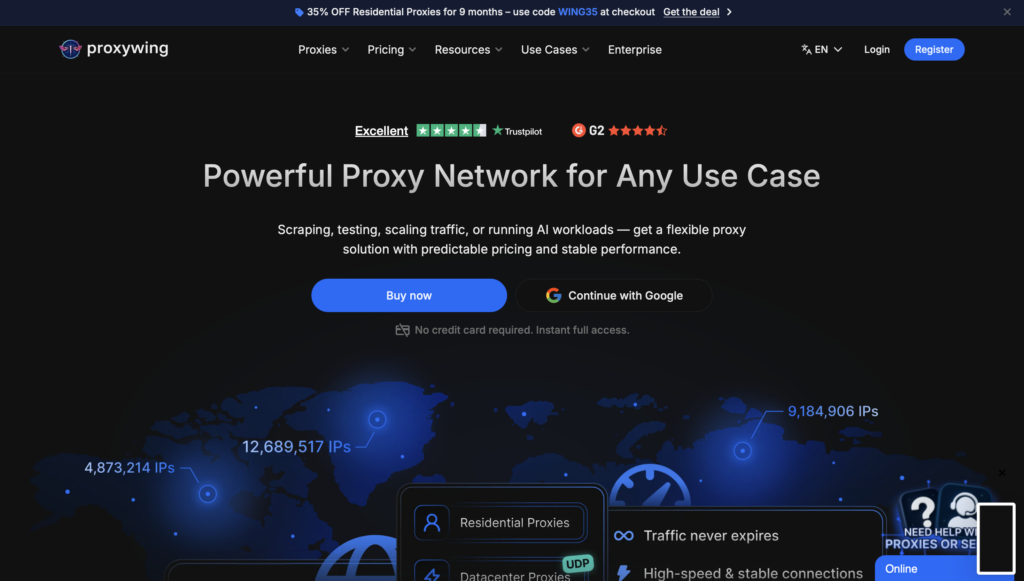
ProxyWing Proxy Manager provides a free Chrome extension that gives users direct control over proxy servers through a straightforward dashboard. It allows quick addition and configuration of proxies along with easy switching between different setups without altering broader system preferences. The extension supports bypass lists and basic troubleshooting steps that help maintain stable connections during extended use. Many appreciate how it keeps everything contained in the browser for convenience during testing or regular privacy focused browsing. It integrates well with proxies from external sources, giving flexibility to those who already have preferred providers. Some find that its streamlined feature set works best for standard management needs rather than highly customized or large scale automation scenarios. When combined with quality proxy networks, the tool supports reliable session handling for research, data collection, or account management activities that require frequent but uncomplicated IP changes.
- Key features
- Dashboard based addition and configuration of proxy servers
- Quick switching between multiple saved setups
- Bypass list support for selective traffic routing
- Browser contained operation without system level changes
- Troubleshooting aids for common connection issues
- Accurate data and information
- Focuses on simple and direct proxy control within Chrome
- Supports stable connections suitable for ongoing browsing or verification tasks
- Compatible with various proxy sources for flexible user setups
- Suited to individuals and small teams needing efficient daily management
- Emphasizes ease of use while maintaining core functionality for professional workflows
17. Proxy-Cheap Proxy Manager

Proxy-Cheap Proxy Manager offers a dedicated Chrome extension that centralizes proxy management for users working with the provider’s network or compatible sources. It removes the need for repeated copy and paste actions by allowing direct control and switching from within the browser interface. The tool supports organized handling of multiple proxies and quick activation during active sessions. Many users value the convenience for tasks that involve frequent changes or sustained connections. While the extension excels at straightforward management tied to its ecosystem, some combine it with additional high quality residential proxy services when handling more demanding or varied workloads. The overall design keeps operations efficient and contained, making it practical for research, monitoring, or privacy maintenance without extra steps outside the browser.
- Key features
- Centralized management of proxies without manual entry repetition
- Quick switching and activation from the browser toolbar or interface
- Support for multiple proxy configurations in one organized view
- Browser focused operation that avoids system network alterations
- Streamlined controls suited to regular or project specific use
- Accurate data and information
- Built to simplify proxy handling for users already working with compatible networks
- Enables efficient session management during data collection or verification activities
- Works well alongside external proxy sources for added flexibility
- Supports consistent performance in common browser based workflows
- Appeals to professionals seeking reduced friction in daily proxy operations
18. LunaProxy Extension
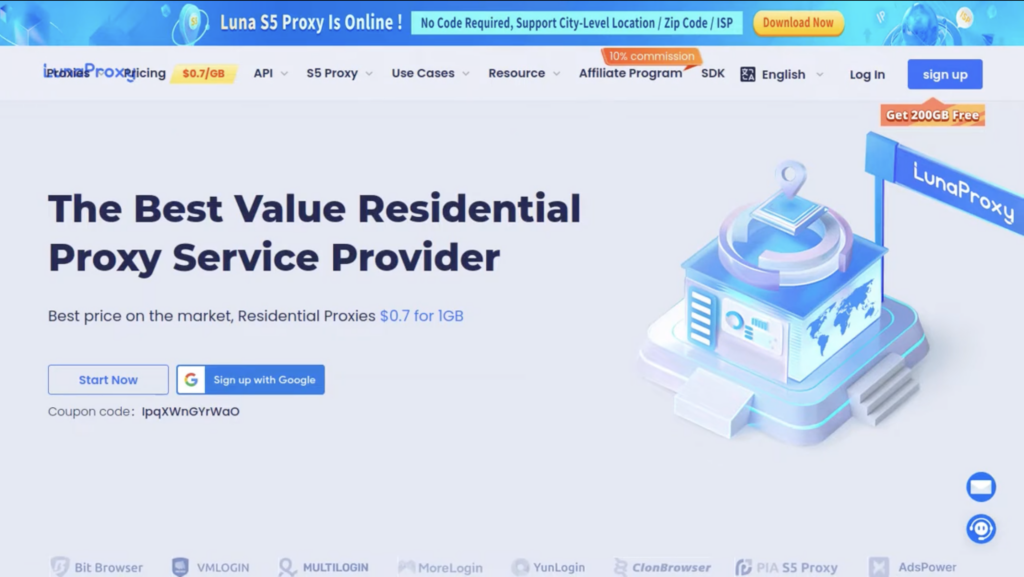
LunaProxy Extension brings easy proxy setup to Chrome users who want fast configuration and reliable switching without complex steps. It allows saving multiple agent configurations and supports quick activation for different browsing needs. The extension works with proxies from any provider, giving users freedom to choose their preferred sources while keeping management inside the browser. Many find it useful for maintaining privacy or handling multiple accounts during research and verification projects. Some note that its straightforward design performs best when paired with strong underlying proxy networks for intensive or long running tasks. The tool emphasizes simplicity and broad compatibility, making it a solid choice for individuals who need dependable browser level control without additional software or system changes.
- Key features
- Quick proxy setup and activation directly in Chrome
- Support for saving and switching between multiple configurations
- Compatibility with proxies from any external provider
- Lightweight operation focused on essential management functions
- Browser contained controls that avoid broader system modifications
- Accurate data and information
- Designed for fast and uncomplicated proxy handling in everyday and project workflows
- Supports stable connections suitable for privacy and multi account activities
- Integrates smoothly with high quality residential or mobile proxies sourced separately
- Suited to users who prioritize simplicity alongside reliable performance
- Maintains focus on core switching and configuration needs without added complexity
19. Make Proxy Simple Switcher
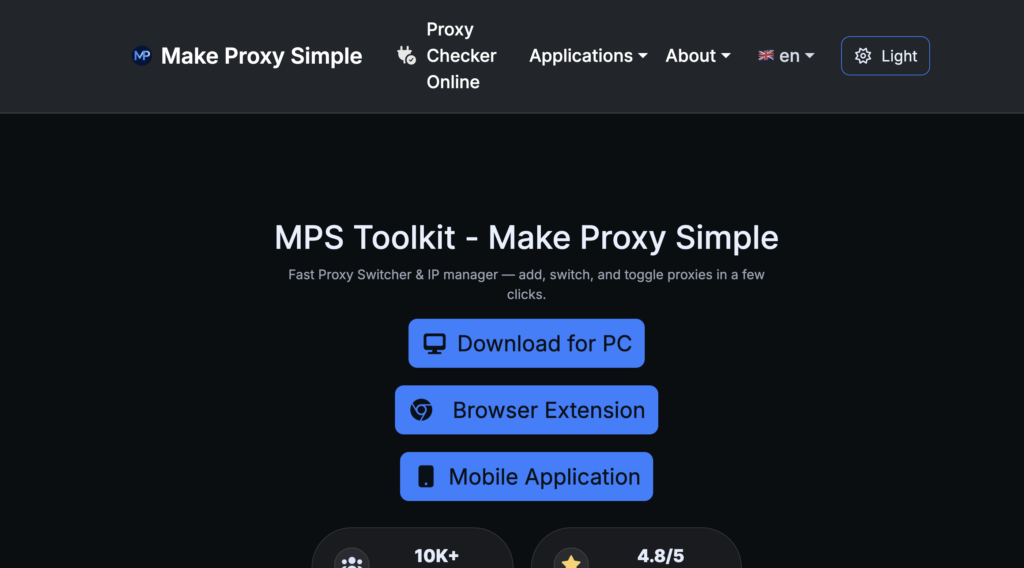
Make Proxy Simple Switcher delivers an all in one Chrome extension focused on fast import, management, and one click switching of proxies. It supports quick profile changes and works across Chrome and Edge with Firefox support in development. Users can bring in existing proxy lists and toggle between them efficiently during active sessions. Many appreciate the lightweight design that reduces time spent on setup and allows more focus on actual tasks like data gathering or private browsing. While it handles standard switching well, some users with advanced automation or rule based requirements supplement it with more comprehensive platforms. The extension stays practical for both casual and professional use by keeping proxy control simple and contained within the browser environment.
- Key features
- One click switching after easy import of proxy lists
- Support for multiple profiles and quick toggling
- Lightweight interface designed for speed and simplicity
- Compatibility with Chrome and Edge browsers
- Browser level operation without system wide network changes
- Accurate data and information
- Built to streamline proxy management for users who switch frequently
- Supports efficient handling of multiple connections in research or verification work
- Works effectively with externally sourced proxies for flexible setups
- Appeals to individuals and teams needing fast profile changes during daily operations
- Maintains a focus on core usability while remaining accessible for varied workflows
20. Mobile Proxy Manager
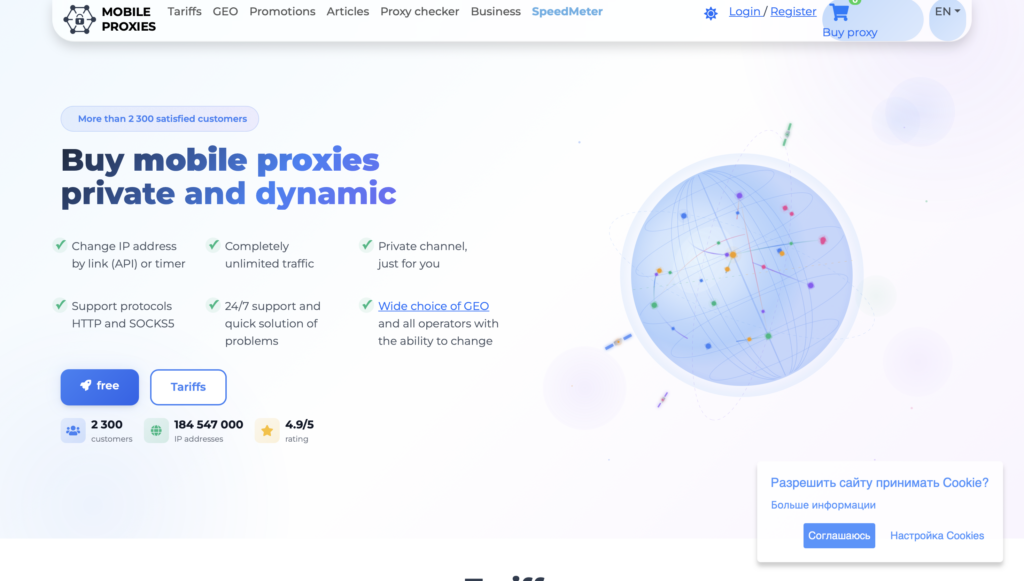
Mobile Proxy Manager provides an advanced Chrome extension for handling HTTP and SOCKS5 proxies with one click switching and health monitoring features. It offers tools to check connection status and supports quick changes that help maintain stable performance during extended use. Many users find the monitoring capabilities useful when working with mobile style proxies for tasks that benefit from dynamic IP behavior. The extension works with proxies from different sources and keeps management contained in the browser for convenience. Some note that while it excels at monitoring and basic switching, highly customized rule sets or large scale automation may require additional tools. Overall it serves as a capable option for Chrome users who need reliable control and visibility into proxy health without leaving the browser interface.
- Key features
- One click switching for HTTP and SOCKS5 proxies
- Health monitoring tools for connection status checks
- Support for mobile oriented proxy types and dynamic behavior
- Browser contained management without system alterations
- Quick toggling suited to active research or verification sessions
- Accurate data and information
- Designed for users who need visibility into proxy performance during ongoing work
- Supports stable and responsive connections for common browser based tasks
- Compatible with various proxy sources including those focused on mobile patterns
- Appeals to professionals handling dynamic IP requirements in data activities
- Provides practical monitoring alongside core switching functions for dependable daily use
Benefits of Proxy Extensions in Daily Browsing
Proxy extensions help protect your online habits. They mask your IP, making it harder for sites to track you. This comes in handy for research or shopping without targeted ads. Many people use them to view content from other regions, like news or videos. They also aid in testing web apps by simulating different users. Pair with static residential proxies for consistent access. Some extensions block malware too. In 2026, with more online threats, these tools add safety. They work without slowing your browser much if chosen right.
Trends in Proxy Technology for 2026
This year sees more focus on ethical IP sourcing. Providers stress clean networks to avoid bans. Mobile 5G options grow for app testing. AI helps optimize rotations for better success. Users want seamless API ties for automation. Security features like encryption rise. Some tools now include session logs for review. Global coverage expands to more areas. These shifts make proxies more reliable for work.
How to Choose the Best Proxy Extension for Chrome in 2026
People pick proxy extensions for Chrome when they want simple control over their browsing connections. Some need quick switches between different setups while others require steady performance across longer sessions. The right choice often depends on the type of work involved and how the extension pairs with different proxy sources.
Key factors stand out when comparing options. Look for clear controls that let users add addresses and switch profiles without extra steps. Support for common protocols matters because some tasks run better with one type over another. Session handling makes a big difference too. Extensions that allow both short rotations and longer sticky connections give more flexibility for varied jobs.
Compatibility with quality IP sources plays a big role in daily results. Many users find that extensions work smoother when connected to reliable networks such as rotating residential proxies that deliver clean addresses from real home connections. Others prefer options that handle mobile style traffic for app focused platforms. Security features like basic authentication and leak protection also influence the decision for those handling sensitive activities.
Ease of use remains important for most people. Extensions with simple toolbar access or rule based switching reduce friction during regular browsing. Those who run multiple projects at once often value profile management that keeps different setups organized. Testing the connection right after setup helps confirm everything functions as expected before important tasks begin.
Free vs Paid Chrome Proxy Extensions: Pros, Cons, and Recommendations
Free extensions appeal to users who want basic switching without signing up for extra accounts. These tools usually offer straightforward controls for adding proxy details and toggling them on or off. They work well for light privacy needs or occasional testing where advanced rotation is not required. The open nature of some free options also lets experienced users adjust settings to fit personal workflows.
Paid extensions from proxy providers often include tighter connections to larger pools of addresses. This integration can mean steadier performance when handling bigger volumes of requests or when specific location targeting becomes necessary. Many of these tools support both rotating residential proxies and mobile options that refresh IPs automatically or hold them steady as needed. The trade off usually involves a subscription or usage based cost in exchange for broader features and support.
Recommendations depend on the main goals. Simple browsing or occasional unblocking often works fine with free tools that focus on quick changes. Data heavy activities or projects that need consistent results across many sites tend to benefit from paid extensions paired with strong backend networks like static residential proxies for stable long sessions. Some users start with free options to learn the basics then move to integrated tools when their needs grow.
Testing remains the best way to see what fits. A short trial period with a paid extension can show whether the added controls and IP quality justify the switch from a free alternative. Both types have places in different situations and the decision comes down to how much control and reliability the work requires.
Latest News In 2026
Browser tools for managing connections continue to evolve this year with a stronger focus on mobile style traffic. Many developers and researchers now look for extensions that handle dynamic addresses from carrier networks without extra configuration. This shift supports smoother testing on platforms that detect and block standard connections more aggressively.
Improvements in session management have also gained attention. Extensions that let users set custom lengths for holding the same address help with tasks that need stability over time. At the same time rotating options have become easier to combine with browser workflows for jobs that benefit from frequent changes.
Ethical sourcing of addresses has moved further into the spotlight. Providers that emphasize clean networks from real users see better long term results because sites are less likely to flag or block the traffic. This trend affects how extensions perform when connected to larger networks of rotating mobile proxies or dedicated mobile proxy options that maintain consistent carrier identities.
Proxy integration with popular automation setups has seen practical updates as well. Extensions now work more reliably alongside scripts and multi profile tools that many professionals rely on daily. These changes make it simpler to scale projects without constant manual adjustments to browser settings.
Overall the direction this year points toward more specialized options that match specific types of work. Users who need mobile like behavior for social platforms or app testing find newer extensions pair especially well with dedicated mobile proxies that deliver stable performance across sessions.
FAQ
What should I look for in a top Chrome proxy addon?
A solid Chrome proxy addon needs simple controls for adding and switching IPs without complicating your setup. It should handle various protocols to match different tasks, like browsing or data collection. Compatibility with premium IP pools, such as those from residential proxies, ensures steady connections. User feedback often highlights addons that update regularly to stay ahead of browser changes.
How do browser proxy managers differ from full VPNs?
Browser proxy managers focus on routing just your Chrome traffic, keeping other apps unaffected for lighter use. They excel in quick switches for specific sites, unlike VPNs that secure the whole device. For tasks like unblocking content, managers pair well with options like mobile proxies without the overhead of full encryption. This makes them ideal for targeted privacy without impacting overall speed.
Can I use free proxy extensions safely?
Free proxy extensions offer basic access but often come with risks like data logging, so stick to those from trusted sources. Combining them with ethical IP sources adds a layer of reliability. Always test for leaks and avoid sharing sensitive details. Regular checks help maintain security during everyday browsing.
Why might a proxy extension fail to connect?
Connection issues can stem from incorrect IP details or outdated extension versions clashing with Chrome updates. Clearing your browser cache or restarting often resolves minor glitches. For persistent problems, ensuring compatibility with services can stabilize things. Network firewalls sometimes block ports, so verify settings match the protocol used.
What types of proxies pair best with Chrome extensions?
Residential and mobile proxies integrate smoothly with Chrome extensions for natural browsing patterns. They support tasks requiring high uptime, like research or testing. Options such as 4G & 5G proxies provide mobile-like connections that enhance versatility. Choosing based on your needs ensures better performance without interruptions.
What makes a proxy extension useful for Chrome users?
A proxy extension adds direct controls inside Chrome for adjusting connection details without touching system settings. It supports quick profile switches that keep personal browsing separate from work related tasks in different tabs. Many people rely on this focused approach because it handles both privacy during everyday site visits and targeted access for checking how content appears from other points. The toolbar interface usually keeps everything accessible while the browser stays lightweight.
How do free and paid proxy extensions compare for most people?
Free extensions typically cover basic address entry and simple toggles that suit occasional adjustments during regular browsing. Paid versions often bring tighter coordination with larger address sources and extra options for managing how connections behave over time. The difference appears most clearly when projects grow beyond light use and require smoother handling of repeated requests or varied session lengths. Users generally match the tool level to the scale of their daily Chrome activities.
Why do some tasks work better with residential proxies in extensions?
Residential proxies come from regular home connections and tend to blend into normal browsing patterns on many sites. When applied through a Chrome extension they support steadier access for activities that involve repeated page loads or location based checks. Rotating residential proxies refresh addresses at chosen intervals while static residential proxies keep one address steady for longer runs. This natural fit often reduces interruptions during work that depends on consistent yet flexible connections.
What should someone consider about session control in a proxy extension?
Session control sets how long an address stays active before it changes or how many requests it handles in one go. Longer sessions help with tasks that need to stay logged in or run tests that require the same identity throughout. Shorter or rotating sessions suit high volume work where variety helps avoid patterns that sites might flag. Extensions with adjustable settings let users align this behavior with the specific demands of each project they run inside Chrome.
How have proxy tools changed for browser use this year?
Browser extensions have improved how they save and switch between multiple connection profiles after recent Chrome updates. Many now load settings faster and maintain active sessions more reliably when the browser restarts. Compatibility with scripts and multi window setups has also grown so that extensions fit into automated workflows with fewer manual steps. These updates reflect ongoing efforts to match how people use Chrome for both quick checks and extended professional tasks.
Can proxy extensions help with data collection activities in Chrome?
Proxy extensions support data collection by routing requests through different addresses during manual or scripted gathering from various sites. They help maintain progress by changing connection points at intervals that suit the volume of work involved. This coordination becomes useful when pulling information across many pages where repeated access from one point might trigger limits. When paired with suitable backend networks the extension keeps the process moving steadily inside the browser environment.
What role do mobile proxies play with browser extensions today?
Mobile proxies deliver addresses linked to cellular networks and often perform better on platforms that expect app style traffic patterns. Extensions make it straightforward to apply these addresses for testing or accessing services that respond differently under standard connections. Rotating mobile proxies provide fresh options for broader coverage while dedicated mobile proxies maintain a consistent identity across a session. This capability supports work on social platforms and similar environments where mobile style access improves day to day results.
How do people decide between simple extensions and those tied to proxy services?
Simple extensions handle core switching and basic profile storage for users whose needs stay light and occasional. Extensions connected to proxy services usually offer more refined controls for scaling and matching specific address behaviors to heavier workloads. The choice often comes down to whether the work stays small or expands into projects that benefit from closer links between the extension and the source of the addresses. Real world testing in actual Chrome workflows helps clarify which option aligns with ongoing requirements.