An online proxy, also called a web proxy or proxy website, is a website that opens other websites for you: you type an address into its search box, and its server fetches the page and shows it inside its own page. Free web proxies are handy for a quick look at a public page, but the person running the site can see, log and change everything that passes through it. A paid proxy does the same job inside your own browser, on an IP and location you choose, without rewriting the page. To find the best online proxy for 2026 we compared 13 paid providers on how easily they work in a browser, plus price and trials. To start now, see ProxyEmpire’s rotating residential proxies.
Quick answer
ProxyEmpire is the best online proxy service in 2026. Its free Chrome extension, ProxyEmpire Proxy Manager, puts 30M+ residential IPs in 170+ countries into your normal browser, with city and ISP targeting, sticky sessions and username and password login. Residential traffic costs $3.50/GB pay as you go, down to $1.50/GB at 1 TB, and you can test it with a $1.97 trial.
Best online proxy services compared
All 13 providers at a glance| # | Provider | Browser setup | Residential price | Trial | Best for |
|---|---|---|---|---|---|
| 1 | ProxyEmpire | Own Chrome extension | $3.50 → $1.50/GB | $1.97 | Best overall |
| 2 | Decodo | Own Chrome and Firefox extensions | $4.00 → $2.00/GB | Free, 3 days | Extensions for two browsers |
| 3 | ResiProx | Any proxy extension | $3.50 → $1.75/GB | $3.97 | Residential and mobile on a small budget |
| 4 | Webshare | Own Chrome extension | $3.50 → $1.50/GB | Free plan | Free starter plan |
| 5 | Byteful | FoxyProxy guide | $3.25 → $1.95/GB | 1 GB free | A free 1 GB trial |
| 6 | Proxy-Seller | Guides for third-party extensions | $3.50 → $1.45/GB | $3.50 for 1 GB | Low price at 1 TB |
| 7 | NodeMaven | Guides for third-party extensions | $5.31 → $2.75/GB | $3.50 | Quality-filtered IPs |
| 8 | IPRoyal | Own Chrome and Firefox extensions | $7.00 → $3.36/GB | — | Long sticky sessions |
| 9 | Oxylabs | Own Chrome extension | $6.00 → $2.50/GB | — | Enterprise teams |
| 10 | MarsProxies | Own Chrome and Firefox extensions | $4.99 → $2.10/GB | — | Non-expiring traffic |
| 11 | Bright Data | Own Chrome extension | $4.00 → $2.50/GB | Free (KYC) | One-click country switching |
| 12 | SOAX | Third-party setup | $5.00 → $1.50/GB | $1.99 | Mobile IPs at the residential rate |
| 13 | DataImpulse | Guides for third-party extensions | $1.00/GB flat | — | Lowest flat price |
“Browser setup” comes from each provider’s own site: “own extension” means a free extension the provider publishes, and “guides” means it documents setup in free third-party extensions such as FoxyProxy. Every provider here supports HTTP(S) proxies with a username and password. The price column shows the regular rate on the smallest residential plan, then the lowest regular rate published at 1 TB or less. Bright Data is shown at its current 50% discount; other promotions are in the reviews. — means no residential trial is listed. Checked on 26–29 September 2026. Free web proxy sites are not ranked; see the risks below.
How we compared online proxy providers
What matters when the proxy lives in your browserA paid proxy replaces a web proxy site only if it is easy to use in a browser. So we checked how each provider gets you set up, how you log in, how much control you have over the IP, and what it costs to try.
The 13 best online proxies in 2026
Paid proxy services for your browser, reviewed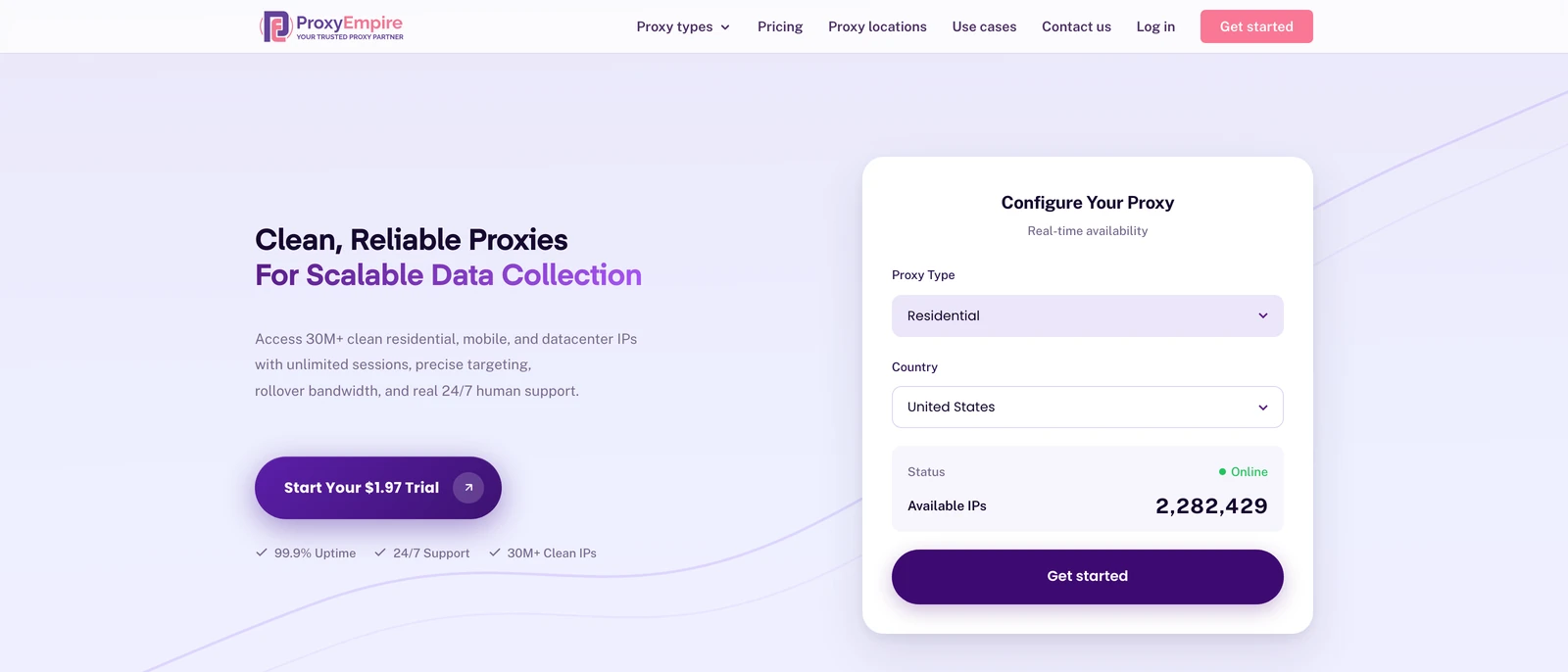
ProxyEmpire
Best overallProxyEmpire gives you residential, mobile and datacenter proxies over HTTP, HTTPS and SOCKS5, and its free Chrome extension, ProxyEmpire Proxy Manager, connects Chrome to them in one click and signs in for you.
- The extension blocks WebRTC leaks, matches the browser’s timezone and language to the proxy, and has a kill switch
- Sticky sessions and country, region, city, ZIP and ISP targeting included, with 24/7 support from real people
- The extension is for Chrome only, and DataImpulse is cheaper if price per GB is all that matters
Decodo (formerly Smartproxy)
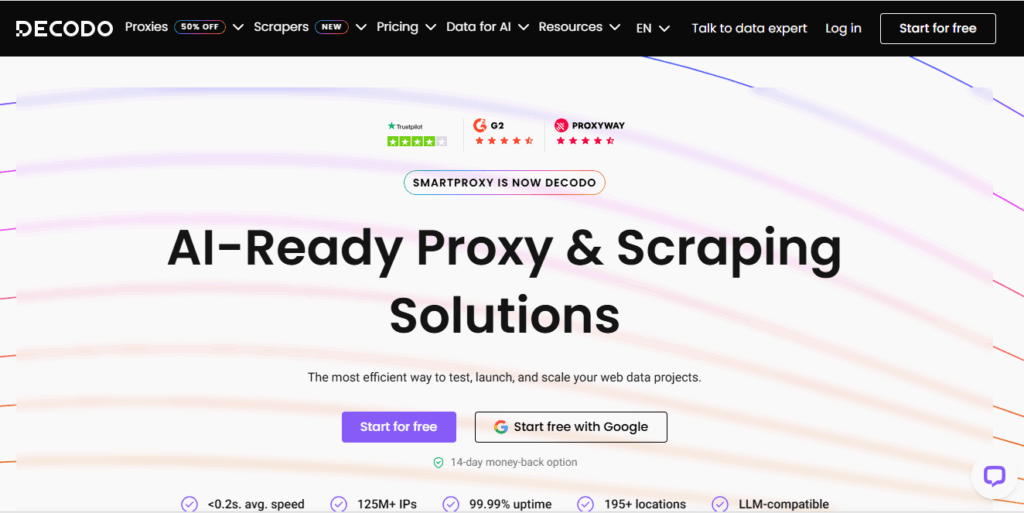
Extensions for two browsersDecodo publishes a free Chrome extension and a Firefox add-on, and the Chrome extension works with proxies from any provider, switching IP or location in one click.
- A free 100 MB trial and a 14-day money-back option on the first purchase
- 24/7 technical support by live chat
- In the extension, a sticky session keeps its IP for up to 10 minutes
ResiProx
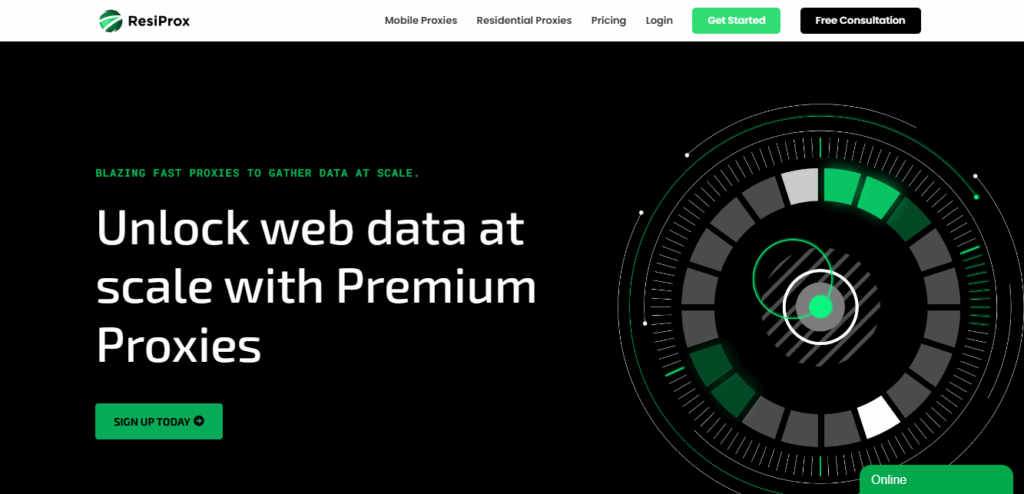
Residential and mobile on a small budgetResiProx supports HTTPS and SOCKS5 with rotating and sticky sessions, so its residential and mobile IPs drop into any browser proxy extension, with country, region, city and ISP targeting on every plan.
- One trial covers both residential and mobile IPs
- Unlimited concurrent sessions and 24/7 technical support
- Rotating proxies only — no static, ISP or datacenter IPs
Webshare
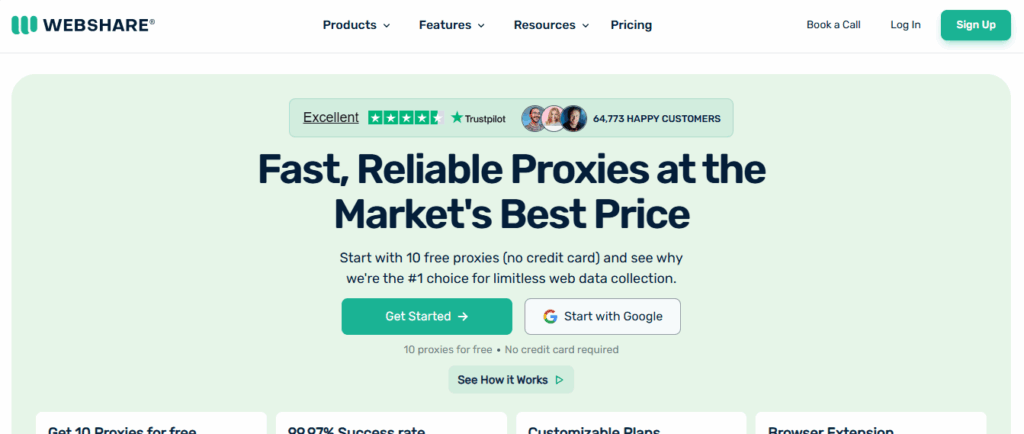
Free starter planWebshare’s free Chrome extension signs in with your Webshare account and connects to any proxy on your list, and its free plan gives you 10 datacenter proxies to start with.
- A free way to test a private proxy behind your own login
- Country, state, city, ZIP and ASN targeting on residential
- The free proxies are datacenter IPs, and monthly bandwidth does not roll over
Byteful
A free 1 GB trialByteful, formerly Ping Proxies, recommends the free FoxyProxy extension and documents setup for Chrome, Firefox, Safari and Edge. Its residential bandwidth never expires.
- Enough free traffic to test real browsing
- Country, region, city and ISP targeting
- The smallest paid plan is 10 GB, and there is no extension of its own
Proxy-Seller
Low price at 1 TBProxy-Seller sells rotating residential traffic and fixed ISP IPs from $3.00 a month ($2.25 at 500 IPs), and its blog walks you through free extensions such as Proxy Switcher and Manager.
- Username and password or IP allow-list login
- Country, city and ISP targeting
- Residential traffic expires 30 days after purchase
NodeMaven
Quality-filtered IPsNodeMaven screens each IP for quality before assigning it and keeps sticky sessions for up to 24 hours. Its help centre has setup guides for Proxy Helper, FoxyProxy and SwitchyOmega. Plans currently show 20% off, at $4.25 falling to $2.20/GB.
- Long sticky sessions suit logged-in browsing
- Unused traffic rolls over
- No 1 GB plan and no browser extension of its own

IPRoyal
Long sticky sessionsIPRoyal publishes a free Chrome extension and a Firefox add-on for switching proxy profiles in one click, keeps residential sessions for up to 7 days and never expires your traffic.
- Separate profiles for different proxies and locations
- Traffic stays usable until you spend it
- The highest residential entry price here

Oxylabs
Enterprise teamsOxylabs offers the free Oxy Proxy Extension for Chrome, which works with any provider’s proxies, and lists 175M+ residential IPs with sticky sessions of up to 24 hours.
- Very large pool with precise location targeting
- 24/7 support and a dedicated account manager
- The smallest plan is 5 GB for $30, and there is no residential trial
MarsProxies
Non-expiring trafficMarsProxies has free Chrome and Firefox extensions: paste the proxy string from its dashboard and the extension fills in the host, port and login. They also work with other providers’ proxies.
- Very quick setup from the dashboard
- 24/7 support
- It lists 1M+ residential IPs, the smallest pool figure here, and has no free trial
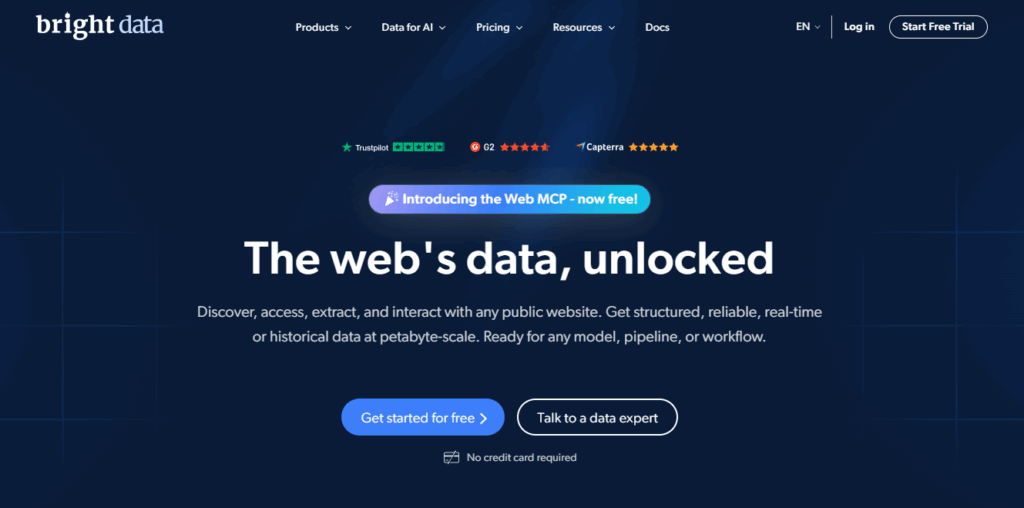
Bright Data
One-click country switchingBright Data’s Proxy Browser Extension for Chrome switches the country your browser appears from in one click. It lists 400M+ monthly residential IPs, and residential is currently 50% off.
- Switch between several proxies without changing browser settings
- City, ZIP, carrier and ASN targeting
- Strict identity checks for new users, and monthly plans do not roll over
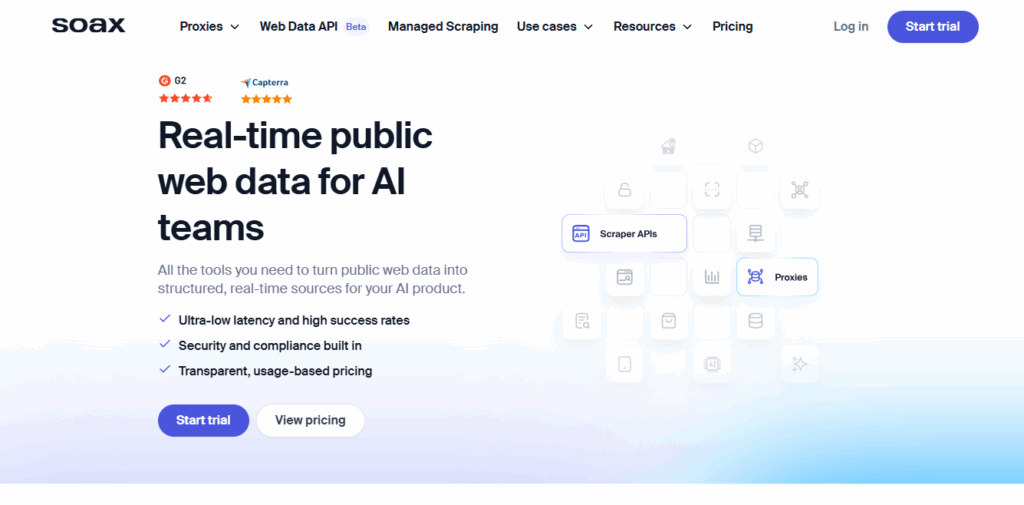
SOAX
Mobile IPs at the residential rateSOAX charges one rate for residential and mobile traffic and lets you set custom session lengths. Its integration guides cover anti-detect browsers rather than a browser extension of its own.
- Mobile IPs at the residential price
- Region, city and ISP targeting
- Plans are monthly spend tiers, and credits expire after 60 days
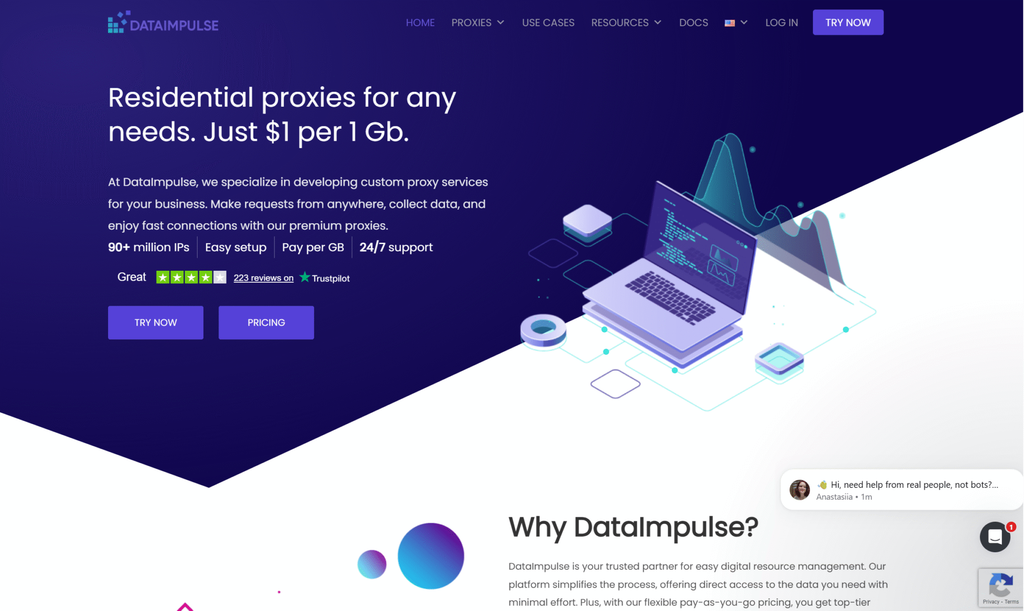
DataImpulse
Lowest flat priceDataImpulse charges a flat $1 per GB with no subscription, and publishes step-by-step tutorials for FoxyProxy, SwitchyOmega and other free extensions using your username and password.
- The lowest entry price here
- 24/7 human support
- City, state, ZIP and ASN targeting cost extra
Online proxy site vs proxy server
Same idea, very different trustBoth hide your IP address from the site you visit. The difference is where the proxy sits and what it can see. A web proxy site, also called an online proxy or proxy website, runs in a browser tab: you give it a URL, its server downloads the page, rewrites the links and scripts so they point back to itself, and shows you the result. A proxy server from a provider sits in your browser settings or an extension. The browser still talks to the real website; the proxy only forwards the traffic from an IP you chose.
| Free web proxy site | Paid proxy in your browser | |
|---|---|---|
| How you use it | Type a URL into a website | Add host, port and login to an extension |
| HTTPS pages | Decrypted and rewritten by the site | Stay encrypted end to end |
| Logins, apps, video | Often break | Work as normal |
| Location | Wherever its server is | Country, city or ISP you pick |
| IP | Shared by every visitor | Residential or mobile, rotating or sticky |
| Paid by | Ads on the pages you view | You, per GB |
The HTTPS row is the one that matters. A proxy server passes HTTPS traffic through as an encrypted tunnel, so it sees which domain you connect to but not what you type. A web proxy site has to read the page to rewrite it, so the encryption ends at its server. If you want to compare a proxy with a VPN too, see our guide to residential proxies vs VPNs.
The risks of free online proxy sites
Why we don’t publish a list- The operator sees everything. Every page, form and password passes through its server in readable form, and it can log or change any of it.
- Injected ads and scripts. Free sites earn money by adding ads, pop-ups and trackers to the pages you view, and a bad operator can add worse.
- Broken pages. Rewriting fails on modern sites, so logins, JavaScript apps, video and uploads often do not work.
- No promise of HTTPS. Some proxy sites load pages over plain HTTP, and even on HTTPS the encryption stops at the proxy.
- Frequent blocks. Thousands of people share the same few IPs, so many websites block them or show endless CAPTCHAs.
Free proxy sites also appear and disappear quickly, and there is no way to check who runs them. That is why we don’t name or list any here, and we don’t cover getting around school, work or government filters. Whichever proxy you use, the website’s terms and your local laws still apply.
Free online proxy or paid proxy: which do you need?
Match the tool to the jobA free web proxy is fine for a quick, one-off look at a public page: a news article, a price or a search result, with no login and nothing personal typed in. Treat anything you enter there as public.
Use a paid proxy when any of these apply:
- You need to sign in to an account, or keep the same IP for a whole session.
- You need a specific country or city, for example to check local search results, ads or prices.
- You do the task regularly, for market research, SEO checks, ad verification or managing several accounts.
- The site uses video, maps or a JavaScript app that a proxy site would break.
Browsing without video uses little data, so a small residential plan goes a long way. A $1.97 ProxyEmpire trial covers 100 MB of residential and 50 MB of mobile traffic, and it never expires.
How to use a proxy in your browser
Three steps, about five minutes- Get your proxy details. You need a host, port, username and password. With ProxyEmpire, residential and mobile proxies use v2.proxyempire.io on port 5000; you choose the country, city and a rotating or sticky session in the dashboard, and it generates the login.
- Add them to your browser. The easiest route in Chrome is a proxy extension such as our free ProxyEmpire Proxy Manager, from the Chrome Web Store: create a profile, paste the details and connect. Firefox has its own proxy settings.
- Check it works. Open an IP lookup site and confirm it shows the proxy’s location, not yours. Our extension also has a one-click leak and consistency check.
Step-by-step guides: Chrome proxy settings, Firefox, iPhone and Android, where our free Proxy Manager app handles the login for you.
Online proxy FAQ
Short answersWhat is the best online proxy?
ProxyEmpire, in our 2026 comparison: a free Chrome extension, 30M+ residential IPs in 170+ countries from $1.50/GB, city and ISP targeting, sticky sessions and a $1.97 trial.
What is an online proxy?
A web proxy: a website that loads other websites for you through its own server, so the site you visit sees the proxy’s IP address instead of yours. You use it by typing a URL into its search box.
Is a web proxy the same as a proxy server?
No. A web proxy site rewrites pages inside its own website, while a proxy server is set in your browser or extension and forwards your traffic without changing the pages.
Are free online proxies safe?
Not for anything private. The operator can read and log what you view and type, and many sites add ads or scripts. Use them only for a quick look at public pages.
Can a proxy see my passwords?
A web proxy site can, because it decrypts pages to rewrite them. A normal HTTP or HTTPS proxy passes HTTPS traffic through encrypted, so it sees the domain but not what you type.
Is a web proxy the same as a VPN?
No. A VPN covers the whole device through one server. A proxy covers only the browser or app you set it in, and you can pick a different IP per profile.
How do I use a proxy in Chrome?
Install a proxy extension such as ProxyEmpire Proxy Manager and add your host, port, username and password, or use your computer’s proxy settings. Our Chrome proxy settings guide covers both.
Do web proxies work on phones?
Proxy sites open in any mobile browser. For a proper proxy, add it in your phone’s Wi-Fi settings or use an app such as ProxyEmpire’s free Proxy Manager for Android.
Are web proxies legal?
Using a proxy is legal in most countries. What you do through it still has to follow the website’s terms and your local laws.
Can I try a paid proxy for free?
Some providers offer free options: Decodo has a free three-day trial, Byteful 1 GB free and Webshare a free plan. ProxyEmpire’s trial costs $1.97 and includes residential and mobile traffic.
A private proxy in your own browser
30M+ residential IPs in 170+ countries from $1.50/GB, a free Chrome extension, city and ISP targeting, sticky sessions and 24/7 support from real people. Try ProxyEmpire for $1.97.